MIDA: The Reverse-Engineering Tool That Makes You Pause Before You Export
Inside a C# WPF app that turns Marathon asset extraction into an artist-facing workflow, with one shared backend for both exploration and batch export.
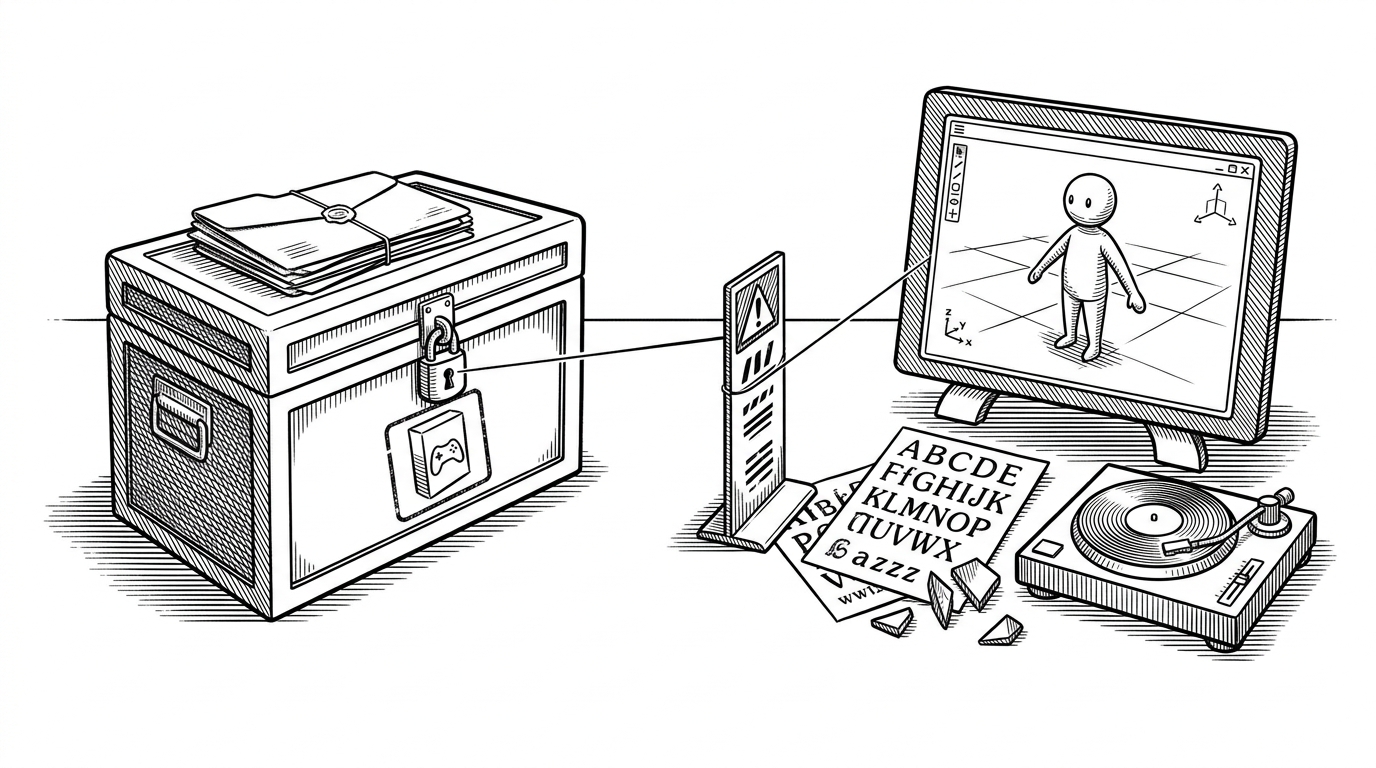
- MIDA treats reverse engineering as a workflow problem, not just a parsing problem, and its UI pushes users to slow down before they export anything.
- The project keeps one extraction core underneath both the WPF interface and the commandlet path, so exploration and automation stay in sync.
- Its real differentiator is translation: Marathon assets are rebuilt into artist-friendly outputs like models, fonts, shaders, and metadata views.
- Compared with generic extractors, MIDA is more opinionated about audience, version handling, and responsible use.
The slowdown is the point
MIDA opens with friction on purpose. Before you get to the assets, you hit a warning screen, an agreement gate, and a short wait. That is unusual for a reverse-engineering tool, and it is the first clue that this repo is not trying to behave like a scrape-and-go utility.

That friction matters because it changes the mental model of the tool. Instead of saying, "take everything," MIDA says, "slow down, understand what you are opening, then decide." For a project that can unpack proprietary game data, that is a meaningful product choice, not a cosmetic one.
One engine, two front doors
This is the part of MIDA that makes the repo feel more serious than a one-off ripper. The WPF app is only one face of the system. The other is a commandlet path that lets the same backend run in repeatable, automation-friendly batches.
The interesting technical move is that the UI does not own the logic. Strategy discovery happens by reflection, so version-specific parsing can swap in without hard-wiring every game build into the interface. That keeps the project flexible when the format changes, which is exactly what you want from a tool built around a moving target.
It speaks Marathon's languages
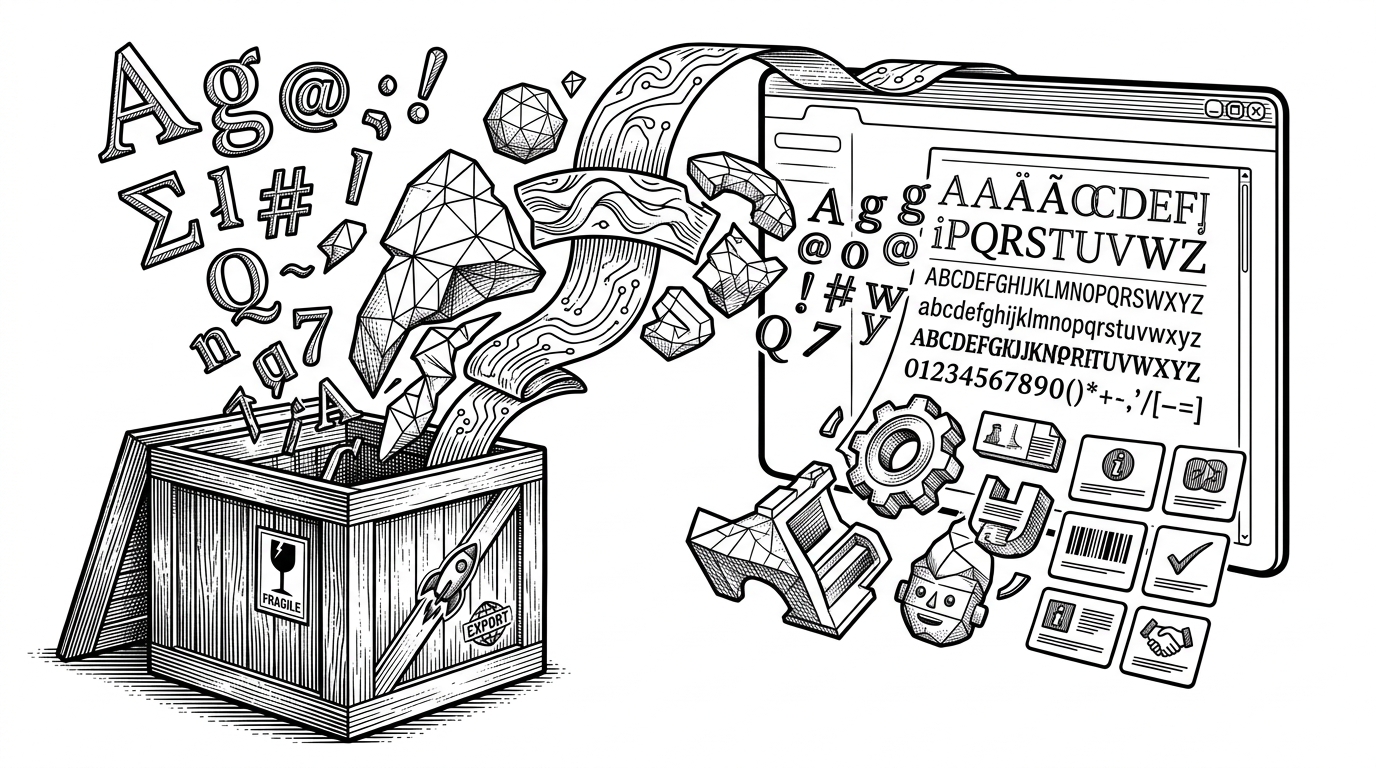
That translation layer is where the repo earns its name. The goal is not just to dump files. It is to make Marathon assets legible inside a desktop workflow, which is why fonts, models, shaders, and game-specific metadata all get special handling. The stack around it fits that mission: WPF for the shell, Helix Toolkit for 3D, NAudio for audio, Assimp for model interchange, and runtime font registration so the app can mirror the game's visual identity.
In other words, MIDA behaves like a studio utility. It is willing to be opinionated about appearance, interaction, and export targets because those choices make the data more useful to artists and toolmakers. That is a very different posture from a generic archive viewer.
Why this feels like a studio tool, not a ripper
MIDA is a specialized fork of Charm built around Marathon-specific formats, so its focus is narrower than a general-purpose extractor and sharper because of it. The repo reads like a response to a very specific problem: how do you inspect proprietary game content without forcing everyone through a raw file dump first?
That is also why the UI matters so much. A cleaner interface is not decoration here. It is how the project turns reverse engineering into a repeatable creative process, with enough guardrails to discourage casual abuse and enough flexibility to support experimentation when you actually need it.
| Aspect | Generic extractor | CLI batch tool | MIDA |
|---|---|---|---|
| Primary user | Curious player or ripper | Automation-heavy developer | Artist or toolsmith working on Marathon |
| Workflow | Open, dump, inspect later | Script, export, chain into pipelines | Explore in WPF, then batch export from the same core |
| Version handling | Often manual or brittle | Depends on scripts and flags | Strategy discovery swaps parsers by game build |
| Outputs | Raw assets and loose files | Structured export in bulk | Models, fonts, shaders, and metadata views |
| UX posture | Utility first | Terminal first | Creative-suite feel with an agreement gate |
| Best use case | Fast one-off extraction | Repeatable automation | Version-aware inspection and translation |
That comparison is the clearest way to place MIDA. It is not trying to win on sheer throughput. It is trying to sit between the game and the people who need its assets, and to do that with enough structure that the same backend can serve both a human workflow and an automated one.