ComfyUI-Trellis2: The 3D Generator That Hides Its Complexity in Structured Latents
A deep dive into the ComfyUI wrapper that turns TRELLIS.2 into a practical image-to-mesh pipeline, with sparse tokens, flow matching, custom CUDA, and enough memory discipline to run like a real tool.
- ComfyUI-Trellis2 matters because it makes advanced 3D generation feel like an engineered workflow instead of a fragile demo.
- Its real breakthrough is the Structured Latent approach, which compresses the problem before decoding geometry and texture.
- The wrapper is part of the product, with memory management, cache rotation, and mesh cleanup doing as much work as the model itself.
- Compared with blobby 3D outputs, this stack is trying to produce assets that feel structured, editable, and closer to production use.
Most AI 3D tools still feel like a proof of concept. You feed in an image, wait, and get something that looks promising from one angle and collapses under scrutiny from the next. ComfyUI-Trellis2 is interesting because it aims higher: not just a plausible 3D shape, but a pipeline that can make usable geometry feel routine.
That is the subtle win in this repo. It wraps Microsoft’s TRELLIS.2 inside ComfyUI, but the real value is the way it turns a research-grade stack into something that behaves like a production workflow. The difference shows up in the output, but it is earned in the architecture.
Why This Feels Like a Real 3D Pipeline
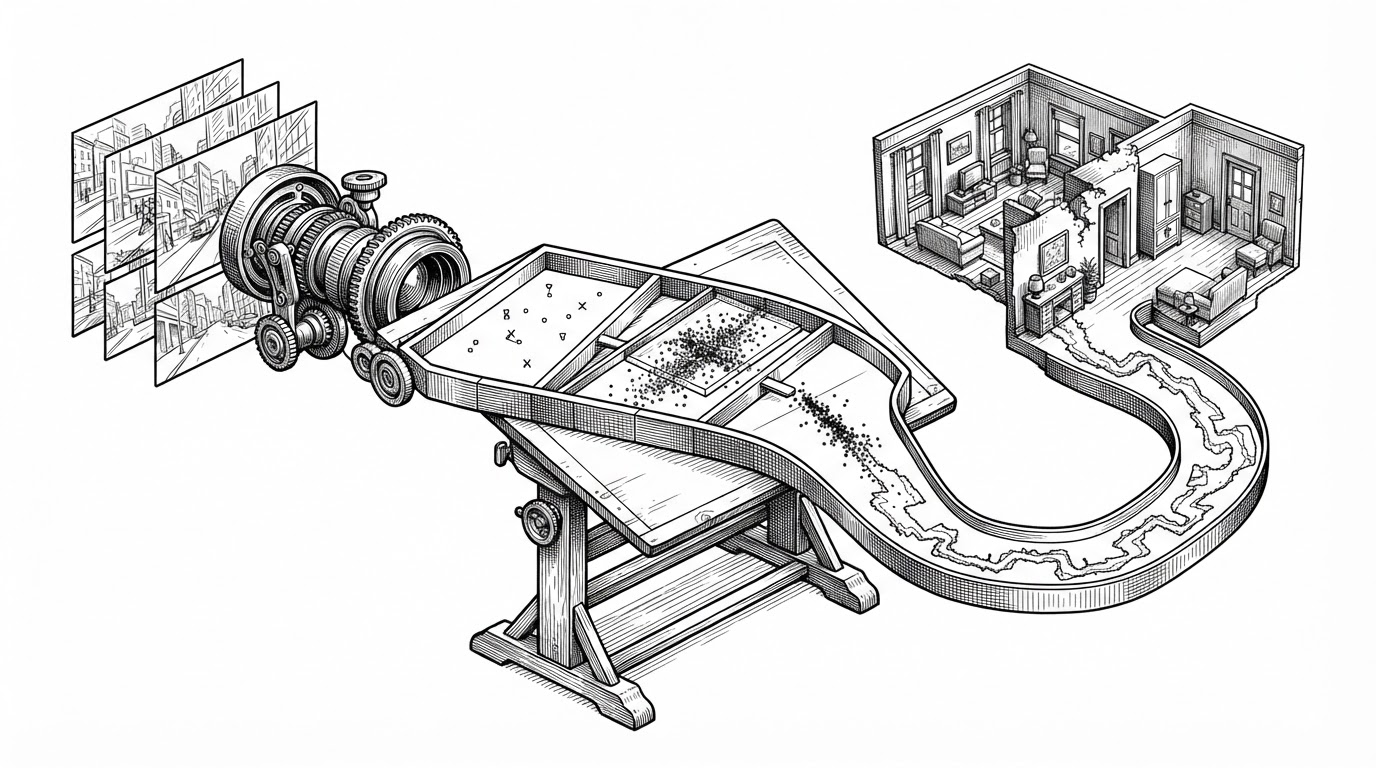
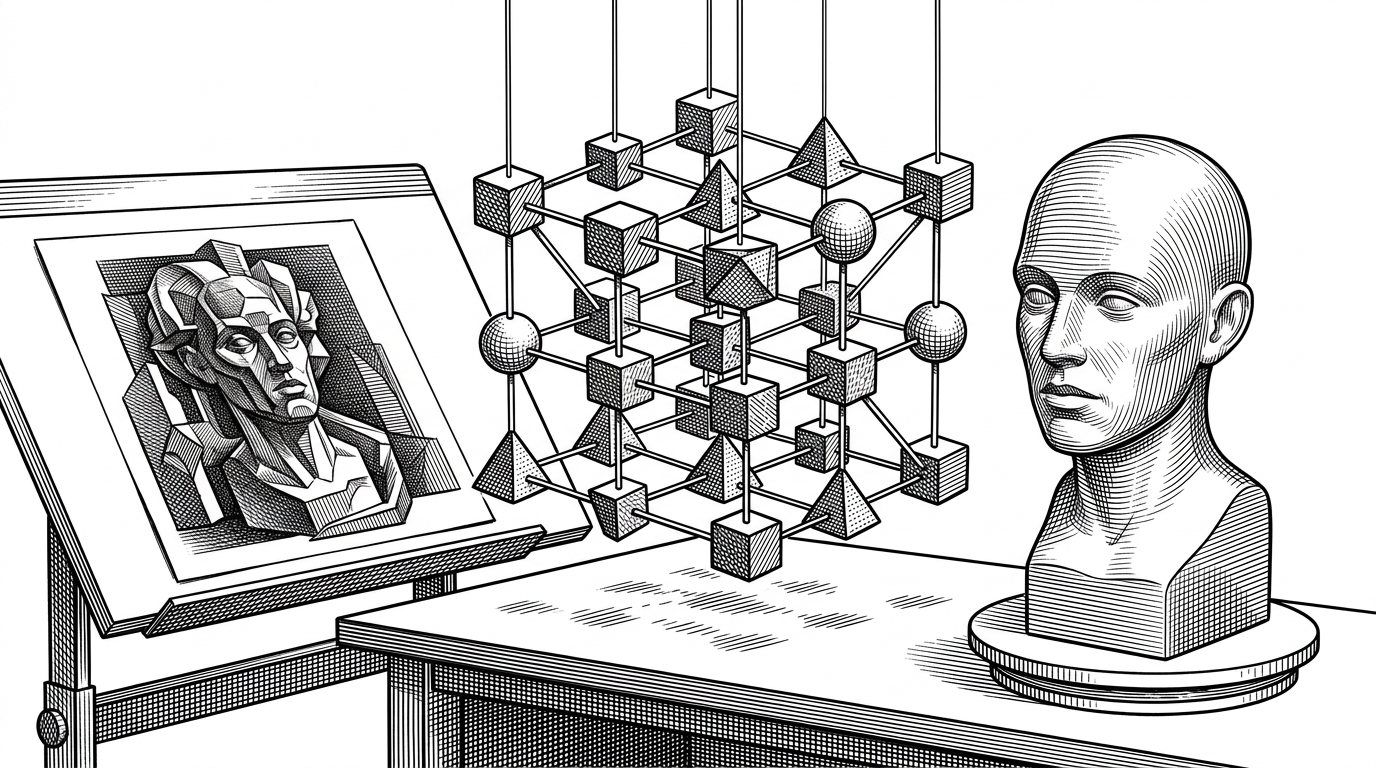
The usual AI 3D story is brute force. Dense representations, huge memory pressure, fragile outputs. Trellis2 takes a more disciplined route: it treats 3D as a staged process, where the model first learns sparse structure and only then decodes toward a surface or mesh.
| Approach | What it optimizes for | What you usually get |
|---|---|---|
| Dense 3D generation | Coverage of all space | Heavy compute and messy geometry |
| Structured latents | Occupied space and compression | Cleaner shape with lower VRAM pressure |
| Monolithic output | One-shot completion | Less control over failures |
| Cascade pipeline | Stage-by-stage refinement | Better tuning and easier debugging |
That is why the repo feels less like a toy and more like an instrument. It does not pretend 3D is simple. It makes the complexity legible.
The Core Trick: Structured Latents Instead of Dense 3D Everything
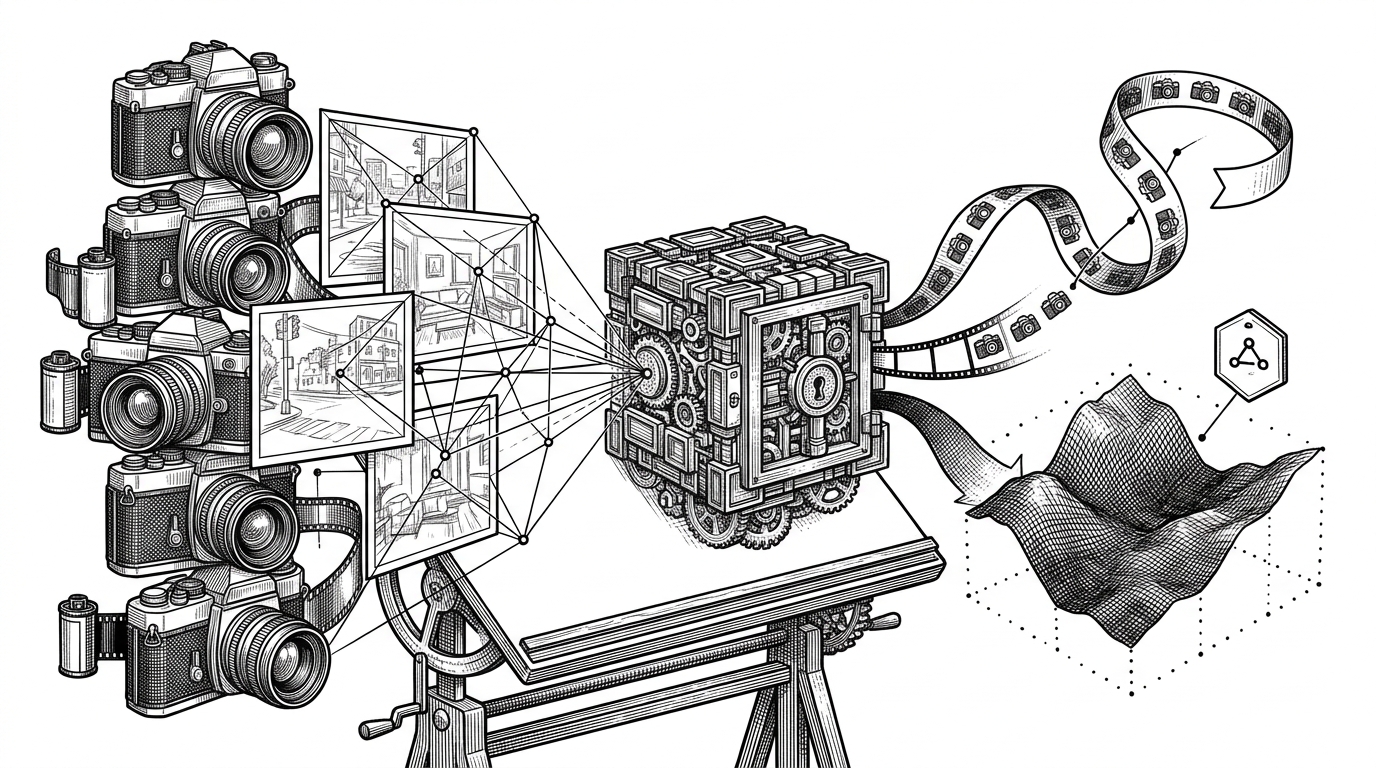
The center of the system is the Structured Latent idea, often shortened to SLAT in the project’s architecture. Instead of reasoning over every possible voxel, point, or triangle from the start, the model compresses the problem into a latent space that preserves the structure worth keeping.
In plain terms, Trellis2 spends its capacity where geometry exists. Empty space is not ignored by accident. It is ignored by design.
That compression matters because 3D is expensive in the wrong places. A dense model wastes effort on empty volume. A structured latent model can devote more attention to the actual silhouette, seams, and surfaces that define a useful asset.
How the Cascade Works
The pipeline starts with image conditioning. The repo leans on DINOv3-style features to turn a 2D reference into a geometric signal the model can use. From there, the sparse structure flow predicts where matter should exist in 3D space.
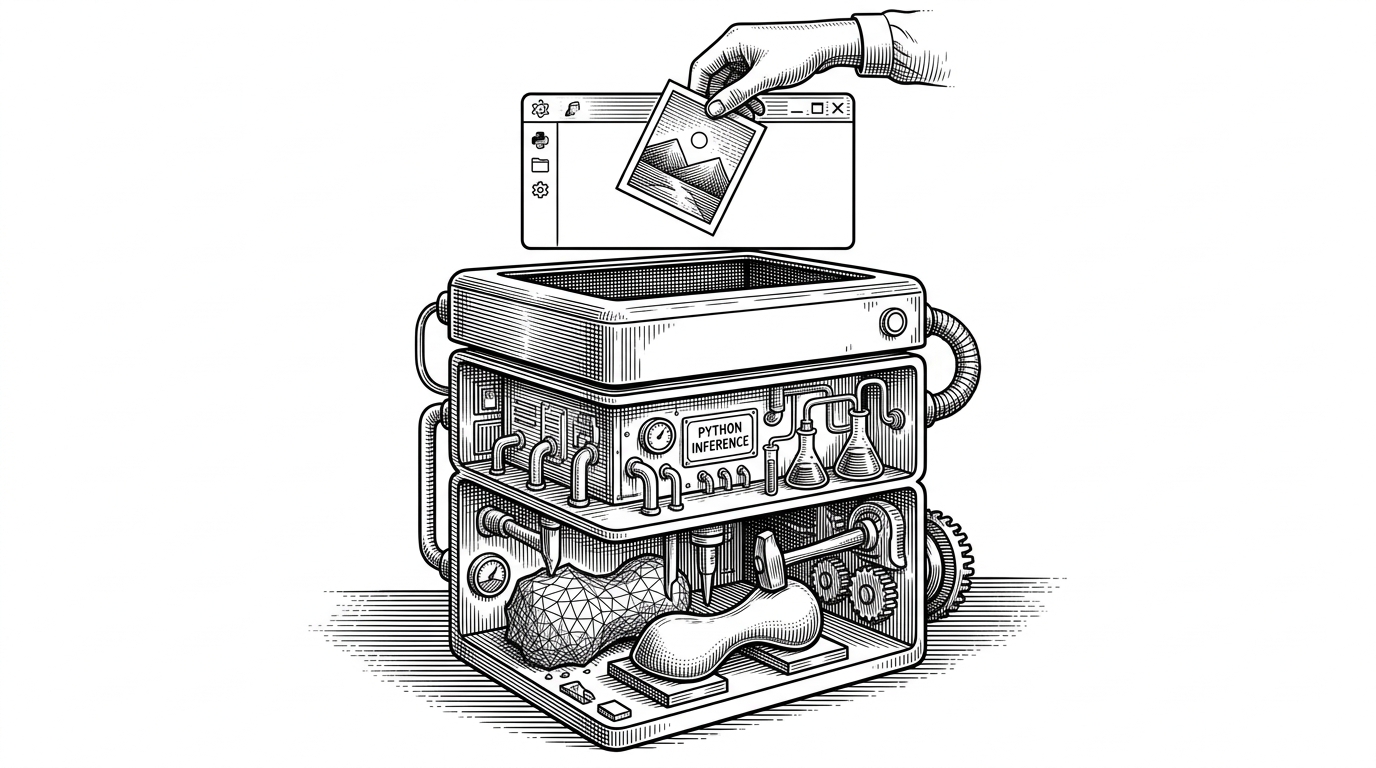
Then comes the decoder. The structured latent is expanded into mesh or voxel output, and the wrapper handles the rest: cleanup, reconstruction, and the fiddly work that turns a raw prediction into something closer to an asset.
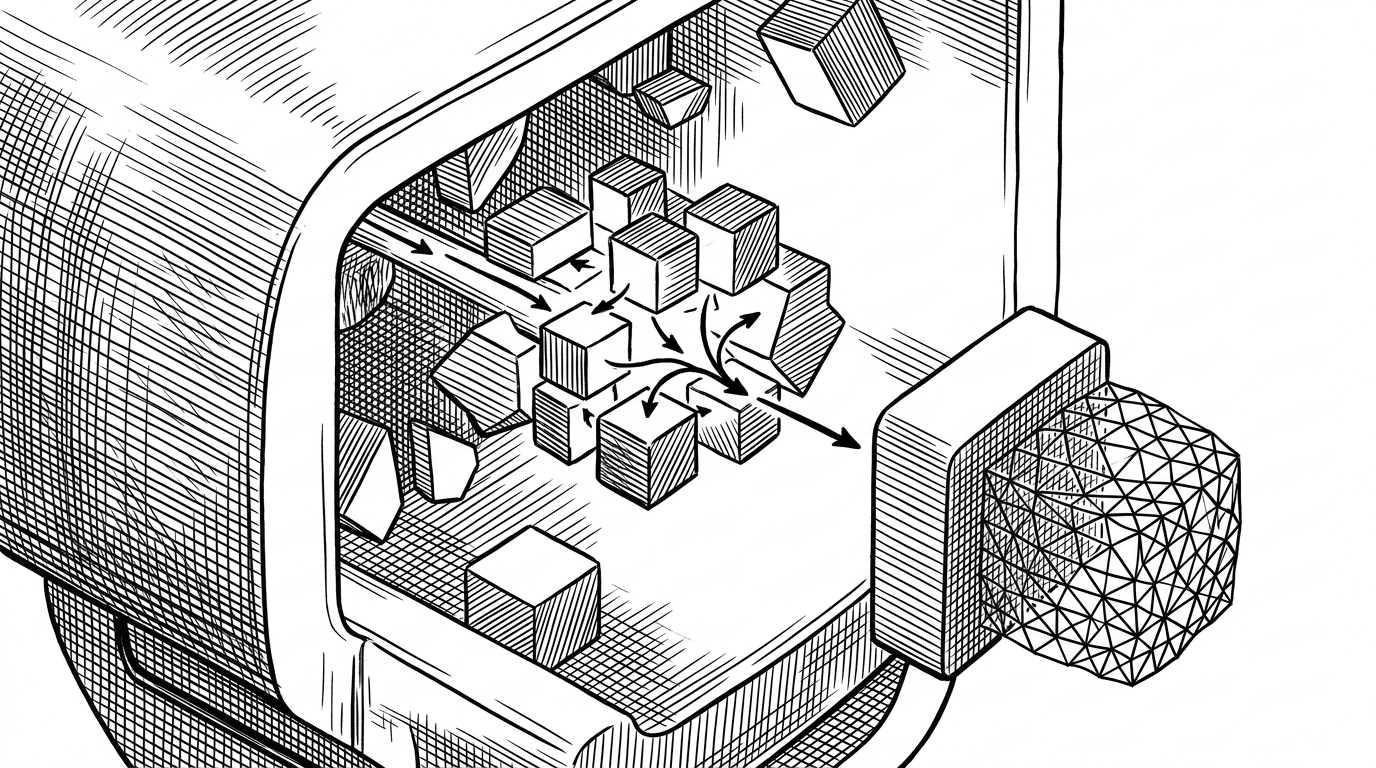
The repo’s `trellis2/pipelines/trellis2_image_to_3d.py` file is where that orchestration becomes concrete. It does not behave like a single model wrapper. It behaves like a conductor keeping multiple specialized stages in sync.
Why Sparse Tokens Matter
Sparse tokens are not just a modeling taste. They are a compute strategy. If the model can represent 3D only where structure actually exists, then it can avoid spending memory and attention on a giant empty grid.
image -> DINOv3 features -> sparse structure flow -> SLAT decoder -> mesh cleanupThat gives the system room to breathe. It also explains why the project depends on custom kernels, specialized sparse modules, and memory discipline that would feel excessive in a simpler application.
| Sparse tokens | Dense volume |
|---|---|
| Focuses on occupied geometry | Spends compute on empty space too |
| Better fit for staged decoding | Harder to keep memory under control |
| Works naturally with cascades | Often becomes a single oversized step |
| Easier to inspect and tune | Harder to reason about failures |
The ComfyUI Wrapper Is Doing More Than Wiring Nodes
This is where the repo becomes more than a packaging layer. `nodes.py` is doing real systems work: model loading, memory management, cleanup, and the awkward edge cases that crop up when you try to make a large 3D model behave inside a node graph.
The presence of functions like `reset_cuda()` and Triton cache rotation is a clue. This repo is not hiding its operational burden. It is acknowledging that the burden exists and building around it.
The repo also leans on prebuilt wheels and custom CUDA pieces. That is not a minor detail. It is a sign that the project is operating at the edge where portability, performance, and convenience constantly pull against each other.
What Makes This Different From Earlier AI 3D
Earlier AI 3D systems often produced outputs that were technically interesting but visually mushy. Point clouds, Gaussian splats, and rough meshes could suggest shape, but they rarely behaved like finished assets. Trellis2 is trying to move past that phase.
| Earlier AI 3D | ComfyUI-Trellis2 |
|---|---|
| Blobby or ambiguous geometry | Cleaner structured mesh output |
| Single-pass novelty | Cascade with explicit stages |
| Loose control over cleanup | Built-in mesh reconstruction and post-processing |
| Hard to fit into workflows | Native to a node-based production graph |
That does not mean it is easy. It means the difficulty has been moved into places that can be managed. That is a much more mature proposition.
What Breaks, What Scales, and What Still Feels Fragile
The project’s sophistication is also its fragility. Custom wheels, CUDA dependencies, and hardware-sensitive paths make installation more brittle than a simple Python package. This is the price of pushing 3D generation toward usable quality.
Still, the trade-off is understandable. The repo is trying to make a hard problem operational on real consumer hardware, and that means accepting some infrastructure debt in exchange for practical output.
Why This Repo Matters
ComfyUI-Trellis2 matters because it makes advanced 3D generation legible to builders who already think in nodes, pipelines, and workflow graphs. That is a huge adoption advantage. The model may be the headline, but the wrapper is what turns capability into something people can actually ship with.
The deeper lesson is simple. In 3D AI, the best systems are not just clever at synthesis. They are disciplined about structure, memory, and failure modes. This repo understands that.