WTFM Screenshots Your App Without Ever Launching It
A Claude Code and Codex plugin that reads your source, rebuilds your screens as HTML, and writes the customer help articles nobody wanted to write by hand.
- WTFM writes end-user how-to guides from a repository's source code, not from a running application.
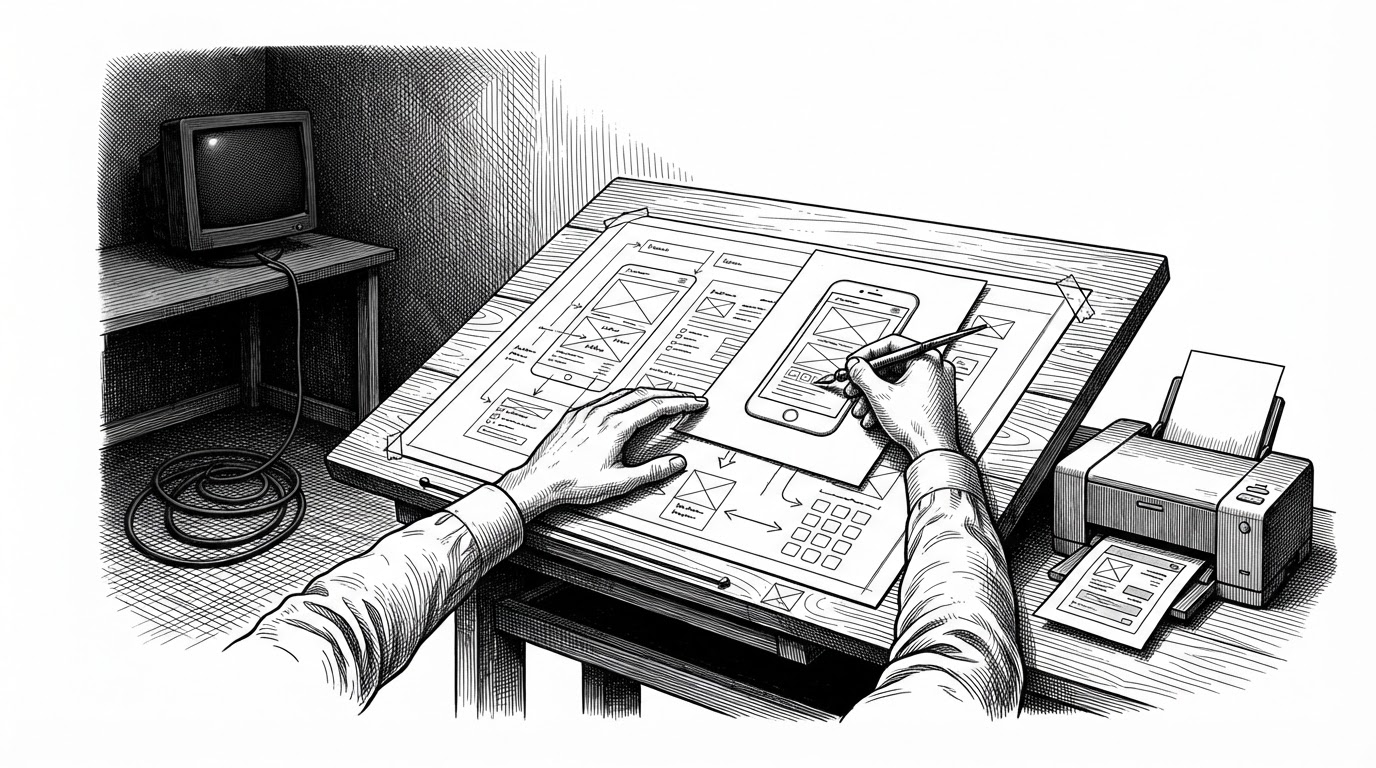
- Its screenshots are HTML mockups rebuilt from the project's own markup and CSS, then rendered in local headless Chromium.
- The MCP server rewrites error payloads into planning hints so a coding agent recovers by calling the next tool instead of sending the user to a terminal.
- The trade-off is fidelity to templates and branding, not to live state: a mockup cannot prove a workflow works with real data.
The Screenshot That Never Ran
Every screenshot in a help article is a kind of receipt. It says: this is what the screen looked like when a real person used the real product. Producing one usually means spinning up the app, seeding a database, clicking through the flow, cropping the capture, and repeating the whole ritual every time the UI shifts.
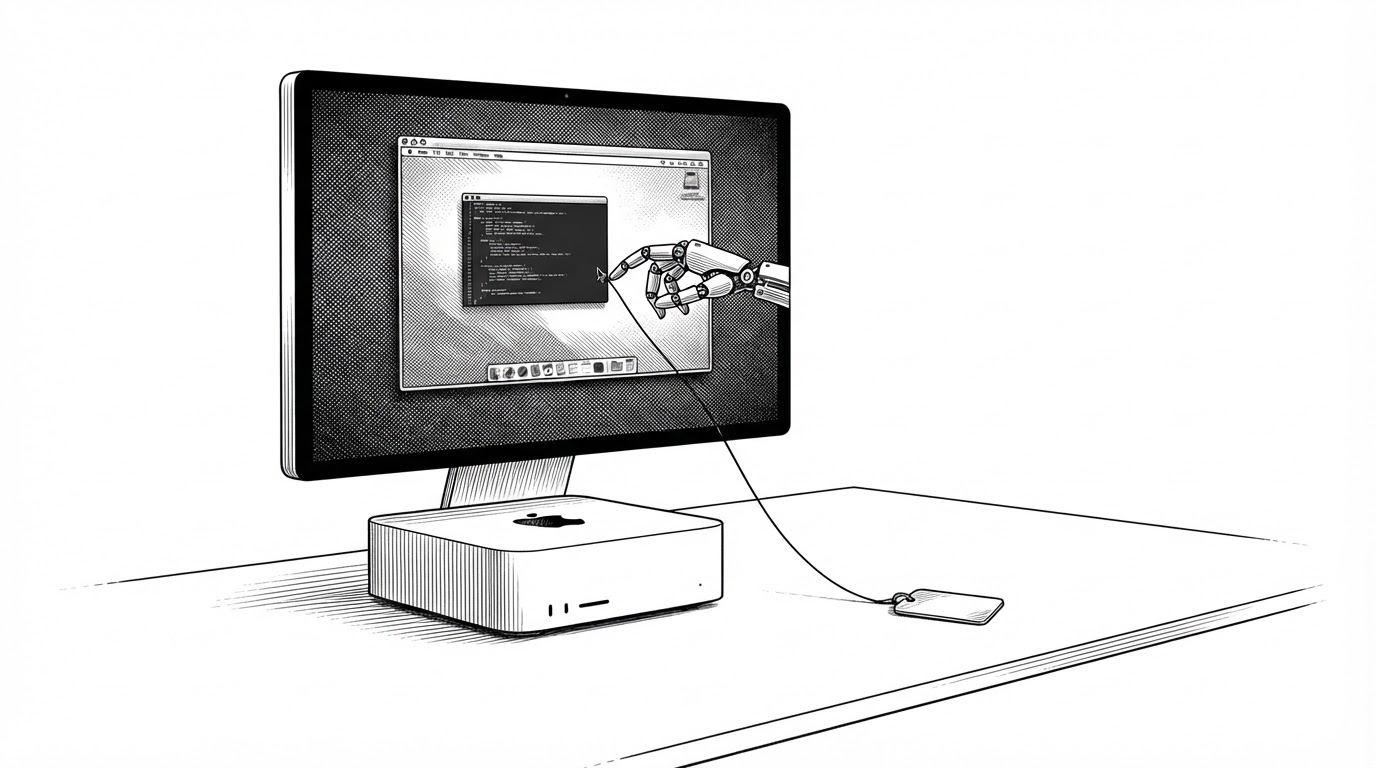
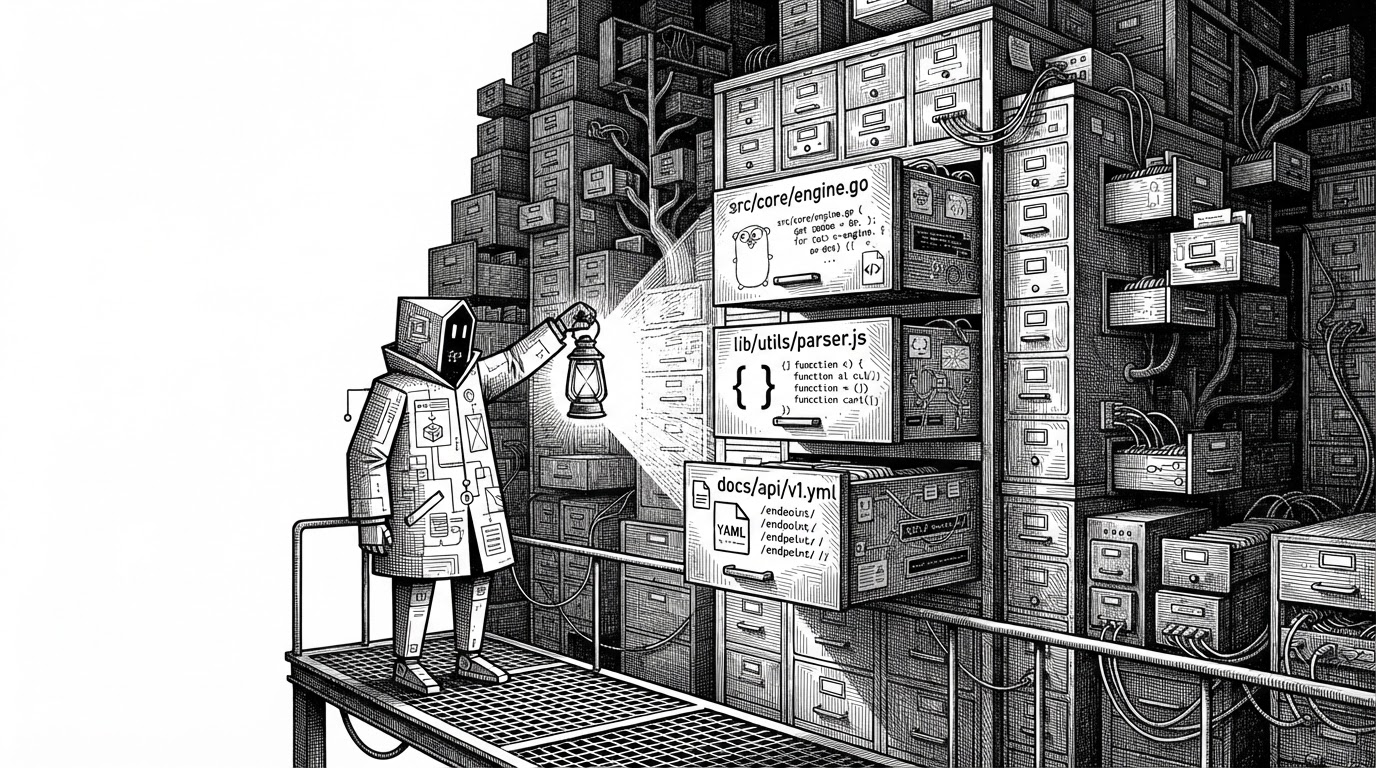
WTFM skips all of it. The plugin reads your repository, finds the routes, button labels, and screen structure in source, rebuilds each screen as HTML using your project's own markup and CSS, and renders a PNG in headless Chromium. The application never starts. No database, no seeded rows, no capture session.
That inversion is the whole point. Other tools in this space solve documentation by observing a running thing. Workflow capture products watch a human click through a live app. Static site generators assume a human already wrote the words. WTFM reads the code and builds the picture from the plans.
Screenshots without running the app.
What It Actually Ships
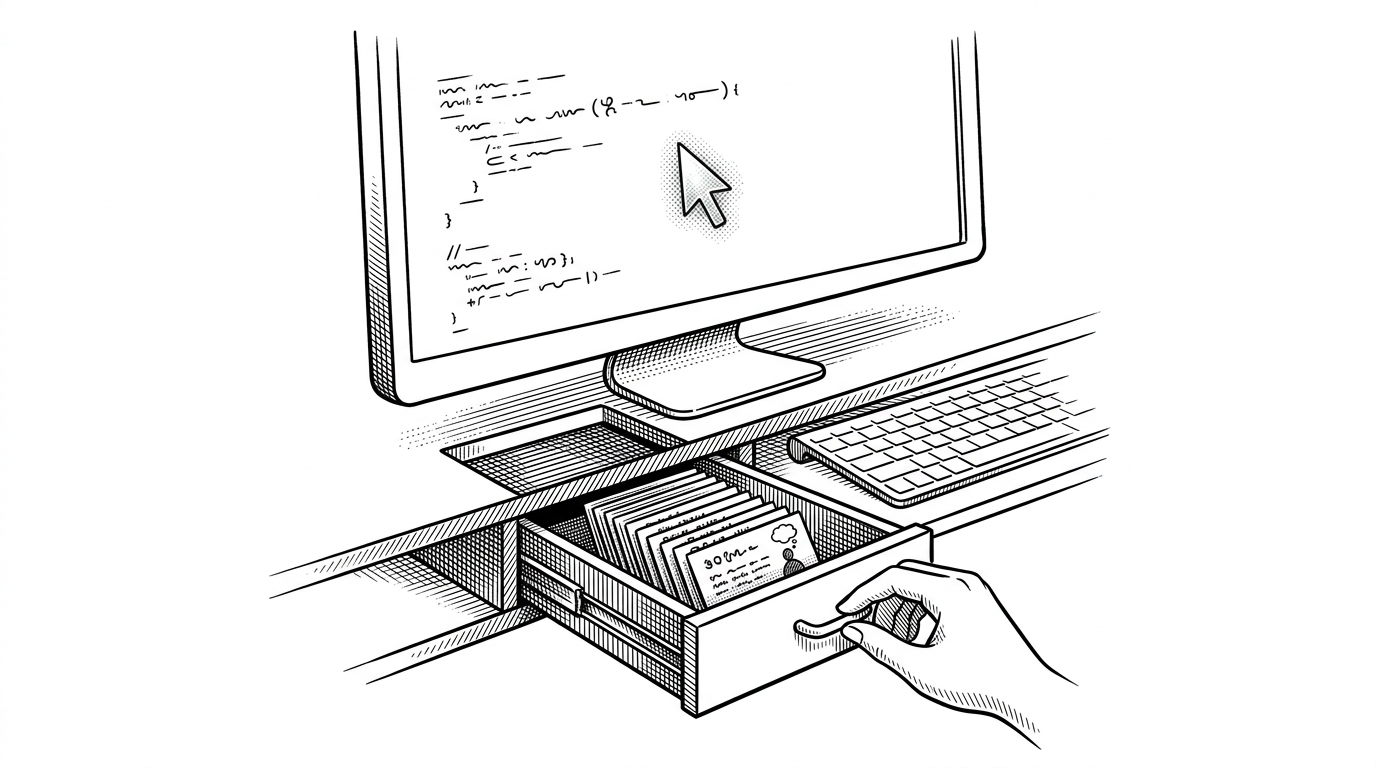
The output is deliberately plain. Each article is an index.md with its images sitting beside it, ready to commit next to the source it describes. Nothing is trapped in a hosted knowledge base. You can move the folder into Docusaurus, MkDocs, or any other static site generator without rewriting a word.
docs/help/
  export-your-data/
    index.md
    export-button.png
    confirm-dialog.png
  invite-your-team/
    index.md
    invite-form.png
    pending-invite.png
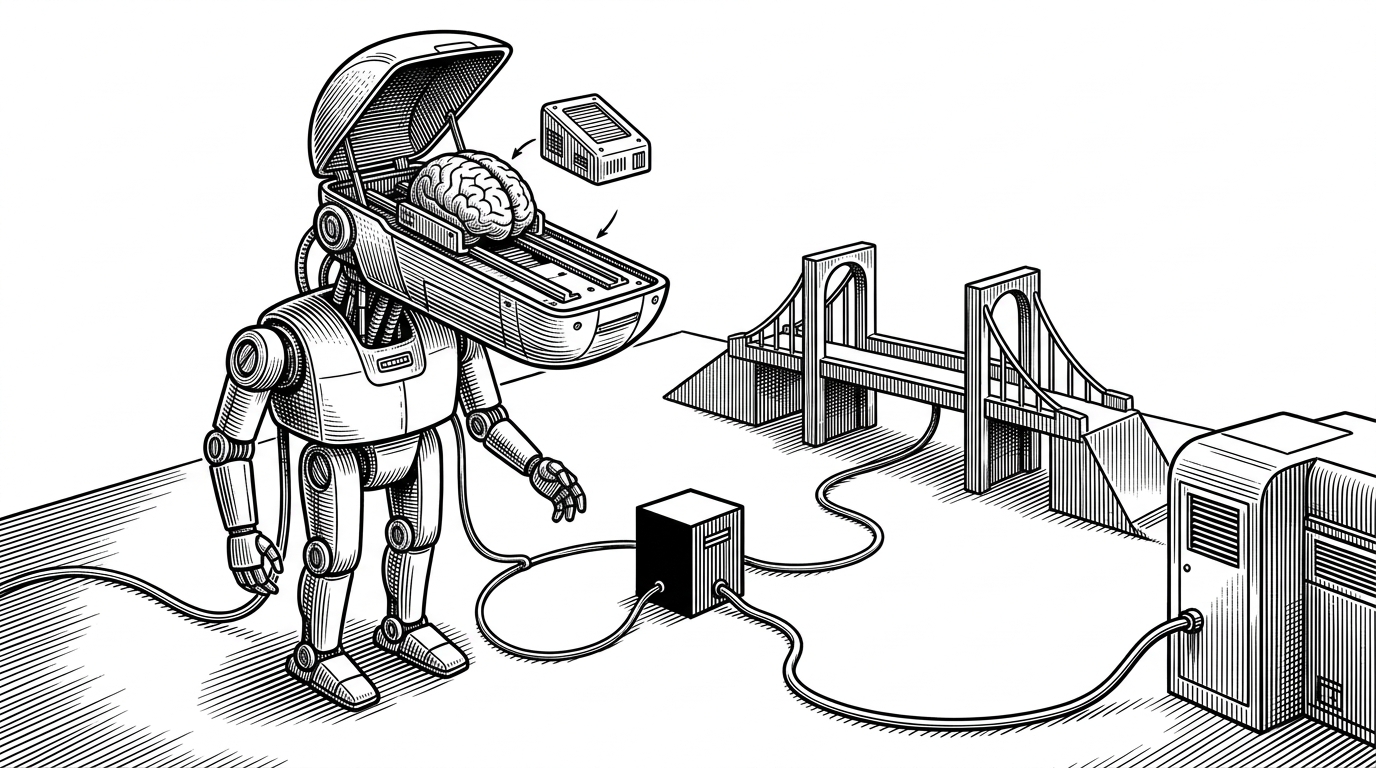
In local mode the writing happens on the developer's machine, using their own Claude Code or Codex subscription. There is no account to create and no repository access handed to a third party. The plugin is a plugin for the agent you already run.
A plugin for your coding agent that writes the user docs. Screenshots included.
Read, Rebuild, Render
Under the hood the pipeline has three stages, plus a check at the end.
First, detect. The engine classifies the app type and surface, then extracts structure and routes from source. It also vendors the UI framework CSS it finds (Framework7, puppertino, 7.css, and others), because that styling is the difference between a wireframe and something that looks like the product.
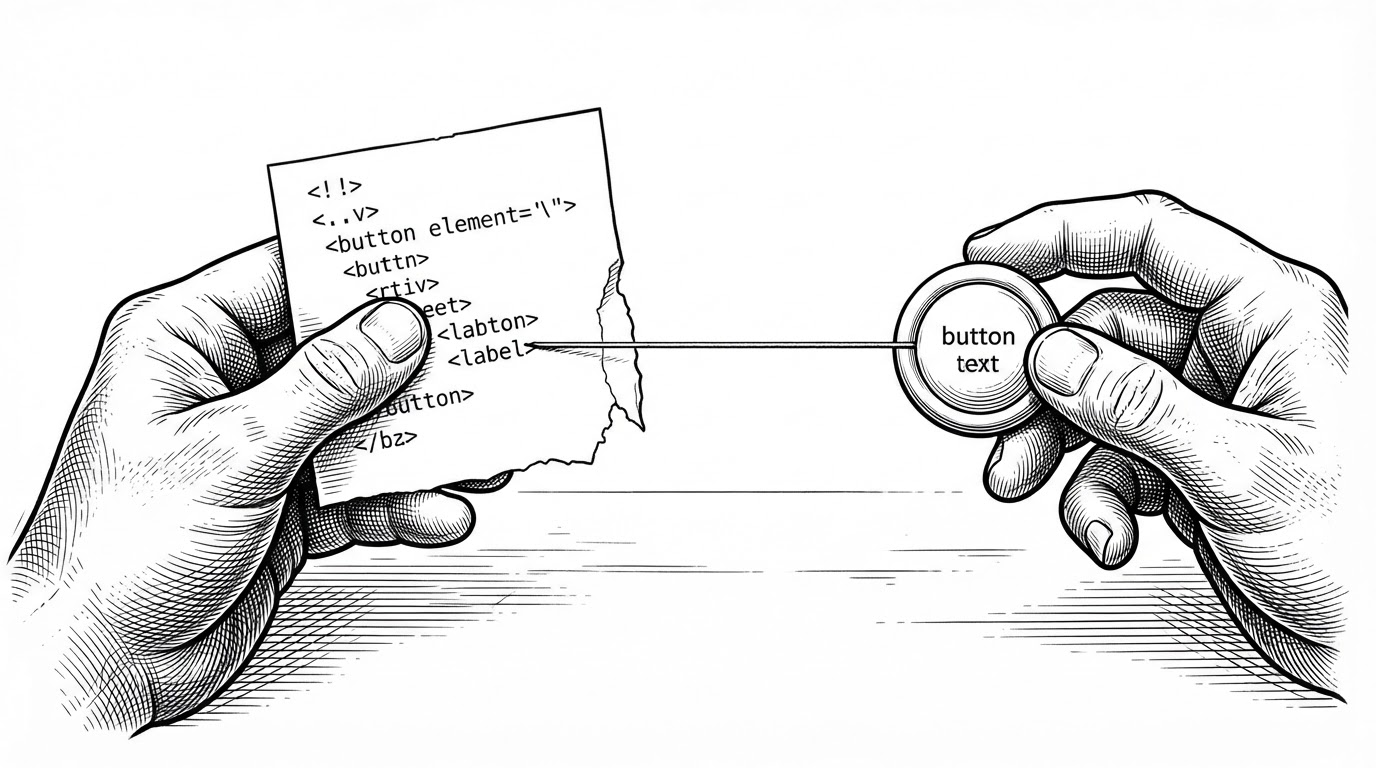
Second, rebuild. Each screen is reconstructed as HTML and CSS using the project's own markup, styles, and branding. This is why the mockups look real: they inherit the app's actual stylesheets rather than a generic template.
Third, render. Headless Chromium, downloaded on first setup, paints the reconstruction to a PNG. The output is then validated back against source, so a label that drifted between the code and the mockup gets caught.
Built for Two Audiences at Once
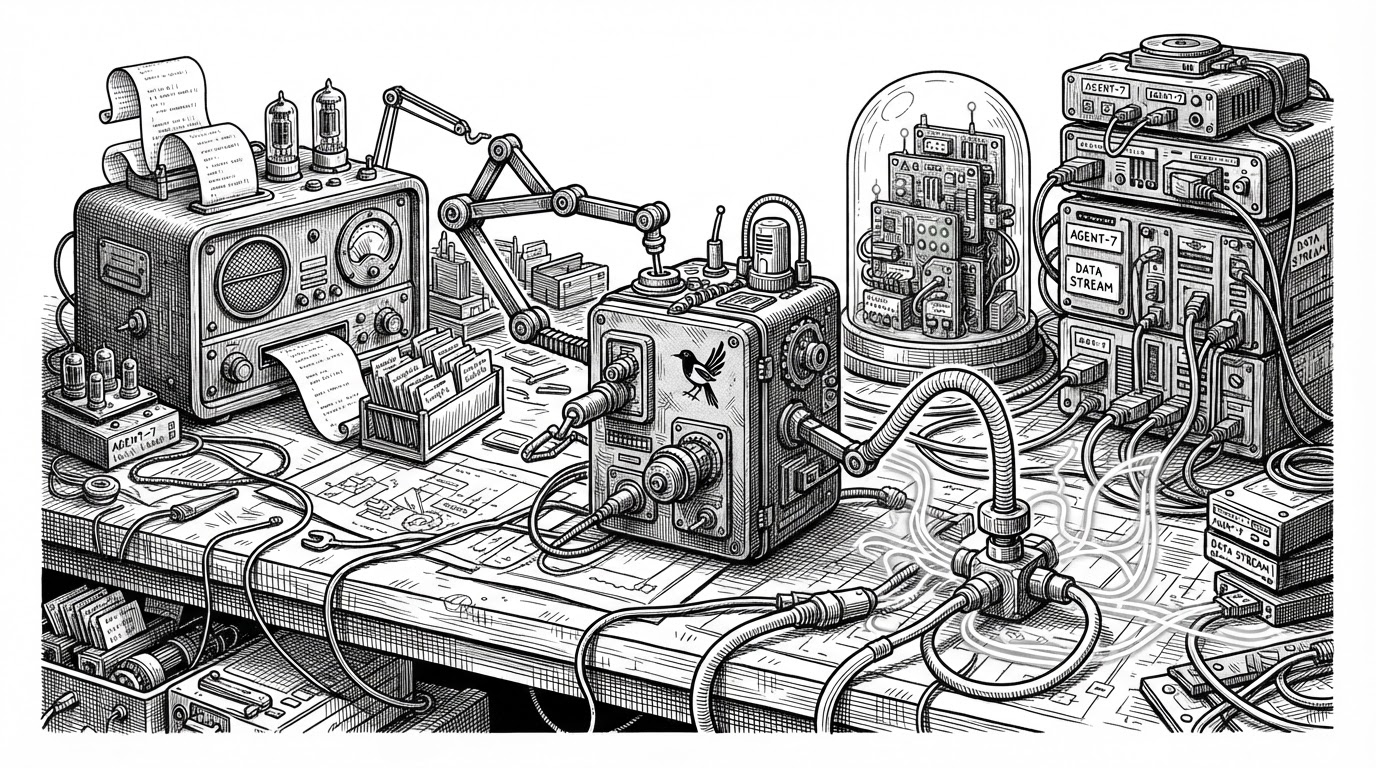
The MCP server has an unusual constraint. It serves a human at a terminal and an LLM acting as a tool user, from the same code path. WTFM resolves the tension with a table called mcpRecovery that maps internal error codes to a next tool and a message written as a planning hint.
// src/server.ts
const mcpRecovery = {
  authentication_required: {
    next_tool: "supportpages_init",
    message:
      "Ask whether the user wants to sign in or create a free " +
      "SupportPages.io account to host articles there. If they do, " +
      "call supportpages_init with host_local=true. Never direct " +
      "the user to a terminal command.",
  },
  // setup_required, project_required, permission_required, ...
};
Each message does three jobs at once. It tells the model what to ask the user, which tool to call next, and what to avoid. Error handling becomes a planning hint instead of a stack trace. The function that applies the table, forAgent<T>(value), walks the top-level object, the writer_action field, and error.details.writer_action, swapping human messages for agent instructions and attaching the next tool. It is generic over T, so callers keep their types.
The tool surface follows the same logic. It is workflow-shaped rather than a single "write article" call: prepare_article, complete_article, retry_article, update_run, publish. A prepared run hands a writer sub-agent a task brief with an entrypoint command it must execute before reading any generation instructions. The gate is deliberate. It forces the sub-agent to receive a server-issued brief before it is allowed to write.
Three Ways to Run It
The same engine runs in three places, and the difference between them is mostly about who holds the code and who holds the account.
| Mode | Command | Where writing happens | Account needed |
|---|---|---|---|
| Local | wtfm init, then an agent request | Your machine, via your coding agent | No |
| Publish | wtfm publish | Local write, then upload to a SupportPages.io help centre | Yes |
| YOLO | wtfm yolo | On SupportPages.io servers, with repository access | Yes |
Local mode never grants repository access to anyone. Publish mode writes locally and uploads the finished article, its images, and a provenance manifest. YOLO mode hands the repository over and lets the hosted service do the work.
How It Compares
The difference between these tools is not whether AI writes the prose. It is what the tool reads before it writes. Source code, a live session, or a human-written Markdown file.
| Tool | Input | Screenshots | Needs a running app | Output | Best for |
|---|---|---|---|---|---|
| WTFM | Application source code | Source-reconstructed PNGs | No | Markdown plus images | Customer-facing how-to guides |
| Scribe | A recorded live session | Real captures | Yes | Hosted steps | Procedural walkthroughs from real usage |
| Tango | A recorded live session | Real captures | Yes | Hosted guides | Visual how-tos from real usage |
| Guidde | A recorded live session | Video-driven | Yes | Video walkthroughs | Help and training video |
| Docusaurus | Human-written Markdown | None | No | A docs site | Authoring framework and publishing |
| MkDocs | Human-written Markdown | None | No | A docs site | Authoring framework and publishing |
What the Mockups Can't Prove
A reconstructed screen reflects templates, styling, and branding. It does not reflect runtime state. It cannot show a table full of real rows, an error banner from a failed request, or the exact copy the server returns on a bad input. If a workflow only works with data in a particular shape, the mockup will not tell you.
That is the honest trade. You give up fidelity to live state and get back a workflow with no capture sessions, no seeded databases, and screenshots that regenerate when the UI changes. For the customer who cannot find the export button, that is usually the right trade. For a guide that depends on what the screen actually contains, it is not.
The tradeoff is that the images are mockups built from your CSS, not live captures, so they will not show real data.
WTFM is early, Apache-2.0 licensed, and built for macOS, Linux, and WSL. It is a sharp answer to a question most teams never ask out loud: do we actually need to run the app to photograph it?