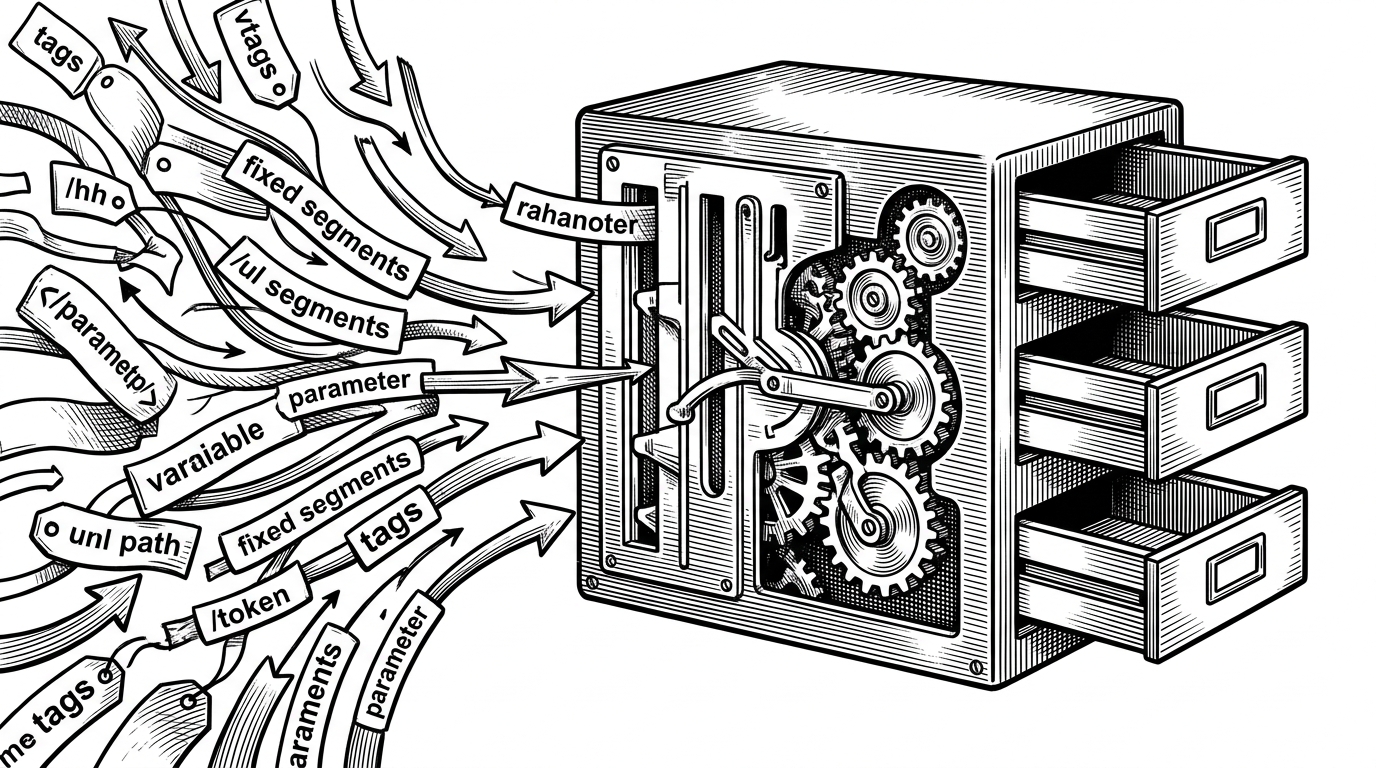
terminal-mac Runs an Entire Mac Inside Your Terminal
How one Swift binary boots a real macOS guest, streams its screen through Kitty graphics, and lets an AI agent drive it without ever touching your actual desktop.
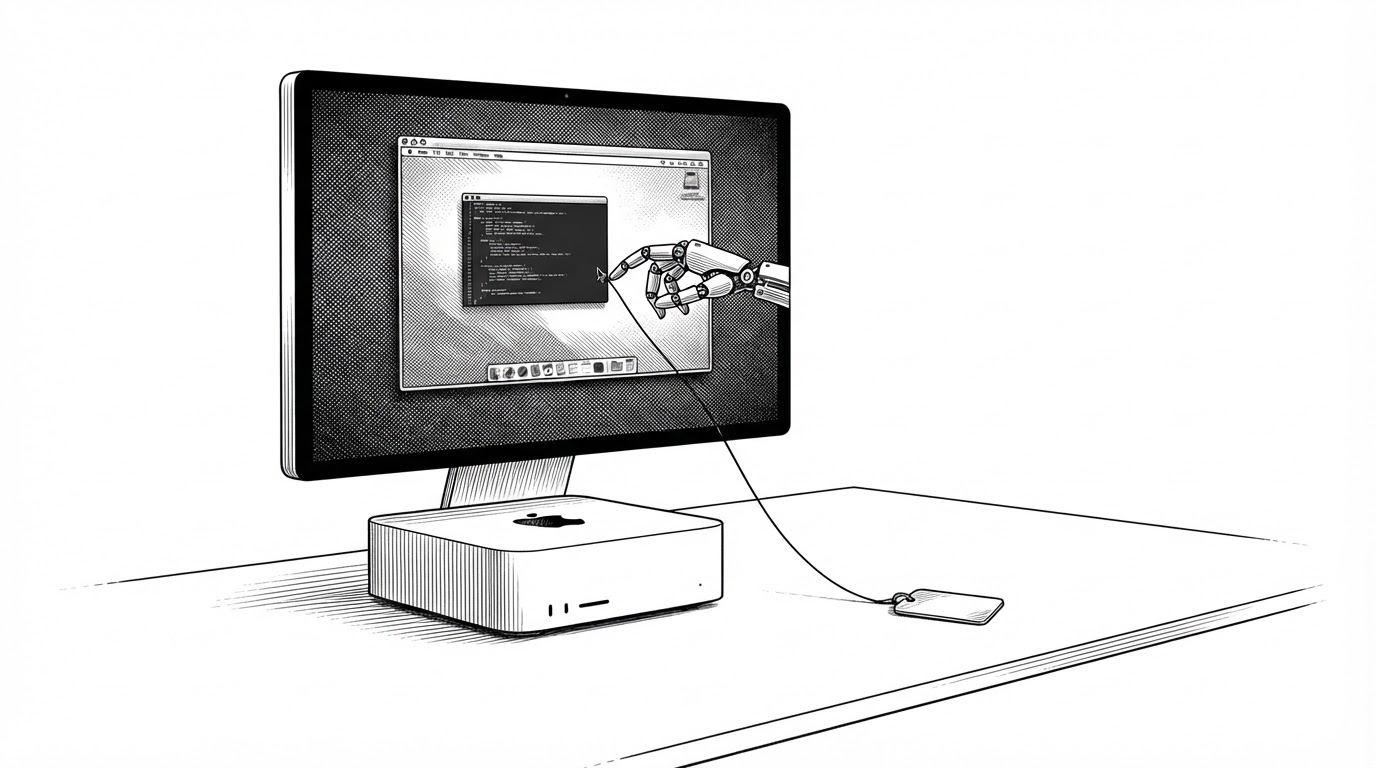

Introducing terminal-mac. Entire MacOS that runs inside your existing terminal. - Give your agent its own Mac, and keep yours - Watch it work live, next to your terminal - Computer use built in: MCP, CLI and skill - Free & open source
- terminal-mac boots a real macOS guest under Apple's Virtualization framework and streams its desktop into a terminal pane using Kitty or iTerm2 graphics.
- Host and guest exchange requests and responses as files in a shared VirtioFS folder, so the whole control channel can be inspected with ls.
- The guest dispatches frame requests to child tasks and handles input inline, so a click never queues behind a screenshot.
- The guest is a separate Mac with its own files and accounts, but the README is explicit that it is not a hardened sandbox.
A Mac, Living in a Terminal Pane
You run one command, and a terminal pane fills with a full macOS desktop. Menu bar across the top, Dock at the bottom, windows you can drag. The pixels are drawn with Kitty or iTerm2 graphics protocols, so the whole machine lives inside the terminal window you already have open.
This is not a screenshot or a headless shell. It is a real macOS guest booting under Apple's Virtualization framework on Apple silicon, and the cursor moving across it belongs to an AI agent.
No windowed VM manager. No separate app. One binary, one terminal, one second Mac.
Why an Agent Needs Its Own Mac
Here is the problem terminal-mac solves. An agent with computer use wired into your real desktop moves your pointer, overwrites your clipboard, and can read every signed-in session you have. Your email, your bank, your Slack. One bad tool call and it is done.
terminal-mac draws a hard line. The guest has its own apps, files, accounts, and permissions. No host home directory is shared in. No clipboard. Only an explicit control/ mailbox and a read-only tools/ folder cross the boundary.
The guest is a separate Mac: it has its own apps, files, accounts and permissions. It does not inherit your running host apps or signed-in sessions.
The agent drives the guest through MCP tools: screenshot, click, drag, scroll, type, key, status. A bundled skill document teaches the observe, act, verify loop. From the agent's point of view it is operating a Mac. It just is not yours.
The Mailbox Is Just a Folder
Most VM tools talk to their guest over a socket or a custom device. terminal-mac does something simpler and stranger. Host and guest pass files through a shared folder.
The VirtioFS share has two directories. control/ is read-write and holds the mailbox. tools/ is read-only and lets the guest install its own helper from the host's build. A request is a file written into control/. A response is a file written back. That is the entire protocol.
The practical payoff: you can debug the whole channel with ls. No packet captures, no protocol negotiation, no version skew between the two ends of a wire.
var shares: [String: VZSharedDirectory] = [
    "control": VZSharedDirectory(
        url: directory.appendingPathComponent("exchange"),
        readOnly: false
    )
]
if let tools {
    shares["tools"] = VZSharedDirectory(url: tools, readOnly: true)
}
let filesystem = VZVirtioFileSystemDeviceConfiguration(
    tag: VZVirtioFileSystemDeviceConfiguration.macOSGuestAutomountTag
)
filesystem.share = VZMultipleDirectoryShare(directories: shares)
The timing is where it gets interesting. The guest runs a poll loop that checks the mailbox every 3 milliseconds while it is active and every 40 milliseconds when it is idle. File IPC is not fast, so the project chose latency it can reason about over a socket it would have to maintain.
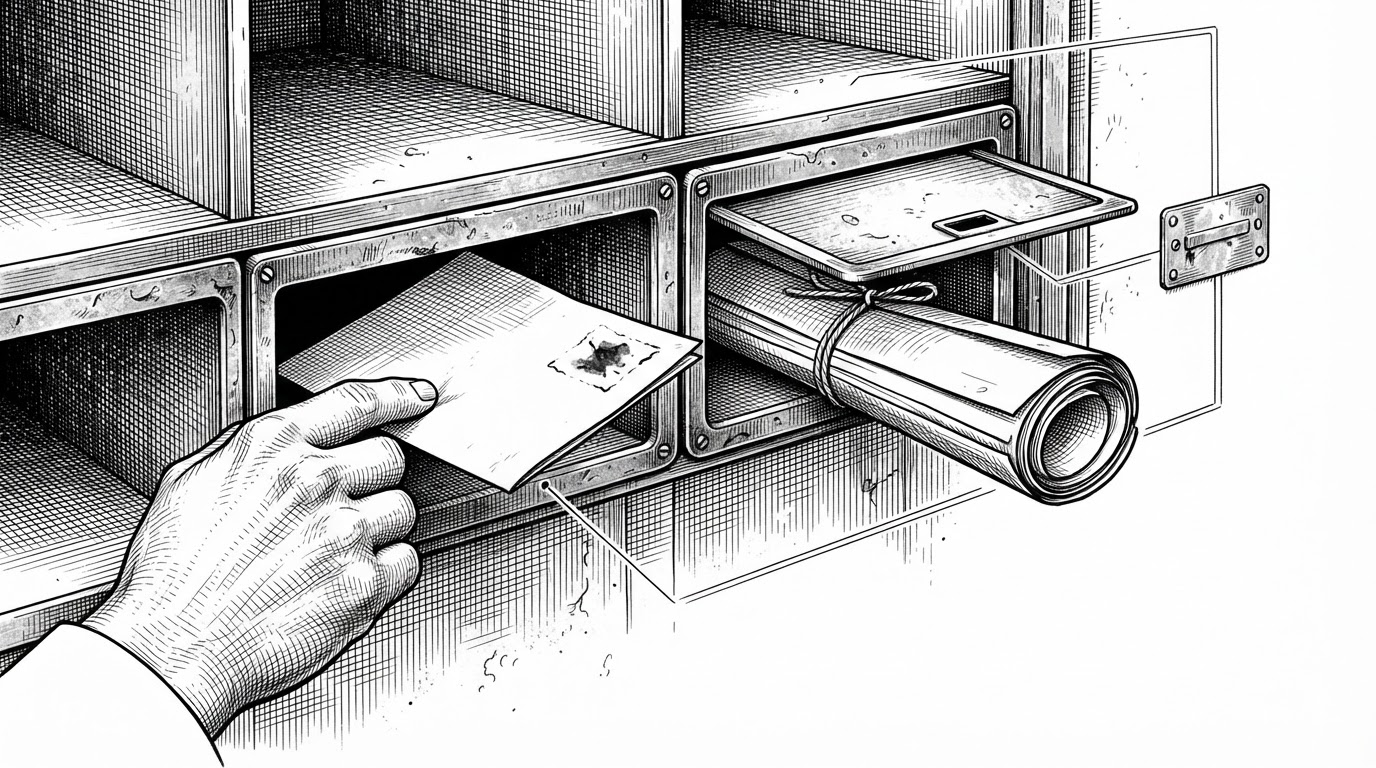
The loop hides one more decision. When a request arrives, the guest checks the format. A frame request is dispatched to a child task so it can long-poll for screen changes without holding anything up. Every other request, including clicks and key presses, is handled inline and in order. The comment in the source says it plainly: input must never wait behind frames.
One Binary, Three Personalities
The whole project ships as a single executable, and it wears three hats. It runs as the interactive CLI. It re-execs itself as a detached daemon that owns the virtual machine, calling setsid() and running AppKit in accessory mode so it has no Dock icon. And it runs as the in-guest helper when launched as the dev.terminal-mac.guest bundle.
let command = CommandLine.arguments.dropFirst().first
let guestMode = command == "guest"
    || (command == nil
        && Bundle.main.bundleIdentifier == "dev.terminal-mac.guest")

if guestMode {
    try GuestGuard.requireVirtualMac()   // refuses unless hw.model starts with "VirtualMac"
}
if command == "__run" { _ = setsid() }   // detach from the controlling terminal
The safety valve is GuestGuard.requireVirtualMac(). It reads hw.model and refuses to run guest mode unless the prefix is VirtualMac. The guest helper holds Screen Recording and Accessibility privileges that would be genuinely dangerous on a physical Mac. The guard means the same binary can never grab them by accident.
How the Screen Gets to Your Terminal
ScreenCaptureKit only delivers a frame when something on screen changes. An idle desktop costs nothing, and the viewer can long-poll for the next change rather than polling on a timer.
Frames are never upscaled. The prepare call caps scale at 1, rounds dimensions to even numbers, and refuses to produce a zero-sized stream. The 220 ppi setting is the quiet trick: macOS selects a 2x Retina mode from pixels-per-inch, not pixel count, so the guest keeps a 1280 by 800 point desktop with sharp text.
Compression is lz4 over a zero-copy read of the pixel buffer. Desktops compress well, and lz4 costs a few milliseconds. Capture also stops after 15 seconds without a viewer, so the guest is not recording an unwatched screen.
for request in try mailbox.requests() {
    lastRequest = Date()
    if request.arguments["format"] == "bgra-lz4" {
        Task { await self.handle(request) }   // frames: child task, long-polling
    } else {
        await handle(request)                  // input: inline, ordered
    }
}
// 3 ms while active, 40 ms when idle
try? await Task.sleep(nanoseconds:
    Date().timeIntervalSince(lastRequest) < 3 ? 3_000_000 : 40_000_000)
terminal-mac vs. the Alternatives
The choice comes down to where the agent is allowed to stand. There are three broad approaches, and they are not really competing on features.
| What the agent controls | Isolation boundary | Terminal viewing | Platform | |
|---|---|---|---|---|
| terminal-mac | A real macOS guest, via MCP/CLI (screenshot, click, drag, scroll, type, key, status) | Host pointer, clipboard, home dir, and apps untouched; guest has its own files and accounts | Yes, inline via Kitty/iTerm2/Ghostty graphics | Apple silicon, macOS 14+ |
| Host-desktop automation | Your actual desktop | None. The agent shares your sessions and files | Not applicable | Any |
| A general VM orchestrator (e.g. Lume) | A VM you launch and wire up yourself | Strong VM boundary, but you supply the control layer | Not built in | macOS/Linux VMs |
Host-desktop automation is the fastest to set up and the least safe: the agent shares your sessions and files. A general VM orchestrator like Lume gives you a strong boundary but leaves the control layer to you. terminal-mac bundles the guest, the computer-use tools, and a terminal viewer into one thing. That is the trade: less flexibility, more of the wiring done for you.
What It Is Not
The README is unusually direct about the limits. This is not a hardened hostile-code sandbox. Default NAT networking lets the guest reach the internet and potentially services on your host or local network. The offline flag removes that path, but the isolation is a practical boundary, not a security guarantee.
Setup is guided, not unattended. Guest Screen Recording and Accessibility permissions must be granted interactively inside the VM. It needs an Apple silicon Mac on macOS 14 or later, and it is an early release candidate.
None of that undercuts the idea. It just tells you to treat the guest as a second machine you are responsible for, not a vault.