Crayon: Tailwind’s Utility Logic, Rebuilt for Sass
A Sass-first CSS toolkit that keeps the design system constraints of utility CSS, while letting teams move the same tokens into mixins, functions, and semantic components.
- Crayon’s real advantage is that utility-class discipline is optional, not mandatory.
- The toolkit works because one token source feeds utilities, Sass functions, and Sass mixins.
- Its color pipeline is more forward-looking than its layout utilities, especially with modern color-space conversion.
- Crayon sits in the gap between utility frameworks and semantic Sass systems, which is exactly why it is interesting.
The Tailwind Pattern, Without the HTML Debt
Crayon looks like Tailwind at first glance. The naming feels familiar, the scale feels familiar, and the utility mindset is familiar. But the important difference is structural: the same design system is not trapped in HTML class strings.
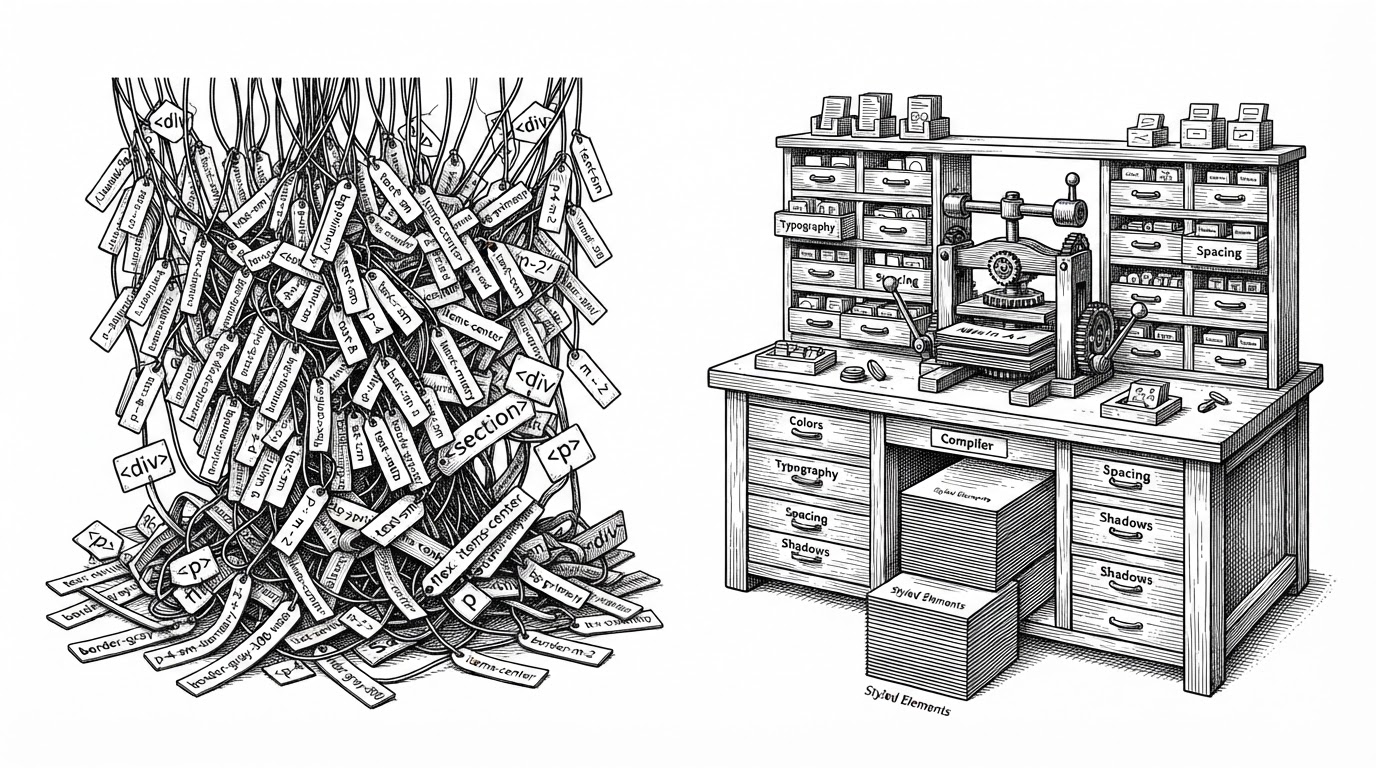
That matters because utility CSS solves one problem and creates another. It makes styling predictable, but it can also turn templates into unreadable walls of classes. Crayon tries to keep the constraints while removing the markup tax.
I love the ergonomics of quickly throwing together prototypes with it, but not so much the mess you can often end up with once you start involving extensive responsive breakpoints, dark mode styling and groups.
Why Crayon Exists
The project is a practical response to a familiar complaint: utility classes are fast in the prototype phase, then noisy in production. Ash Joseph’s answer was not to abandon the system, but to move it into Sass where it can be composed semantically.
That choice changes the developer experience. Instead of forcing every styling decision into markup, Crayon lets you keep the source of truth in the stylesheet and use the same tokens wherever they are most useful.
The Trick: One Design System, Three Interfaces
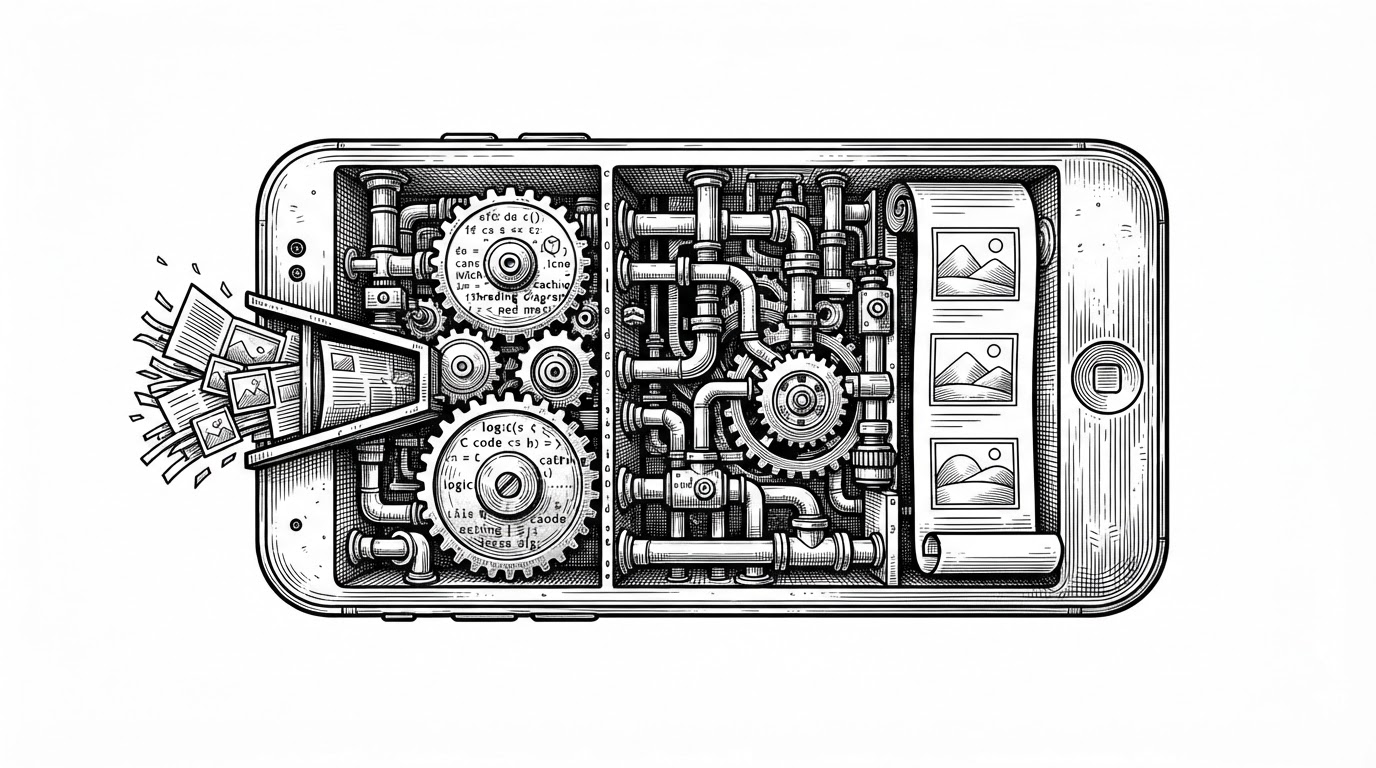
This is the part that makes Crayon more than a Tailwind clone. The toolkit exposes the same core primitives through utility classes, Sass functions, and Sass mixins, so the interface can match the task.
That means you can prototype with utilities, then migrate the same language into a component stylesheet without changing the design system itself. The classes are an entry point, not a prison.
@use 'crayon-css' as crayon;

.card {
  @include crayon.bg('slate-100');
  padding: crayon.size(4);
  border-radius: crayon.size(2);
}
How the Compiler Thinks
Crayon is built around modern Sass module patterns. The defaults live in config, the modules are forwarded cleanly, and the values stay overrideable with !default and @forward instead of hard-coded globals.
That architecture is why the toolkit feels like a compiler for a design system. Tokens are resolved once, transformed if needed, and then emitted as utilities or reusable Sass abstractions.
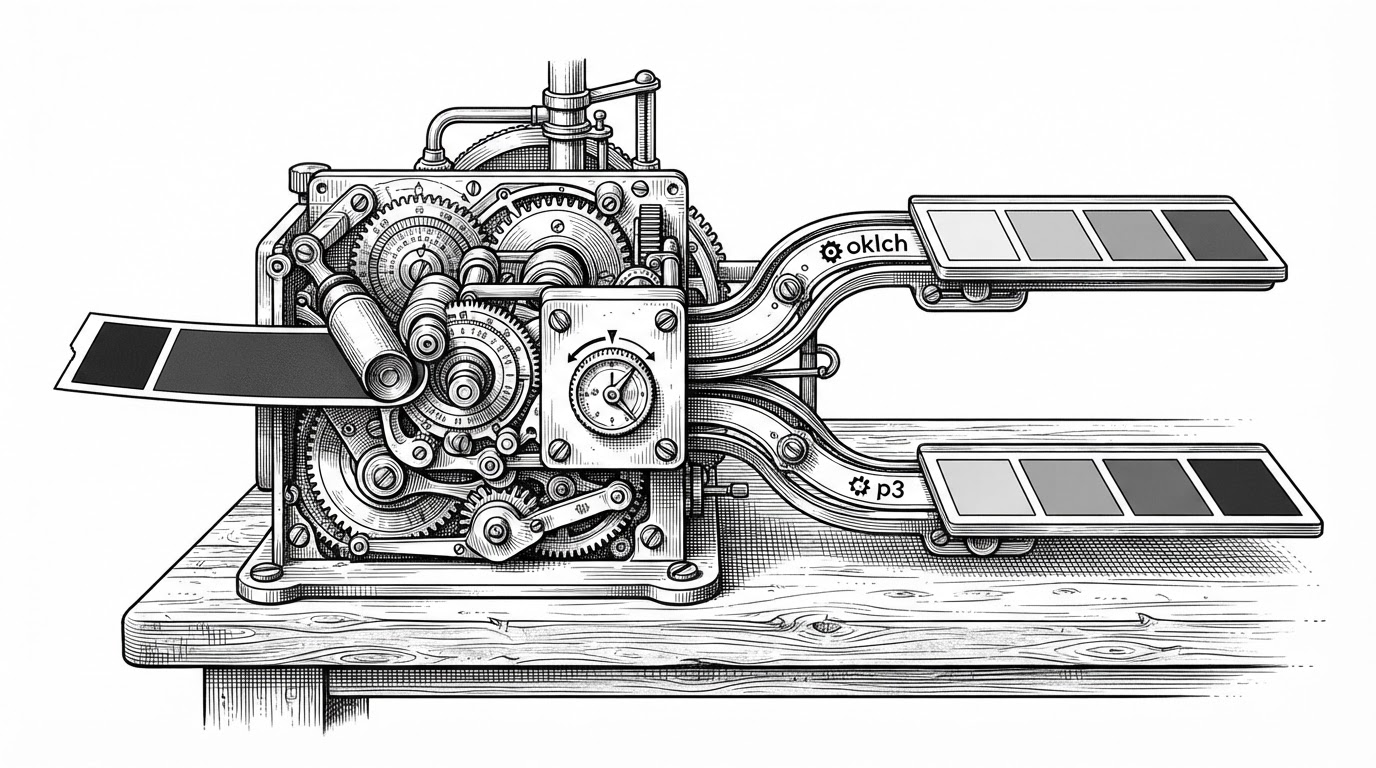
The implementation details back that up. `_config.scss` defines the defaults, `_sizes.scss` resolves spacing and layout values, and `_colors.scss` handles palette generation and color-space conversion. The result is not just a stylesheet. It is a programmable output pipeline.
@use 'sass:color';

// Conceptually: convert a palette token during compilation
$converted: color.to-space(#3b82f6, oklch);
The Color Engine Is the Quiet Superpower
Color is where Crayon looks most forward-looking. It can emit modern spaces such as oklch and display-p3 at compile time, which means the palette is not frozen in an older rendering model.
That is a sharper differentiator than a lot of CSS framework marketing. Many systems can name colors. Crayon can transform them.
Fluid Typography Without the Math Headache
Crayon’s fluid() mixin packages a common design-system trick: generate clamp() values from source sizes and viewport bounds. Instead of hand-writing slope and intercept math every time, you ask the compiler to do it once.
That is the larger pattern across the repo. Crayon keeps turning design formulas into reusable primitives, which is exactly what a good Sass toolkit should do.
Where Crayon Sits in the CSS Landscape
Crayon is easiest to understand by contrast. Tailwind gives you utilities in the markup. Open Props gives you tokens as custom properties. Basscss and InuitCSS gave the ecosystem earlier functional CSS and scalable Sass patterns. Crayon borrows from all of them, but occupies a narrower niche.
| Project | Primary interface | Markup burden | Sass integration | Color handling | Best fit |
|---|---|---|---|---|---|
| Crayon | Utilities, functions, mixins | Low to medium | Native | Compile-time conversion to modern spaces | Teams that want utility discipline without utility-only markup |
| Tailwind CSS | Utility classes | Medium to high | Indirect | Strong token system, mostly class-driven output | Teams that want maximum utility-first convention in HTML |
| Open Props | CSS custom properties | Low | Light | Variable-first, not a compiler for styles | Projects that prefer raw design tokens in CSS |
| Basscss | Functional classes | Medium | Limited | Traditional utility palette | Simple low-level layouts and spacing |
| InuitCSS | Sass architecture | Low to medium | Deep | Framework-level Sass patterns | Large teams that want structured, component-oriented CSS |
The key distinction is not that Crayon is universally better. It is that it gives you a migration path from utility logic to semantic styles without throwing away the system.
What Kind of Team This Is For
Crayon makes the most sense for teams that like Tailwind’s constraints but dislike the long-term cost of putting those constraints directly into HTML. It also fits projects where Sass is already the natural styling layer.
The audience is not everyone. But for a team that wants a compile-time design system, modern color handling, and semantic component styles without losing utility speed, Crayon is a very specific and very credible answer.