`etcdedit`: The Kubernetes Time Machine Hidden Under `etcd`
A sharp CLI that decodes Kubernetes’ real storage format, edits the raw datastore safely, and reveals why the key path matters more than the manifest.
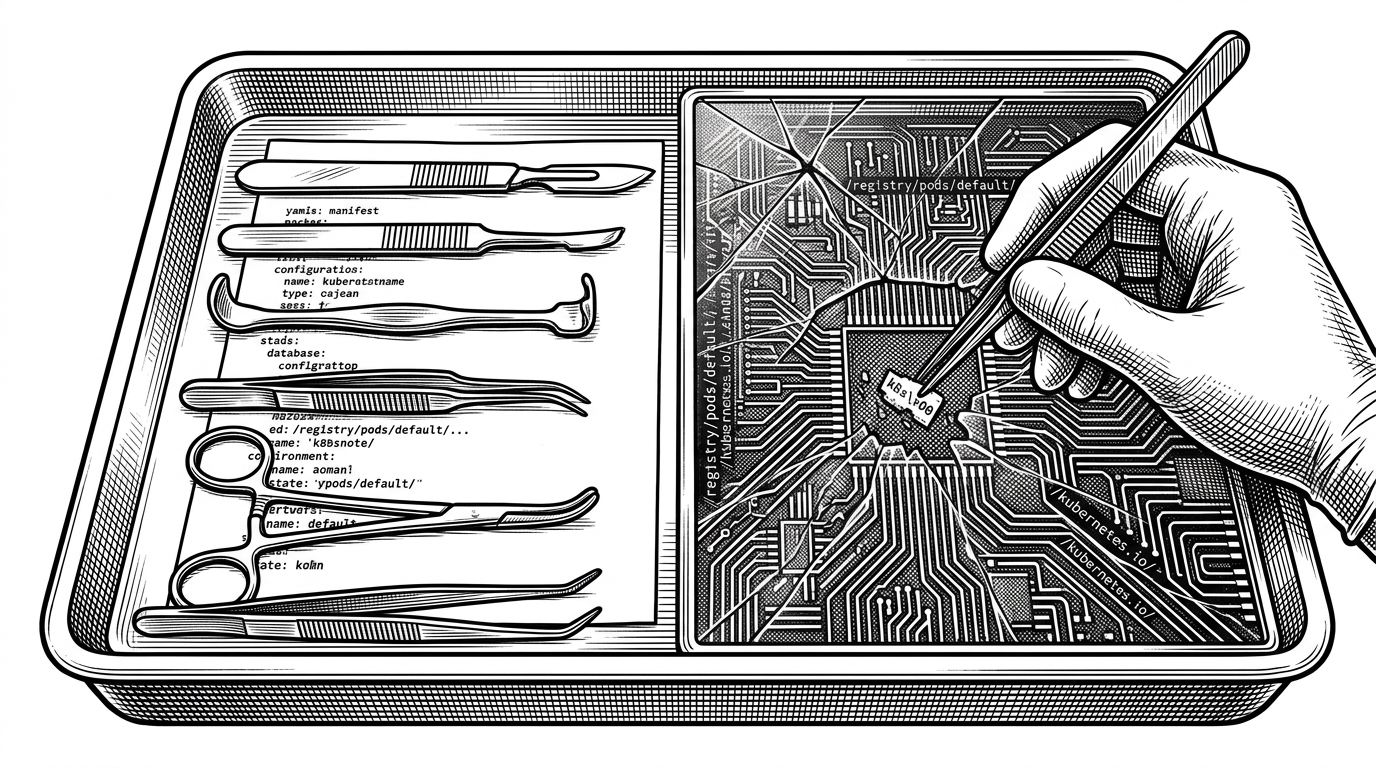
- `etcdedit` is interesting because it treats the etcd key path as the source of truth and rebuilds a Kubernetes object around it.
- The tool’s real value is its codec layer, which can decode built-in resources, CRDs, and the `k8s\x00` envelope into something a human can safely edit.
- Its safety model is cautious by design, with backup snapshots, syntax-error retries, and compare-and-swap writes that reduce the blast radius of a mistake.
- This is a specialist break-glass tool, not a general-purpose replacement for `etcdctl` or a GUI browser.
The cluster has a second reality
Most people think of Kubernetes state as YAML flowing through the API server and landing in etcd. That picture is useful, but incomplete. `etcdedit` exists to expose the layer underneath, where identity is encoded in the key path and objects are stored in formats most operators never see.
That is the real trick. The tool is not just editing bytes. It is decoding the storage contract Kubernetes uses to turn REST resources into datastore entries, then turning them back into something a human can reason about.
Why Ahmet built a break-glass editor
The repo reads like a tool built for the worst day in a cluster’s life: an API server outage, a resource stuck in `Terminating`, or a system where normal reconciliation has stopped helping. In that context, a terminal editor for raw datastore entries is less of a convenience and more of a recovery mechanism.
Then I found etcd. It’s used by Kubernetes’ control plane for storing configs in a consistent manner.

That origin matters because it explains the tone of the project. `etcdedit` is not trying to be a friendly general-purpose admin console. It is a sharp instrument for specialists who already know the risk they are taking.
The codec is the real product
This is where the project gets interesting. `etcdedit` does not merely dump values and let you paste them back. It interprets what it finds. Built-in Kubernetes resources, CRDs, and historical oddities all need different treatment before a human can safely edit them.
For built-in resources, the payload starts with the `k8s\x00` magic prefix and then passes through a Protobuf envelope. For CRDs, the path is simpler because the object is stored as JSON. In both cases, the decoder first asks what kind of thing lives at that key, then reconstructs the right object shape before opening it in the editor.
// Conceptual flow, simplified
key := "/registry/pods/default/nginx"
raw := etcdValue(key)

if isBuiltInPath(key) {
    raw = bytes.TrimPrefix(raw, []byte("k8s\x00"))
    obj := decodeProtobufToTypedObject(raw)
    renderYAML(obj)
} else {
    obj := decodeJSONToTypedObject(raw)
    renderYAML(obj)
}
The subtlety is that this is not just serialization. It is Kubernetes archaeology. The code even preserves legacy storage assumptions, including the old `/registry/minions/` path for Nodes, which tells you how much history sits under the current API.
Why the key path overrides the YAML
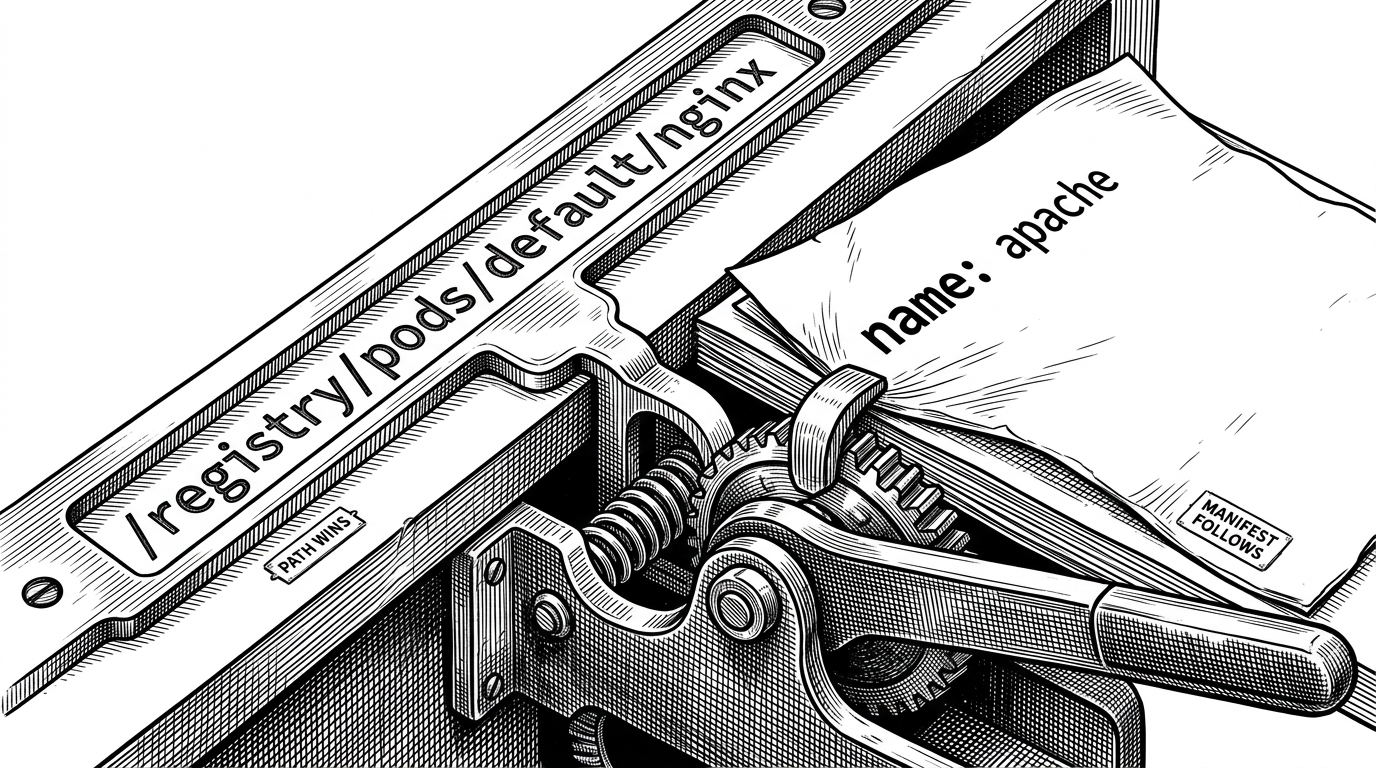
The most surprising rule in the project is also the most important one. When `etcdedit` applies a change, it treats the etcd path as authoritative. If the object text claims a different name or namespace, the tool snaps the object back to what the key says it should be.
That is a deep Kubernetes truth. The REST path is not just a lookup hint. It is part of the object’s identity contract, and `etcdedit` enforces that contract instead of trusting whatever was typed into the manifest.
| Source of truth | What it trusts | What happens on mismatch |
|---|---|---|
| etcdedit apply | The etcd key path | Name and namespace are rewritten to match the path |
| Raw YAML | The text in the editor | Can drift away from storage identity |
| API server behavior | REST path and object metadata | Rejects or normalizes objects to preserve identity |
# If the key says /registry/pods/default/nginx
apiVersion: v1
kind: Pod
metadata:
  name: apache   # overwritten to nginx
  namespace: kube-system   # overwritten to default
That design makes the tool feel less like a file editor and more like a reconciliation engine for a lower layer of the system.
Safety is a loop, not a banner
Editing directly in etcd is dangerous by default, so the repo builds guardrails into the workflow. The edit loop re-opens the file if validation fails, and it writes a backup copy before attempting a commit. That matters because users are operating close to the data that defines cluster behavior.
| Safety mechanism | What it protects against | How it works |
|---|---|---|
| Backup snapshot | Accidental edits | Saves the original raw value to /tmp before applying changes |
| Edit retry loop | Syntax mistakes | Re-opens the editor instead of discarding the work |
| ModRevision compare | Concurrent writes | Uses a transaction to fail if the key changed while you were editing |
The most important piece is the compare-and-swap write. `ModRevision` turns a risky overwrite into a conditional commit. If someone else changed the key after you opened it, your write fails instead of clobbering newer data.
clientv3.Compare(clientv3.ModRevision(key), "=", expectedModRevision)
That is the right level of paranoia for a tool like this. It cannot make the work safe. It can only make it less reckless.
What this tool beats, and what it cannot
`etcdedit` is not a replacement for `etcdctl`. It is a more opinionated workflow for one narrow job: Kubernetes-aware editing of raw datastore state from the terminal. That makes it stronger in one exact place and weaker almost everywhere else.
| Tool | Best at | Weak spot |
|---|---|---|
| etcdedit | Decoding and editing Kubernetes objects stored in etcd | Narrow scope, high risk, requires deep K8s knowledge |
| etcdctl | General-purpose etcd read/write and cluster operations | Does not understand Kubernetes storage semantics |
| etcd-manager | Browsing and manipulating keys through a GUI | Less precise for Kubernetes-specific recovery work |
So the question is not which tool is best. The question is which layer you need to touch. If you need a visual browser, use a GUI. If you need raw datastore operations, use `etcdctl`. If you need to reconstruct a Kubernetes object from the storage substrate and put it back intact, `etcdedit` is the specialized scalpel.
The cost of working below the API server
The blast radius here is real. A mismatch in library versions can drop fields during a round-trip. A mistake in the wrong namespace can alter live cluster state. And none of the higher-level protections from the API server, like admission policies or webhooks, are there to catch you.
That is why the tool feels sober rather than flashy. It exposes a hidden control plane layer, but it never pretends that access to it is a good idea in the general case. It is a reminder that Kubernetes has a deeper operating system under its public interface, and that operating there requires precision, not confidence.