ChotaURL: The URL Shortener That Lets the Browser Own the QR Code
A clean MERN app with a split architecture: the backend handles links and redirects, while the frontend generates downloadable QR codes in real time.
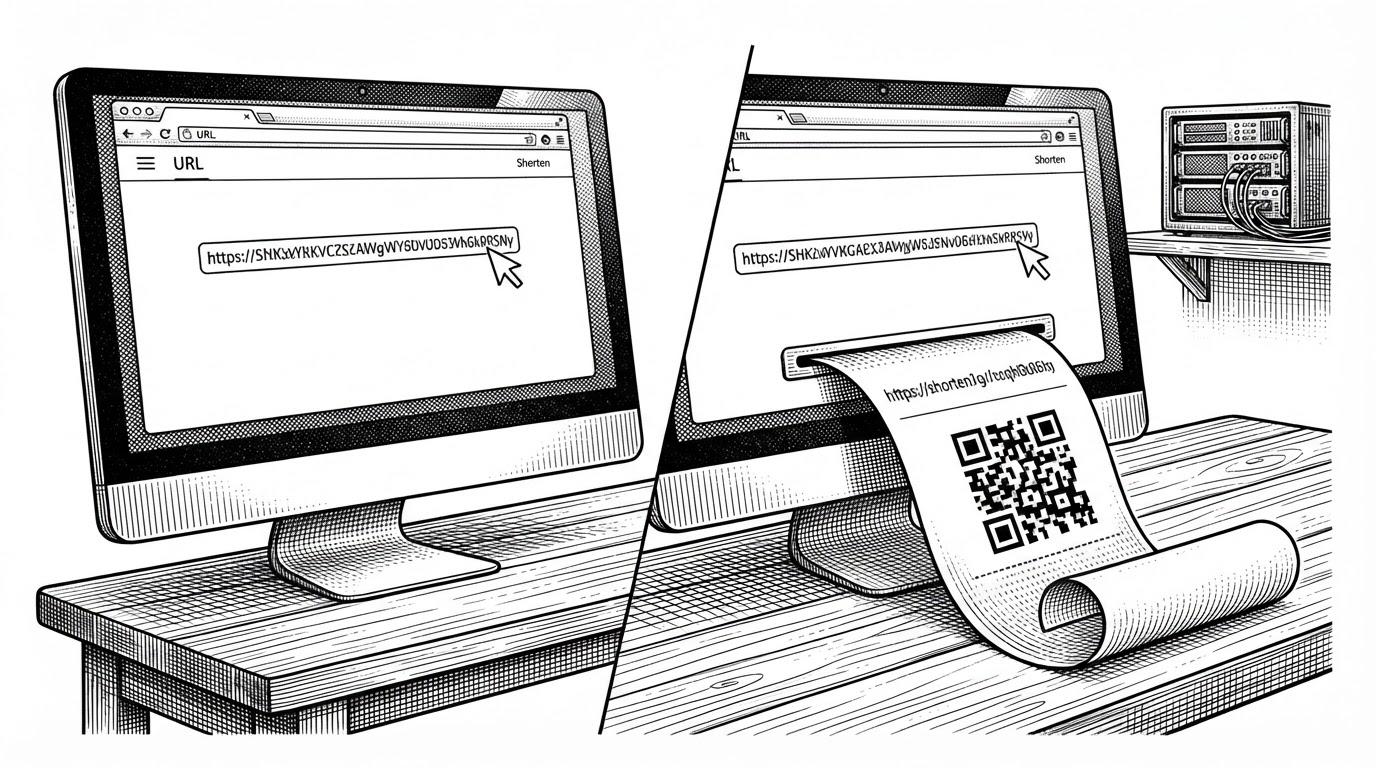
- ChotaURL’s real trick is client-side QR generation, which shifts visible work out of the backend and makes download feel instant.
- The backend is still the source of truth for shortening, redirects, click counts, and storage.
- A simple NanoID collision check turns a small utility into something dependable without adding much complexity.
- The stack choices favor a modern MERN workflow, but the project still reads as an educational starter rather than a production link platform.
The neat trick: the browser makes the QR code
ChotaURL is not trying to reinvent URL shortening. Its best move is smaller and smarter: after the backend returns a short link, the browser turns that URL into a QR code locally and gives you a download immediately. No image endpoint. No server-side rendering pass. No waiting on another round trip.
That changes the shape of the product. The backend does the durable work, storing the mapping and handling redirects, while the frontend owns the visible finishing move. For a utility app, that split makes the experience feel lighter than the category usually does.
Why that split architecture works
The separation of labor is straightforward. The frontend manages form state, copy-to-clipboard behavior, and QR generation. The backend owns persistence, uniqueness, redirects, and click tracking. That gives ChotaURL a clean boundary between presentation and infrastructure.
| Dimension | Traditional shortener | ChotaURL | Why it matters |
|---|---|---|---|
| QR generation location | Server-side or external API | Browser-side with <code>QRCode.toDataURL()</code> | The QR code appears immediately without a dedicated image service. |
| Server workload | Handles links plus image generation | Handles links only | Less backend work means a smaller attack surface and simpler deployment. |
| User latency | Two server interactions are common | Short link arrives, then QR is made locally | The UI feels faster because the second step never leaves the browser. |
| Dependency surface | Often includes image rendering tools | Uses a client library instead | Fewer backend moving parts to maintain. |
| Ease of download | Usually a server-generated asset | A local Data URL can be saved instantly | The download action becomes a UI concern, not a file delivery concern. |
| Privacy / data transfer | QR content may pass through another service | QR stays in the browser after the short link is returned | Less data leaves the client unnecessarily. |
| Deployment simplicity | Needs extra rendering support | Only the API and static frontend are required | The app is easier to ship and reproduce. |
Inside the redirect path
The backend’s redirect route is the part that makes the shortener real. A request to GET /:shortId looks up the record, increments the click count, and sends the browser onward with res.redirect(). That is the whole loop, and it is exactly the right amount of logic for this kind of app.
router.get('/:shortId', async (req, res) => {
  try {
    const { shortId } = req.params;
    const url = await Url.findOne({ shortId });

    if (!url) {
      return res.status(404).json({ message: 'URL not found' });
    }

    await Url.updateOne({ shortId }, { $inc: { clicks: 1 } });
    return res.redirect(url.originalUrl);
  } catch (error) {
    return res.status(500).json({ message: 'Server error' });
  }
});
There is no hidden complexity here. The route is short because the product is short. That restraint is part of the design.
How ChotaURL avoids duplicate short IDs
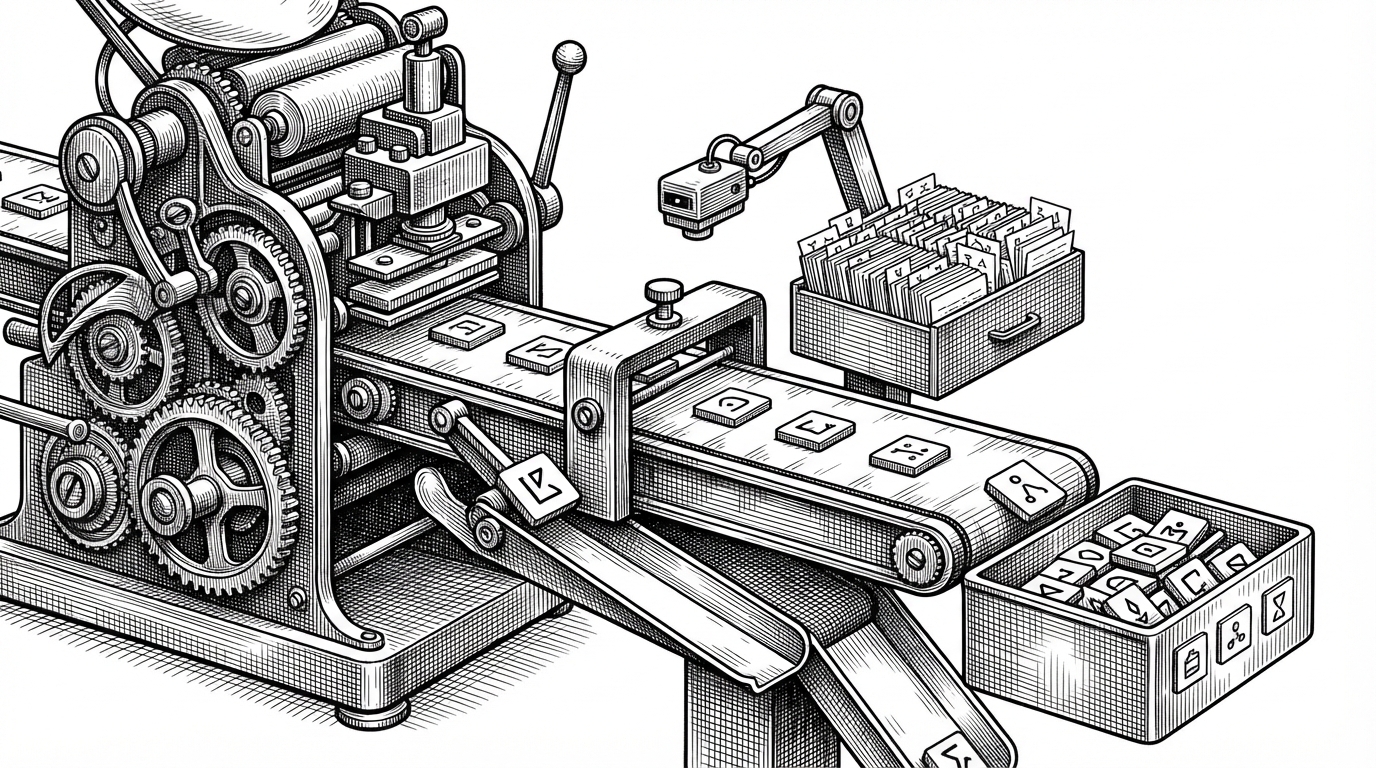
The collision guard is a small but important detail. ChotaURL generates an eight-character NanoID, checks the database, and keeps looping until it finds an unused value. NanoID is already highly collision-resistant, but the extra lookup makes the system more trustworthy.
let shortId = null;
let existingUrl = true;

while (!shortId || existingUrl) {
  shortId = nanoid(8);
  existingUrl = await Url.findOne({ shortId });
}

const newUrl = await Url.create({
  originalUrl,
  shortId,
});
That loop is the sort of thing most users never notice, which is exactly why it matters. It keeps the app honest without turning the code into ceremony.
What the stack says about the project
The stack reads like a modern MERN starter with opinionated choices: React 19, Vite, Tailwind CSS 4, Express 5, Mongoose, Axios, NanoID, and QR generation on the client. Nothing about that list is exotic. The signal is in how current it feels.
| Layer | Choice in ChotaURL | What it suggests |
|---|---|---|
| Frontend | React 19 with Vite | Fast local development and a lean build setup. |
| Styling | Tailwind CSS 4 | The UI is utility-driven and easy to iterate on. |
| API | Express 5 | The project is willing to use newer platform defaults. |
| Database | MongoDB with Mongoose | A flexible document model fits short links and analytics. |
| ID generation | NanoID | The author values compact, collision-resistant identifiers. |
| QR generation | qrcode in the browser | Client-side work is a deliberate product decision. |
The result is a codebase that feels current without being overbuilt. It is modern in tooling, but still small enough to understand in one sitting.
What it is, and what it is not yet
ChotaURL is best read as a polished utility and a learning project, not a scale-tested link platform. The README and code point toward future additions like analytics, password-protected links, caching, and tighter CORS rules. Those are sensible next steps, but they also underline the current scope.
| Question | Today | Later if it grows |
|---|---|---|
| Who is it for? | People who need a clean shortener and QR workflow | Teams that need tracking, controls, and administration |
| What does it optimize? | Simplicity and client-side convenience | Scale, governance, and observability |
| What is missing? | Advanced analytics and protection layers | Dashboards, caching, and policy controls |
| How mature is it? | Educational and early-stage | Production-ready after hardening |
That honesty is useful. The project’s value is not that it solves a hard problem at internet scale. It is that it makes a familiar workflow feel sharper by moving one meaningful piece into the browser.