TmuxAI: The Assistant That Turns `tmux` Into a Live Workbench
It watches pane output, stages commands in a dedicated exec pane, and gives power users an open-source way to bring agentic help into the terminal without replacing their workflow.
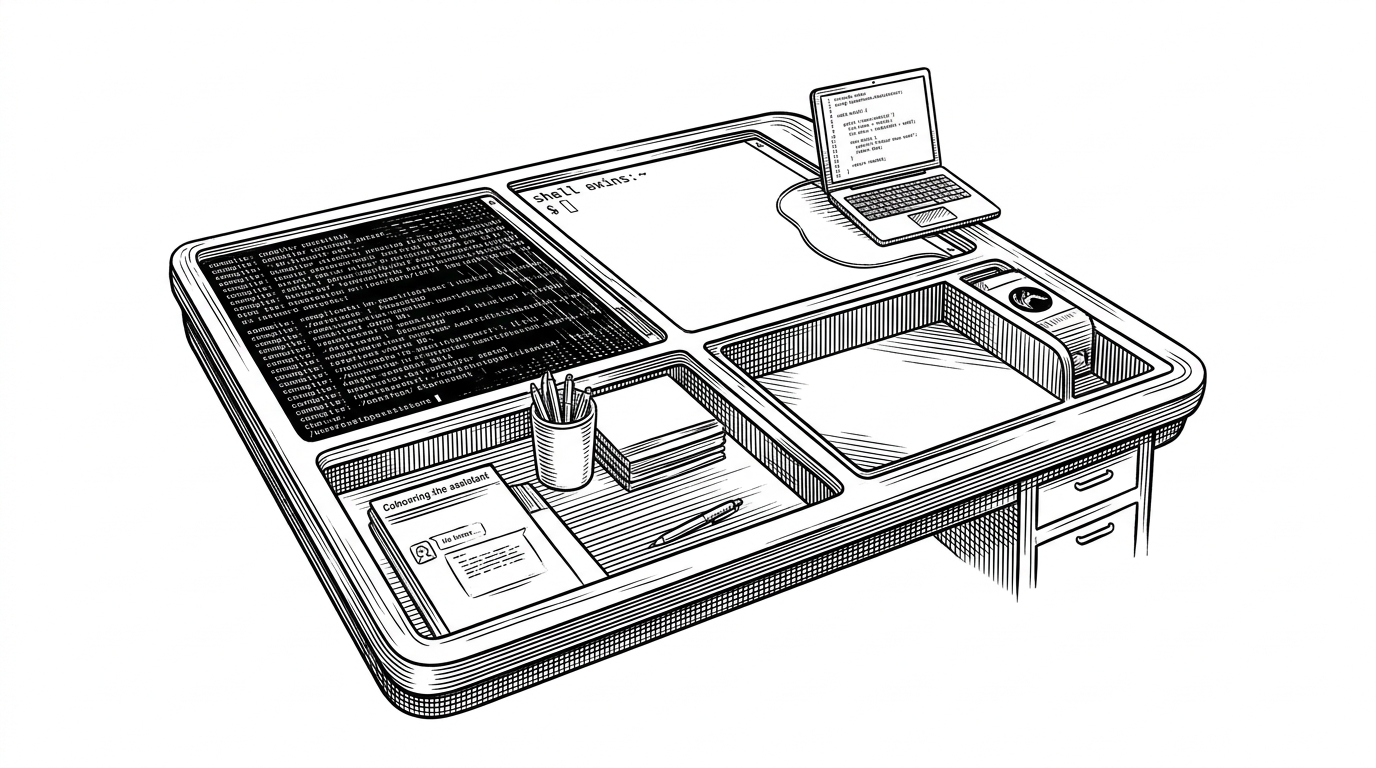
- TmuxAI treats tmux as the interface, not just the container.
- Its real breakthrough is a separate exec path that keeps assistance out of the working pane.
- The project turns safety into product design through confirmations, knowledge bases, and squash.
- It competes less with editors than with other terminal workflows built around a different center of gravity.
Most AI terminal tools start with a prompt. TmuxAI starts with the workspace. It reads the panes you already have, pulls context from build logs and shell output, then stages commands in a separate exec pane so your working pane stays clean.
The terminal already has the context
That is the project’s first useful idea. Terminal work is already structured: logs live in one pane, a REPL in another, maybe an editor in a third, and the failure you care about is usually visible before you ever copy it anywhere. TmuxAI leans into that structure instead of flattening it into a single chat box.
Why tmux is the right substrate
`tmux` gives the project something most terminal assistants do not have: a stable layout and a clean boundary between observation and action. TmuxAI can read pane contents with `capture-pane`, reason over the session as a whole, and push commands with `send-keys` without hijacking the pane you are actively using.
That split is the whole trick. The assistant is not pretending to be your shell prompt. It is an agent sitting beside it, with enough visibility to understand what failed and enough separation to avoid making a mess while it fixes it.
How TmuxAI moves from observation to action
The code follows that mental model. A central `Manager` orchestrates state, the `AiClient` layer normalizes multiple model providers, and the `system` package handles the tmux plumbing. The result is less like a chat toy and more like a state machine that can watch, decide, and act.
The operational modes make the loop explicit. Observe mode watches panes on a timer, prepare mode tracks command, output, and exit code, and the chat interface gives you a place to steer the next step. If you want more autonomy, YOLO mode removes confirmation prompts. If you want less context bloat, `/squash` compresses the thread. If you want domain-specific context, knowledge bases inject focused material into the prompt instead of forcing you to build a vector index.

That combination matters because it keeps the assistant useful inside real terminal work. The project is opinionated about control, but it is not fragile. It supports multiple model backends, including OpenAI, Azure OpenAI, OpenRouter, Google Gemini, and GitHub Copilot, so the assistant layer stays swappable while the tmux loop stays constant.
TmuxAI is an intelligent terminal assistant that integrates directly into tmux sessions, providing AI-powered help without disrupting existing workflows. It observes terminal content across multiple panes, offers contextual assistance through a dedicated chat interface, and can execute commands with user permission.
The guardrails are part of the product
This is where the project feels practical instead of flashy. YOLO mode is a blunt instrument, but at least it is named honestly. Knowledge bases keep the assistant from hallucinating about recurring tasks. Squash solves the boring but real problem of conversation growth. The product is trying to make agency tolerable, not magical.
Who built it, and why tmux veterans care
The creator, alvinunreal, has kept the project close to the metal: Go, Cobra, Viper, tmux wrappers, and a modular internal layout that makes the control flow easy to follow. That choice matters because the audience is not asking for a new environment. They are asking for help inside the environment they already trust.
That also explains the appeal. People who live in `tmux` already think in panes, sessions, and shared context. TmuxAI speaks that language natively, which makes it feel less like an add-on and more like an extension of the workflow.
Warp, Aider, and gh copilot solve adjacent problems
The cleanest way to place TmuxAI is as a workflow matrix, not a feature checklist. It is useful when the terminal is not just a place to type, but a live surface full of state.
| Tool | Where it lives | Context it sees | How it acts | Best for | What it does not try to do |
|---|---|---|---|---|---|
| TmuxAI | Inside an existing tmux session | Multiple visible panes, captured output, shell history | Stages help in a chat pane and executes through a dedicated exec pane | Power users whose work already centers on tmux | Replace your terminal or editor |
| Warp | A standalone terminal app | Its own terminal UI and command blocks | AI features built into the app | People who want a redesigned terminal | Live inside an existing tmux workflow |
| Aider | Terminal and git repository | Files, diffs, and repo context | Applies code edits through patches | Codebase changes in a repo | Watch arbitrary panes or runtime logs |
| gh copilot | GitHub CLI | The current command request | Suggests commands or explanations | Quick shell command generation | Maintain a continuous workspace-level state |
That is the category boundary. TmuxAI is not trying to be the smartest prompt helper or the most opinionated code editor. It is trying to be the assistant that already knows where you are working, because it can see the workspace itself.