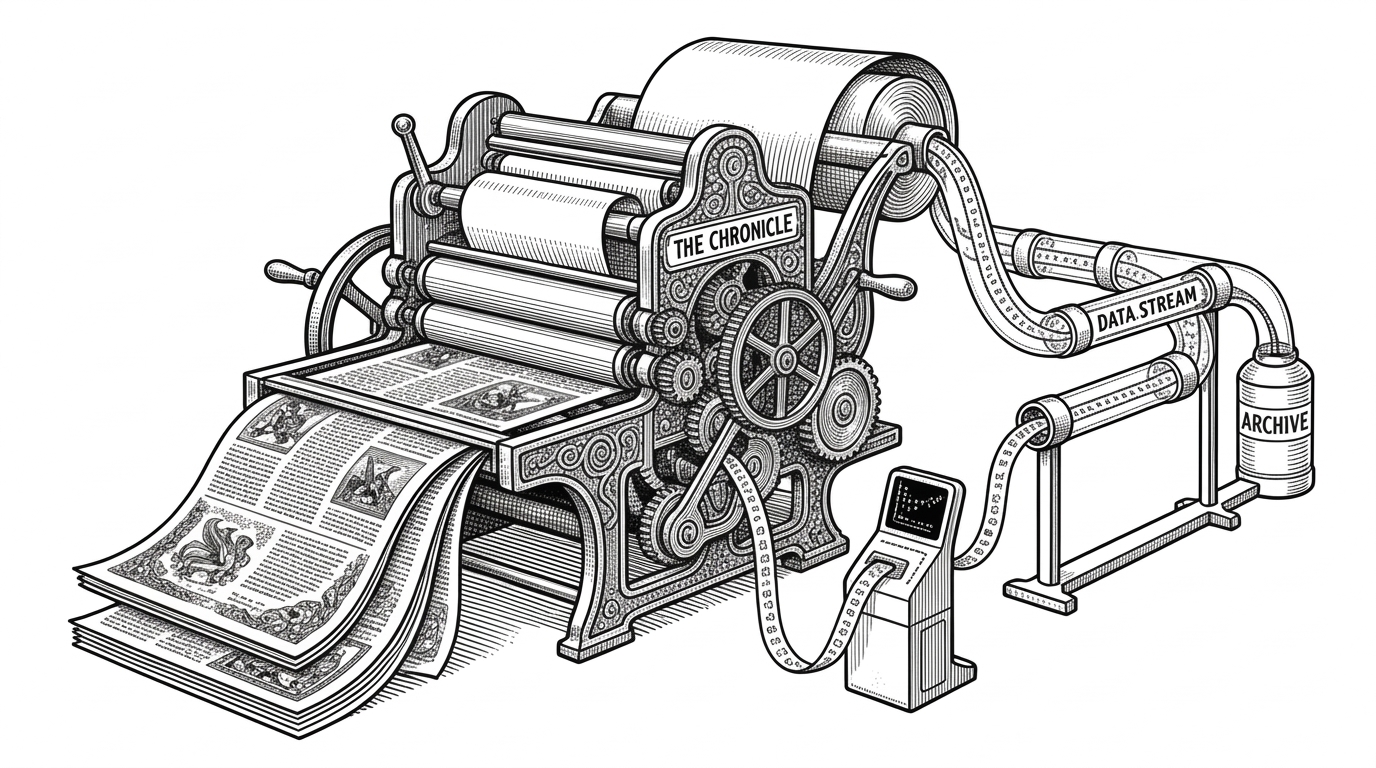
browser-harness: the browser automation framework that lets the agent rewrite its own tools
A thin CDP bridge, a live Chrome session, and editable skills turn browser automation into a self-healing workspace for LLM agents.
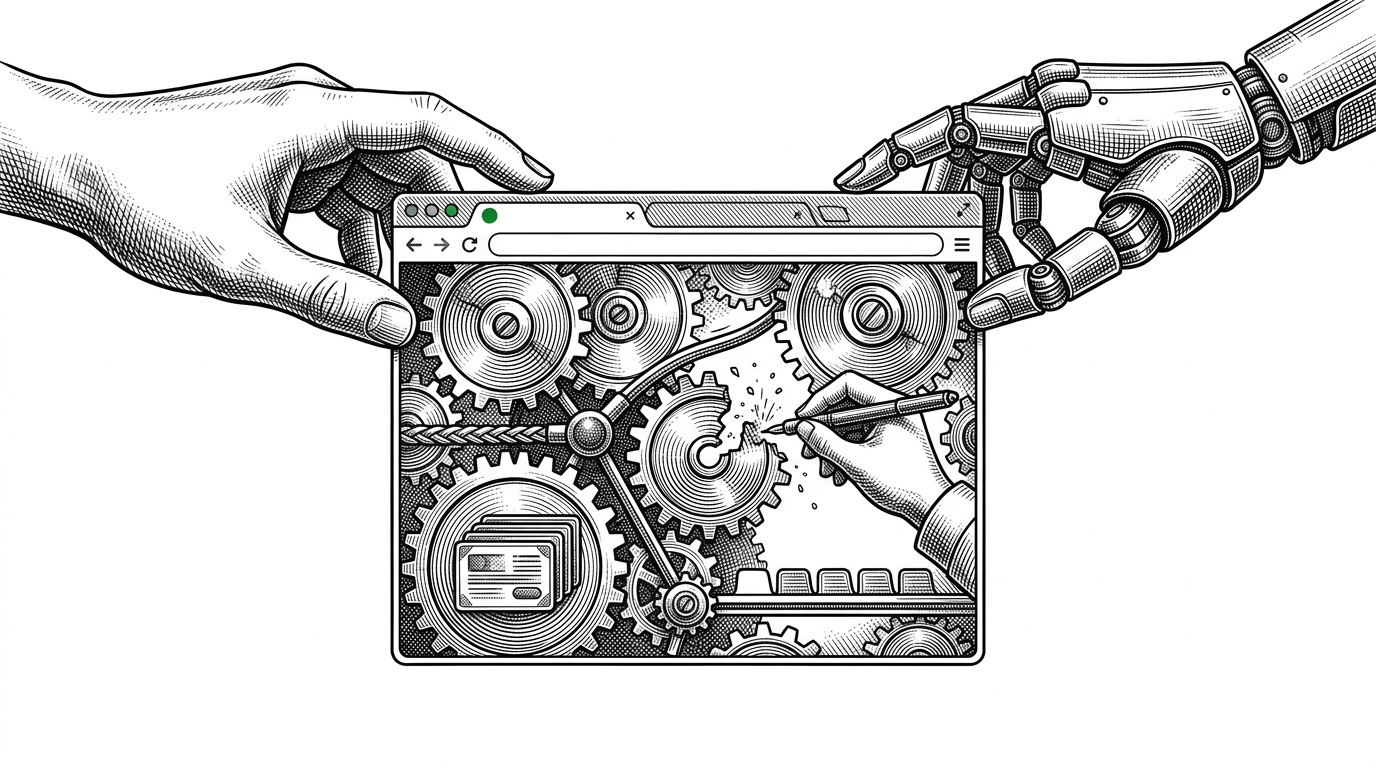
- browser-harness treats browser automation as a workspace the agent can repair, not a fixed API that must already know every edge case.
- Its smallest important idea is also its most radical one: missing functionality becomes a prompt to edit helpers and add a skill, not a dead end.
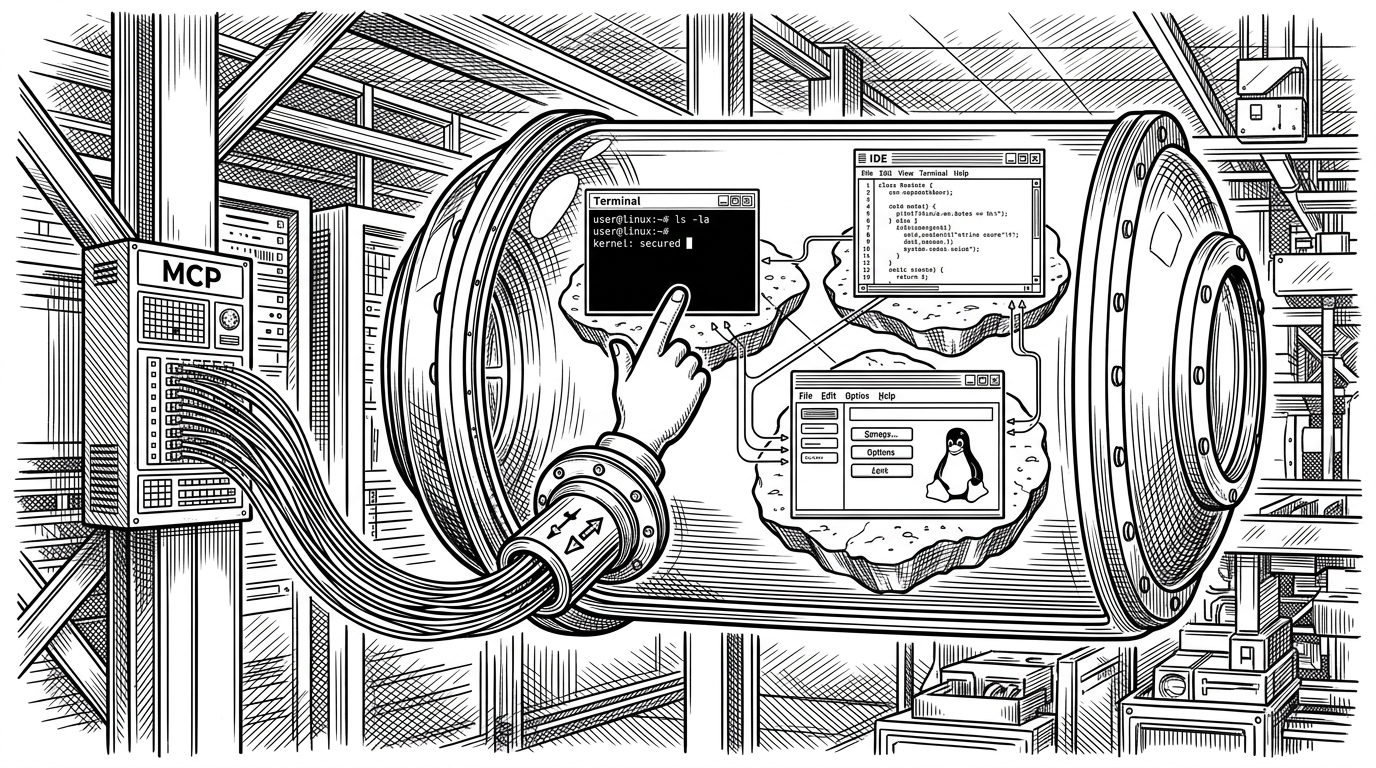
- The project leans on a live Chrome session and raw CDP access so agents can work with real state, real tabs, and real authentication.
- Its strongest comparison is not speed versus slowness, but adaptability versus selector-first brittleness.
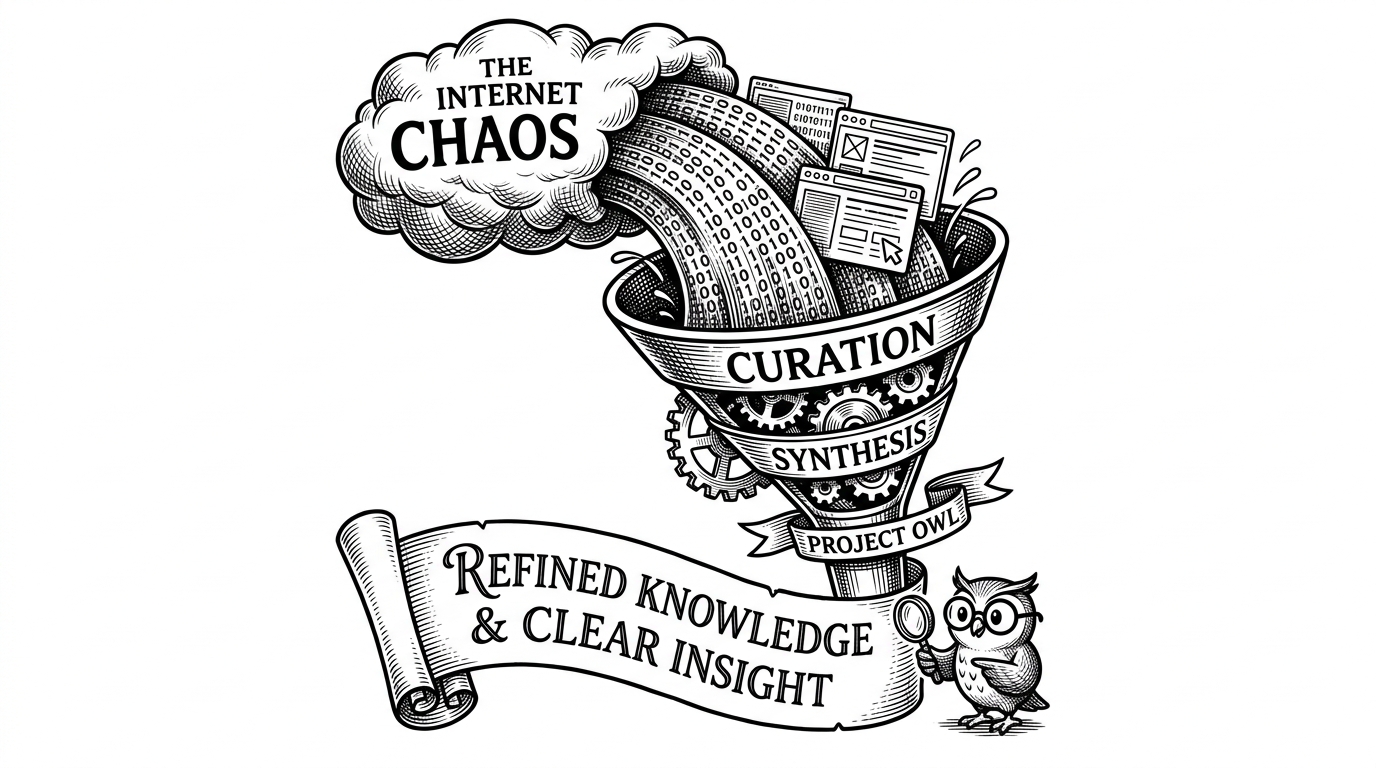
Most browser automation tools try to make the web behave. browser-harness does something stranger and more useful: it assumes the web will stay messy, and gives the agent permission to patch the harness while the task is still running.
That changes the failure mode. A missing helper is not a stop sign. It becomes a reason to extend the workspace, add a function, or pull in a more specific skill for the site in front of you.
Why this browser harness is different
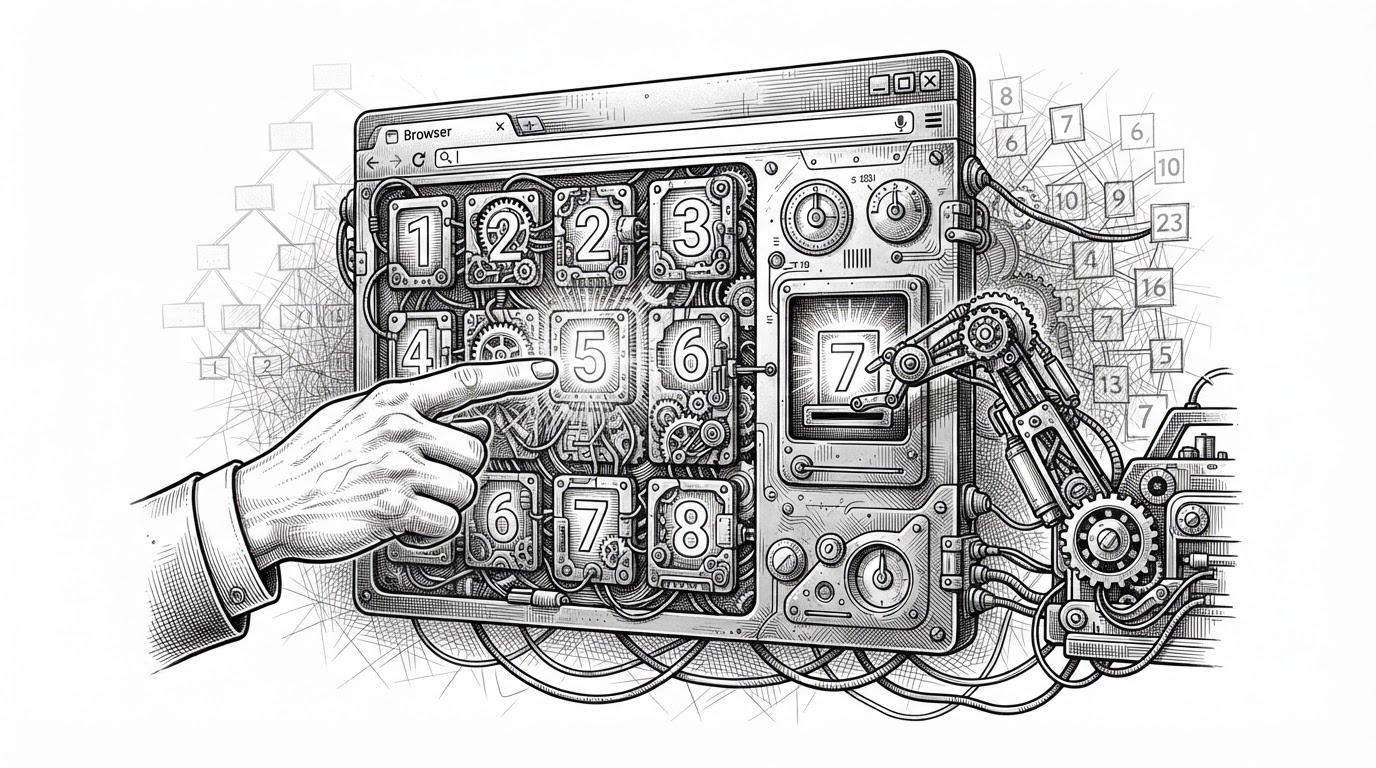
The core idea is to make web automation as robust for an LLM as it is for a human. If a button moves, a human can still find it. Standard automation breaks. browser-harness uses LLMs to give that 'human-like' adaptability to automated tasks.
The surprise is not that browser-harness automates a browser. It is that the harness itself is editable by the agent. When a flow breaks, the right move is often to teach the system a new helper or skill, then continue.
That makes the project feel less like Selenium with an LLM on top and more like a living operating environment for browser work. The browser is still the browser, but the control layer is no longer frozen.
The real browser is the point
The repo does not start from a clean, isolated test browser. It attaches to an existing debugging session, which means the agent can work inside a real Chrome window with real tabs, real cookies, and real history.
That matters more than it sounds. A lot of automation breaks the moment it leaves the lab. browser-harness is built for the opposite condition: the browser you already use, with the state already there.
# Conceptual shape of the bridge
ws_url = get_ws_url()
daemon.connect(ws_url)

from helpers import *

# The agent can call raw helpers
click(100, 200)
cdp("Runtime.evaluate", expression="document.title")

# If a helper is missing, add it and keep going
How the harness stays tiny
The architecture is intentionally small. Four core files do most of the work, and the rest of the repo is knowledge that teaches the agent how to use them.
| File | Role | Why it matters |
|---|---|---|
| daemon.py | Keeps the long-lived Chrome bridge alive | Preserves the connection so short-lived agent runs do not have to rediscover the browser |
| run.py | Executes Python from stdin | Lets the agent send small action blocks without ceremony |
| helpers.py | Exposes the tiny control surface | Provides raw CDP access and a place to add missing functions |
| admin.py | Handles control and coordination | Keeps the operational pieces separate from task logic |
The point is not minimalism for its own sake. The point is to keep the surface area small enough that an LLM can understand it, manipulate it, and extend it without getting lost in framework layers.
Skills are the real product
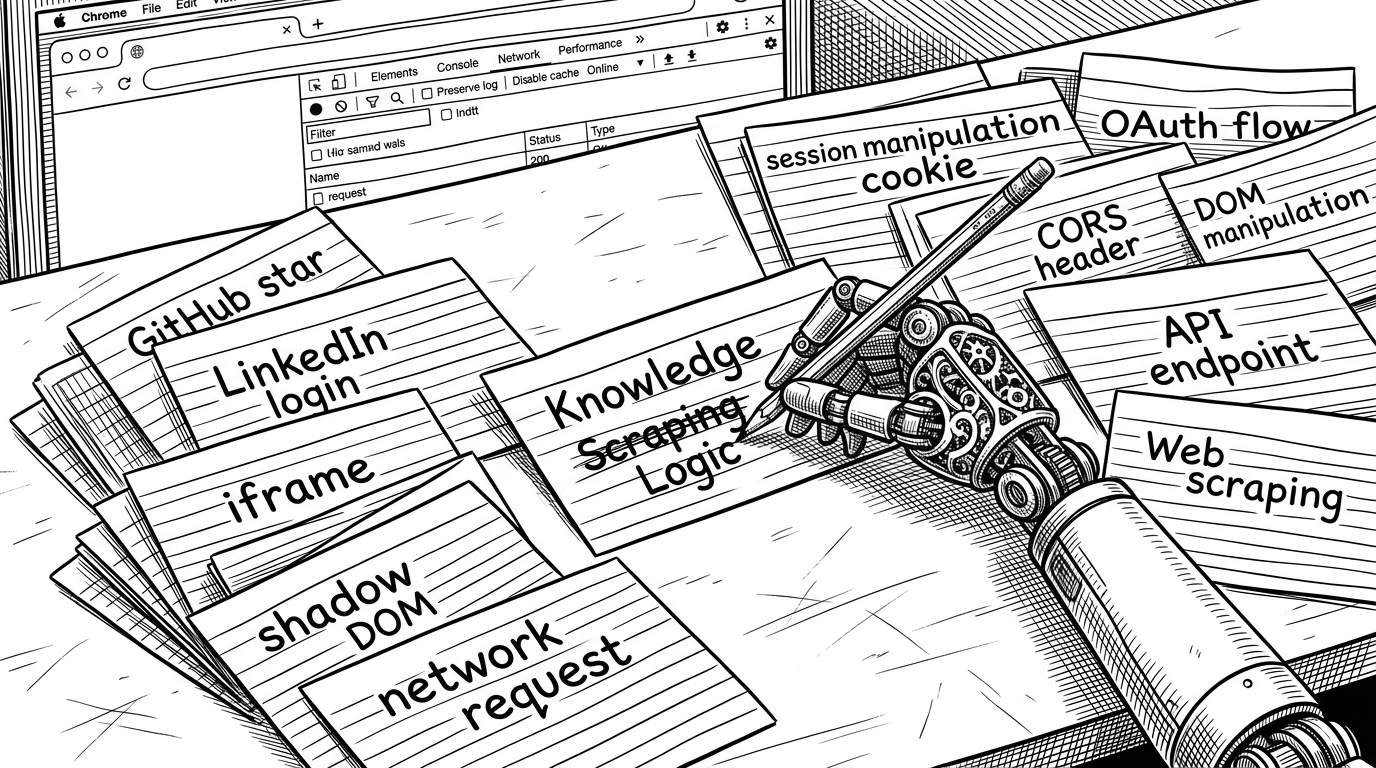
The most valuable part of the repo may be the least glamorous: the skills folders. interaction-skills/ captures general web primitives. domain-skills/ captures site-specific tricks that are too brittle to rediscover every time.
| Layer | What it teaches | Example value |
|---|---|---|
| interaction-skills | Reusable browser mechanics | Shadow DOM, iframes, and network requests become standard moves |
| domain-skills | Site-specific behavior | A GitHub star can be handled through the stable form submit path instead of fragile clicking |
This is where the project starts to look like shared operational memory. One person discovers a stable way to do something. Another task reuses it. Over time, the harness gets smarter in the places that matter.
Why this beats selector-first automation
| Dimension | Playwright / Selenium | browser-harness |
|---|---|---|
| Control model | Selectors and scripted flows | Raw CDP access plus editable helpers |
| Failure response | Usually stop and fix the test | Treat failure as a cue to patch the harness |
| Browser state | Often provisioned fresh | Attaches to a live browser with existing context |
| Knowledge storage | Usually inside test code | Split between helpers and skills |
| Best fit | Deterministic automation | Adaptive browser work for LLM agents |
Playwright and Selenium are strong tools. They are also selector-first tools, which means they work best when the world can be specified in advance. browser-harness accepts that browser work often cannot be specified that cleanly.
Healenium comes closer to the repair idea, but the center of gravity is still testing. browser-harness is broader. It is built for agent work, where the browser is not just something to validate. It is the workspace.
Where the friction still lives
The self-healing loop is powerful, but it is not free. It adds latency, and it adds dependency on the model’s ability to write useful helpers under pressure.
| Benefit | Trade-off |
|---|---|
| Adaptive recovery | More model calls and more runtime cost |
| Live browser state | More coupling to the user’s current session |
| Editable helpers | Requires the agent to reason about code, not just click paths |
| Shared skills | Needs curation so knowledge stays trustworthy |
That is not a flaw to hide. It is the real engineering trade. The project is making a bet that flexibility is worth more than the illusion of rigidity.
What this project suggests about browser automation
browser-harness points toward a different category of tooling. Not a static SDK, and not a giant platform, but a living environment where code, memory, protocol access, and task execution sit close together.
If that model keeps working, browser automation stops looking like a brittle collection of scripts. It starts looking like a system that can absorb new browser behavior without resetting the whole stack.