GhostDesk: The Wayland Desktop That Gives AI Agents a Body
A deep dive into the sandboxed Linux control plane that turns pixels, virtual input, and model-space coordinates into a general-purpose automation surface.
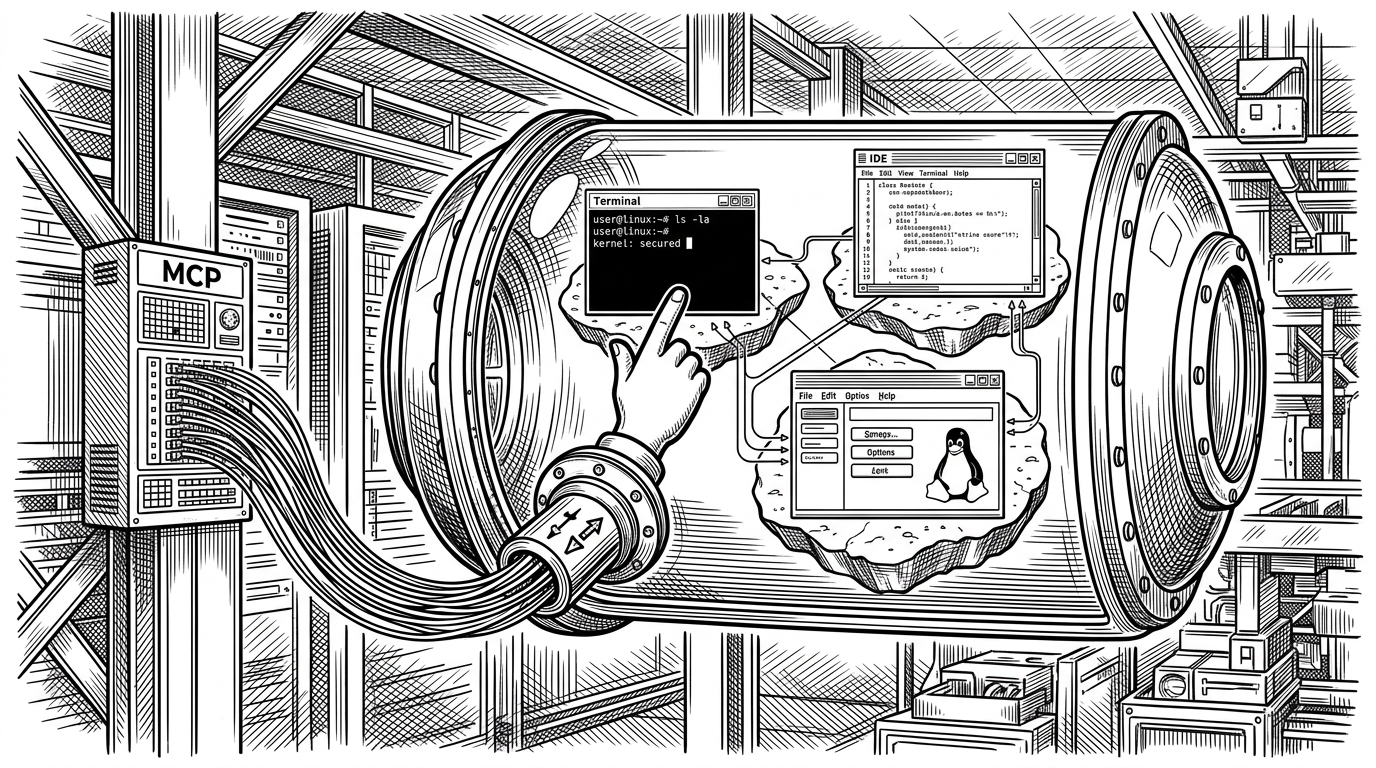
- GhostDesk expands agent automation beyond the browser into any Linux desktop software that can be seen and clicked.
- Its Wayland-native stack is the real moat, because it injects input at the compositor layer instead of leaning on brittle screen-scraping tricks.
- Model-space coordinates and stable screenshot capture make the system feel built for agents, not merely remote-controlled by them.
- Its security posture is pragmatic, because authentication changes depending on whether the runtime is actually encrypted.
The browser is the wrong boundary
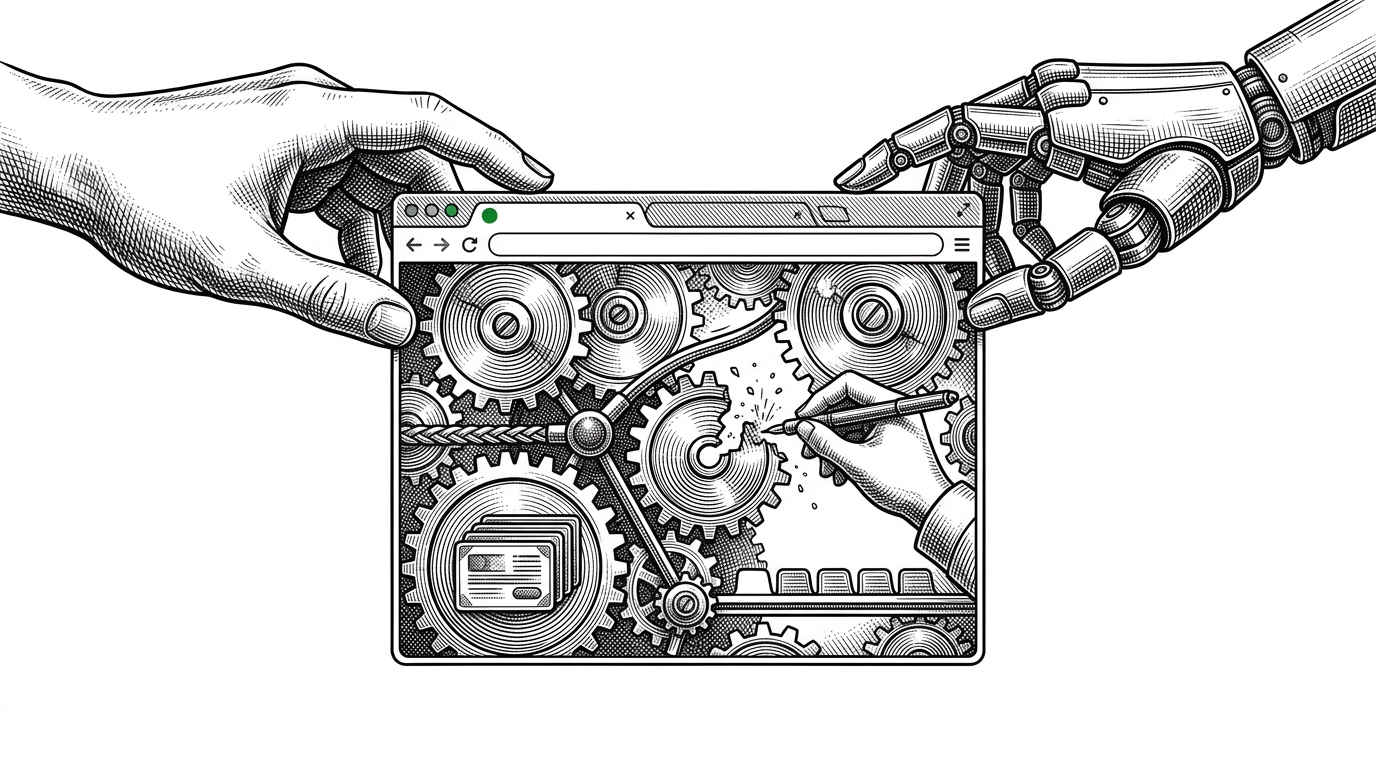
Most automation tools stop where the DOM stops. That works until the job lives in a terminal, a legacy desktop app, or an IDE that was never meant to be scripted from the web. GhostDesk takes the bigger bet: if software has pixels, an agent should be able to act on it.
That shift sounds small until you see the scope. Browser automation is great at web pages. GhostDesk is about the rest of the workstation, which is where a lot of real work still happens.
What GhostDesk actually is
GhostDesk is a containerized MCP server that exposes a sandboxed Linux desktop to an AI agent. The desktop is driven by Sway on Wayland, and the server acts like the control plane that translates agent intent into input, screenshots, and window-level actions.
That matters because it is not the same thing as VNC or a screen share. A screen-share stack gives you visibility. GhostDesk gives you a protocol for interaction, with direct virtual input and a compositor that is designed to accept it.
Why Wayland is the real bet
GhostDesk does not fake its way into the desktop. It talks to Wayland directly through virtual pointer and virtual keyboard protocols, which is a much cleaner place to inject input than older X11-era approaches.
| Layer | GhostDesk | Browser tools | Legacy remote desktop |
|---|---|---|---|
| Control surface | Whole desktop through Wayland | DOM or page events | Pixels and broad input streams |
| Target scope | Any visible Linux app | Web apps only | Any visible desktop, but usually blunt |
| Input model | Virtual pointer and keyboard | Synthetic browser actions | Mouse and key events over a remote session |
| Environment assumption | Sandboxed compositor | Browser runtime | Usually an existing desktop session |
| Reliability under UI change | High for desktop apps, because it targets the compositor | High on stable web UI, lower on custom canvas or native apps | Medium, but often noisy and less precise |
| Best use case | Agentic control of real desktop workflows | Web automation and testing | Human remote access |
The difference is not cosmetic. Wayland gives the project a more disciplined operating model, where the compositor is the authority and the automation layer meets it on its own terms.
The trick that makes typing work everywhere
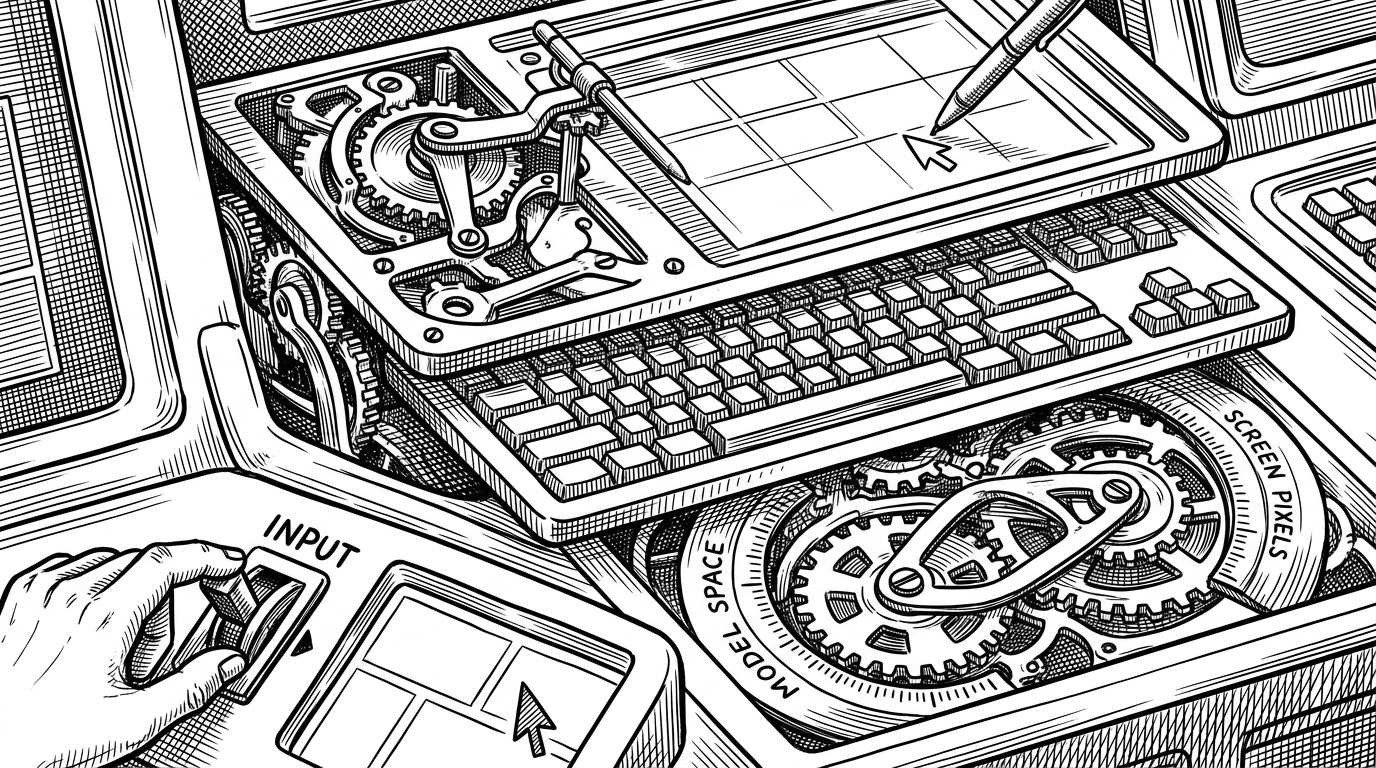
The most interesting input detail is not that GhostDesk can type. It is that it builds a minimal XKB keymap on the fly, the same sort of trick used in tools like wtype, so keys stay predictable across locales and container settings.
# Conceptual shape of the input layer
# GhostDesk generates a minimal keymap so layout stays consistent.

from pywayland.protocol.wlr.virtual_pointer_v1 import ZwlrVirtualPointerV1
from pywayland.protocol.zwp.virtual_keyboard_v1 import ZwpVirtualKeyboardV1

class WaylandInput:
    def __init__(self, seat, xkb_keymap):
        self.pointer = ZwlrVirtualPointerV1(seat)
        self.keyboard = ZwpVirtualKeyboardV1(seat)
        self.keymap = xkb_keymap  # generated on the fly

    def type_text(self, text: str):
        for ch in text:
            self.keyboard.send_key(ch)

    def click(self, x: int, y: int):
        self.pointer.motion(x, y)
        self.pointer.button_press(1)
        self.pointer.button_release(1)
That choice is subtle, but it removes a common class of input drift. The agent does not need to care about the container's locale, because the server normalizes the typing layer before it reaches the compositor.
How GhostDesk thinks in model space
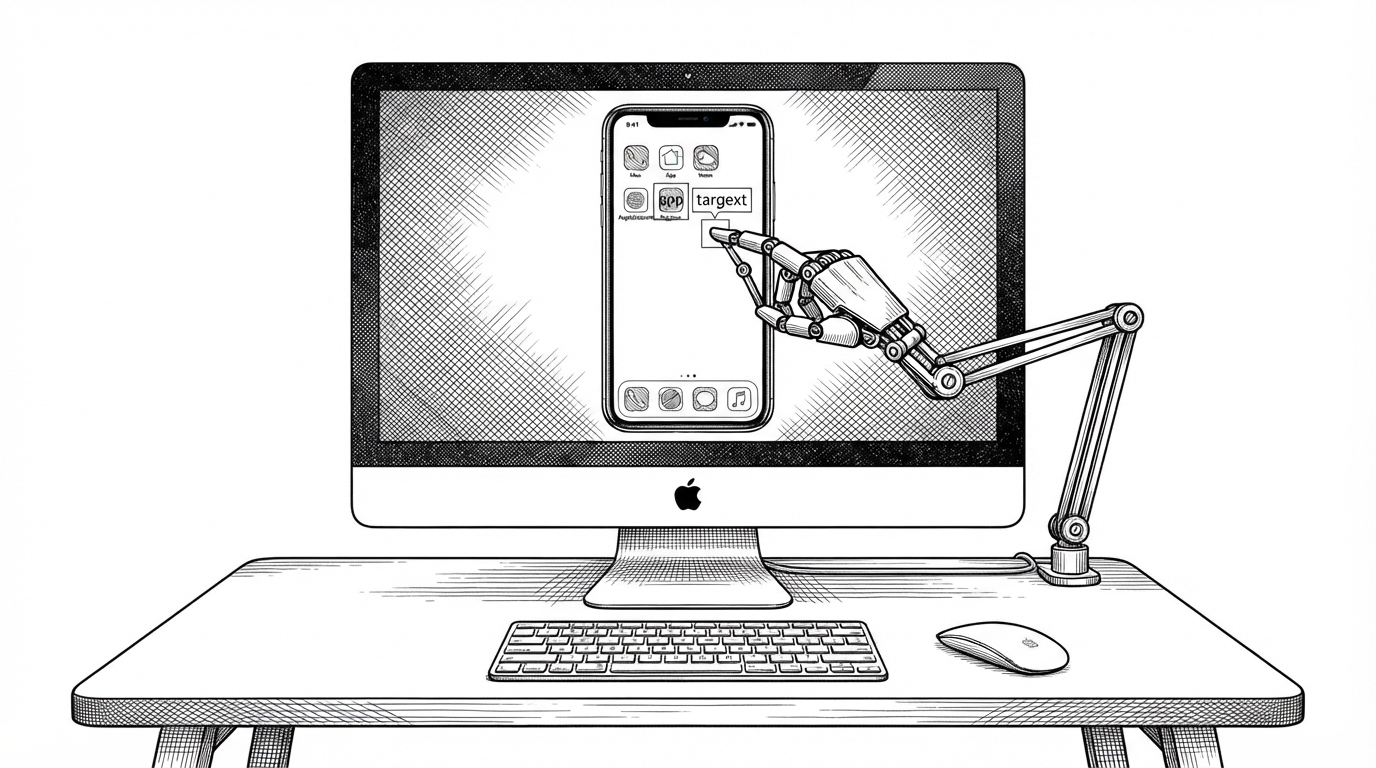
GhostDesk also lets the model think in normalized coordinates instead of raw pixels. In practice, that means a request can arrive in a 0 to 1000 space and the server quietly maps it onto the real screen size with a ContextVar-backed translation layer.
That is a better abstraction than making the model count pixels directly. The server handles the awkward parts, and the agent gets a cleaner interface that matches how vision models often already think.
Why screenshots wait before they speak
A desktop agent fails the moment it acts on a moving target. GhostDesk addresses that with a capture loop that waits until consecutive frames stop changing, or until a timeout forces the issue.
It is an unglamorous fix with outsized value. The system is effectively saying: do not click while the UI is still settling, because the cost of acting too early is much higher than the cost of waiting a few more frames.
| Capture mode | What the agent gets | Trade-off |
|---|---|---|
| Immediate frame grab | Fast but unstable screenshots | Higher risk of acting on animation or loading states |
| Stable frame loop | A screenshot after visual change settles | Slightly slower, much safer for click decisions |
| WebP compression | Smaller payloads for the model | Little perceptual loss on UI text |
The WebP choice is the second-order optimization here. It does not change the product story, but it helps make the visual loop cheap enough to use repeatedly.
The hidden resilience layer
GhostDesk also refuses to trust environment state blindly. Its Sway socket discovery logic can re-find compositor sockets, cache the winner, and invalidate that cache if the compositor changes or the command fails.
That is the kind of detail that separates a demo from a real system. Agents are bad at handling brittle assumptions, so the platform absorbs that fragility before it reaches the model.
Security is not an afterthought
The project's auth posture is practical. If TLS is mounted, it becomes strict about bearer token auth. If not, it stays permissive so the system does not pretend to be secure over an unencrypted channel.
| Environment | Auth behavior | What it is optimizing for |
|---|---|---|
| TLS mounted | Strict bearer token auth | Real protection on an encrypted transport |
| No TLS mounted | Permissive local-style access | Avoiding security theater in a dev setup |
That is a better default than forcing formalities that do not survive the transport layer. The code is treating trust as a system property, not a checkbox.
GhostDesk versus the rest of the stack
GhostDesk is not trying to replace Playwright, Selenium, or VNC. It sits in a different layer. Browser tools are still the best choice when the target is a web app. GhostDesk matters when the target is the desktop itself.
| Tool | Best at | Where it stops |
|---|---|---|
| Playwright / Selenium | Automating web apps | Native desktop software and legacy GUI tools |
| VNC-based control | Remote human-style access | Precision, compositor-native input, and model-aware abstraction |
| GhostDesk | Agent control of a full Linux desktop | It does not pretend the browser is the whole world |
That makes the project less a replacement than a boundary expansion. It widens the set of software an agent can reach without asking the software to become web-native first.