phone-harness: How a Mirrored iPhone Becomes an AI-Controlled Interface
A macOS-first automation layer that treats OCR as the element tree, event injection as the hand, and a physical iPhone as a controllable runtime.
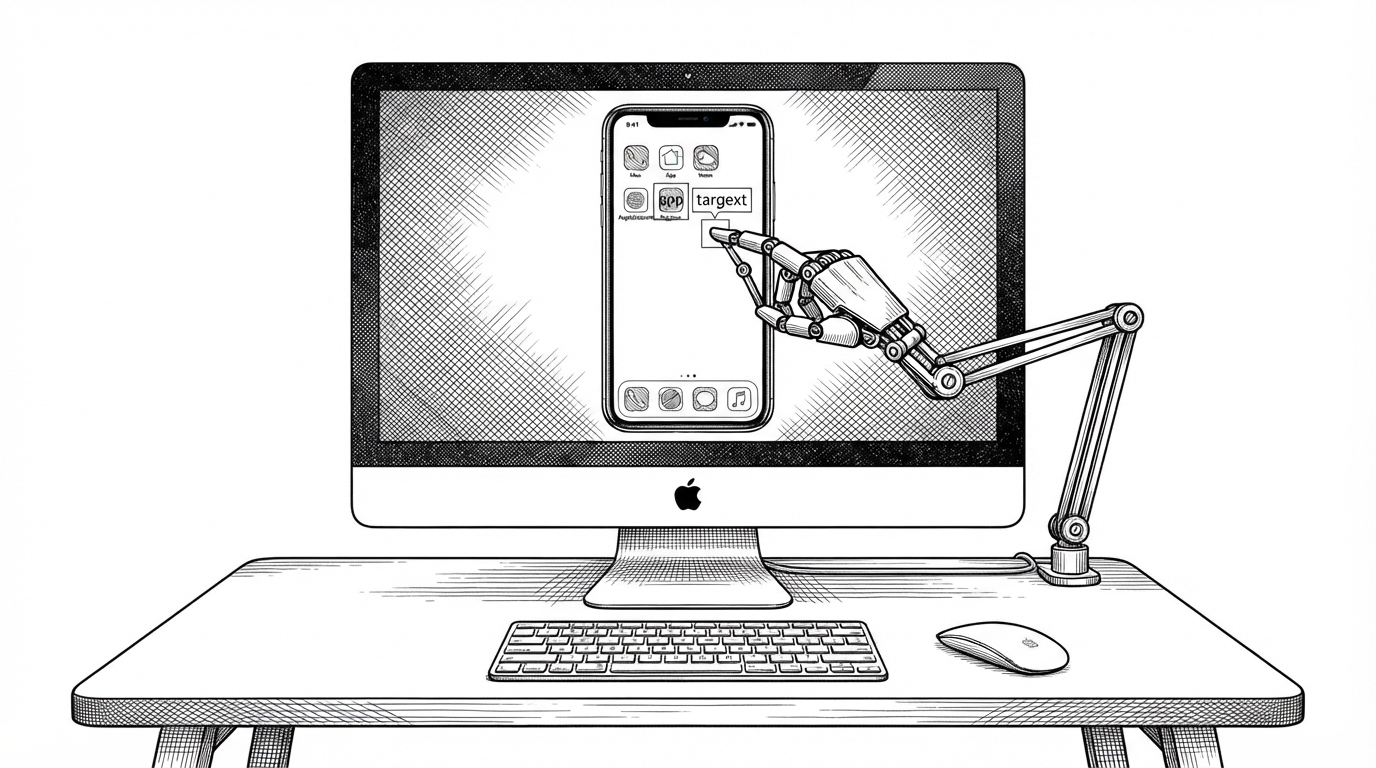
- phone-harness turns macOS iPhone Mirroring into a control surface by using OCR as a stand-in for the missing UI tree.
- Its biggest trick is not automation alone, but interface reconstruction from a video stream with native system input.
- The agent-workspace pattern lets the harness accumulate task-specific helpers instead of forcing every quirk into the core runtime.
- The project is narrower than Appium or Android-first stacks, but much lighter when the target is a real iPhone on a Mac.
The weird part is also the useful part. `phone-harness` does not ask the iPhone for a DOM, an accessibility tree, or an agent SDK. It watches the mirrored screen, extracts text with OCR, and uses those text spans as if they were elements. That makes a physical iPhone look less like a black box and more like a navigable surface.
The iPhone has no DOM. phone-harness builds one anyway.
The core idea is simple enough to state and unusual enough to matter. macOS iPhone Mirroring gives you pixels and a window, not app internals. `phone-harness` treats those pixels as structure, maps recognized text back to coordinates, and turns the result into tap-ready targets.
That is why the repository feels more like a new automation primitive than a wrapper around an existing one. The project is not trying to beat WebDriverAgent at being WebDriverAgent. It is making a different bet: if the screen is visible, readable, and injectable, then it can be automated.
native iPhone control → no API, no jailbreak > Connect once, control anytime. Setup in one prompt. Try it now!
Why this is a macOS-native hack, not a mobile testing stack
The architecture is ruthlessly specific. `screencapture` and Vision handle perception. `CGEventPost` handles foreground input. When the optional background path is available, private SkyLight event injection keeps the phone under control without stealing focus. The iPhone itself stays untouched.
| Approach | Needs software on iPhone | Reads a UI tree | Uses OCR | Works from macOS Mirroring | Best fit |
|---|---|---|---|---|---|
| phone-harness | No | No | Yes | Yes | Physical iPhone control on a Mac |
| Appium / WebDriverAgent | Yes | Yes | Usually not | No | Broad mobile testing infrastructure |
| Android-first harnesses | Often yes | Yes | Sometimes | No | Android devices and emulators |
| mirroir-mcp | No | No | Yes | Yes | Claude-style iPhone control |
| Manual remote control | No | No | No | Yes | One-off human operation |
That comparison is the point. `phone-harness` gives up generality to get rid of the setup tax. No jailbreak. No app install. No dependency on an app exposing accessibility metadata. In return, it works best where the problem is specific: a real iPhone, a Mac, and a task that can be solved by reading text on screen.
Eyes, hands, and a safety check
The codebase splits perception, action, and guardrails cleanly. OCR identifies text and returns coordinates. Input injection taps, swipes, and types. `connection_state()` watches for prompts that should stop the agent instead of letting it brute-force a security flow it cannot and should not bypass.

The agent-workspace pattern is the part other harnesses should copy. It accepts that automation is messy. A tap that works on one screen can miss on another by a few dozen pixels, and the answer is not always a more brittle selector. Sometimes the answer is a helper function the agent can save for next time.
The creator calls this a “poor man's DOM” — it works, but it's just a cardboard house compared to a real DOM: it only gives you text and coordinates, no extra accessibility metadata or structure.
What it beats, what it does not
`phone-harness` is compelling because it is narrow. That sounds like a limitation until you compare it with the usual mobile stack. Appium is broader, but heavier. Android-first systems are powerful, but they are solving a different ecosystem. mirroir-mcp is close in spirit, which makes the contrast more interesting than the category labels suggest.
| Question | phone-harness | Appium / WebDriverAgent | Android-first harnesses | mirroir-mcp |
|---|---|---|---|---|
| Install anything on the phone? | No | Usually yes | Often yes | No |
| Primary signal? | OCR from Mirroring | Accessibility or inspector APIs | Accessibility and ADB | OCR from Mirroring |
| Best device target? | Physical iPhone on macOS | Broad mobile testing | Android devices | Physical iPhone on macOS |
| Background control? | Yes, via private injection path | Not the focus | Varies | Not the focus |
| Setup weight? | Light | Heavy | Medium to heavy | Light |
That tradeoff is the story. If you need exhaustive test infrastructure, use a real mobile automation stack. If you need a light bridge from an AI agent to an actual iPhone, `phone-harness` is doing something sharper: it collapses perception and control into the Mac that already sits next to the phone.
Why this matters beyond one repo
The bigger idea is less about iPhone Mirroring than about the future shape of automation. The most useful systems may not be the ones that expose the richest internal APIs. They may be the ones that make surfaces readable, actions injectable, and the gap between them small enough for an agent to cross.