bulldra/local-llm-pdf-chat: Why This PDF Chat App Refuses to Extract Text
A local-first PDF assistant that treats documents as images, streams pages progressively, and lets MCP tools read them through an in-process FastAPI bridge.
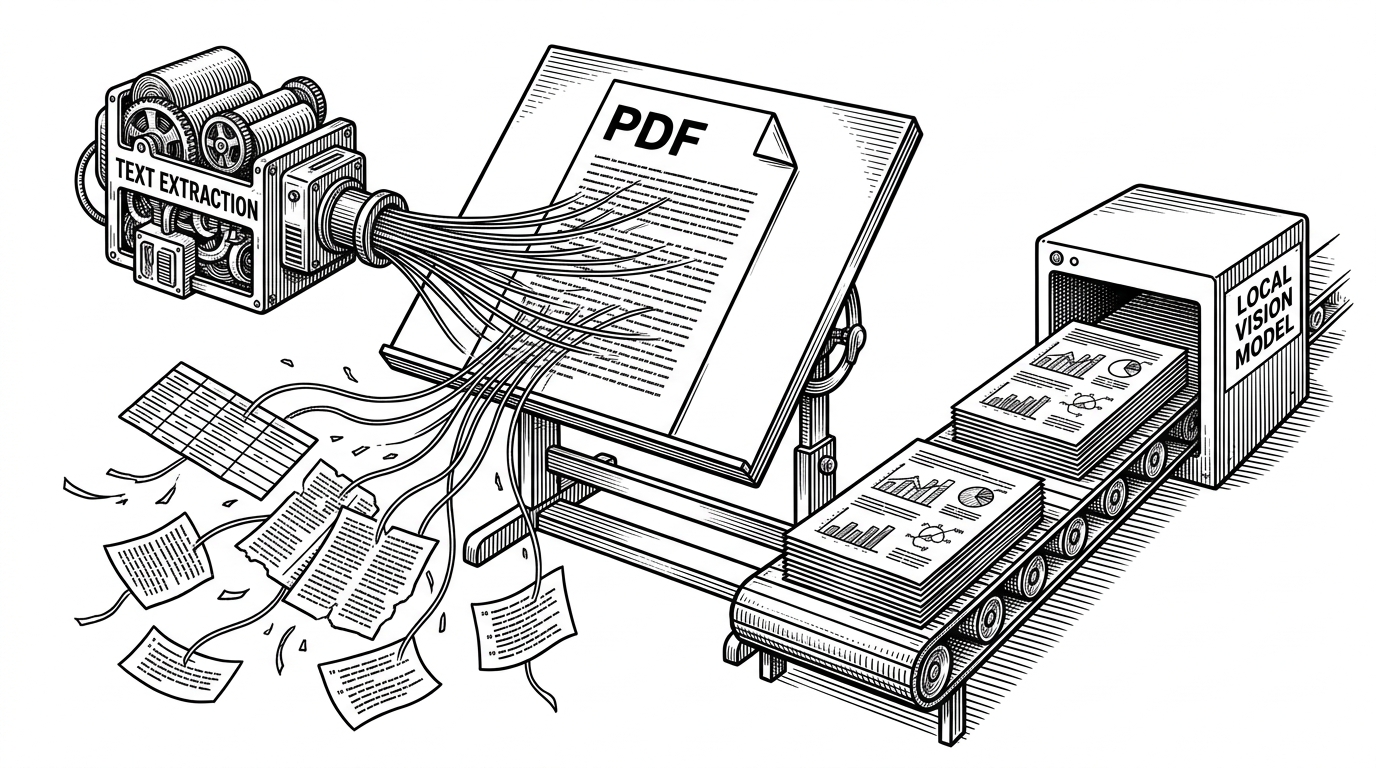
- This repo’s real trick is to stop treating PDFs as text blobs and instead feed full page images to a vision-capable local model.
- Its architecture is more interesting than its UI, because the backend, proxy, and MCP layer are built to be reused, not just demoed.
- The strongest implementation choice is the in-process ASGITransport bridge, which lets the MCP server call FastAPI routes without a separate service hop.
- Most local PDF chat tools optimize extraction and retrieval, while this project optimizes faithful page understanding.
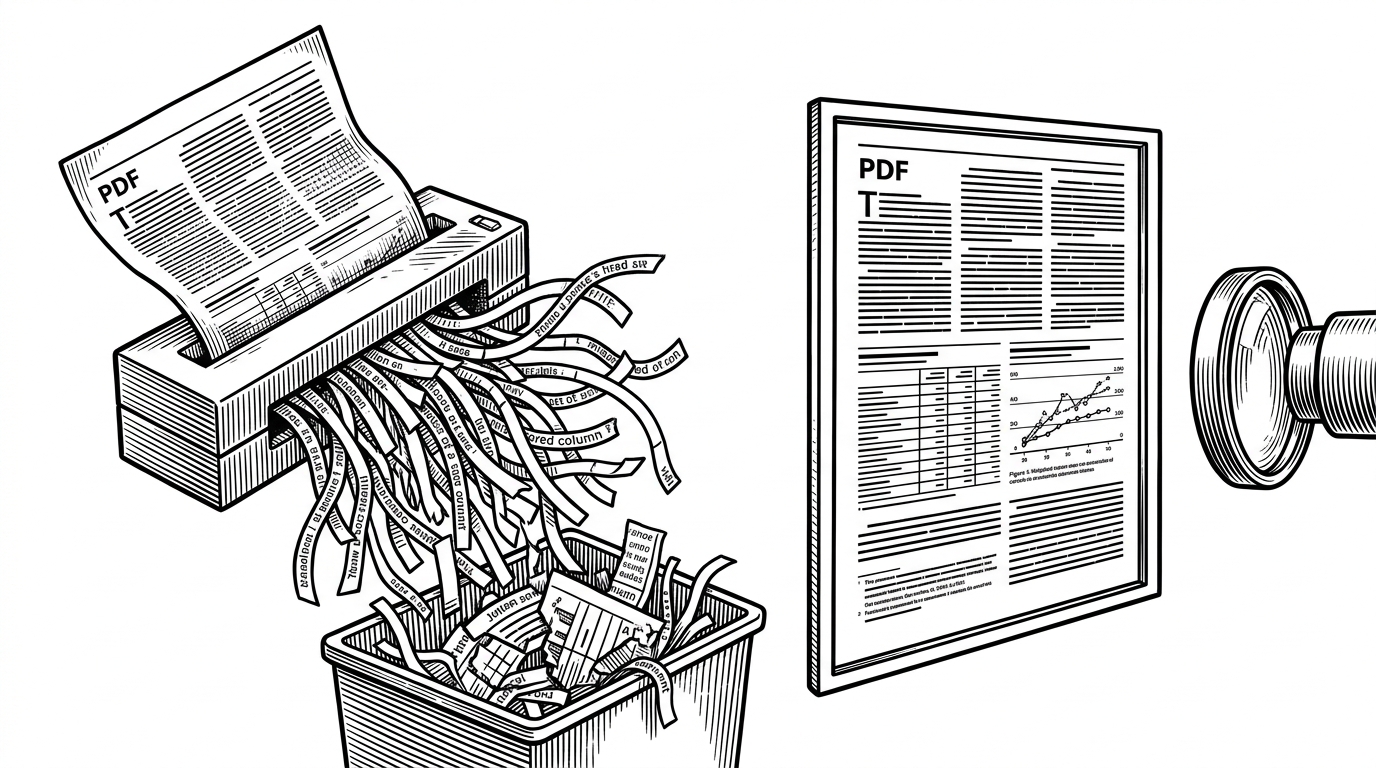
Most PDF chat tools start with a compromise: extract text, chunk it, hope the layout survives, and ask a language model to reconstruct the document from the debris. bulldra/local-llm-pdf-chat makes a cleaner bet. It renders pages as images, keeps the visual structure intact, and sends those pages to a vision-capable local model instead.
That shift sounds small until you think about the documents that matter most. Tables, charts, footnotes, scanned pages, and multi-column layouts are exactly where text-first pipelines get messy. Here, the page image is not a preprocessing step. It is the primary input.
The PDF Chat Tool That Reads Pages Like a Human
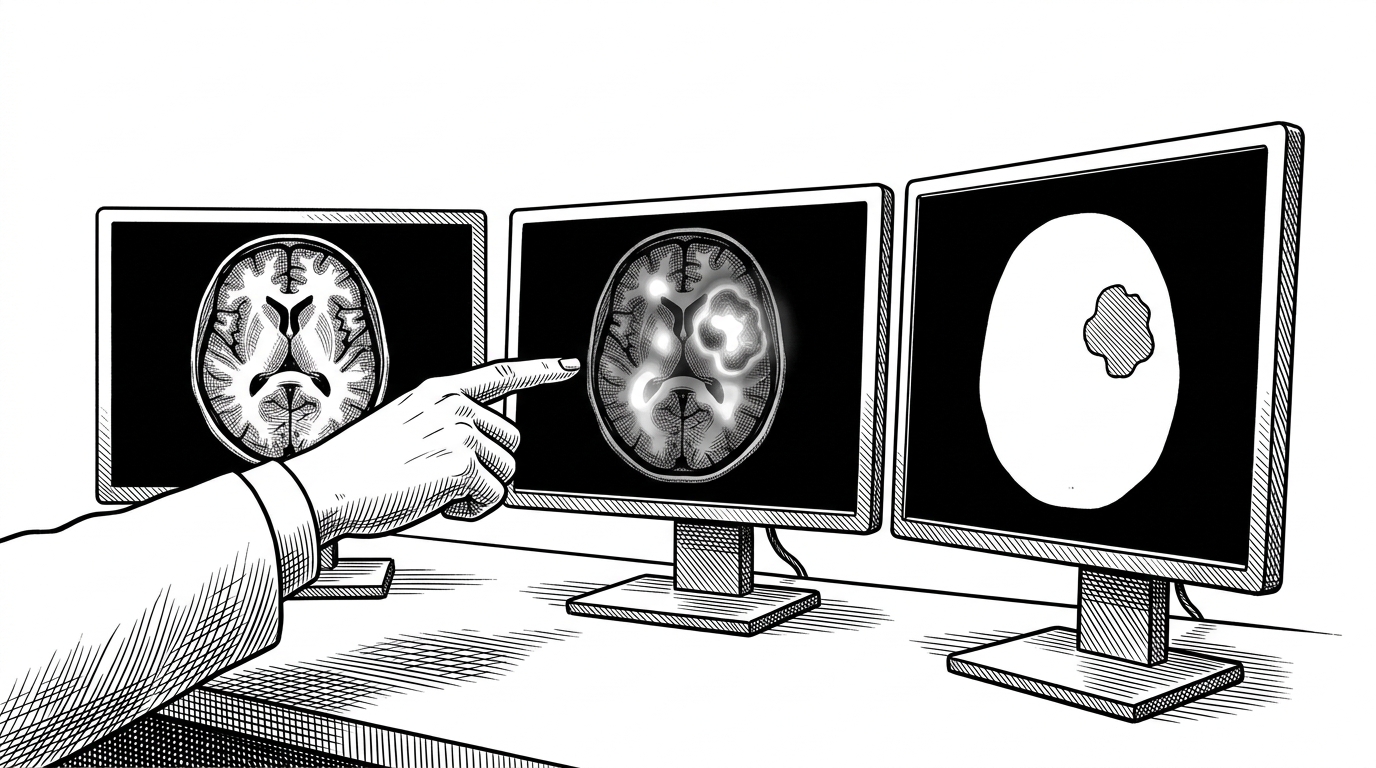
The core idea is inversion. Instead of asking the machine to recover a page from extracted text, the app asks the model to inspect the page itself. That makes the workflow better suited to documents where spatial relationships carry meaning, not just words.
The payoff is practical. A chart label stays next to the chart. A footnote stays where the eye expects it. A table keeps its rows and columns instead of becoming a pile of tokenized fragments.
Why Visual-First Beats Text Extraction on Real PDFs
| Problem in text-first PDF chat | What this repo does instead |
|---|---|
| Multi-column layouts collapse into a single text stream. | Renders the page image so reading order stays visible. |
| Tables lose alignment and cell boundaries. | Keeps the table as a visual object the model can inspect. |
| Scanned pages and screenshots become unreliable text. | Treats them as native inputs, not extraction failures. |
| Charts and footnotes lose spatial context. | Preserves page structure before the model sees it. |
This is why the project feels less like a document search tool and more like a document-reading system. It is not trying to salvage a broken representation. It is choosing the right representation up front.
The Rendering Pipeline That Streams Pages Instead of Freezing
The backend’s first job is to render PDFs quickly without locking up the UI. In backend/src/pdf_routes.py, PyMuPDF turns each page into an image, and the server streams progress as NDJSON so the frontend can show page counts and thumbnails immediately.
async def render_pdf_stream(pdf_path: Path):
    yield json.dumps({"type": "meta", "page_count": page_count}) + "\n"
    for page_number in range(page_count):
        image_data = render_page_to_png(pdf, page_number)
        yield json.dumps({"type": "page", "page_number": page_number, "image": image_data}) + "\n"
        await asyncio.sleep(0)
That last line matters. asyncio.sleep(0) is a tiny yield point, but it shows the code is written for responsiveness, not just correctness. The server keeps breathing while it renders.
The result is a UI that feels live even when the document is large. The app does not wait for perfection before showing anything. It shows enough, early.
The Quietly Elegant LM Studio Proxy
The backend also acts as a reverse proxy to LM Studio. In backend/src/lmstudio_routes.py, it forwards requests, preserves server-sent event streaming, and handles hop-by-hop headers correctly so the proxy does not break long-running generations.
That is a small architectural kindness with large consequences. It keeps the frontend simple, avoids brittle client behavior, and lets the backend own the details of model connectivity instead of scattering them through the app.
The MCP Bridge That Calls Itself In Process
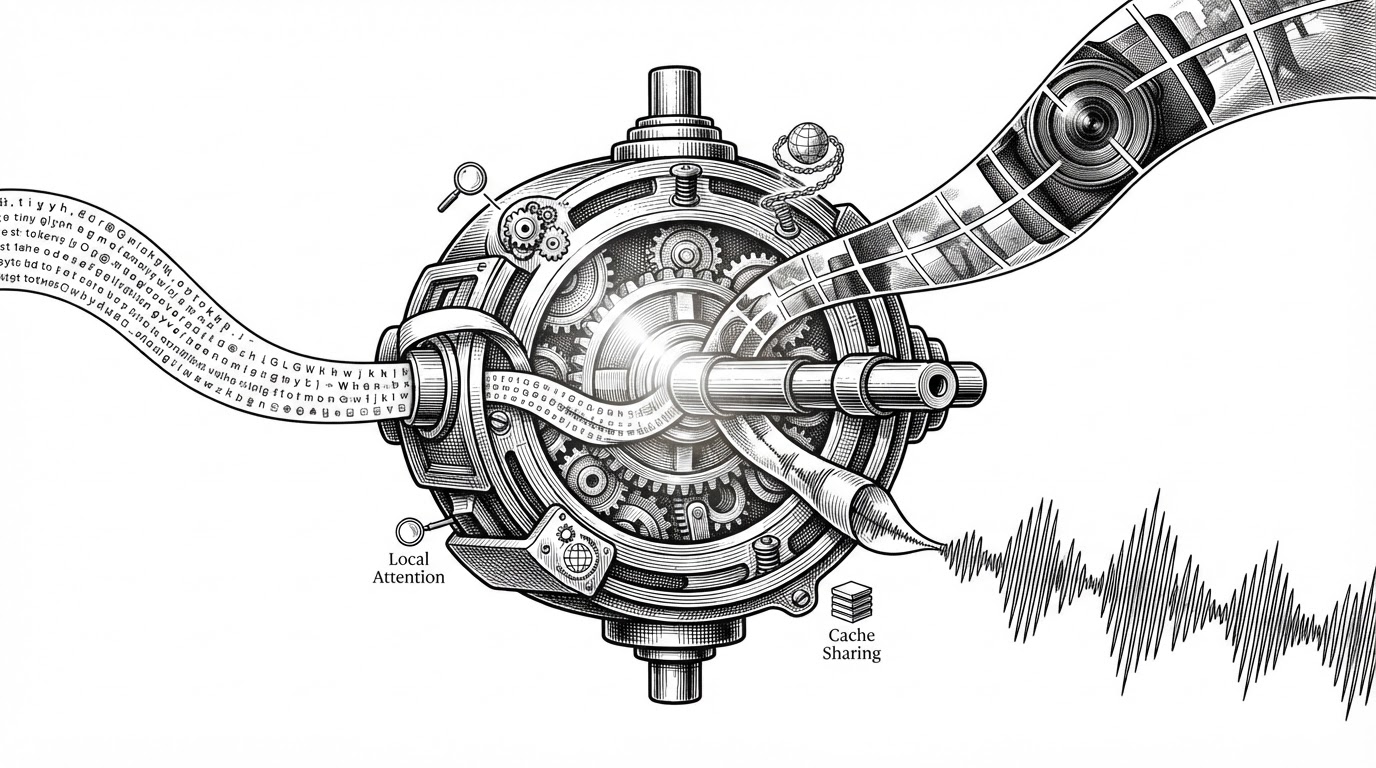
This is the sharpest piece of engineering in the repo. In mcp/pdf_image_mcp/server.py, the MCP server uses httpx.ASGITransport(app=_pdf_app) to call the FastAPI app in process. No extra service. No network hop. Same logic, reused twice.
That design matters because it turns the backend into a library-like boundary. The same PDF logic can live behind HTTP, or be embedded as a tool server. The code stays singular, even when the interfaces multiply.
transport = httpx.ASGITransport(app=_pdf_app)
async with httpx.AsyncClient(transport=transport, base_url="http://pdf-app") as client:
    response = await client.get(f"/pdf/{pdf_id}/page/{page_number}")
The Frontend Orchestrates a Multi-PDF Workspace
The frontend is not just a shell around the backend. It manages multiple PDFs through PdfGroup, supports range selection in PagePicker, and packages selected pages into OpenAI-compatible vision payloads inside ChatView.
That means the UI is doing real coordination work. It is not only displaying pages. It is deciding which pages belong in a conversation and when to attach them.
Where It Sits in the Local PDF-Chat Landscape
Compared with tools like PrivateGPT, LocalGPT, GPT4All, and AnythingLLM, this repo makes a different wager. Most local document assistants are built around text RAG. This one is built around visual document understanding, with MCP interoperability baked in.
| Project | Primary input philosophy | Notable strength | Trade-off |
|---|---|---|---|
| bulldra/local-llm-pdf-chat | Page images first | Faithful layout reading and MCP reuse | Depends on a vision-capable local model |
| PrivateGPT | Extracted text first | Simple private document Q&A | Layout and tables can degrade |
| LocalGPT | Extracted text first | Familiar local-RAG workflow | Same extraction fragility |
| GPT4All | Text and files first | Broad desktop ecosystem | Less specialized for page-faithful PDF reading |
| AnythingLLM | Workspace and text first | Flexible multi-source knowledge bases | Visual document structure is not the center |
That comparison is the point. The differentiator is not just privacy or locality. It is that this repo optimizes for fidelity to the page itself.
The Bet
The project is betting that local vision models will make page-level understanding normal, and that the right abstraction is a page-image pipeline first, not a vector database first. If that bet pays off, this architecture is ahead of the curve.
The cleanest summary may be the one the code already implies: read the document the way a person would, then automate everything around that.