`chromadb-default-embed`: The Fork That Makes Embeddings Feel Native in JavaScript
A zero-config, isomorphic embedding engine that hides model loading, tokenization, and backend fallbacks behind one Chroma-friendly default.
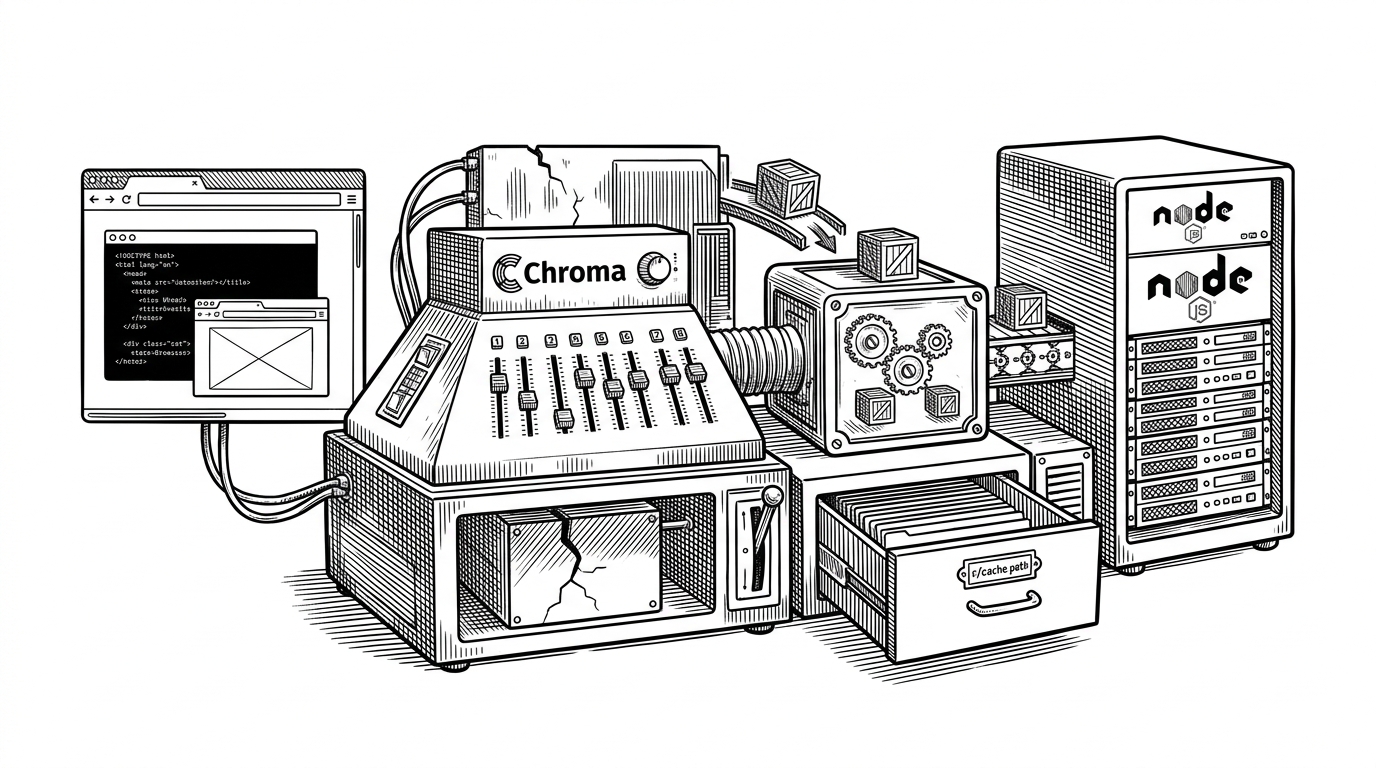
- Chroma forked `@xenova/transformers` to own the default embedding path, not to invent a new model stack.
- The library’s value is its isomorphic UX: the same call works across browser and Node while the runtime details stay hidden.
- Its real product trick is graceful fallback, because users still get embeddings when accelerated backends fail.
- This is a control-point fork, where Chroma treats embeddings as a stable product default instead of an external dependency.
Why Chroma Forked the Default
The story here is not a grand algorithmic leap. It is a product decision with technical consequences: Chroma wanted the embedding layer to feel boring. No API keys, no extra accounts, no surprise backend choices. Just a local default that works when a JavaScript developer first reaches for vectors.
currently JS usage is gated on having an API key (seems bad)
That quote gets to the core of the fork. `chromadb-default-embed` exists to remove friction at the moment of adoption, not to expand the model catalog. The goal is to make embeddings feel like part of Chroma itself, instead of an extra system a developer has to assemble.
| Option | Setup friction | Runs locally | Owns fallback behavior | Best fit |
|---|---|---|---|---|
| chromadb-default-embed | Low | Yes | Yes | A stable Chroma default for JS apps |
| @xenova/transformers | Medium | Yes | Partially | General-purpose Transformers.js use |
| Hosted embedding APIs | Low to start, higher over time | No | No | Teams that want managed inference |
That comparison is the strategic shape of the project. Chroma is not trying to out-feature the upstream library or beat hosted APIs on breadth. It is trying to own the first mile of the embedding journey, where defaults matter more than flexibility.
One API, Two Worlds
The repo is isomorphic by design. In a browser it leans on browser-friendly storage and runtime detection. In Node it can use filesystem-backed paths and server-side execution. The developer sees one package and one callable surface, while the library quietly negotiates the environment underneath.
The Pipeline Is the Product
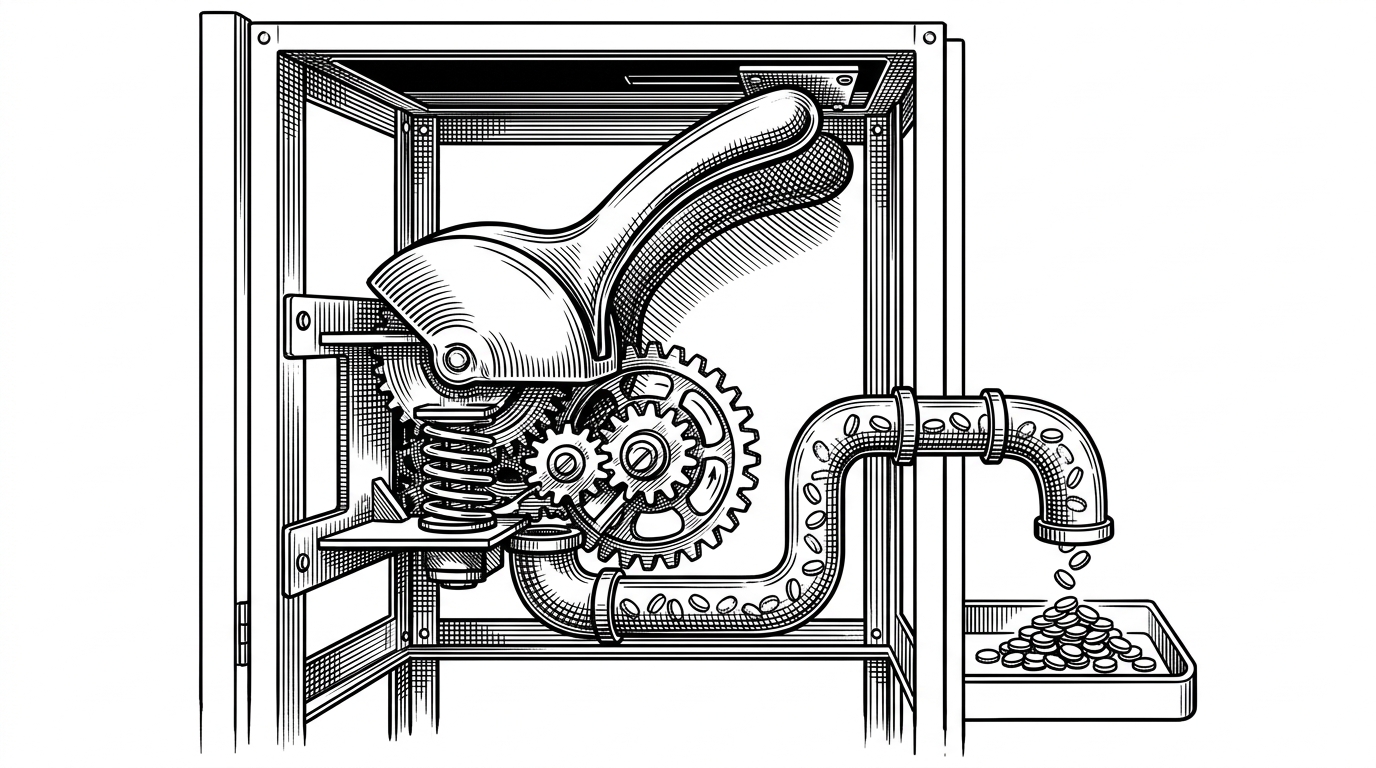
Under the hood, the high-level `pipeline` abstraction is the trick that makes the library approachable. It bundles preprocessing, inference, and post-processing into a callable object, so a developer can treat a model like a function instead of staging a mini ML application by hand.
import { pipeline } from 'chromadb-default-embed';

const embedder = await pipeline('feature-extraction', 'Xenova/all-MiniLM-L6-v2');
const vectors = await embedder('Chroma makes embeddings feel native in JS');
That shape matters because the code does not just hide complexity. It arranges it in the order a human expects. Input goes in, tensors move through ONNX, and a JavaScript object comes back out. The abstraction is simple, but the machinery behind it is doing real work.
Why Tokenization Is Harder Than It Looks
Tokenization is where a friendly API starts to look like a pile of edge cases. This fork carries BPE, WordPiece, Unigram, and chat template logic in JavaScript, which means it has to mirror Hugging Face behavior closely enough that prompts, special tokens, and model-specific quirks all land in the right place.
// Conceptual shape of the internal flow
text -> tokenizer -> input ids -> ONNX session -> hidden states -> pooling -> embedding array
That work is easy to underestimate because it is invisible when it succeeds. But the invisible layer is the product. If tokenization drifts, the whole promise of a stable default starts to wobble.
Why This Fork Beats a Direct Dependency
The competition is not another trendy embedding library. It is three different ways to think about the same problem: depend directly on upstream Transformers.js, use a hosted embedding API, or vendor a focused default into Chroma’s own stack.
| Choice | Local by default | Version control | Operational burden | Chroma ownership |
|---|---|---|---|---|
| chromadb-default-embed | Yes | High | Low | High |
| @xenova/transformers | Yes | Medium | Low to medium | Low |
| Hosted embedding API | No | Low | Medium to high | Low |
The fork wins when the requirement is not maximum breadth. It wins when the requirement is a stable default that feels native in JavaScript, works in the browser and Node, and survives backend failures without making the developer rethink the integration.
We want a happy path for devs getting started - they shouldnt need to create any accounts or get API keys
The transformers.js library itself, when built and minified, is only around 800KB (700KB of which is onnxruntime-web).
Those quotes frame the same trade-off from two sides. Chroma wants a clean first run. Upstream shows that the runtime footprint is already compact enough to make that practical. Together they explain why this fork is less a vanity split and more a deliberate product boundary.
The Real Point of the Fork
`chromadb-default-embed` is a control point. It lets Chroma own the embedding default instead of inheriting someone else’s release cadence, model list, or runtime assumptions. For developers, that translates into a local-first path that feels native in JavaScript. For Chroma, it means the first mile of vector search is now part of the product, not a dependency accident.