movies-resizer: The Rust CLI That Turns MP4s Into Raw Pixels
It uses ffprobe and ffmpeg to resize video to 540px wide, sample it at 1 FPS, and emit raw RGB24 buffers or JSON, so downstream code gets data instead of a decoder problem.

- movies-resizer treats video as a preprocessing source, not a playback format, by turning MP4s into raw RGB buffers and JSON that downstream tools can inspect directly.
- The tool's real contract is dimensional predictability, because ffprobe discovers width and height, ffmpeg rescales and samples, and Rust writes metadata that keeps the byte counts honest.
- Rust is glue with guardrails here, using clap, Command, and serde_json to keep a tiny pipeline explicit instead of hiding it inside shell scripts.
- The narrow scope is the product, and the main cost is the memory-heavy JSON path that expands every pixel into tuples before serialization.
Video, but for machines
Most video tools are built to preserve motion. movies-resizer does the opposite. It turns an .mp4 into a stream of raw pixels, then can serialize those pixels into JSON so another program can read a frame without first solving video decoding.
That sounds small until you need to feed video into a script, a model, or a visualization pipeline. At that point, a decoder is friction. A predictable byte contract is leverage.
The pipeline hidden inside one binary
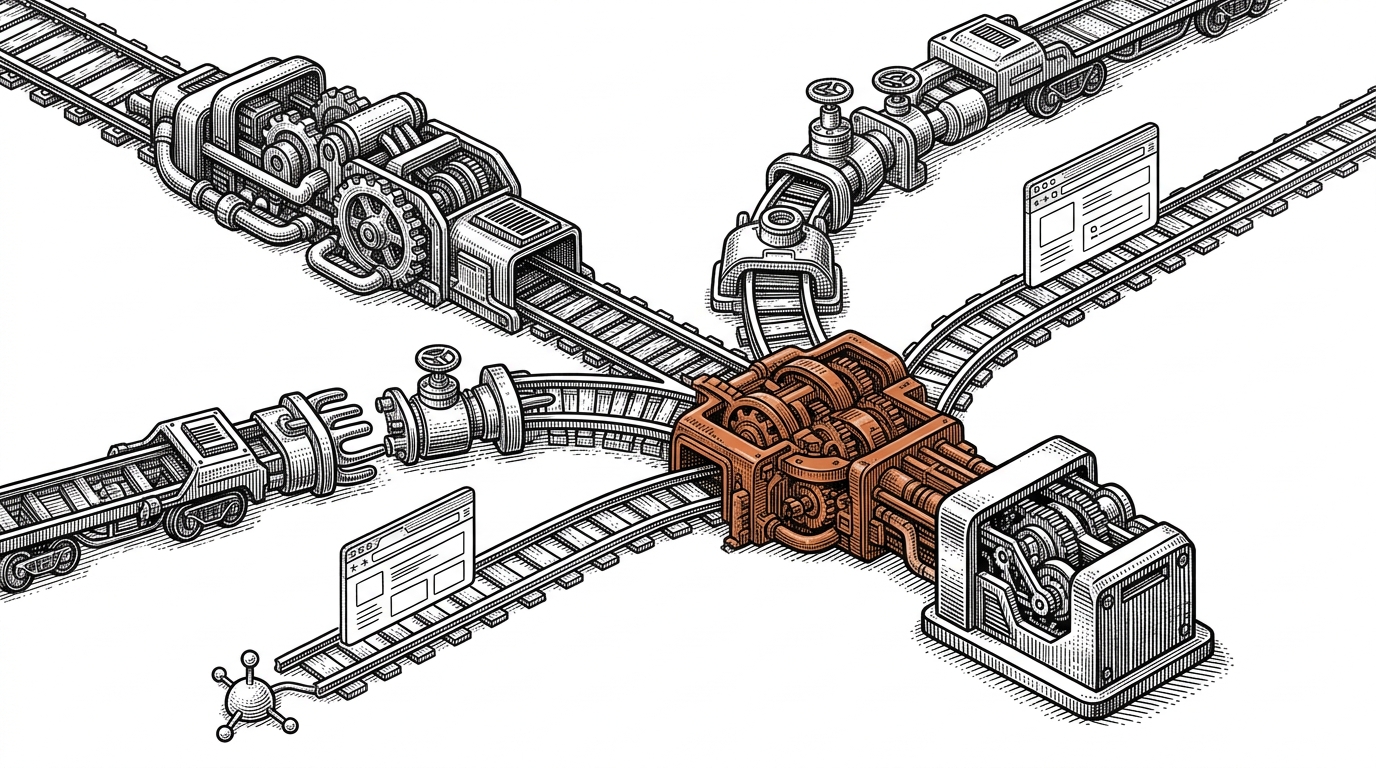
The repo's real trick is not resizing. It is making every output frame computable ahead of time. ffprobe discovers the source dimensions, ffmpeg scales to 540px wide and samples at 1 FPS, and Rust reconstructs the exact byte count from width × height × 3.
The tool also caps processing at 180 seconds. That keeps the data shape bounded, which matters because the JSON path turns each pixel into an explicit tuple and the memory bill rises fast.
ffprobe -v error -select_streams v:0 -show_entries stream=width,height -of csv=p=0:s=x input.mp4
ffmpeg -i input.mp4 -vf scale=540:-1,fps=1 -t 180 -f rawvideo -pix_fmt rgb24 output.raw
Why Rust fits this job
Rust is doing glue work here, but good glue work. clap gives the CLI a clean surface, std::process::Command keeps the ffprobe and ffmpeg calls explicit, and serde_json handles metadata plus optional pixel serialization.
That choice matters because the repo is less about algorithmic novelty than contract discipline. The code says what it expects, what it emits, and when it stops. Even the sequential file loop feels intentional, because the first job is correctness, not throughput.

What it replaces, and what it does not
| Tool / approach | Primary output | Knowledge needed | Strength | Weakness | Best fit |
|---|---|---|---|---|---|
| FFmpeg shell script | Frames or re-encoded video | High | Fast and flexible | Easy to lose track of dimensions and byte counts | One-off local automation |
| Python with OpenCV or MoviePy | Frames, arrays, or clips | Medium | Quick to prototype | More moving parts, especially across large batches | Exploratory data prep |
| movies-resizer | Raw RGB24, JSON, and .meta.json | Low to medium | A single opinionated contract | Narrow scope and memory-heavy JSON | Repeatable preprocessing for downstream code |
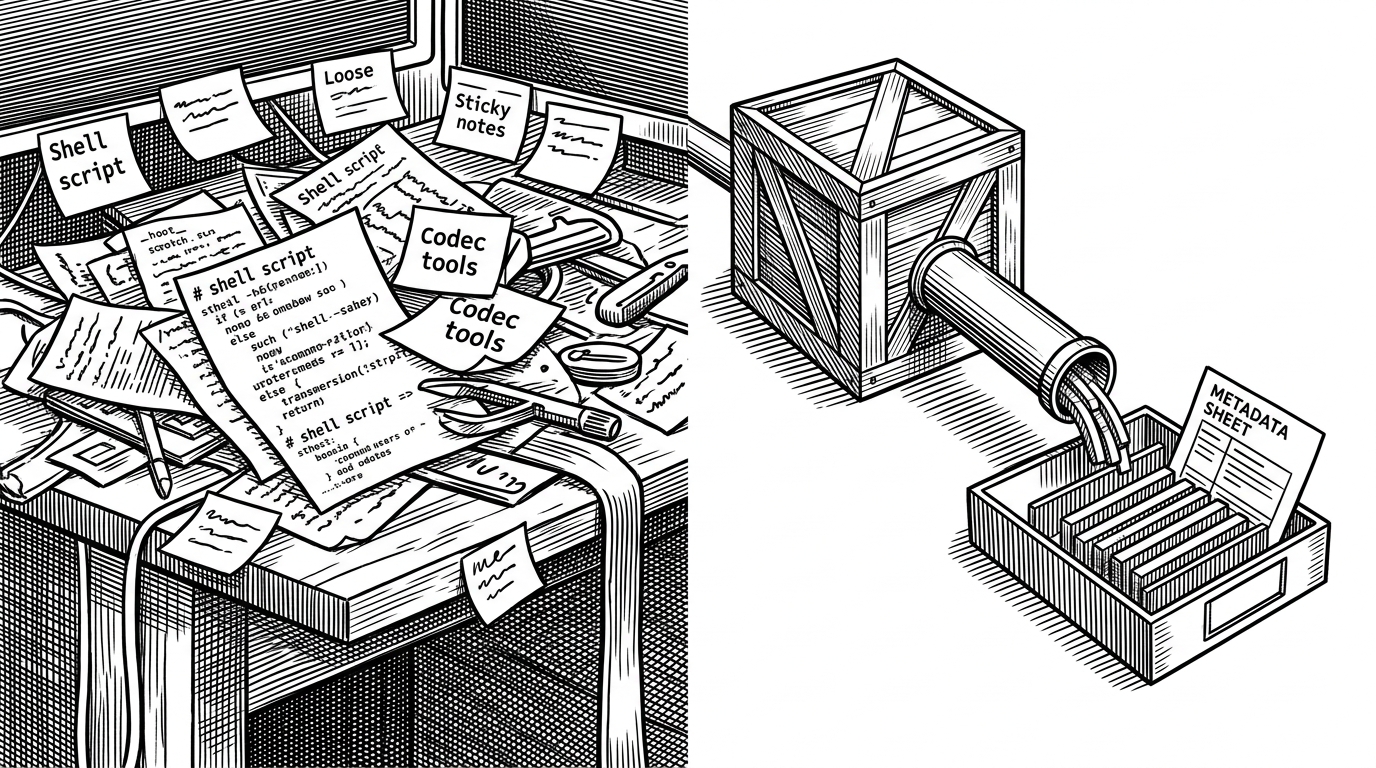
Compared with a shell script, the repo gives you a typed CLI and a repeatable metadata file. Compared with Python video pipelines, it gives you a narrower surface and fewer moving parts. It is not trying to be a media suite, only a preprocessing adapter with a very specific output shape.
Origin, constraints, and the next obvious upgrade
The project reads like a single-maintainer utility, not a platform. That is a strength here. The smaller the tool, the easier it is to trust the contract: input video in, bounded raw frames out, metadata alongside the bytes.
There are no public interviews or quotes to lean on, so the README and the code carry the argument. The obvious next step is parallel file processing, which the dependency list already hints at, but the real trade-off remains memory. The JSON path is expensive because every pixel triplet gets expanded before it is serialized.