BunBook: The Sub-Millisecond TypeScript Scratchpad
How a lightweight VS Code extension uses the Bun runtime to fix the "slow kernel" problem and make notebooks feel like native IDE scripting.


A VS Code notebook extension for running TypeScript with Bun. Fast startup, shared state across cells, inline Plotly charts, and full TypeScript intellisense.
- BunBook achieves sub-millisecond execution by bypassing heavy Jupyter kernels to run TypeScript directly through the Bun runtime.
- The extension uses AST manipulation to convert local declarations into global variables for seamless state persistence across notebook cells.
- An Output Persistence Toggle prevents Git history bloat by stripping binary data and execution metadata from the saved file.
- The tool transforms the notebook experience into a lightweight scratchpad optimized for web development and daily scripting tasks.
The Death of the "Warming Up" Spinner
For years, the developer notebook experience has been dominated by Python and the heavy machinery of Jupyter. While powerful for data science, it introduces severe friction for web developers who just want to test an API response, munge some JSON, or write a quick automation script. Setting up a virtual environment, installing dependencies, and waiting for a ZeroMQ-based kernel to warm up turns a simple scratchpad task into a chore.
Enter BunBook. By bypassing traditional kernel architectures and leveraging the Bun runtime directly within VS Code, it eliminates the waiting game. When you hit "Play" on a cell, execution is nearly instantaneous. It fundamentally shifts the notebook from a heavy data-science tool to a lightweight, everyday scripting environment for TypeScript developers.
The Global State Illusion
The most complex technical challenge of any notebook is state management across discrete execution boundaries. If you declare const data = fetch('/api') in Cell A, how does Cell B know about it without crashing the runtime or losing context?
BunBook solves this through clever Abstract Syntax Tree (AST) manipulation. Under the hood, the extension's transformCode.ts module parses the incoming TypeScript, intercepts top-level declarations, and rewrites them before execution.
Specifically, it converts const and let declarations into var. Because the underlying worker.ts uses an indirect eval, these var declarations attach to the global object. This creates the seamless illusion of a single, continuous script, even though the user is executing fragmented cells out of order.
Solving the "Jupyter Git Diff" Nightmare
Anyone who has committed a Jupyter notebook to version control knows the pain of massive, unreadable Git diffs caused by base64-encoded images and execution metadata embedded in the JSON. It breaks code review and bloats repositories.
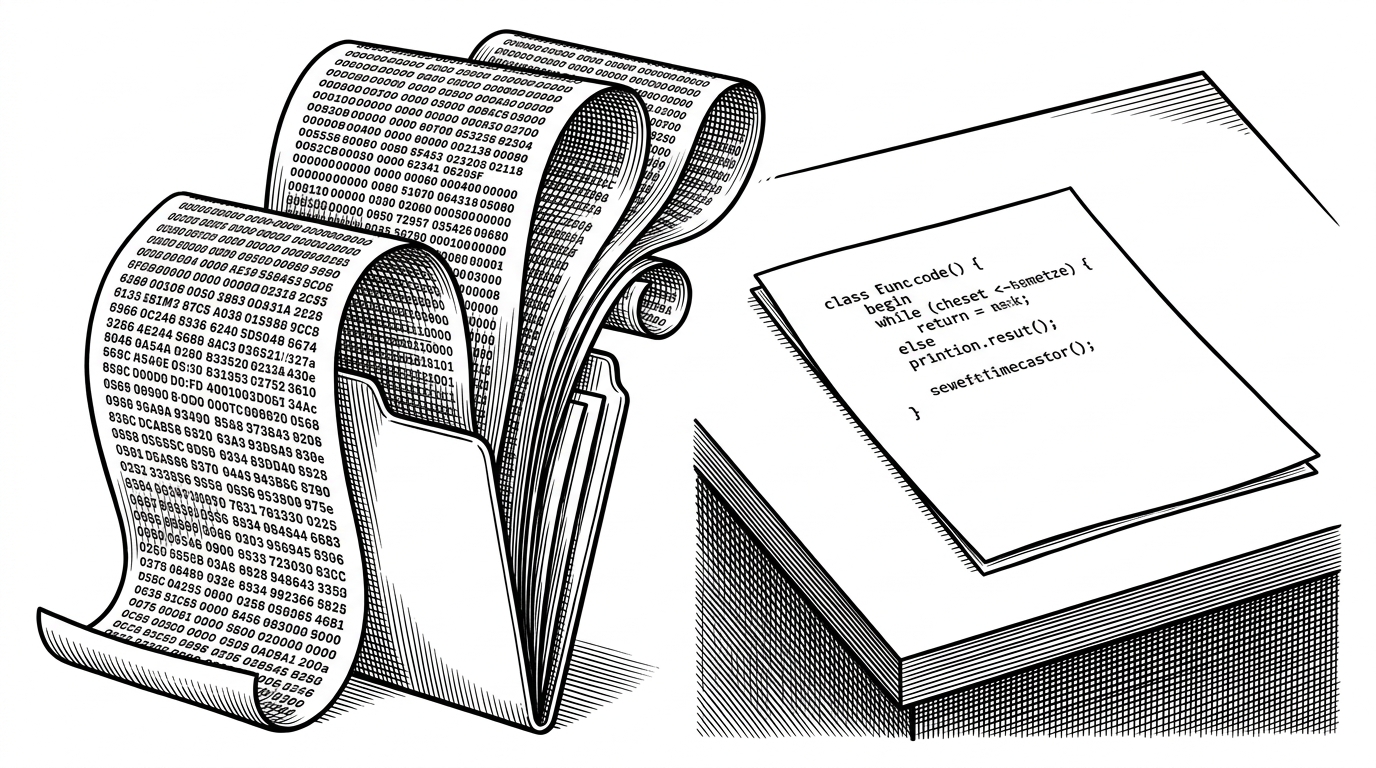
BunBook introduces a remarkably pragmatic solution: the Output Persistence Toggle. With a single click in the VS Code toolbar, the extension dynamically renames the file from .ipynb to .no-output.ipynb. This strips all binary blobs and execution counts from the saved file on disk, leaving only the pure TypeScript source for Git to track, while keeping the rich output visible in your editor.
A Modern Pedigree
Built by developer David Buezas, BunBook reflects the core philosophy of the Bun ecosystem: battery-included, zero-configuration performance. By leaning on Bun's built-in SQLite, file I/O, and fetch APIs, the extension doesn't need to reinvent the wheel—it just needs to provide a seamless bridge to the IDE.
The TypeScript Notebook Landscape
The ecosystem for JavaScript/TypeScript notebooks is fragmenting, with different tools optimizing for different use cases. While older tools prioritized stability and Jupyter ecosystem compatibility, newer tools are pushing for speed and native integrations.
| Feature | BunBook | tslab | Deno Notebooks |
|---|---|---|---|
| Runtime | Bun | Node.js | Deno |
| Startup Speed | Sub-millisecond | 2-5 seconds | Fast |
| Git-Friendly Toggle | Yes (.no-output) | Manual (.gitignore) | Manual |
| Native Plotly | Built-in API | Via MIME types | Limited |
For developers deeply entrenched in the Node.js ecosystem who need heavy Jupyter integration, `tslab` remains a viable choice. However, for those who value iteration speed, native web APIs, and a clean Git history, BunBook transforms the notebook from a cumbersome data science artifact into a lightning-fast daily driver.