svg-term-recorder: The tiny recorder that makes terminal demos feel rehearsed
A Bun-powered TypeScript script, a virtual clock, and SVG output turn messy shell sessions into lightweight documentation assets.
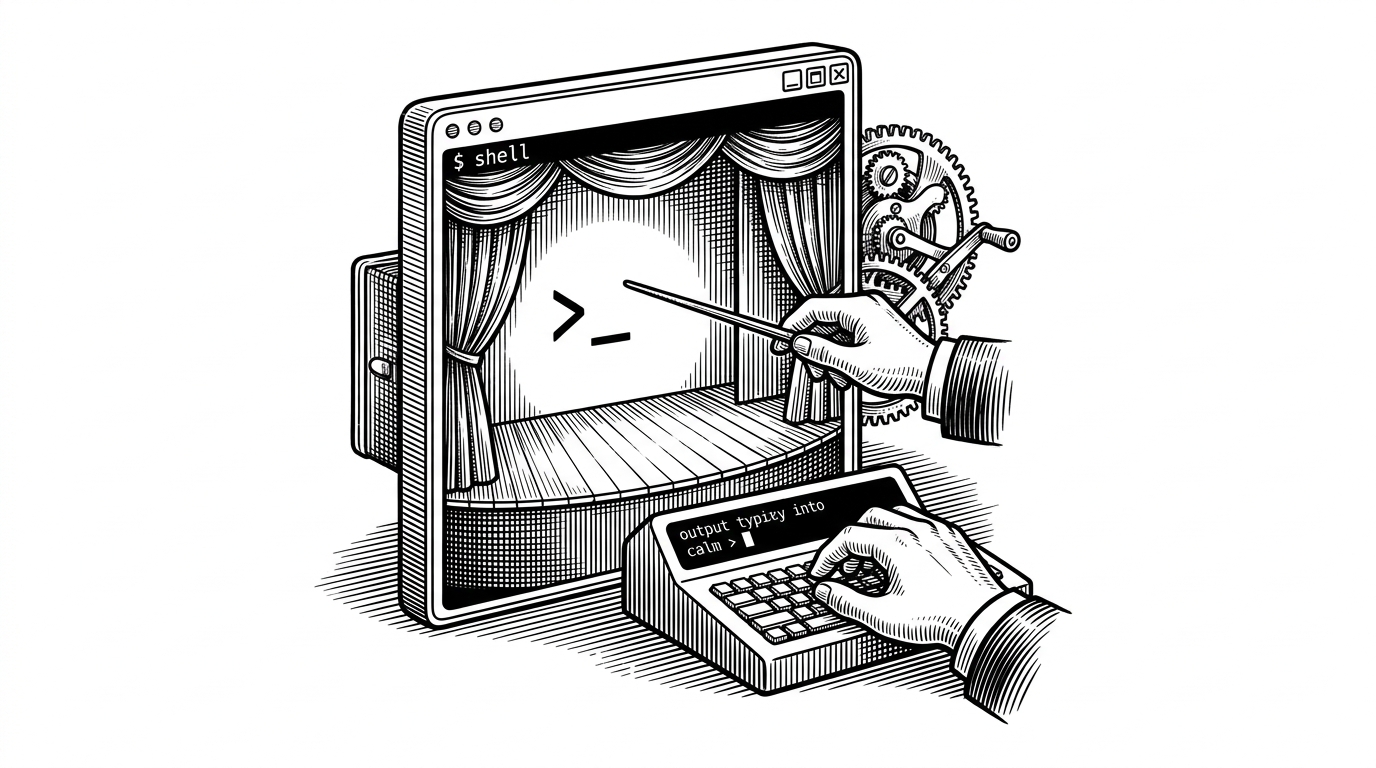
- svg-term-recorder is less about exporting terminals than about scripting the feel of a demo.
- Its real invention is a timing layer that lets commands run fast while the recording plays back as if a human typed them calmly.
- Bun keeps the tool small by handling TypeScript execution and terminal spawning without a heavy build stack.
- SVG makes the output behave like documentation, not media, which is why the result fits READMEs and guides so well.
The demo is the product
Terminal demos are easy to underestimate. They look like a formatting problem, but they are really a timing problem: too fast and nobody can follow, too slow and the demo feels padded, too heavy and it stops being a documentation asset. svg-term-recorder takes that problem seriously and solves it with a simple trick, it decouples execution speed from presentation speed.
That is the core idea. The script runs the shell for real, watches the output buffer, waits until the prompt comes back, and only then advances to the next step. The output is not synthetic terminal text. The timing is synthetic, which is exactly why the finished animation feels polished instead of jittery.
let virtualTime = 0;

function castWrite(data: string) {
  const realTime = performance.now() - start;
  const t = (virtualTime + realTime) / 1000;
  entries.push(JSON.stringify([+t.toFixed(6), 'o', data]));
}
That small pattern does a lot of work. When the recorder is in fast mode, the virtual clock can advance without waiting for the wall clock. The shell still executes, the prompt still matters, and the exported cast still has believable pauses. The script is also built around prompt detection, so the next command does not begin until the shell has actually settled.
Why Bun is the enabler
The repo stays tiny because it leans on Bun where a heavier stack would usually show up. TypeScript runs directly, process spawning stays close to the metal, and there is no separate build pipeline to babysit. That matters because the tool is not trying to be a platform. It is trying to be a sharp little utility that starts fast, records one session, and gets out of the way.
const proc = Bun.spawn(['zsh'], {
  terminal: {
    cols: 120,
    rows: 30,
    data(_terminal, data) {
      // record terminal output here
    }
  }
});
This is where the project feels opinionated in a good way. Bun is not just a trendy runtime here. It is the reason a terminal recorder can stay almost comically small while still doing the messy work of launching a shell, capturing bytes, and writing them into a format another renderer can understand.
Why SVG wins here
| Tool | Input model | Runtime | Output | Strength | Tradeoff |
|---|---|---|---|---|---|
| svg-term-recorder | Live shell session with prompt-aware pacing | Bun / TypeScript | Animated SVG | Tiny single-file workflow with virtual time | Niche ecosystem |
| termtosvg | Recorded terminal session | Python | Animated SVG or frame set | Mature and flexible | Heavier runtime |
| term-to-svg | script command recordings | PHP | Animated SVG | Lightweight and dependency-free | Different capture model |
| GIF or screen recording | Live screen capture | Media tools | GIF or video | Familiar and easy to share | Large files and less doc-native |
The comparison is less about feature count and more about workflow philosophy. GIFs and screen recordings are familiar, but they are bulky and awkward in docs. The SVG tools are closer to the shape of the problem, and svg-term-recorder narrows the niche further by making the pacing itself part of the design.
A utility extracted from real work

There is no big public origin story to lean on here, and that is part of the appeal. The repository reads like a tool extracted from real documentation work, built by dbuezas to solve a recurring annoyance with enough precision to be reusable. It has the feel of something made because the maintainer needed a better way to ship a demo, then decided to keep it around for everyone else.