wmux: The Terminal Multiplexer Built to Watch AI Agents Work
A Windows-native visibility layer for Claude Code that turns browser automation, shell activity, and agent state into one supervised desktop.
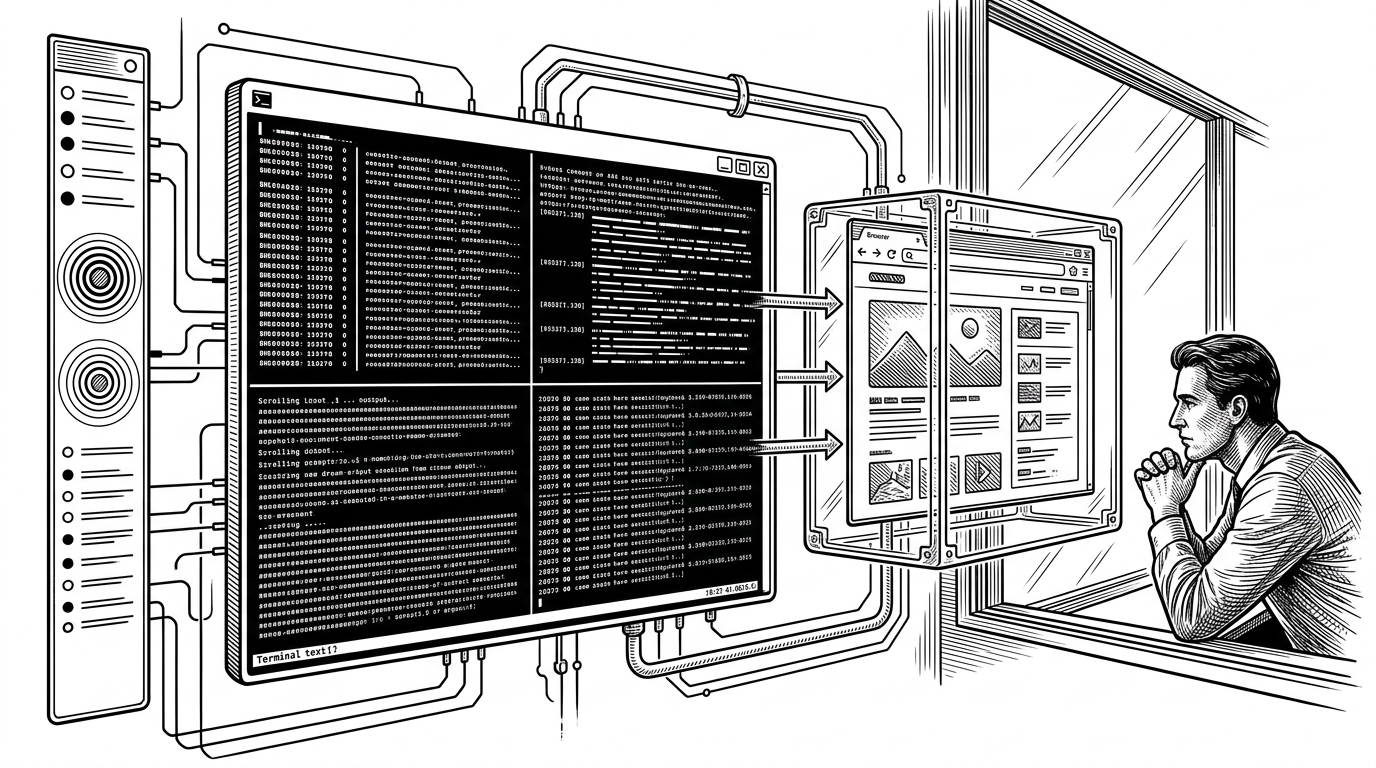
- wmux is not trying to be a better tmux. It is trying to make AI agents legible to the human who has to supervise them.
- Its signature move is a CDP proxy that lets Claude Code think it is talking to Chrome while wmux quietly turns that traffic into visible browser state.
- The project treats observation as a feature, using shell hooks, named pipes, and terminal scraping to surface agent activity without changing the agent itself.
- wmux feels Windows-native because its integrations are Windows-native: ConPTY, toast notifications, taskbar flashes, and named pipes are part of the product, not the garnish.
Why AI Agents Need a Supervisor Console
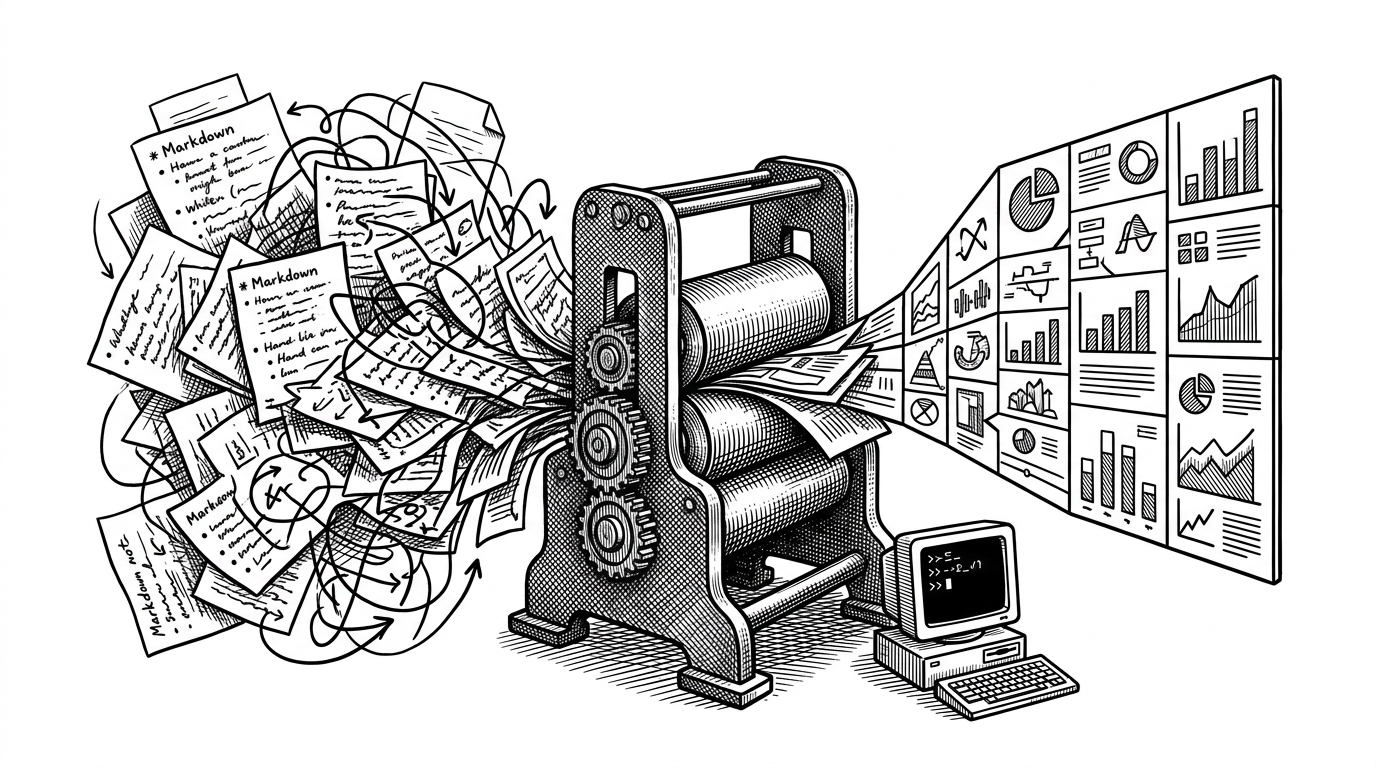
The problem wmux solves is not terminal layout. It is agent visibility. Claude Code can be talking to a browser, spawning subprocesses, and printing shell output at the same time, which means the human overseeing it has to reconstruct the story from scattered clues.
wmux compresses that scatter into one desktop. It is built for the moment when the terminal is no longer just a place where you type. It becomes the control surface for an agent doing work on your behalf.
A visibility layer for Claude Code on Windows — see what your AI agent does in real-time
wmux Is Passive by Design
The sharpest idea in the repo is restraint. wmux does not ask Claude Code to adopt a special workflow, a new API, or a custom agent runner. It watches what is already happening and makes it easier to inspect.
That passivity shows up in the plumbing. The app scrapes terminal activity, injects lightweight shell integration, and mirrors browser control traffic without requiring the agent to cooperate. The result feels less like orchestration and more like instrumentation.
wmux observes Claude Code without changing how it works. A CDP proxy on localhost:9222 lets Claude Code's native chrome-devtools-mcp plugin control the wmux browser panel directly.
The CDP Proxy Is the Whole Trick
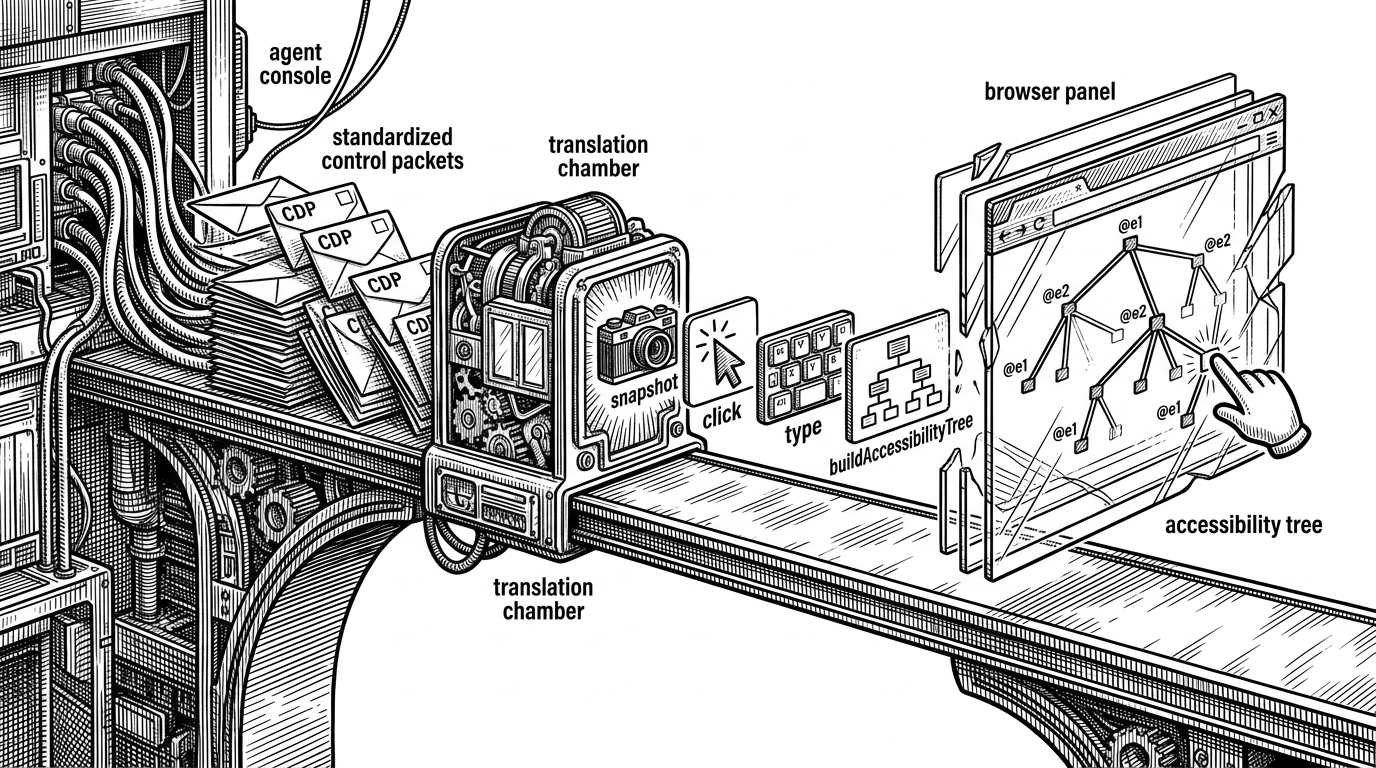
This is the part that makes wmux feel unusual. Claude Code expects to speak Chrome DevTools Protocol to a browser on localhost:9222. wmux steps into that path, impersonates the browser endpoint, and turns raw protocol chatter into a control layer a human can understand.
The important move is translation. Low-level browser commands become higher-level actions like snapshot(), click(), and type(). wmux then builds an accessibility tree with visible refs, so the agent can navigate the page by structured anchors instead of opaque DOM noise.
How wmux Sees the Shell
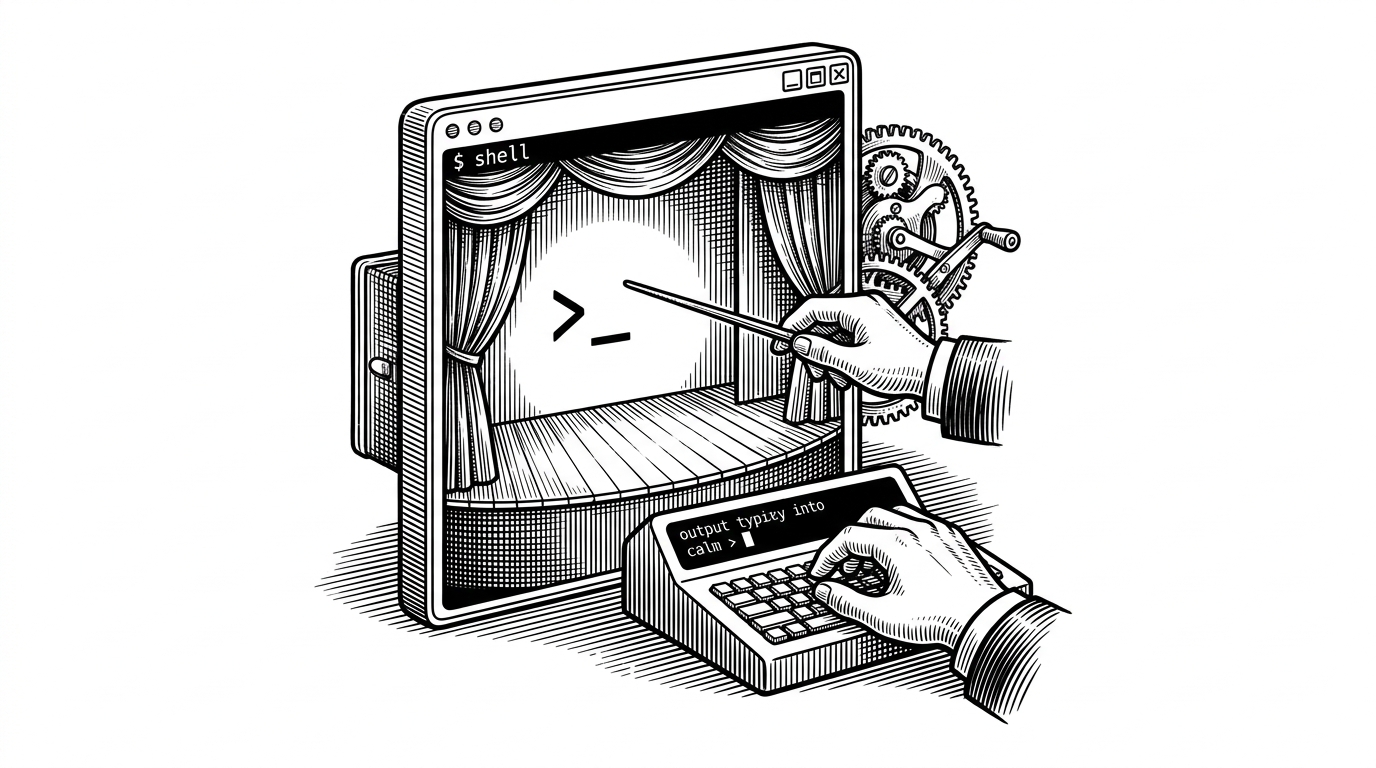
Browser visibility is only half the story. wmux also wraps the shell in a Windows-native layer that tracks working directory, git branch, session state, and the activity that passes through the terminal stream.
The implementation uses node-pty with ConPTY support, plus shell integration scripts for PowerShell, CMD, and WSL. A named pipe server lets outside commands publish notifications back into the UI, which is how the desktop stays in sync with the agent and the shell at the same time.
The architecture is practical rather than flashy. A PTY manager handles the running shell, a Claude observer watches ANSI output for agent signals, and a pipe server provides JSON-RPC control from other tools.
// Simplified shape of the shell visibility loop
spawnShell();
attachConPTY();
loadIntegrationScripts();
watchAnsiStreamForClaudeActivity();
publishStateViaNamedPipe({ cwd, branch, status });
updateSidebarAndNotifications();
Why Windows Matters Here
wmux is not just ported to Windows. It leans into Windows as an operational advantage. ConPTY gives it modern pseudo-console support, named pipes replace Unix sockets, and native toasts and taskbar flashes keep the supervisor loop inside the desktop environment.
That matters because the product is not trying to hide the operating system. It is trying to feel like part of it. The shell, browser, and notification surfaces all behave as one Windows workspace.
| Capability | tmux / Windows Terminal | wmux |
|---|---|---|
| Session layout | Tabs and panes for human workflows | Tabs and panes plus agent-aware supervision |
| Browser visibility | None | CDP proxy and mirrored browser control |
| Shell state | Manual inspection | Auto-tracked via shell integration |
| Notifications | Basic terminal cues | Toasts, taskbar flash, sidebar indicators |
| Platform feel | Works on Windows, often through WSL | Windows-native by design |
wmux Versus tmux, Windows Terminal, and AI-Orchestration Tools
Traditional multiplexers are excellent at managing terminals. They are not built to answer the question, what is the agent doing right now? That is where wmux splits away from the category.
Tools like dmux, amux, and webmux optimize for launching or coordinating multiple agent runs. wmux is different. It watches an agent already in motion and makes that activity visible without taking ownership of the workflow.
| Tool | Primary user | Core model | Browser visibility | Windows-native integration | Agent supervision style |
|---|---|---|---|---|---|
| tmux | Developer | Text session multiplexing | No | No | Manual |
| Windows Terminal | Developer | Tabbed shell workspace | No | Partial | Manual |
| dmux / webmux / amux | Operator | Launch and coordinate workers | Sometimes | Varies | Managed execution |
| wmux | Supervisor | Passive visibility layer | Yes | Yes | Observe and supervise |
The Bigger Idea: Multiplexing for Agents, Not Humans
wmux points to a new category of terminal tooling. The user is no longer the person trying to cram more commands into fewer panes. The user is the person supervising several autonomous systems that need to stay legible.
That shift changes the design brief. You do not just need fast panes. You need traceability, browser state, shell context, and signals that tell you when an agent deserves attention. wmux is interesting because it treats all of that as one product problem.
The project also sits in a lineage. It is a Windows port of cmux, and it matches that tool's protocol so existing integrations can travel between them.
The protocol matches cmux, so tools built for one work with the other.