Every Button Is an AI Capability: Inside ai-searchbar-new
The demo scans the rendered DOM and hands an LLM a menu of controls. No integration layer, no action registry. The guardrails are where it gets interesting.
- ai-searchbar-new skips the action registry entirely and treats the rendered DOM as the agent's API, so any button becomes an AI capability the moment it renders.
- The LLM never touches the DOM: it receives a serialized menu of IDs and labels, picks one, and the client resolves that ID back to a live node.
- The safety gate is a substring denylist checked twice, against metadata and the live element, and denylists fail open the moment a label changes.
- The repo already ships a clean declarative registry that the current build appears to have abandoned, which tells you this is a prototype mid-pivot.
Every button is already an API
Most teams building agentic UI reach for a new abstraction. An action registry. A tool manifest. A plugin protocol. Something you maintain by hand, keep in sync, and forget to update. ai-searchbar-new throws all of that out and makes a blunt claim instead: the rendered page is already the API.
The file that does the work is autoDiscovery.js. It walks the rendered DOM, finds every eligible control, and turns each one into a capability object the model can choose from. No registration step. No integration code. The moment a button renders, it is something the AI can use.
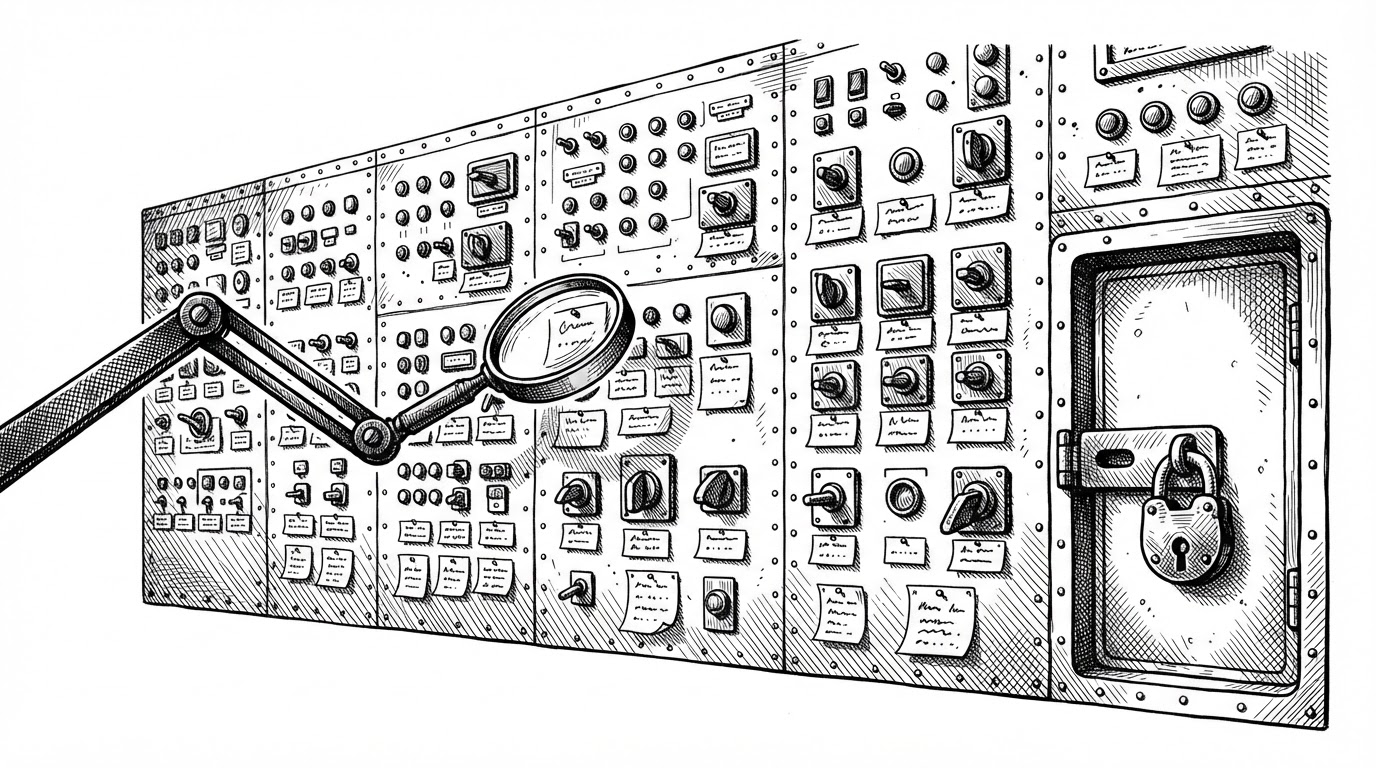
The scanner is picky about where it looks. It queries button, [role="button"], and a[href], then filters out anything inside the topbar, sidebar, navbar, or the search container itself, plus anything marked [data-ai-ignore] or [aria-hidden="true"]. The AI is not allowed to act on its own navigation chrome. It sees the main content and nothing else.
Each surviving element becomes an object with a stable shape: { id, name, label, description, type, risk, sensitive, enabled, visible, page }. That list is the model's entire worldview. The tradeoff arrives in the same breath as the benefit. Labels are the interface contract, so renaming a button silently changes what the AI can do. That single sentence is the whole risk profile of this approach.
The round trip
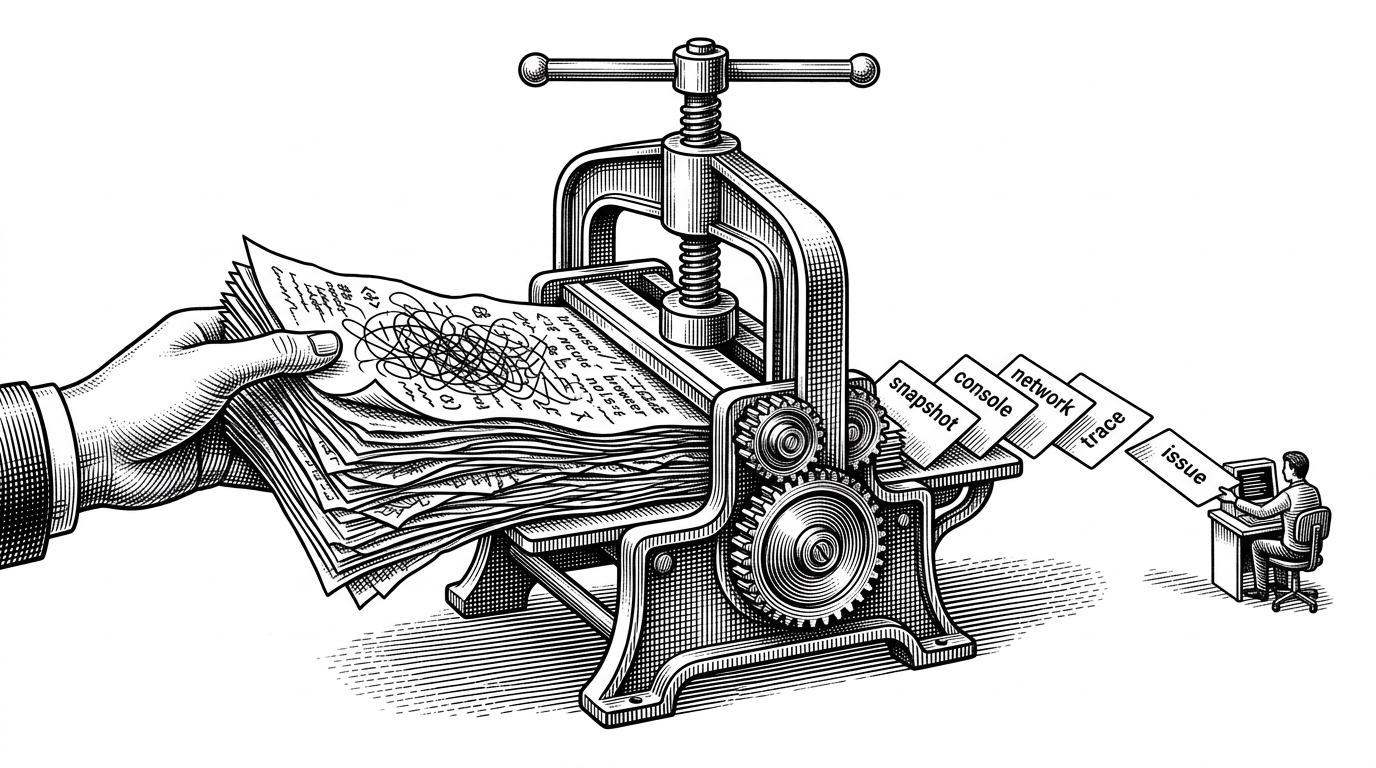
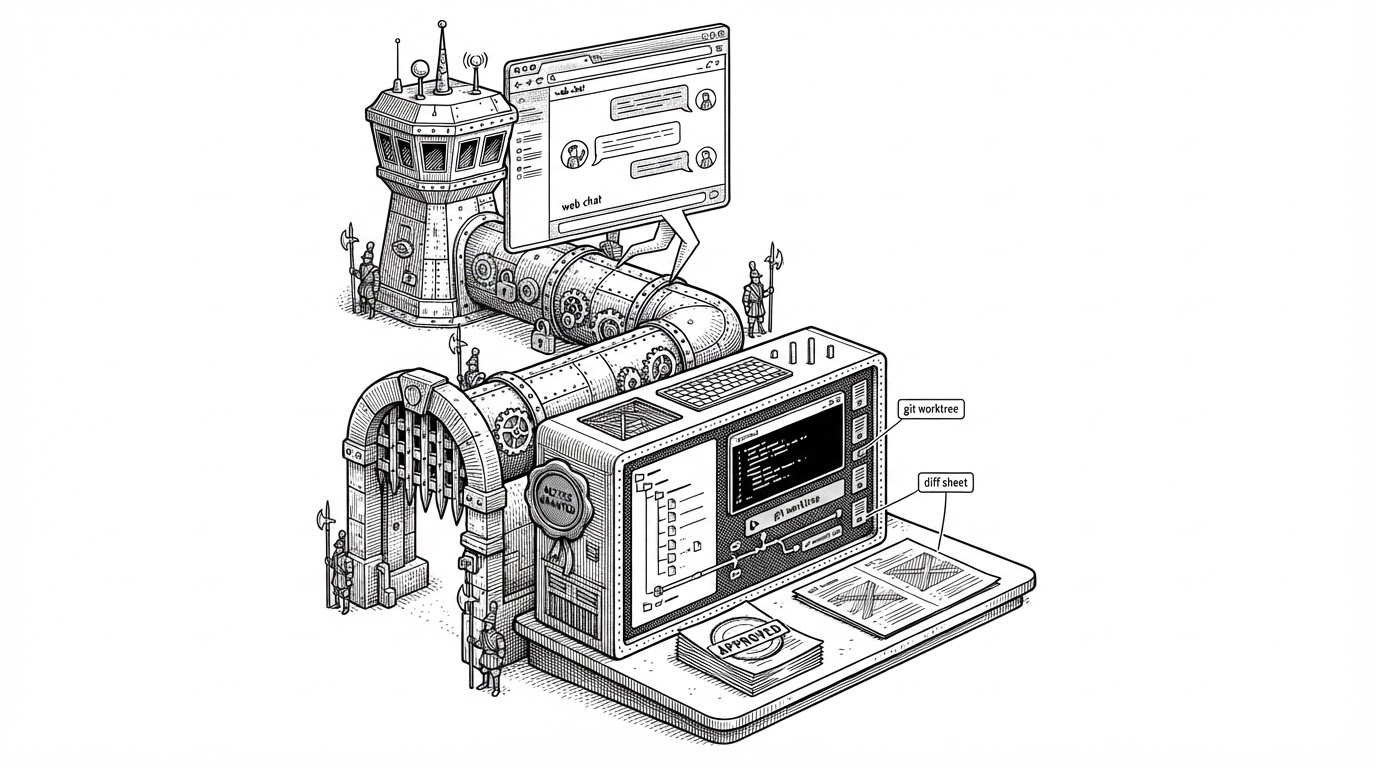
Here is the loop. Discovery serializes the DOM into that list of capability objects. The client posts the list, along with the user's query, to /api/assistant/chat. The model reads the menu and returns a tool call shaped like select_capability carrying a single capabilityId. The client takes that ID, resolves it back to a live DOM node, and clicks it.
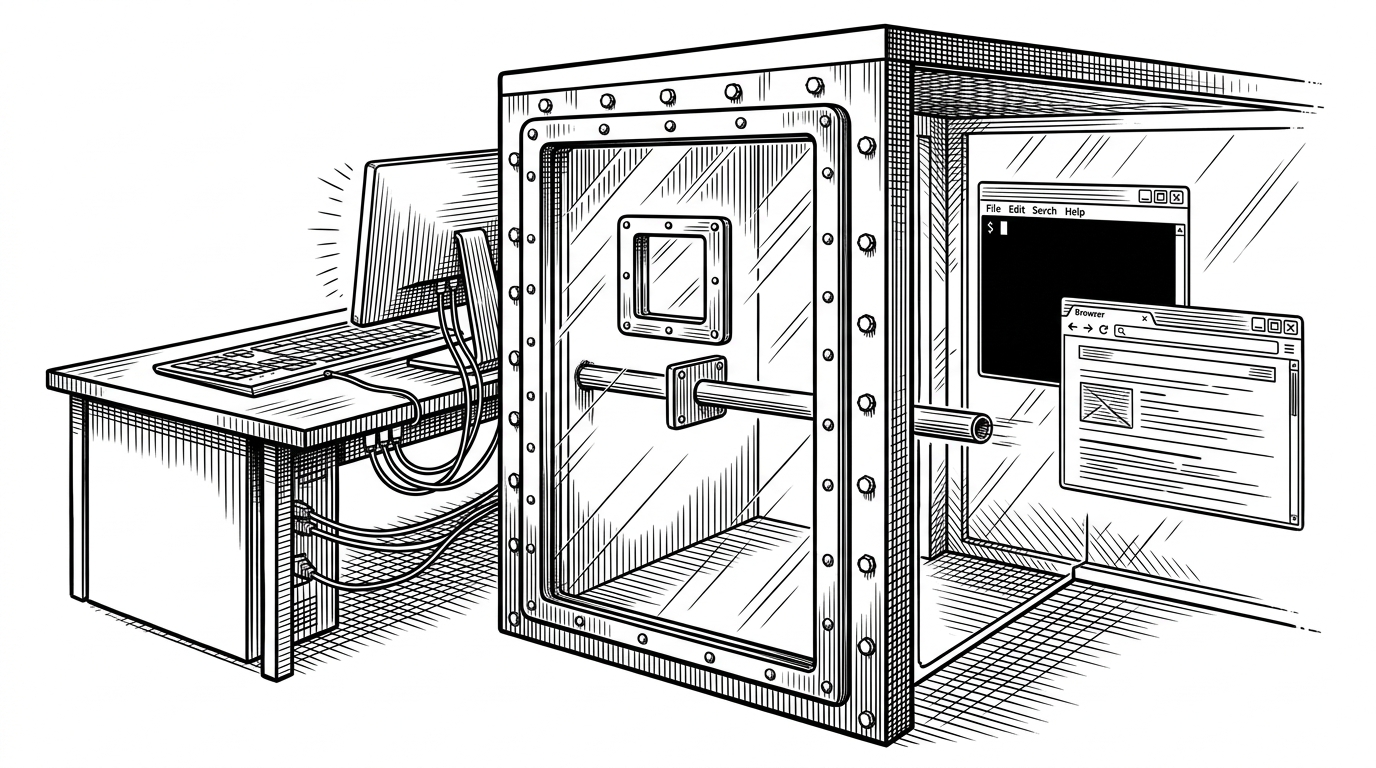
The model never sees the DOM. It sees IDs and labels. That is the load-bearing detail, and it is why the whole thing can be safe at all. An LLM that can only emit an identifier from a list you gave it cannot invent a click you did not offer.
Identity has to survive re-renders, or the ID the model chose points at nothing by the time the click happens. The scanner solves this with a WeakMap cache plus a data-hourmaker-ai-id attribute written onto the element. The node keeps its identity, and the ID stays legible in the DOM for debugging.
There is also a shortcut that skips the model entirely. findExactActionMatch tokenizes the query, drops stop words, and returns a match only when exactly one action satisfies every query word as a prefix of a candidate word. The code comment spells out the intent: "generate report" matches "Generate a dashboard report", but not "Statistics". Unambiguous commands never leave the browser.
{
  "type": "tool_result",
  "tool": "select_capability",
  "success": true,
  "result": {
    "capabilityId": "hm-btn-7f3a",
    "reason": "User asked to invite a teammate"
  }
}
The gate that fails open
Between the model's choice and the click sits canExecuteButton. An action fires only if every one of these holds: the node is still connected, not disabled, and carries no aria-disabled="true"; the capability is not flagged sensitive; the capability's risk is not "manual"; and isSensitiveButton returns false when checked against the live element.
That last part is the interesting bit. The check runs twice, against both the serialized metadata and the actual DOM node. If a button somehow changed between discovery and execution, the live check is the backstop. Two independent reads of the same question.

The sensitivity test itself is a substring denylist. isSensitiveButton matches against a fixed list of words: delete, remove, approve, confirm, save changes, send invitation, and others. Anything that hits gets marked risk: "manual" and is never auto-executed. The user has to click it themselves.
Now the critique. Substring matching produces false positives: the word "removed" contains "remove", and "confirm" appears in almost any sentence about a form. The list is English-only, so a localized or re-worded button sails straight past it. And denylists fail open by definition. The safe default depends on the list being complete, which means every new dangerous verb is a gap until someone remembers to add it.
The frustrating part is that the codebase already carries the fix. App.jsx annotates buttons with data-ai-risk, data-ai-action-id, and data-ai-description directly in the markup. An allowlist keyed on data-ai-risk would treat unmarked controls as unknown and refuse them by default. The attribute exists. The gate just does not use it.
Two registries, one abandoned
Here is the detail that rewards a close read. The repo ships two separate mechanisms for the same job, and the build only seems to use one of them.
- DOM discovery.
autoDiscovery.jsscans the rendered page at runtime and derives capabilities from what it finds. Zero developer effort, maximum fragility. - Explicit registry.
CapabilityRegistry.jsxandAIAction.jsxform a clean register/unregister system.AIActionis a button that registers itself in auseEffectand returns the cleanup as the effect teardown. Explicit, typed, and hard to break.
AISearchBar leans on discovery, which makes the registry look like dead code mid-pivot. App.jsx imports CapabilityProvider but passes only role down to the search bar. The declarative path is still wired, still correct, and apparently unused. That is what an abandoned abstraction looks like in a prototype: not deleted, just orphaned.
There is a second seam worth naming. AIAction's effect depends on onExecute. If a parent passes an inline arrow function, the capability re-registers on every render, churning the provider state for no reason. It is the kind of trap that only shows up once someone actually uses the registry in anger.
Where it sits
The axis that separates these approaches is integration cost against robustness. DOM discovery is free but brittle. Registries are explicit but manual. API-based agent frameworks are robust but a separate surface you have to build and maintain forever.
| DOM discovery | Explicit registry | API-based agent frameworks | |
|---|---|---|---|
| Integration cost | Zero. Renders and it is ready. | Per-action. Each control registers itself. | High. A separate API surface to design and ship. |
| Robustness | Brittle. Depends on labels and DOM shape. | High. Explicit contracts, typed fields. | High. Stable, versioned, testable. |
| What breaks it | A renamed button, or a re-worded label. | A developer forgets to register a control. | Nothing in the UI; the risk moves to the API. |
| Who maintains the surface | Nobody. It is derived from the DOM. | The component authors. | A dedicated platform team. |
The honest line in that table is the failure mode. DOM discovery's worst case is not a crash. It is a button that quietly stops working because someone changed its text from "Invite a Team Member" to "Add teammate" and the matcher no longer lands.
What the prototype proves
The zero-integration idea is real and it is valuable. Treating the rendered DOM as the capability source means agentic UI can be retrofitted onto an existing app without rewriting it around a tool manifest. That is a genuine shortcut, and the ID round trip is a clean way to keep the model away from the DOM while still letting it act on it. The part that has to grow up is the safety model. A double-checked substring denylist is a reasonable first pass for a demo and a poor foundation for anything that touches real data. The codebase already knows this. data-ai-risk is sitting right there in the markup, waiting for a gate that reads it.