CCat_save: The Tiny Python Script That Turns Curious Cat Into a Personal Archive
A stripped-down scraper that reaches into Curious Cat’s internal API, pulls Q&A history by date, and packages it for non-technical users as a Windows-friendly backup tool.
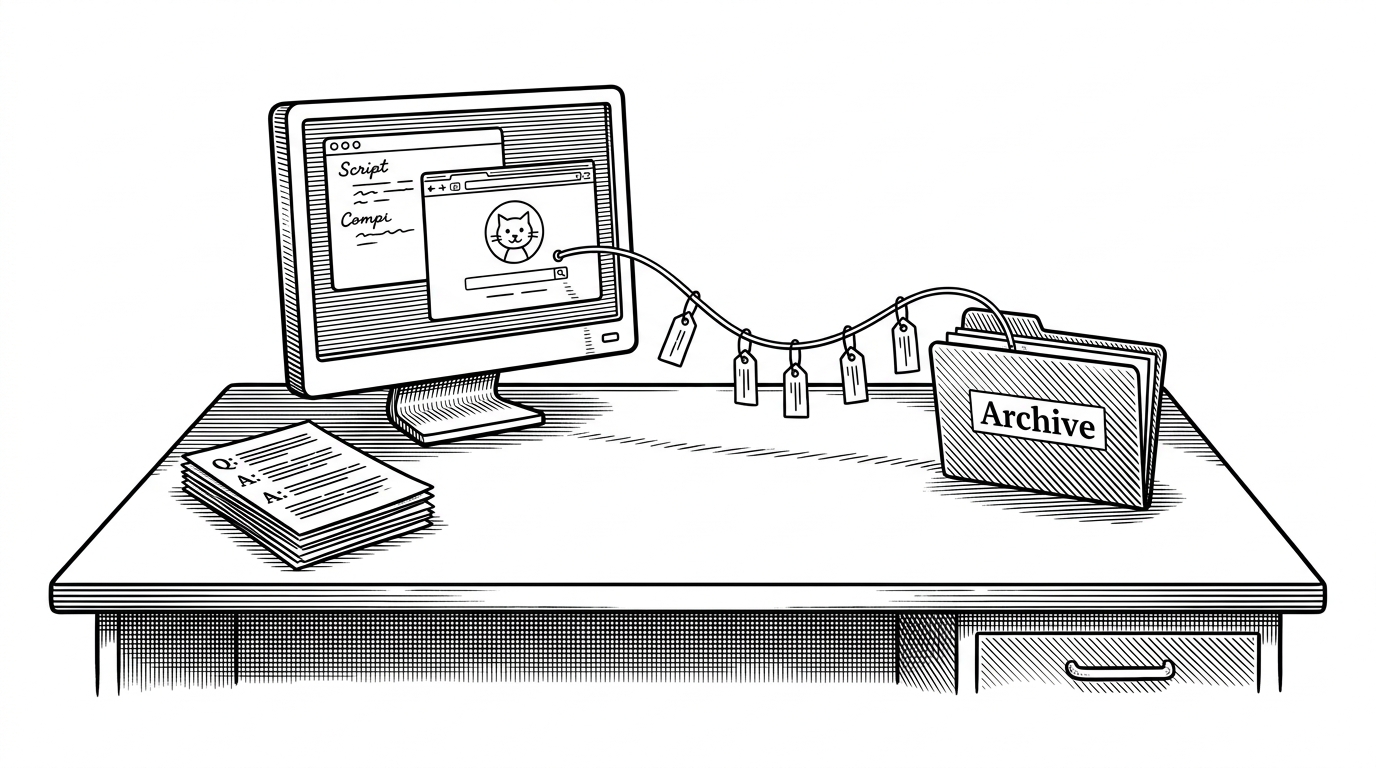
- CCat_save treats a disposable social feed like personal data that should be rescued, reordered, and kept.
- Its most interesting trick is not scraping at scale, but walking Curious Cat backward through time with the platform’s own pagination scheme.
- The codebase stays flat on purpose, because the project is built to be understandable, portable, and easy to run.
- Its Windows packaging says as much about the audience as the code does: this was made for ordinary users, not scraper hobbyists.
Why a Curious Cat backup tool matters
Social platforms rarely fail all at once. They fade, change rules, hide exports, or leave old posts stranded behind account closures and broken links. CCat_save exists for that awkward middle ground where your history still matters, but the service no longer feels permanent.
That is what makes this repo interesting. It is not trying to build a generic scraping framework. It is a small act of digital self-defense: pull down your own Q&A trail before the platform, or your account, disappears from reach.
The whole project fits in one flat Python file
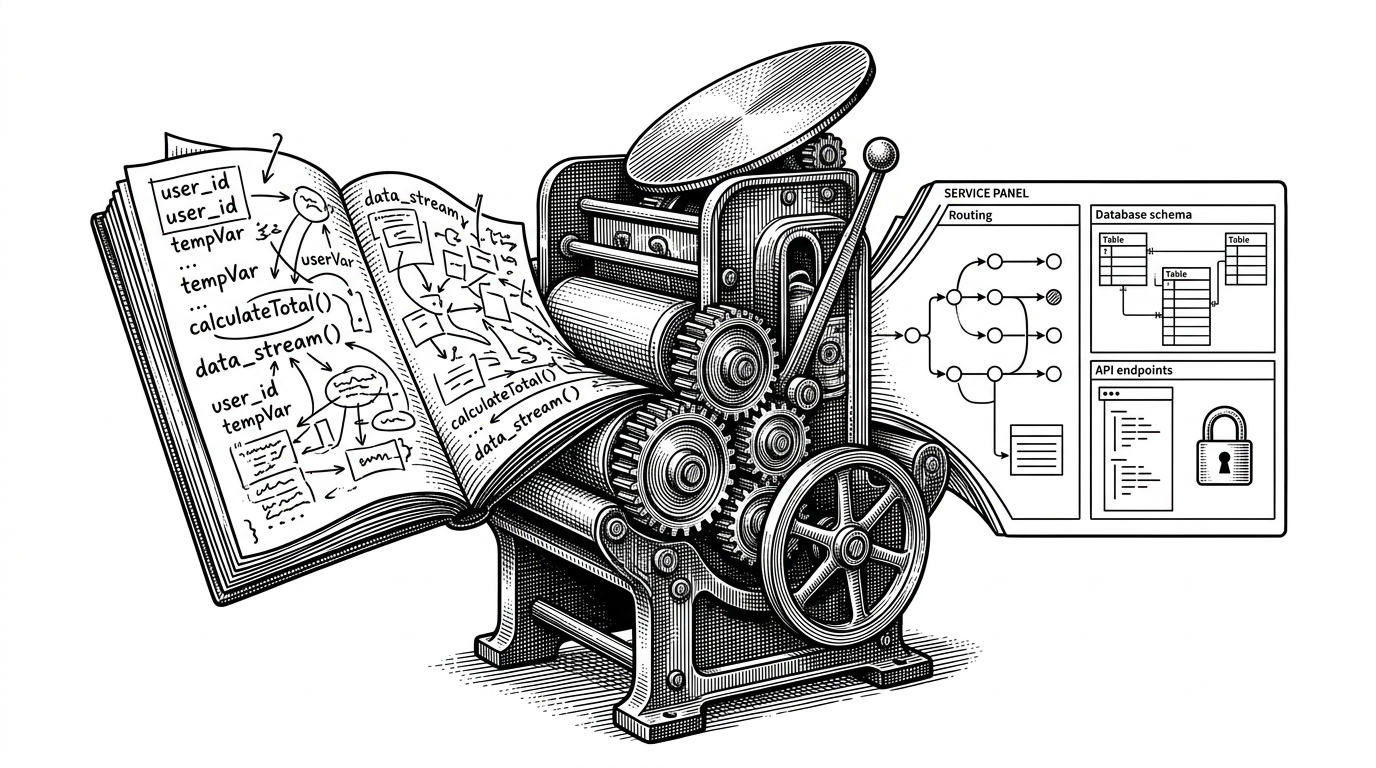
The codebase is almost aggressively simple. One script does the fetching and writing, one file lists the dependency, one packaging script targets Windows, and a prebuilt zip lowers the barrier even further.
# Rough shape of the project
CC_guarda.py       # fetch, filter, dedupe, write
requirements.txt   # requests
setup.py           # py2exe packaging
CC_guarda.zip      # prebuilt Windows bundle
That flatness is not a limitation here. It is a design choice. If the goal is personal archiving, then the best tool is the one that can be understood at a glance and run without ceremony.
The clever part is not scraping. It is pagination
The heart of the repo is get_respuestas(). It starts with Curious Cat’s internal profile API, asks how many answers exist, then walks backward through the feed using max_timestamp. That means the scraper is not guessing where the next page lives. It is following the platform’s own time boundary.

The script also filters by date, converting human-readable input into Unix timestamps before it writes anything out. So the archive is not just a dump. It is a time-bounded rescue operation.
Why the dictionary matters more than it looks
The deceptively small move is storing each record as datos_cc[question] = answer. That turns the question text into a deduplication key. If the same post shows up again across overlapping pagination windows, the last copy lands in the same slot instead of bloating the archive.
That choice solves a real scraping problem without introducing a lot of code. It is the kind of implementation detail that reads as boring until you realize it is doing the hard work of keeping the archive clean.
The output is designed for people, not parsers
The writer function emits plain UTF-8 text in a human-readable template. Each entry becomes a question, an answer, and a separator. That is not glamorous, but it is portable. You can open it in almost anything.
This matters because many backup tools optimize for machine export first and human use second. CCat_save does the opposite. Its output feels like an archive you can keep, share, inspect, and search without special software.
The packaging tells you who this was for
The inclusion of py2exe changes the story. This is not a tool meant for developers who enjoy virtual environments and command-line setup. It is built to become a Windows executable, which lowers the barrier for someone who just wants their own data back.
| Approach | Setup burden | Speed | Reliability | Date filtering | Readable output | Works for non-developers |
|---|---|---|---|---|---|---|
| Manual copy-paste | Low | Very slow | Low | No | Yes, but messy | Yes |
| Browser automation or generic scraping | High | Medium | Fragile | Sometimes | Usually no | Rarely |
| CCat_save direct API pull | Low | Fast | Higher | Yes | Yes | Yes |
That comparison is the real thesis. The repo is not trying to win on sophistication. It is trying to make archive retrieval feel ordinary enough that a non-technical user could actually do it.
What this project says about data ownership
CCat_save sits in a small but important tradition of DIY archiving tools. It assumes your social history has value even if the platform is transient. It also assumes the best preservation tool is one that respects the user’s time as much as their data.
That is why the project feels sharper than its size. A few lines of Python, a direct API call, and a Windows bundle add up to a clear position: if a service can forget you, you should be able to remember yourself.