Excel2xspf: Turn a Spreadsheet Into a Video Edit List
A tiny Python script that converts Excel rows into VLC playlists with start and stop times, so you can build non-destructive highlight reels without opening a video editor.
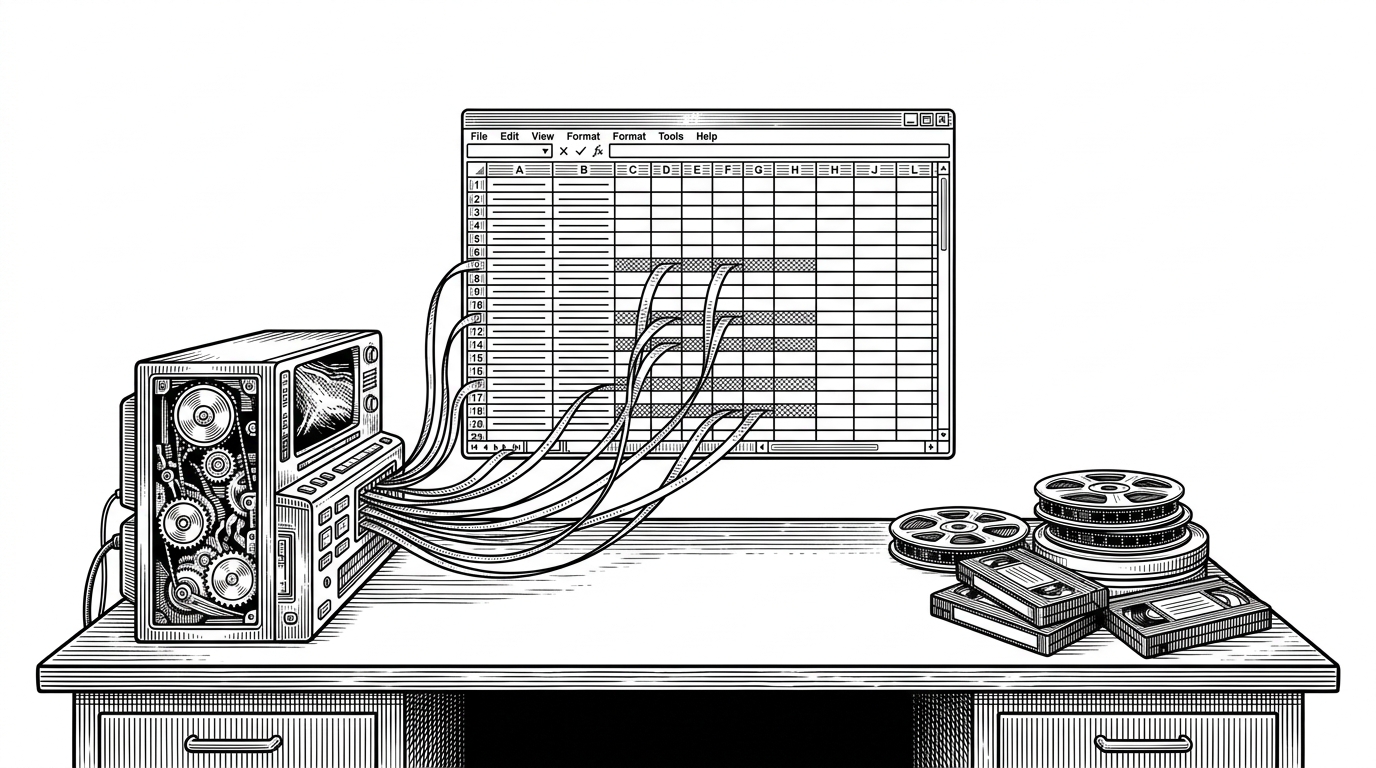
- Excel2xspf treats a spreadsheet as an edit interface, not a storage format, so the original video files stay untouched.
- The script works because VLC understands clip boundaries, and XSPF gives the playlist a portable structure for those boundaries.
- Its power comes from restraint: a few Python steps, manual XML, and one strong path conversion trick.
- The project fits people who already organize media in spreadsheets and need playback, not a full nonlinear editor.
The spreadsheet is the timeline
The surprise in fsanchez83/Excel2xspf is not that it writes a playlist. It is that it lets a spreadsheet behave like a lightweight editing surface. Each row can describe a clip: which source file to open, where to start, where to stop.
That changes the job. You are no longer trimming footage in a timeline app. You are curating segments from existing media, often the way people already work when they log archive footage, lectures, or event recordings in Excel.
The source video stays intact. The script just turns rows into playback instructions, which makes the whole workflow feel like non-destructive editing without the editor.
Why XSPF, not a video editor
XSPF is a playlist format, not a media editor format. That is exactly why it works here. Excel2xspf is not cutting files. It is generating instructions that VLC can interpret as clip boundaries.
| Approach | What it optimizes for | What it asks of you | Where it breaks down |
|---|---|---|---|
| Full video editor | Fine-grained timeline control | Learn a heavy interface and manipulate media directly | Too much machinery for simple highlight reels |
| Manual VLC playlist | Fast playback | Hand-build paths and timestamps every time | Gets brittle as the number of clips grows |
| Excel2xspf | Spreadsheet-driven clip playback | Maintain clean rows in Excel and run a script | Narrow, script-shaped, and not a general editing tool |
That niche is the point. The tool does not try to replace Premiere or DaVinci Resolve. It replaces a much smaller annoyance: the friction between media notes in a spreadsheet and actual segmented playback.
How one Excel row becomes a playable clip
The code path is short enough to read in one sitting. It loads the spreadsheet, loops over rows, converts timestamps to seconds, normalizes each source path into a file URI, and writes XSPF with VLC-specific options.
from pathlib import Path
import pandas as pd


def time_to_seconds(t):
    parts = list(map(int, t.split(':')))
    if len(parts) == 2:
        minutes, seconds = parts
        return minutes * 60 + seconds
    hours, minutes, seconds = parts
    return hours * 3600 + minutes * 60 + seconds


df = pd.read_excel("RUTA_AL_ARCHIVO_EXCEL")

for _, row in df.iterrows():
    uri = Path(row["video_fuente"]).absolute().as_uri()
    start = time_to_seconds(row["inicio"])
    stop = time_to_seconds(row["fin"])
    # write XSPF entry with VLC options for start-time and stop-time
That `Path(...).absolute().as_uri()` line is the quietest important choice in the repo. Excel users often think in Windows paths or local filesystem paths. VLC wants a URI. The conversion makes the playlist portable and keeps the output valid for a player that expects a web-style address, even when the source is a local file.
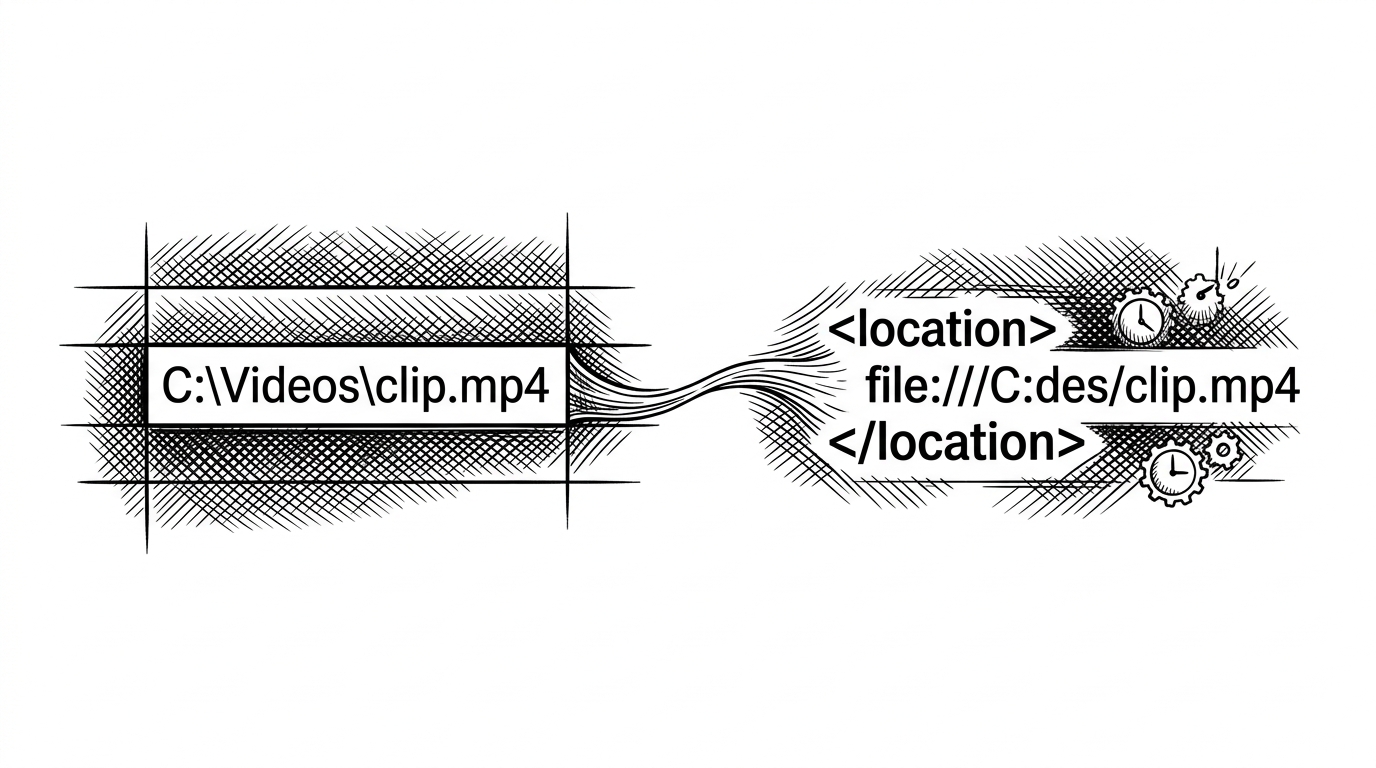
The other trick is VLC itself. The playlist carries options like start-time and stop-time, so the player can jump directly to the clip boundaries instead of opening the file from zero and making you scrub manually.
The clever part: file paths become URIs
This repo is small, but it pays attention to format boundaries. Plain file paths are convenient for humans and fragile for interchange. URIs are the safer contract when the output is XML and the consumer is a media player.
That is why the script feels more polished than its size suggests. It does not just dump text into a file. It translates one domain’s habit, a spreadsheet path, into another domain’s expectation, a playlist URI.
<track>
  <location>file:///C:/Videos/clip.mp4</location>
  <extension application="http://www.videolan.org/vlc/playlist/0">
    <vlc:option>start-time=120</vlc:option>
    <vlc:option>stop-time=145</vlc:option>
  </extension>
</track>
What the script trades away to stay simple
| Simpler choice in Excel2xspf | What it buys | What it costs |
|---|---|---|
| Manual XML writing | Easy to read and edit | Less protection from malformed structure |
| Hardcoded input placeholder | Fewer moving parts | No friendly command-line interface |
| Minimal validation | Fast path from sheet to playlist | You must keep spreadsheet columns consistent |
| Single-purpose design | Low cognitive overhead | Not suited to broader media workflow automation |
That tradeoff is intentional. This is not trying to be a general-purpose media platform. It is a personal utility that stays legible precisely because it refuses to grow a GUI, a plugin system, or a deep validation layer.
For the right user, that is a feature. The barrier to entry is low enough that the spreadsheet can remain the source of truth, and the script can remain a thin adapter between notes and playback.
Where this fits in the tool landscape
| Tool class | Best at | Least suited for |
|---|---|---|
| Nonlinear video editor | Creative trimming, effects, and fine control | Quick playback from structured metadata |
| Spreadsheet workflow | Logging, sorting, and human-readable planning | Timeline manipulation |
| Excel2xspf | Turning rows into playable clip sequences | General editing, compositing, and post-production |
The real competition is not another repository. It is the habit of doing media planning in spreadsheets and then manually recreating that structure in a player. Excel2xspf collapses that gap.
It is a small script, but the idea is bigger than the codebase. A spreadsheet can act like an editing interface when the output is a playlist format and the player understands clip boundaries.