Enterprise-Grade Community: Inside ghostty-org/discord-bot
How a terminal emulator project applies advanced systems engineering to a Python chat bot, turning Discord into a high-performance UI for GitHub.

- The Ghostty bot runs on pre-release Python 3.14 using uv, enforcing strict basedpyright rules and property-based testing.
- It overcomes Discord limitations by using transient webhooks to impersonate users and move messages seamlessly between channels.
- A custom Time-To-Refresh (TTR) caching layer drops GitHub API latency from seconds to under 5 milliseconds.
- The bot dynamically builds its own documentation sitemap by fetching MDX files directly from the Ghostty website repository.
The Over-Engineered Anomaly
Most Discord bots are hacked together with global state and slow blocking API calls. The Ghostty bot is an anomaly. Built by experienced systems engineers, it treats community infrastructure as mission-critical software. The project is a masterclass in modern Python development.
It runs on pre-release Python 3.14 alpha to leverage the latest type hinting features like PEP 695 type aliases. The build system relies entirely on uv for blazing fast dependency resolution. Instead of passing configuration objects through every function signature, the architecture uses ContextVar to manage isolated state. Every commit must pass a gauntlet of basedpyright linting and property-based tests via Hypothesis.
The Webhook Impersonator
Discord lacks a native way to move a message from a general chat channel into a dedicated help thread without losing the original author's name and avatar. The Ghostty team built a custom message moving engine to solve this.
When a moderator triggers a move, the bot intercepts the payload. It extracts the text, the user's avatar URL, and their username. It then deletes the original message, spins up a temporary webhook in the target thread, assumes the exact identity of the user, and posts the payload. The result is a perfectly preserved conversation flow.
Bypassing the Rate Limit
Connecting a busy Discord server to GitHub usually results in aggressive API rate limiting. The bot parses chat for issue numbers and replaces them with rich embeds containing status labels and code snippets. To survive the load, it implements a custom Time To Refresh (TTR) cache.
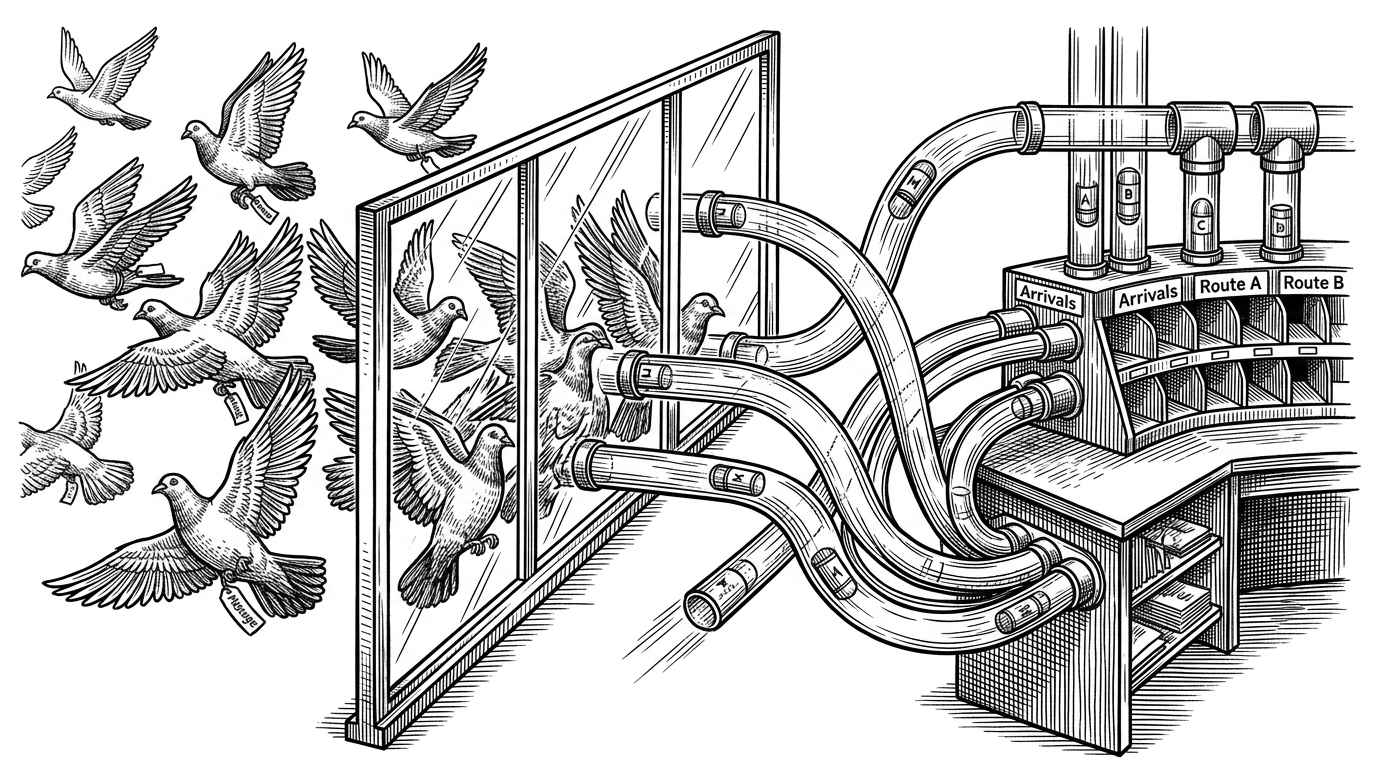
This caching layer drops the latency of GitHub issue lookups from two seconds down to five milliseconds. It transforms Discord from a slow chat room into a high-performance UI for the GitHub repository.
| Standard Bot Pattern | Ghostty Architecture |
|---|---|
| Global bot instance with shared state | ContextVars for isolated execution state |
| Direct blocking API calls on every command | Custom TTR caching layer (5ms latency) |
| Manual thread management by moderators | Automated thread lifecycle background loops |
| Basic string matching for commands | Regex-powered GitHub entity extraction |
The Dynamic Librarian
Maintaining documentation links in a bot is usually a manual chore. The Ghostty bot automates this entirely. Its documentation engine dynamically fetches navigation JSON and MDX files directly from the Ghostty website repository.
It parses these files to build a searchable sitemap in memory. When a user types a help command, the bot uses Discord autocomplete to search specific config options or terminal sequences. It acts as a dynamic librarian, always in sync with the latest commits.
@app_commands.command(name="docs", description="Search Ghostty documentation")
async def docs_command(self, interaction: discord.Interaction, query: str):
    # The bot searches its dynamically generated in-memory sitemap
    result = self.sitemap.search(query)
    await interaction.response.send_message(embed=result.to_embed())
This architecture proves that community tools do not have to be second-class citizens. By applying strict engineering standards, the Ghostty team built a bot that is as robust as the terminal emulator it supports.