cf-artifact-viewer: The Git UI That Runs on the Edge and Restores Repos in Constant Time
A deep dive into how Cloudflare Workers, TanStack Start, and isomorphic-git combine to make a browser-based IDE for Cloudflare Artifacts, and why the smartest part is the restore path.
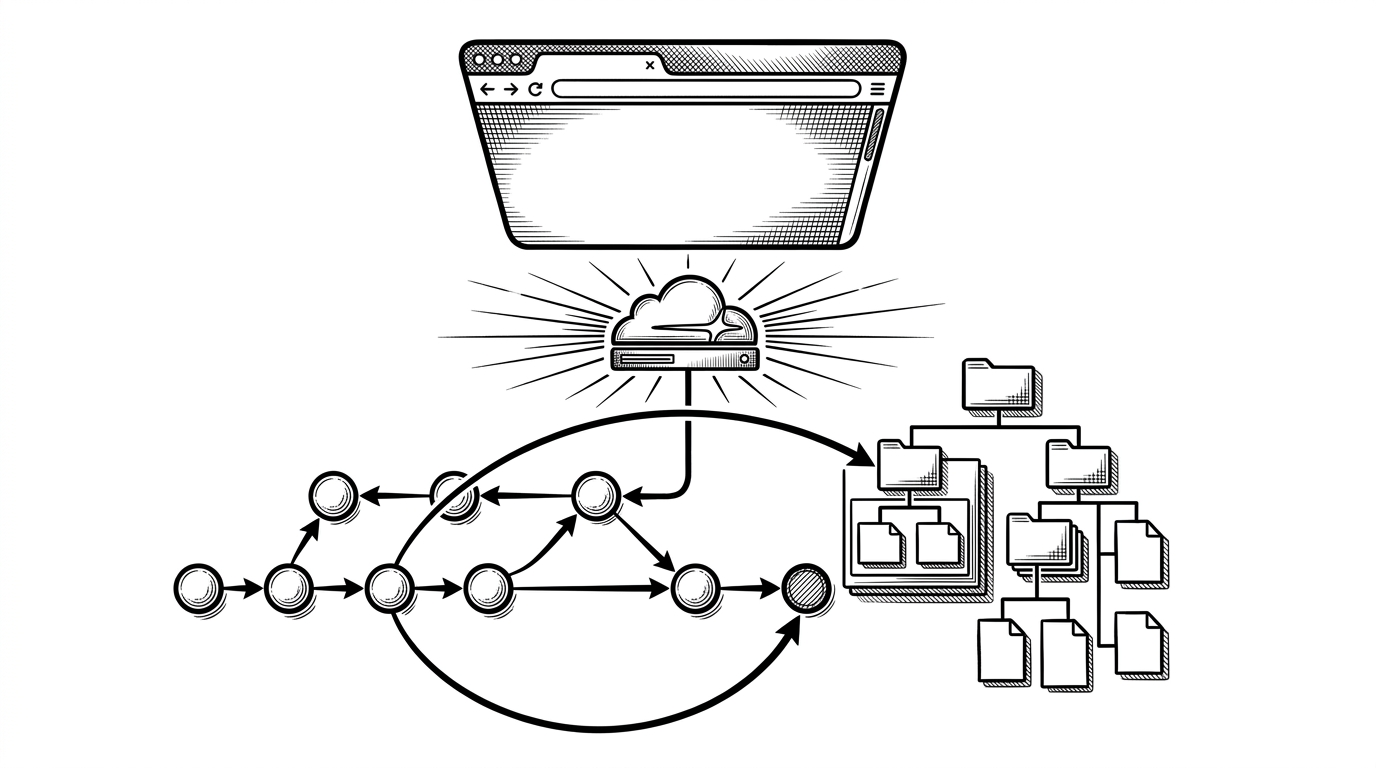
- cf-artifact-viewer is really an edge-native Git tool disguised as a browser UI, and its most interesting behavior is restoring history by pointing a new commit at an existing tree.
- The stack matters because TanStack Start and Cloudflare Workers remove the usual API layer, while isomorphic-git supplies Git semantics inside a serverless runtime.
- The app solves a narrow but valuable problem: quick, visual inspection and editing of Cloudflare Artifacts without a local clone or a full developer setup.
- Its design suggests a broader pattern for developer tools, where Git-backed storage can support human workflows directly in the browser.
The clever part is not the editor
The headline trick in cf-artifact-viewer is not CodeMirror, not the file tree, and not even the fact that it runs in a browser. It is the restore path. Instead of checking out a historical snapshot, rewriting files, and creating a new commit from scratch, the app can attach a new commit directly to an existing Git tree.
That matters because a tree already describes the repository state. If you can point a fresh commit at that tree, the restore operation becomes conceptually simple and operationally cheap. The app stops acting like a file copier and starts acting like a Git object router.
What cf-artifact-viewer actually is
Artifacts stores versioned file trees behind a Git-compatible interface. Create repositories programmatically, import existing repositories, and hand off a URL to any standard Git client.
Cloudflare Artifacts is the substrate here. cf-artifact-viewer is the human-facing layer on top of it: a repo browser, editor, and history viewer for a Git-compatible edge storage product. It is for people who want to inspect files, read commits, and make quick edits without cloning anything locally.
That is a narrower job than a full Git GUI, but it is also a sharper one. The project is not trying to replace GitHub Desktop or your terminal. It is trying to make Cloudflare’s versioned storage legible in the browser, with the least possible friction.
The edge stack behind the UI
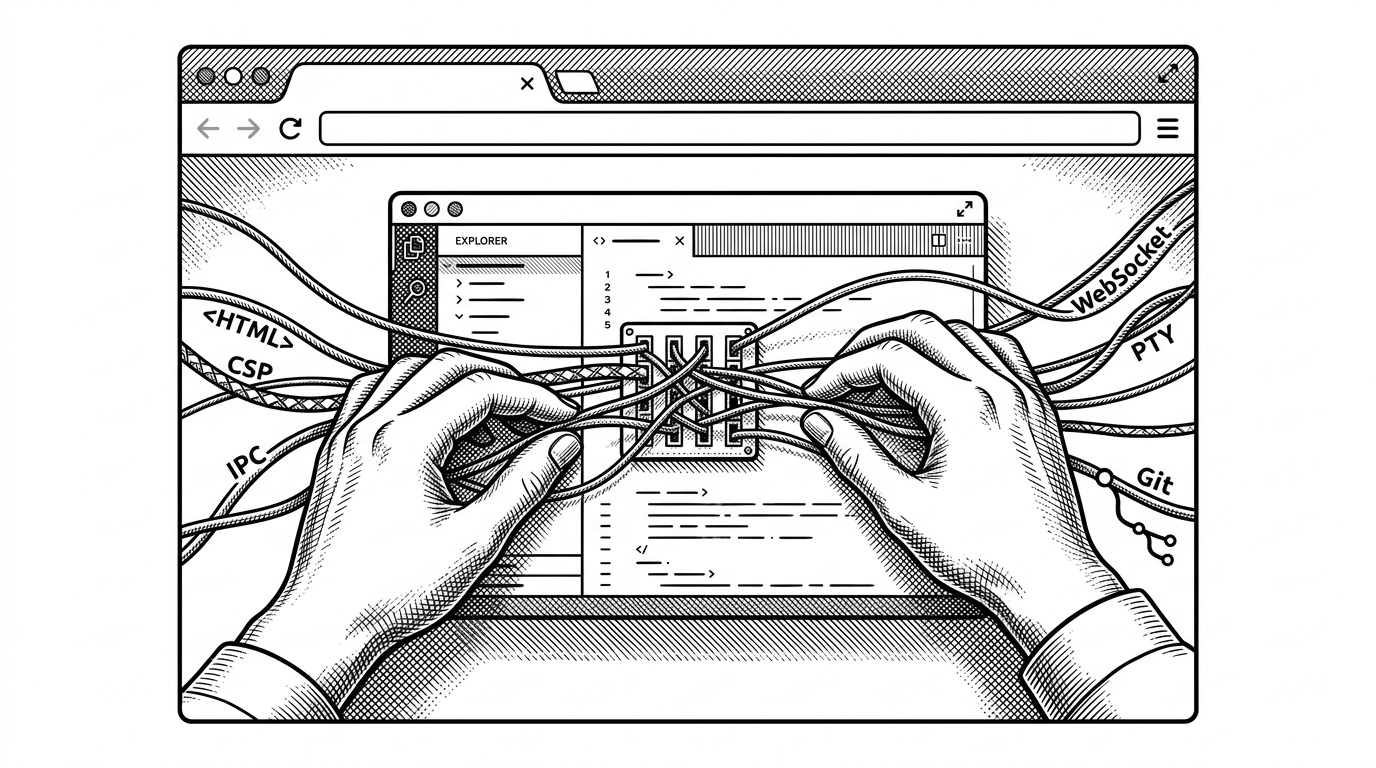
The stack is unusually clean. TanStack Start handles the full-stack React layer, Cloudflare Workers provide the runtime, isomorphic-git gives the app Git semantics, CodeMirror 6 powers editing, and Tailwind v4 keeps the UI light. Each layer removes a dependency that a traditional web IDE would normally need.
| Layer | What it replaces | Why it matters |
|---|---|---|
| TanStack Start server functions | A custom REST or GraphQL API | Frontend calls feel local, but the work still runs on the Worker. |
| Cloudflare Workers | A dedicated app server | The UI and Git logic live at the edge with no separate backend to manage. |
| isomorphic-git | A native Git binary | Git operations work in JavaScript inside a serverless runtime. |
| CodeMirror 6 | A heavyweight in-browser editor | Editing stays fast, modular, and language-aware. |
| Tailwind v4 | Custom CSS infrastructure | The interface stays compact enough for a utility app. |
How the repo browser gets its data
The route loader in src/routes/$artifact.tsx pulls the commit log and file tree in parallel. That is a small implementation choice with a big UX effect. The page arrives with enough context to feel alive instead of waiting on one serial request after another.
export const loader = createLoader(async ({ params }) => {
  const [log, tree] = await Promise.all([
    getCommitLog({ artifact: params.artifact }),
    getFileTree({ artifact: params.artifact }),
  ])

  return { log, tree }
})
Edits are kept in a working buffer and debounced into localStorage. That gives the browser a safety net when the Worker spins down or the tab refreshes. The UI is therefore more resilient than it first looks, even though the backend is deliberately light.
Why MemoryFS exists
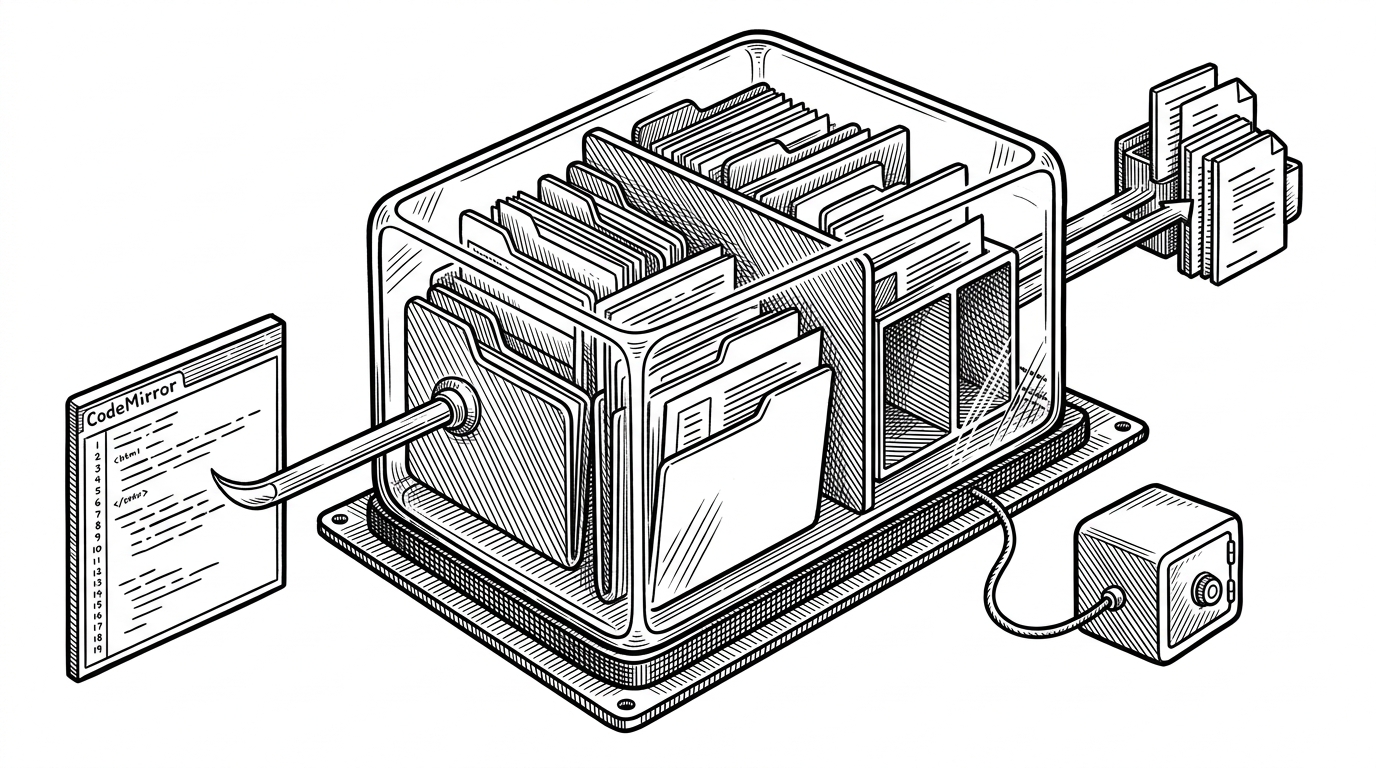
Workers do not hand you a writable disk. isomorphic-git wants a filesystem. So the project builds one in RAM using a Map for files and a Set for directories. That is the kind of constraint that becomes architecture when you are building on the edge.
The tradeoff is clear. RAM gives you speed and portability, but it also gives you volatility and memory pressure. The app partially offsets that with cached repository state and with browser-side buffering, but the underlying model is still ephemeral by design.
Why restoreCommit is the story inside the story
The restore implementation is where the article stops being about a viewer and becomes about Git as a data structure. In the source, the decisive move is to create a new commit whose tree points directly at the historical tree object. No checkout. No file-by-file rebuild. Just a new commit reference anchored to data that already exists.
await git.commit({
  ...ctx.gitOpts,
  tree: target.tree,
  parent: [headOid],
})
That is why the operation feels instant. The amount of work does not scale with repository size in the way a naive restore would. The UI can treat history as something you rebind, not something you reconstruct.
| Restore path | What happens | Cost profile |
|---|---|---|
| Naive checkout and re-commit | Walk files, rewrite contents, create a fresh snapshot | Cost grows with repository size. |
| cf-artifact-viewer restoreCommit | Reuse the historical tree and create a new commit pointing to it | Cost stays effectively constant with respect to file count. |
| Manual restore with Git CLI | Powerful, but usually done from a local clone | Fast for experts, but heavier in setup and context switching. |
What this replaces
The project lives in a narrow but useful gap. Compared with the Cloudflare dashboard, it is more direct for browsing and editing. Compared with Wrangler plus the Git CLI, it removes setup and context switching. Compared with a standard Git GUI, it is wired to a specific edge storage model instead of a general local repository.
| Tool | Local clone needed | Browser-native editing | Edge-executed Git | Best fit |
|---|---|---|---|---|
| cf-artifact-viewer | No | Yes | Yes | Quick inspection, edits, and restore actions |
| Cloudflare Dashboard | No | Limited | Mostly no | Control-plane tasks |
| Wrangler + Git CLI | Yes | No | No | Power users who want full manual control |
| Standard Git GUI | Usually yes | Sometimes | No | General repository work |
What the project suggests about the future of edge tools
The big implication is not just that this app works. It is that the edge can host serious developer tooling, not only request handlers. Once the browser, the runtime, and the Git object model are close enough together, tools like this stop looking exotic and start looking inevitable.
It also hints that Git-backed storage can support human workflows directly. That is a different mental model from treating Git as a sync protocol for machines. Here, Git is the application substrate.