Pocodex: The Shim That Turns Codex Desktop Into a Browser App
It extracts the real Codex bundle, patches its Electron assumptions, and relays the UI, terminals, and agent traffic over the web without rebuilding the product from scratch.
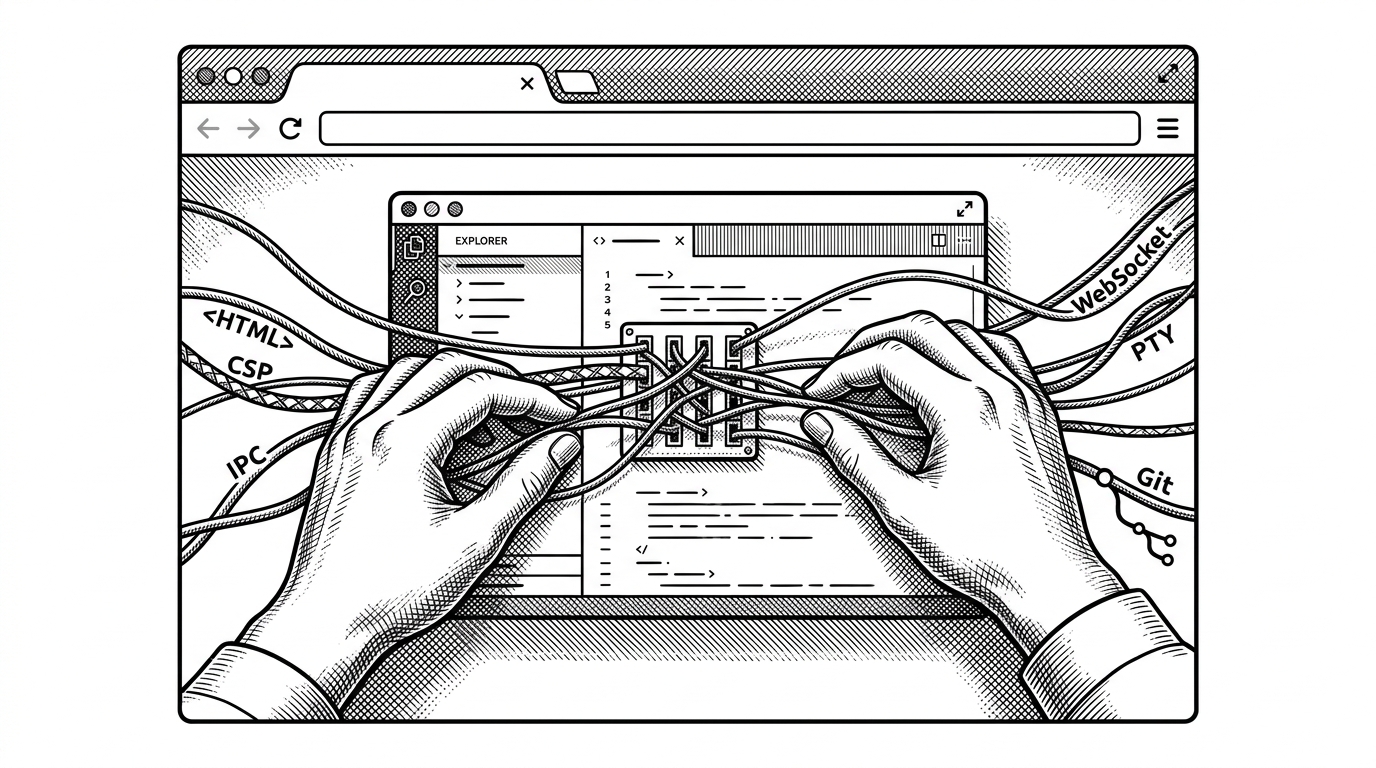
- Pocodex is not a web rewrite of Codex. It is a shim that preserves the official app surface and changes the runtime around it.
- Its main trick is identity theft at the UI layer. The browser sees a web app, while the real Codex bundle still supplies the product logic.
- The project is more powerful than a remote viewer because it keeps terminals and Git tied into the same bridge as the agent UI.
- That power comes with fragility, since the whole system depends on upstream Codex internals staying recognizable enough to patch.
The desktop app that thinks it still lives on one
Pocodex is interesting because it refuses the obvious solution. It does not rebuild Codex for the browser. It serves the real Codex UI, then patches the assumptions that make that UI believe it is still inside Electron.
That is a stronger trick than a remote viewer. The browser becomes the surface, but the original app bundle still supplies the behavior, the app-server, and the agent workflow. The result is less a clone than a controlled impersonation.
Pocodex lets you use the Codex desktop app in a regular browser, including on your phone or any other remote device. It's like Claude Code's Remote Control, but for Codex! It serves the real Codex desktop webview from the installed app bundle, reuses the bundled codex app-server as the agentic harness, and adds host-side shims for the desktop functionality the UI expects.
That framing matters. Most browser wrappers start with a new frontend and a compatibility layer underneath. Pocodex starts with the original UI and makes the platform bend around it.
Why people wanted this in the first place
The use case is plain. Codex is powerful, but it is tied to a local desktop environment. Pocodex gives it reach across phones, tablets, and second machines without asking users to abandon the official experience.
That changes how long-running coding sessions feel. You do not need to be at the workstation to check a result, nudge a task, or inspect a terminal. The tool becomes something you can keep an eye on instead of something you must sit in front of.
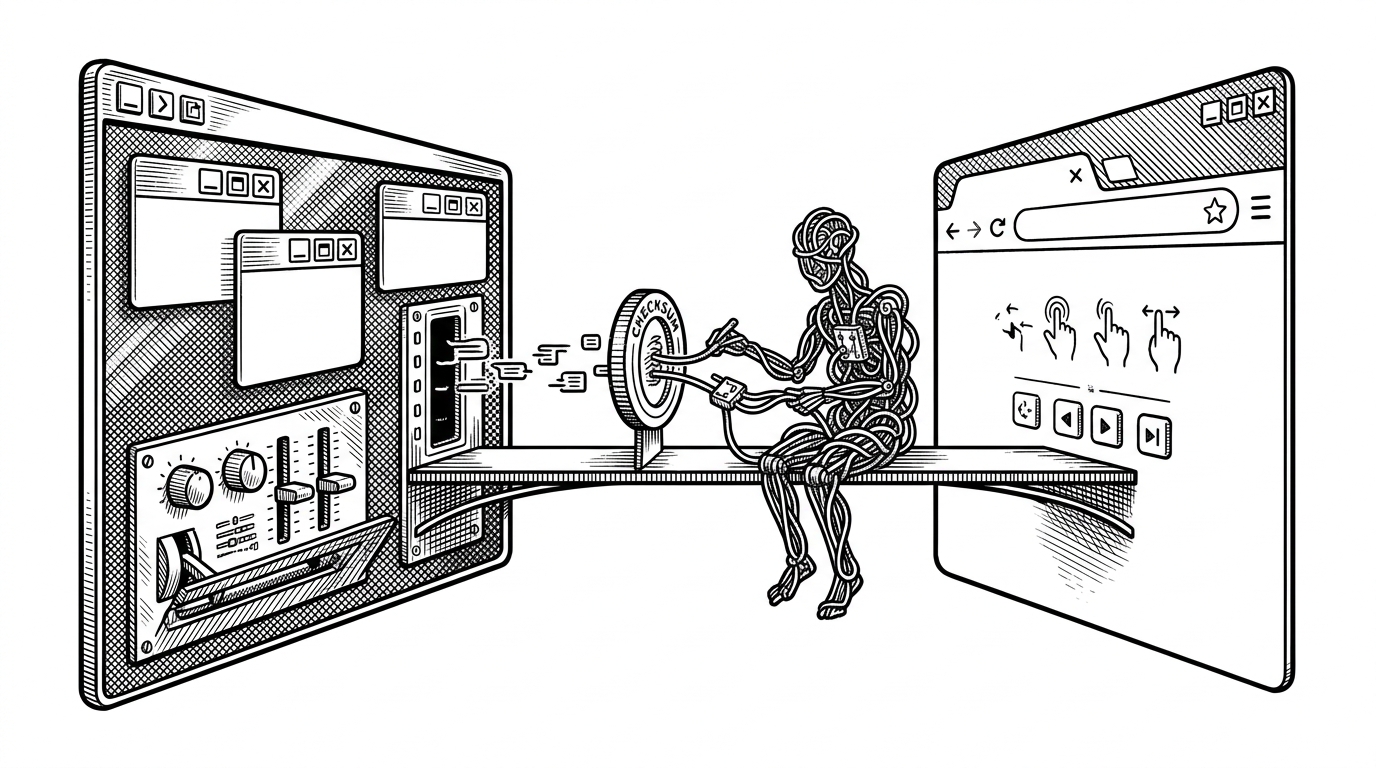
How Pocodex sneaks the Electron app into a browser
The pipeline starts with the installed Codex bundle. Pocodex locates the Electron archive, extracts the webview root, and serves the real HTML and assets instead of inventing new ones.
Then it patches the page. HTML gets injected with a bootstrap script. The Content Security Policy is recalculated so the browser will accept that script. The page is now allowed to load a shim that the original desktop build never expected.
From there, the browser talks to a relay instead of the native app. Browser events become WebSocket messages. Those messages reach host-side services that speak to the original app-server, terminal sessions, and Git operations.
The bridge inside the bridge
This is where Pocodex stops looking like a web frontend and starts looking like a controlled simulation. The bootstrap layer fakes Electron APIs such as ipcRenderer so the Codex UI keeps calling into a world that appears native.
Behind that fake surface, the host maps browser terminal IDs to real PTYs and routes Git work through a dedicated bridge. The browser sees one app. Underneath, several systems cooperate to make that illusion hold.
// Conceptual shape of the bridge
browserUi.call('openFolder')
  -> bootstrapShim.intercept()
  -> websocket.send({ kind: 'ipc', method: 'openFolder' })
  -> hostBridge.handle()
  -> appServerOrHostService.execute()
  -> websocket.send({ kind: 'result' })
  -> browserUi.render(result)
The design is clever because it keeps the official Codex brain intact. Pocodex does not replace the agentic harness. It borrows it, then extends the edges that make it usable outside the desktop.
Why the PWA layer matters
The PWA layer is not cosmetic. It turns the browser surface into something that behaves like a real app on mobile and tablet devices, with installability, an icon, and a persistent home-screen presence.
That matters because the product is about continuity. Remote access is useful. Remote access that can live on a phone like a first-class app is better.
What Pocodex does better than the alternatives
Pocodex sits in a narrow lane between official remote control features and simpler community web UIs. The official path is cleaner, but it is limited to what the product team exposes. Rebuild-style projects are lighter, but they usually lose fidelity with the original app surface and the surrounding tooling.
| Model | Official Codex UI | Original app-server | Terminals | Git bridge | PWA install | Upstream fragility | Mobile use |
|---|---|---|---|---|---|---|---|
| Pocodex | Yes | Yes | Yes | Yes | Yes | Higher | Yes |
| Official remote control | Yes | Yes | Unclear or limited | Unclear or limited | Yes or partial | Lower | Yes |
| Rebuild-style web UI | No | Often no | Usually no | Usually no | Sometimes | Lower | Yes |
The distinction is fidelity. Pocodex preserves the original experience while extending where and how it can be reached. That is more ambitious than a cosmetic web wrapper, and more brittle than a clean-room frontend.
The trade-off: power built on a moving target
The cost of this approach is dependency on upstream internals. If the Codex bundle changes, the patch points can break. If the UI assumes something new about Electron, the shim has to catch up.
That fragility is not a bug in the concept. It is the price of parasitic compatibility. Pocodex gets authenticity by staying close to the source, and it stays useful by moving quickly when the source shifts.
It reads css/js/html from the codex.app Electron ASAR to provide the UI. It uses the codex app server from within the codex.app bundle as the agentic harness. I have created customs shims for a lot of the other functionality like the terminal and the git functionality. I used the minified codex.app code as an oracle for the implementations.
What Pocodex suggests about the future of desktop apps
Pocodex points to a broader pattern. For some software, the smartest web strategy is not to rebuild the product. It is to treat the native app as the source of truth and build a bridge around it.
That is especially compelling for complex tools with rich internal state, sessions, terminals, and file operations. The more the app is already a system, the more sense it makes to preserve that system and change the viewport.
Pocodex is a lesson in leverage. It shows how much of a product can survive a hostile environment if you intercept the right assumptions early enough.