autoskills: The CLI That Installs Context for Your AI Pair Programmer
It scans a repository, detects the stack, and adds the right skills for Claude Code, Cursor, and other agents without asking you to hand-curate the setup.
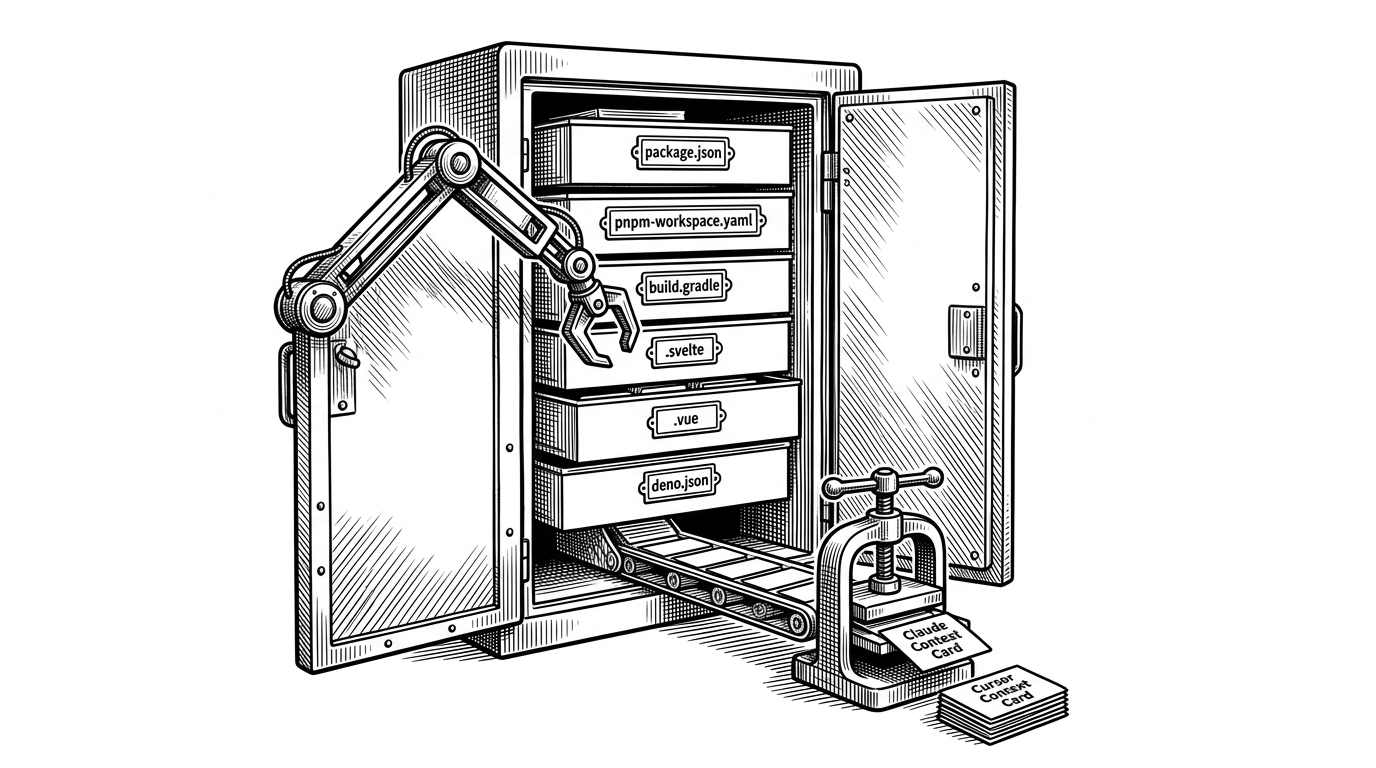
- autoskills treats project context like a dependency and installs it automatically instead of making developers hand-curate agent instructions.
- Its real advantage is stack detection, including workspace awareness and combo matching, not just reading a single manifest file.
- Claude Code gets a second layer of compression through CLAUDE.md, so installed skills become immediately usable context.
- The project sits between the repository and the agent, which makes it a meta-tool for alignment rather than another code assistant.
AI coding agents are useful in the same way a fast junior engineer is useful. They move quickly, but they still need to be told what kind of project they are in. That is where autoskills is interesting. It does not try to out-reason the agent. It tries to feed it the right context before the first prompt.
That distinction matters. Most setup flows still ask a developer to remember which rules, skills, or project notes belong to Next.js, Svelte, Supabase, or a monorepo built from several of them. autoskills turns that manual memory test into a detection pass.
Why AI agents still need hand-curated context
A codebase can be readable and still be opaque to an agent. A project may use a framework in a nonstandard way, combine several stacks, or hide important conventions in nested workspaces. Generic indexing helps, but it does not reliably surface the project-specific knowledge that keeps generated changes aligned with how the team actually works.
One command. Your entire AI skill stack. Installed.
That one line captures the product idea well. The tool is not promising to replace judgment. It is promising to remove the recurring setup tax that gets in the way of good judgment.
autoskills turns stack detection into skill installation
The workflow is straightforward. autoskills scans the project root, identifies technologies, maps them to skills from skills.sh, and installs the right set for the agent you are using. The key promise is zero-config behavior. You do not need to prebuild a ruleset for every stack combination you work in.
| Approach | Setup effort | Stack awareness | Combo detection | Claude Code support | Manual curation |
|---|---|---|---|---|---|
| Manual AI setup | High | Depends on the person | Rarely | Usually custom | Constant |
| Generic repo indexing | Low | Broad but shallow | No | Indirect | Medium |
| Raw skills.sh usage | Medium | Only what you choose | No | Possible, but manual | High |
| autoskills | Low | Strong and workspace-aware | Yes | Yes, via CLAUDE.md | Low |
The difference is not subtle. Manual setup asks the developer to remember context. Generic indexing asks the agent to infer it. autoskills asks the filesystem to tell the truth first.
The detection engine looks beyond package.json
The heart of the repo is not the installer. It is the detector. According to the codebase, autoskills checks package manifests, workspace files, Gradle layouts, and file signatures such as .svelte, .vue, and .blade.php. That makes it less brittle than a dependency-only scan.
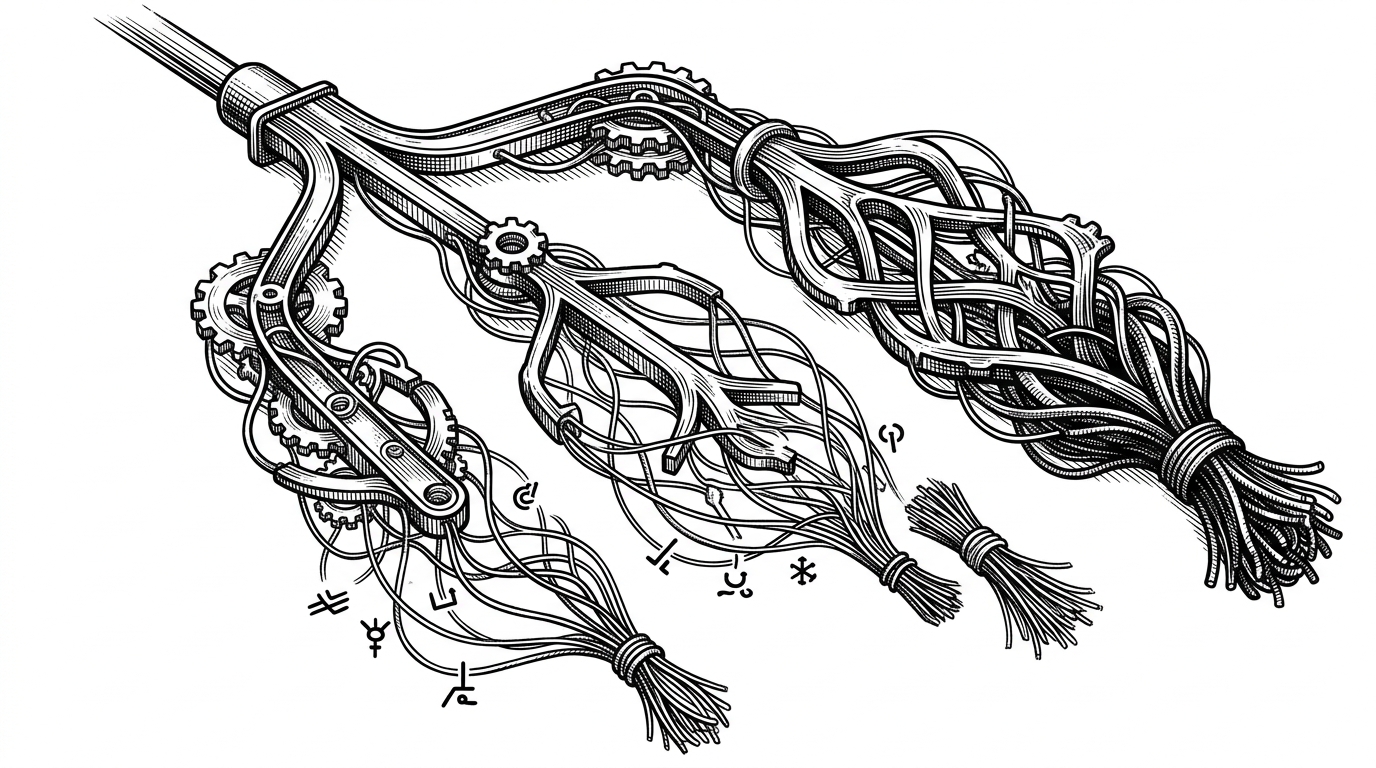
That matters because modern repositories are messy. A monorepo may have several package managers, nested workspaces, or a framework that is identified more by its file shape than by a single dependency entry. autoskills treats those details as signals, not noise.
If `claude-code` is auto-detected or passed with `-a`, `autoskills` also writes a `CLAUDE.md` file in your project root with a quick summary of the markdown files installed for Claude Code.
That second layer is important. Installing skills is one thing. Compressing them into a project-level summary for Claude Code is another. It means the agent does not have to discover every instruction from scratch.
The combo system is the smartest part
Single-tech detection is useful. Combo detection is where the design gets sharp. A Next.js app with Supabase is not just the sum of two separate facts. It is a specific working pattern with its own habits, pitfalls, and conventions. autoskills can recognize that pairing and install knowledge that fits the combination, not just the ingredients.
| Detection mode | What it sees | What it installs | Why it helps |
|---|---|---|---|
| Single tech | One framework or runtime | A skill for that technology | Covers the obvious cases |
| Workspace scan | Multiple packages across a repo | De-duplicated skills across the monorepo | Handles real project shape |
| Combo skill | A paired stack such as Next.js plus Supabase | Bundled guidance for the combination | Adds glue knowledge the agent would not infer reliably |
This is the difference between a lookup table and a compiler. The lookup table says what exists. The compiler assembles what should be true for this specific project.
Claude gets a second layer of context
The Claude integration is where the project becomes more than a skill installer. The repository includes logic for scanning installed markdown files and generating a concise CLAUDE.md summary. That gives Claude Code a fast, local entry point instead of making it infer the project rules from a pile of separate files.
// Conceptual flow from claude.ts
const skillsDir = '.claude/skills';
const markdownFiles = findMarkdownFiles(skillsDir);
const summaries = markdownFiles.map((file) => summarizeMarkdown(file));
writeFile('CLAUDE.md', buildClaudeSummary(summaries));
The point is not that the snippet is complicated. The point is that it is targeted. autoskills is taking project-specific knowledge, reducing it, and placing it where an agent is most likely to use it.
Why this project feels like an early AI tooling primitive
autoskills looks like a CLI, but the more useful label is meta-tool. It exists because the bottleneck has shifted. The challenge is no longer only generating code. It is getting the agent into the right context fast enough that the generated code starts from the right assumptions.
That is a real category move. Instead of asking every developer to become a prompt librarian, autoskills treats context as installable infrastructure. If that idea spreads, the most valuable tools around coding agents may not be the agents themselves. They may be the layers that make those agents less ignorant on arrival.