claude-code: Claude Code: The Repo That Turns Markdown Into an Agentic CLI
Inside Anthropic’s terminal-native coding tool, where frontmatter becomes permissions, plugins become capabilities, and the shell becomes the agent’s operating environment.

When I created Claude Code as a side project back in September 2024, I had no idea it would grow to be what it is today
- Claude Code’s core idea is that Markdown can define executable behavior, not just documentation.
- Its real differentiator is placement: the agent lives in the terminal, where developers already trust shell workflows.
- The repo pairs autonomy with guardrails through plugins, hooks, and permissioned commands.
- Compared with IDE assistants, Claude Code is less about inline suggestions and more about constrained action across the whole codebase.
The terminal is the product
Claude Code is easiest to understand as a resident in your shell. It does not ask you to move into a new editor or chat window first. It tries to become part of the workflow you already use for git, tests, files, and deployment.
That placement is the point. Most AI coding tools sit at the cursor. Claude Code sits closer to the work itself, where commands are issued, outputs are inspected, and mistakes are easiest to catch before they spread.
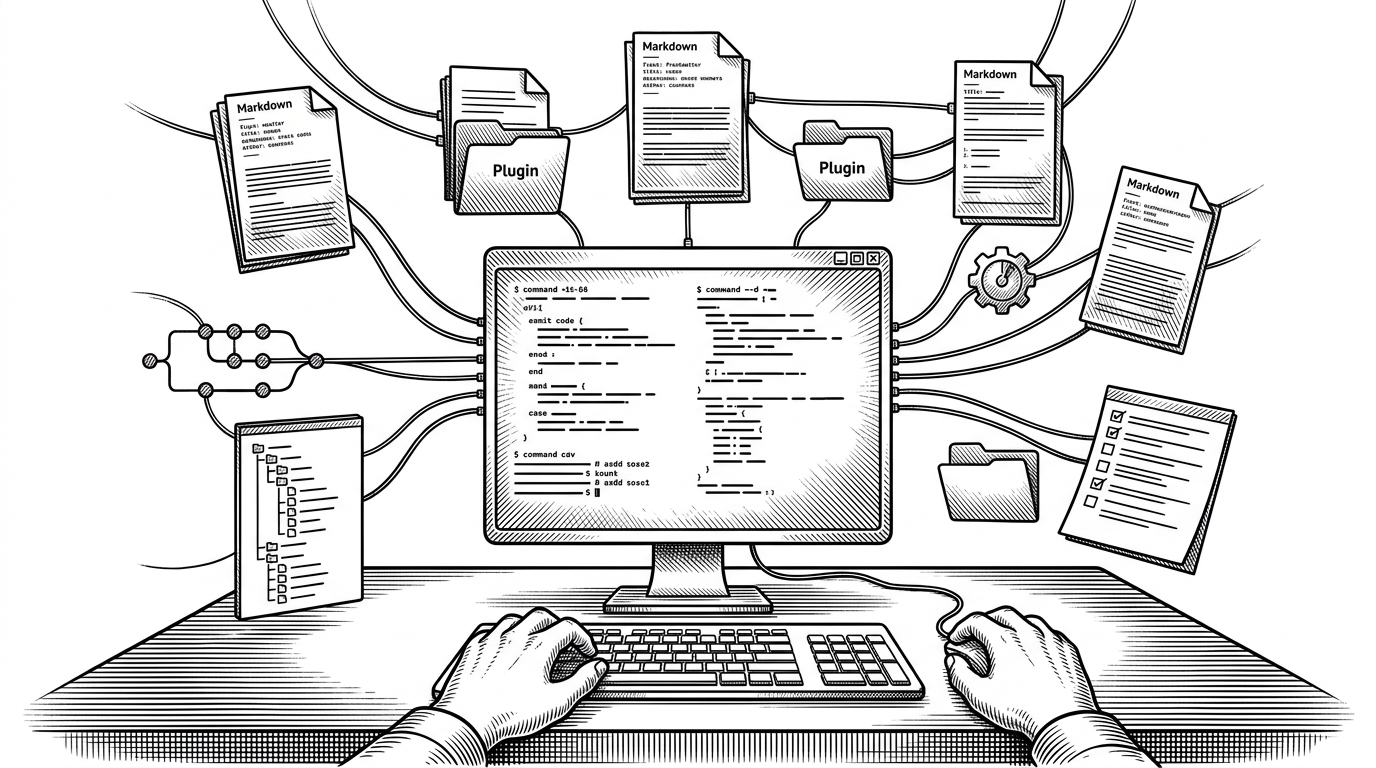
The repo structure makes that ambition obvious. There is a core CLI, a plugin ecosystem under plugins/, project-level command files under .claude/, and enterprise-minded examples under examples/mdm/. This is not a thin wrapper around a model. It is an operating layer for agentic work.
Markdown becomes the control plane
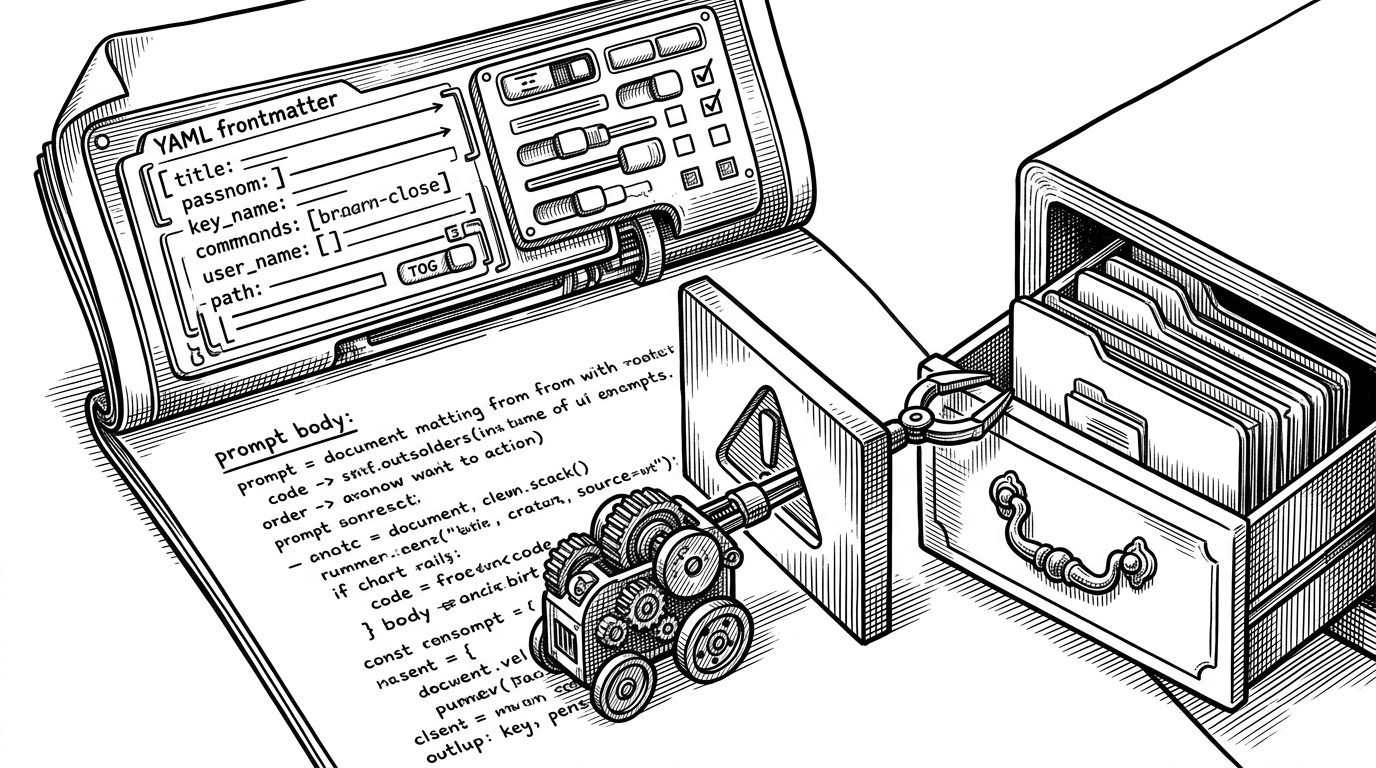
The most unusual thing in Claude Code is also the most important. A Markdown file can define a command, a prompt, and the rules for how much power that command gets. The body tells the model what to do. The frontmatter tells the runtime what it is allowed to touch.
---
allowed-tools:
  - Read
  - Bash(git:*)
model: sonnet
argument-hint: [feature branch name]
---
Create a commit, push the branch, and open a pull request summary.
That makes a command feel less like a chat shortcut and more like a constrained LLM session. The repo’s own frontmatter reference shows fields such as allowed-tools, model, and argument-hint. In practice, this keeps the agent’s scope legible before it ever reaches the filesystem.
Plugins are the real architecture
The plugin system turns Claude Code from a tool into a platform. Features such as code review, command creation, and task-specific workflows are split into modular directories instead of being buried in a single monolith. That keeps the core smaller and the capabilities easier to inspect.
One useful way to read the repo is as a marketplace of constrained behaviors. A plugin can specialize the agent for one job, while the shared runtime handles the shell integration, metadata, and guardrails. That separation matters because it lets Anthropic add power without turning every feature into a special case.
The architecture also hints at how the product wants to spread. If commands are Markdown and behavior is packaged as plugins, then teams can author their own workflows without waiting for a platform release. The tool becomes extensible in the same language developers already use for docs and configuration.
Hookify is the safety valve
The repo’s hook system is the second big idea. Claude Code is not just agentic. It is agentic with a policy layer that can intercept behavior before a tool runs. That turns safety into a concrete event, not a promise buried in a product page.
The hookify plugin shows this clearly. Rules can inspect proposed actions during PreToolUse, then decide whether to allow, warn, or block. That matters because the dangerous part of an agent is rarely the sentence it writes. It is the command it is about to execute.
This is where Claude Code gets more interesting than a generic assistant. It does not merely ask the model to behave. It adds a visible control point between model intent and OS effect. For professional developers, that is the difference between a clever demo and something you might trust on real work.
Why Anthropic built it this way
The product strategy is easy to miss if you focus only on the prompt mechanics. Claude Code is shaped for developers who already live in terminals, teams that care about permissions, and organizations that need inspectable behavior. The examples in the repo, including MDM material and security guidance, point in that direction.
That origin story fits the architecture. The repo does not read like a toy side project that escaped containment. It reads like a team trying to make a powerful model usable inside the exact places engineers already work, while keeping the boundaries explicit enough for serious adoption.
Claude Code vs. the rest of the AI coding stack
Claude Code’s competition is not defined by raw model quality alone. Copilot owns autocomplete. Cursor owns an AI-first editor. Devin leans toward high autonomy. Claude Code occupies a different lane: terminal-native, permissioned, and close to the command line muscle memory of senior developers.
| Tool | Primary interface | Workflow | Autonomy | Safety boundary | Best fit |
|---|---|---|---|---|---|
| GitHub Copilot | IDE cursor | Inline completion and assistance | Low to medium | Editor scope and user review | Fast code writing inside an IDE |
| Cursor | AI-first editor | Chat plus code editing in a dedicated environment | Medium | Editor workflow and manual approval | Teams willing to live inside a new editor |
| Devin | Managed agent | Higher-level task execution | High | Product-managed sandboxing | Delegating larger engineering tasks |
| Claude Code | Terminal | Shell-native command, file, and git workflows | Medium | Frontmatter, hooks, and tool permissions | Developers who want agentic power without leaving the CLI |
The real contrast is not intelligence. It is placement and control. Claude Code tries to make the terminal the native habitat for AI agents, then wraps that power in frontmatter, hooks, and plugins so the model can act without becoming a black box.