obsidian-mcp-tools: When Your Vault Becomes an API for AI
A local-first MCP bridge that turns Obsidian notes, templates, and semantic search into something an agent can actually use.
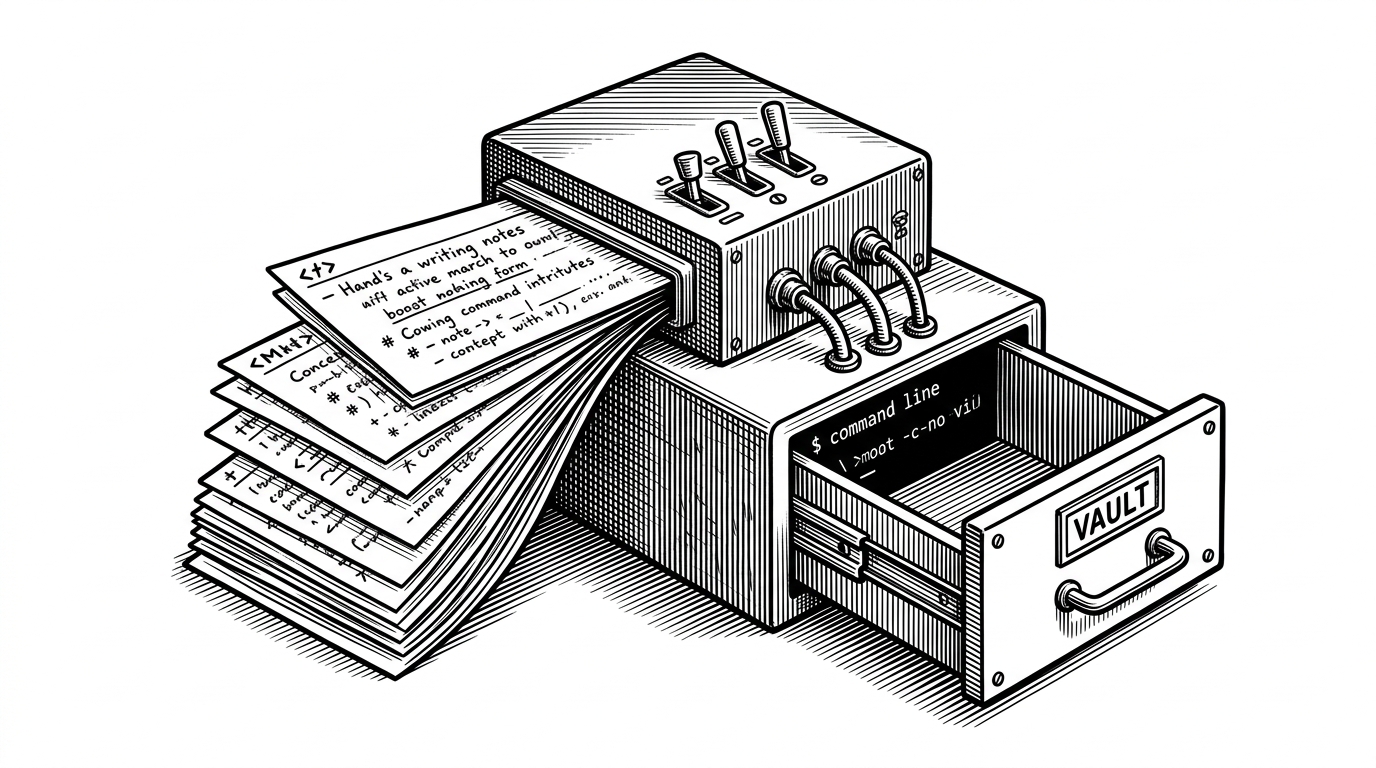
- obsidian-mcp-tools is less a full rewrite of Obsidian than a bridge that lets existing vault behaviors show up as agent-facing capabilities.
- Its real trick is compositional: local REST access, Smart Connections, and Templater are stitched together into one programmable layer.
- The project treats Markdown as something executable, so prompts and workflows can live inside the same notes users already maintain.
- The distribution story matters as much as the protocol story because the plugin installs and configures the server for non-technical users.
From Notes to Control Surfaces
Most Obsidian integrations treat the vault as a folder of files. obsidian-mcp-tools makes a sharper bet: a vault can be a control surface for AI. That shift matters because it changes what a note is allowed to be. It can hold content, but it can also define behavior.
The project is built for people who already trust Obsidian as their second brain. Instead of asking them to migrate to a new system, it exposes the vault through the Model Context Protocol so an MCP client can search, prompt, and operate locally through tools they already understand.
MCP Tools for Obsidian enables AI applications like Claude Desktop to securely access and work with your Obsidian vault through the Model Context Protocol (MCP).
The Bridge Pattern That Makes It Safe
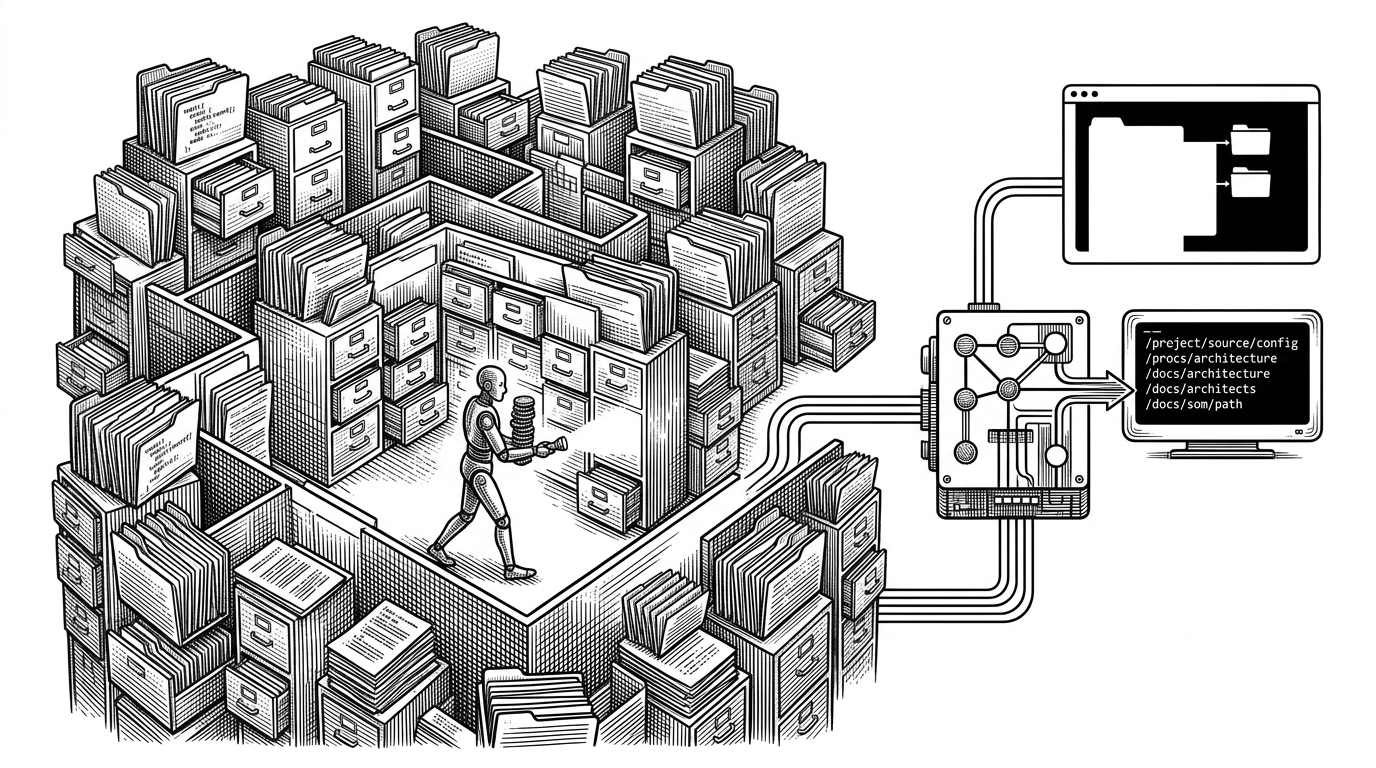
The core architecture is simple enough to explain in one sentence: MCP client to MCP server to Obsidian local REST API to vault. The important part is what the server does not do. It does not wander the filesystem directly. It talks to Obsidian through an authenticated local API, which is a cleaner boundary and a better fit for a plugin-heavy app.
MCP client
  → MCP server
  → Obsidian local REST API
  → Obsidian vault
That design choice keeps the project feeling like an adapter layer instead of a replacement for Obsidian. There is a local-development compromise here too: the implementation disables TLS validation to work with self-signed certificates from local APIs. That is pragmatic, but it also tells you this is tooling for a trusted machine, not a remote service.
How Notes Become Prompts
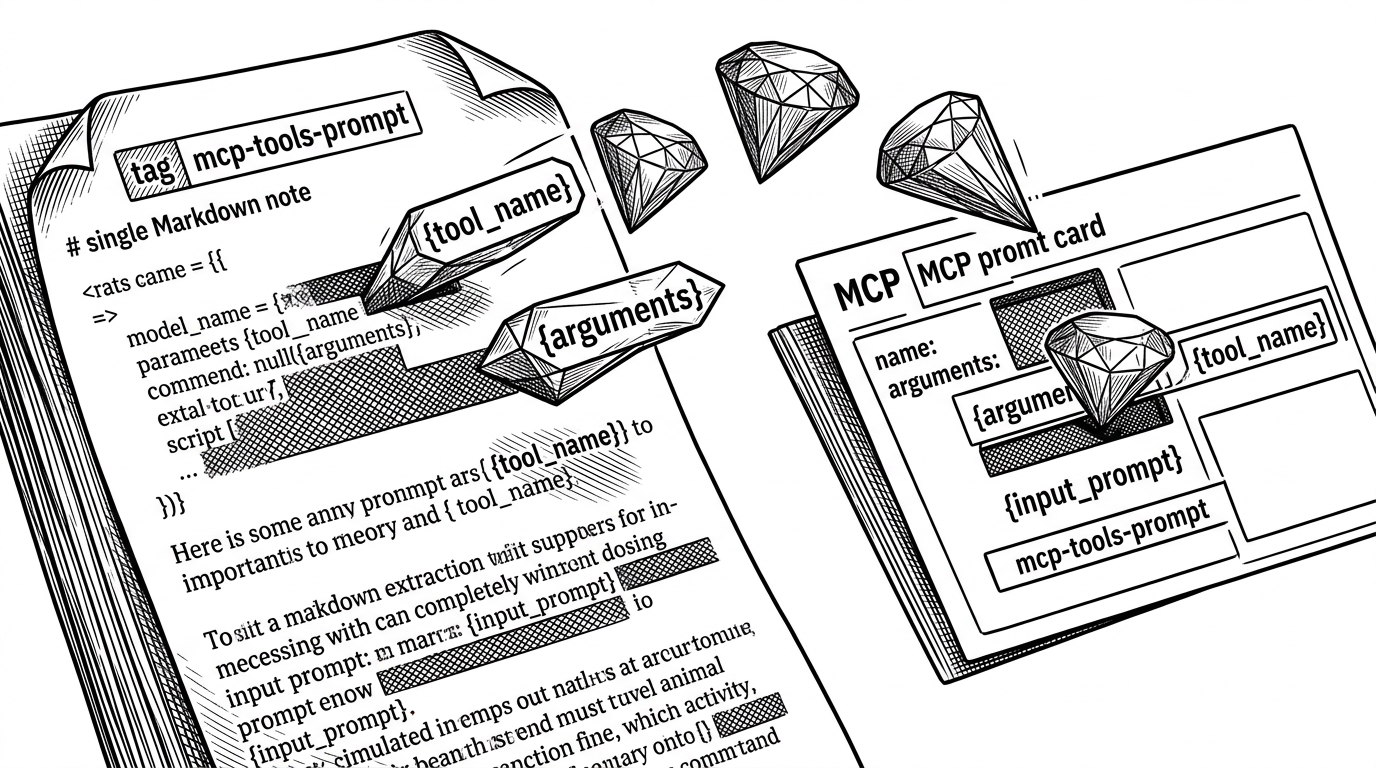
This is where the project gets genuinely clever. The server scans a Prompts/ directory, looks for Markdown files tagged for MCP use, parses template parameters, and exposes those notes as callable prompts. In plain English: it compiles Markdown into an agent-facing capability.
That is a stronger mental model than “LLM reads files.” The note is no longer passive. It becomes executable. If you already live in Obsidian, that means your prompt library can stay where your thinking already lives.
From freeform text to callable input
The pipeline is straightforward once you see it. A tagged note is discovered, its placeholders are extracted, and those placeholders are turned into arguments that an MCP client can fill in at runtime. The result is a prompt object that behaves more like a function than a document.
// Conceptual flow
const note = scanPromptsFolder()
const templateParams = parseTemplateParameters(note.content)
const prompt = buildMcpPrompt({
  title: note.title,
  args: templateParams,
  body: note.content,
})
That shift from document to function is why the repo feels bigger than its surface area. It is not merely exposing content. It is teaching an LLM client how to invoke the vault with structure.
Why It Leans on Existing Obsidian Plugins
| Layer | obsidian-mcp-tools | Direct filesystem MCP |
|---|---|---|
| Semantic search | Uses Smart Connections to surface meaning-based results | Usually implements its own search or falls back to filenames |
| Template workflows | Compiles tagged Markdown prompts and parameters | Treats prompts as external instructions |
| Vault access | Routes through Obsidian's local REST API | Reads files directly from disk |
| Distribution | Plugin installs and configures the server | Users often manage binaries and config manually |
| Integration style | Compositional and plugin-aware | Broader on paper, thinner in practice |
The strategic move here is compositional. The project borrows semantic search from Smart Connections, templated workflows from Templater, and local access from the REST API plugin. It does not try to out-build the Obsidian ecosystem. It orchestrates it.
That is often the smarter product decision. An adapter that connects good tools can be more durable than an all-in-one system that tries to own every layer.
The Distribution Trick: A Plugin That Installs a Server
Local MCP servers are usually annoying to distribute. This repo solves that with a plugin-within-a-plugin pattern. The Obsidian community plugin handles download, configuration, and setup, so a non-technical user can install the bridge from inside the app they already use.
That is a big deal. It turns the hardest part of adoption into a familiar Obsidian workflow. The repo is not just a protocol bridge. It is a delivery mechanism.
This project is actively seeking dedicated maintainers to take over development and community management.
What the Project Is Really Optimized For
The implementation choices point to a clear set of priorities: speed, local trust, and maintainability. The monorepo uses Bun, shared types live in one place, and schema validation leans on Arktype alongside Zod. The release process also includes signed binaries and SLSA provenance, which is exactly what you want when the install path reaches beyond developers.
There is also a practical concern hiding in the background: tool bloat. One contributor note warns that the full tool set can consume a meaningful chunk of Claude’s context window. That is a useful reminder that elegant integrations still have budget constraints.
Each tool definition consumes context tokens in every conversation - with the full set of tools, the MCP tools take 6% of Claude's context. Disabling unused tools could save 3,000–5,000 tokens per session.
Where It Sits in the Obsidian MCP Landscape
| Project shape | Strength | Trade-off |
|---|---|---|
| obsidian-mcp-tools | Deeply aligned with existing Obsidian plugins and workflows | Relies on an ecosystem the user may already need to configure |
| Feature-heavy Obsidian MCP servers | Broader vault manipulation and more tools on paper | More likely to rebuild behavior that Obsidian already provides |
| Direct filesystem bridges | Simple mental model and fewer dependencies | Weaker integration with Obsidian-specific capabilities |
That positioning is the whole story. obsidian-mcp-tools is narrower than a feature-heavy vault server, but it is also more elegant for users who already live inside Obsidian’s plugin ecosystem. It is optimized for depth of integration, not raw tool count.
That makes it feel less like a utility and more like a translator between two worlds: Obsidian’s note-centric workflow and MCP’s agent-centric interface.