lexi-hyprlock: How a Tiny Hyprlock Config Turns a Lock Screen Into a Cyberpunk Terminal
A small Bash installer, a few layered labels, and one hard magenta accent are enough to make Hyprland’s lock screen feel like a deliberately designed interface instead of a utility panel.
- lexi-hyprlock proves that a strong interface identity can come from a tiny configuration surface, not a heavyweight UI stack.
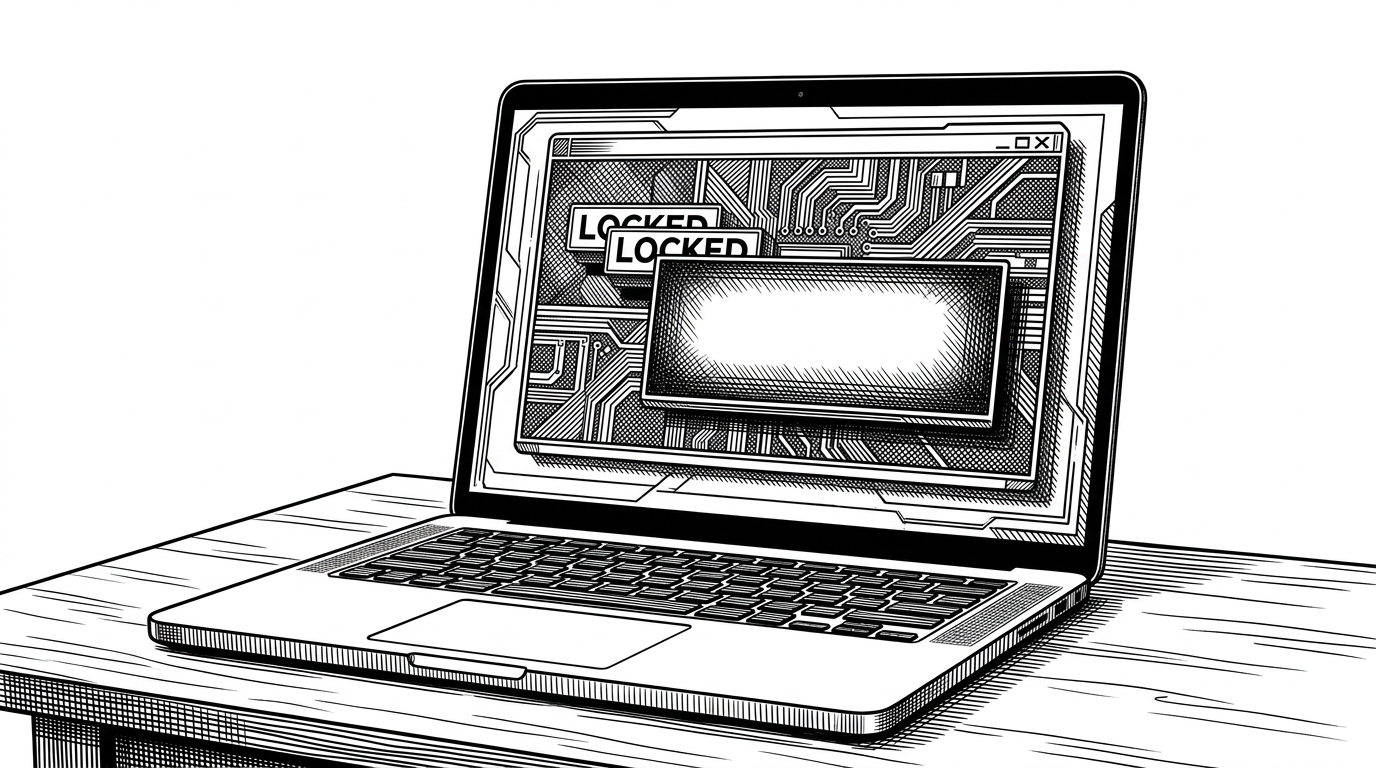
- Its most interesting trick is manual layering, where offset labels create the feeling of depth without adding real rendering complexity.
- The installer matters because it turns a personal config into something portable and safe to overwrite on another machine.
- This is ricing as design engineering, where taste, paths, and defaults are treated as part of the product.
The lock screen is doing more with less
`lexi-hyprlock` is not trying to be a general-purpose lock screen theme. It is trying to make one very specific mood feel inevitable: sharp, terminal-like, and intentionally severe. The result is a desktop interface that reads more like a crafted object than a settings file.
That works because the project commits to a narrow visual vocabulary. There is a hard accent color, flat geometry, and a refusal to soften the edges with the usual rounded, friendly UI language. The whole thing feels closer to a poster layout than a login panel.
How the illusion is built
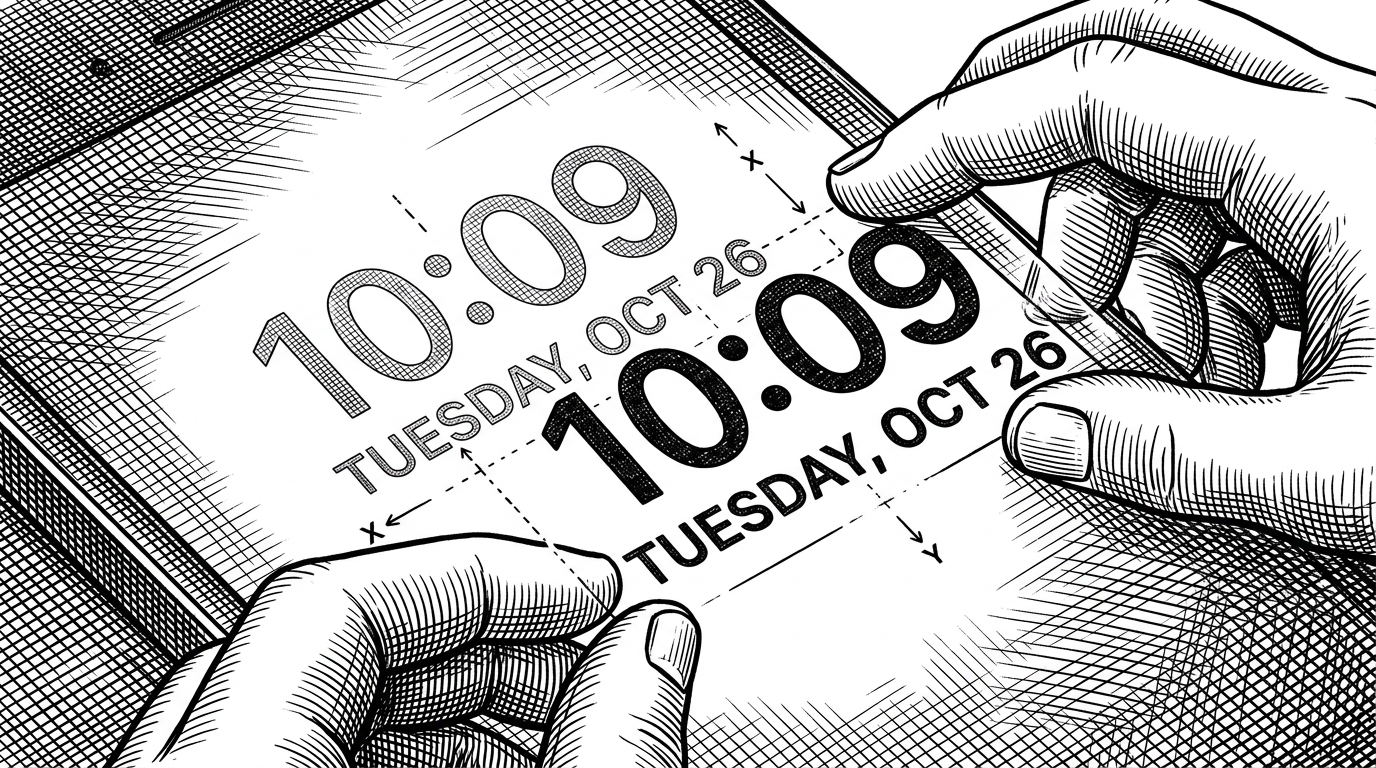
The core trick is simple and slightly old-school: the config stacks labels with tiny coordinate offsets so they read like shadows. Instead of asking the locker to synthesize depth, the author draws depth by hand. That is why the interface feels so deliberate.
The input field uses Pango markup, which keeps the color language consistent even when the state changes. The important part is not the syntax itself. It is the discipline: the same accent color carries through normal text, borders, and failure states, so the screen never loses its identity.
label {
  text = LOCKED
  color = rgba(000000dd)
  position = 4, 103
}

label {
  text = LOCKED
  color = rgba(e93f77ff)
  position = 0, 106
}

input-field {
  placeholder_text = <span foreground="##e93f77">ACCESS KEY</span>
  fail_text = <span foreground="##e93f77">INVALID</span>
}
The installer is the second half of the project’s design. It uses a placeholder for the home directory, rewrites it at install time, and makes a backup before touching the existing config. That is a small script, but it solves the real distribution problem: absolute paths are convenient for the author and awkward for everyone else.
That choice matters because this kind of repo lives or dies on friction. If the setup is brittle, the aesthetic stays private. If the installer is careful, the aesthetic becomes shareable.
Why the installer matters as much as the theme
The script is not just plumbing. It is part of the product experience. Timestamped backups are a strong signal that the author expects people to try this on their own machines, and that the config should fail gracefully if something goes wrong.
In other words, the repo is doing two jobs at once. It is styling the lock screen, and it is packaging that style so it can survive a different username, a different home directory, and a different desktop setup.
This is ricing, not just theming
Desktop customization in the Hyprland world often treats the OS as a composition surface. `lexi-hyprlock` is a clean example of that mindset. It does not ask for more machinery. It asks for better taste.
| Dimension | lexi-hyprlock | Plain hyprlock | swaylock | Generic rounded UI |
|---|---|---|---|---|
| Visual philosophy | High-contrast, terminal-gothic, deliberately severe | Flexible but neutral | Minimal and functional | Soft, familiar, broadly polished |
| Customization depth | Curated config with strong identity | Deep, but you build the look yourself | Limited and utilitarian | Usually opinionated by the desktop shell |
| Portability approach | Installer rewrites paths and backs up safely | Manual setup is common | Typically manual | Managed by the environment rather than the config |
| Setup complexity | Low once installed | Low to moderate | Low | Low for users, higher for authors |
| Best fit | People who want a ready-made aesthetic with control | Users who want to author their own theme | Users who want simplicity first | Users who prefer mainstream visual language |
Compared with stock `hyprlock`, `lexi-hyprlock` is opinionated. Compared with `swaylock`, it is more about presentation than bare utility. Compared with the usual rounded desktop UI, it feels like it belongs to a different design culture entirely.
Where it fits in the Wayland ecosystem
This repo is best understood as a narrow layer on top of `hyprlock`, not a replacement for the locker itself. That makes it useful in a very specific way: it gives Hyprland users a fast path to a distinctive lock screen without forcing them to invent the whole configuration from scratch.
The broader lesson is bigger than the project. In small Linux desktop repos, the line between utility and identity is thin. `lexi-hyprlock` sits right on that line, where a few labels, one font choice, and one careful script are enough to make the system feel authored.