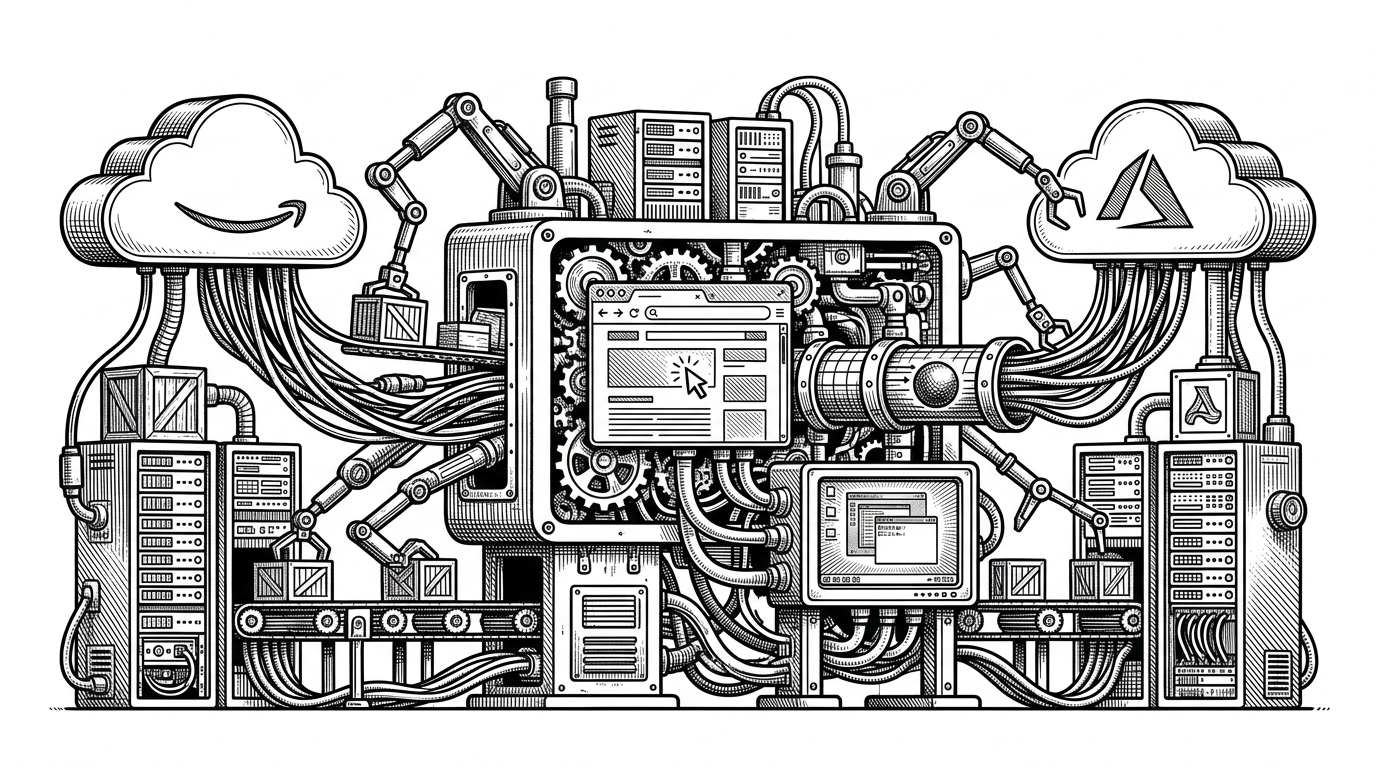
floci-ui: The Universal Translator for Local Cloud Consoles
A schema-driven TypeScript monorepo that normalizes AWS, Azure, and GCP into one local control surface, then lets the backend teach the frontend how to render the UI.

- floci-ui treats cloud-provider fragmentation as a translation problem, not a visualization problem.
- The backend does more than proxy requests. It describes the UI through shared schemas and validation rules.
- A flat object store becomes intuitive when the system adds a virtual folder layer that matches user mental models.
- The project is strongest where it behaves like a real console, while still staying thin enough for local development.
Why a Local Cloud Console Exists
Cloud development is still too often a scavenger hunt. One browser tab for AWS, another for Azure, another for GCP, plus local emulators that feel like approximations instead of tools. floci-ui answers that by making the local console feel like a single operational surface, not a pile of vendor tabs.
That is the real pitch: a developer should be able to work against cloud-shaped systems without constantly translating between three different mental models. The project does this by normalizing resources into a shared TypeScript contract and then letting the backend describe how the frontend should behave.
The Big Idea: One Interface, Three Clouds
The core abstraction is an SPI, a Service Provider Interface. In practice, that means a CloudServiceAdapter contract, a registry that resolves provider-specific implementations, and a normalized resource shape that hides the provider differences until the last possible moment.
type CloudProvider = 'aws' | 'azure' | 'gcp';

type FieldSchema = {
  name: string;
  label: string;
  type: 'text' | 'select' | 'number';
  required?: boolean;
  validation?: {
    pattern?: string;
    minLength?: number;
    maxLength?: number;
  };
};

type CloudResource = {
  id: string;
  type: 'storage' | 'compute' | 'network';
  cloud: CloudProvider;
  name: string;
  metadata: Record<string, unknown>;
};

interface CloudServiceAdapter<TCreate = unknown> {
  list(): Promise<CloudResource[]>;
  create(input: TCreate): Promise<CloudResource>;
  delete(id: string): Promise<void>;
  schema(): Promise<FieldSchema[]>;
}
That last method matters. If the backend can return the field schema, then the frontend does not need a hardcoded form for every cloud and every service. The UI becomes thinner because the adapter layer is opinionated enough to teach it what to render and how to validate it.
The Cleverest Trick: Making Object Storage Feel Like a Folder Tree
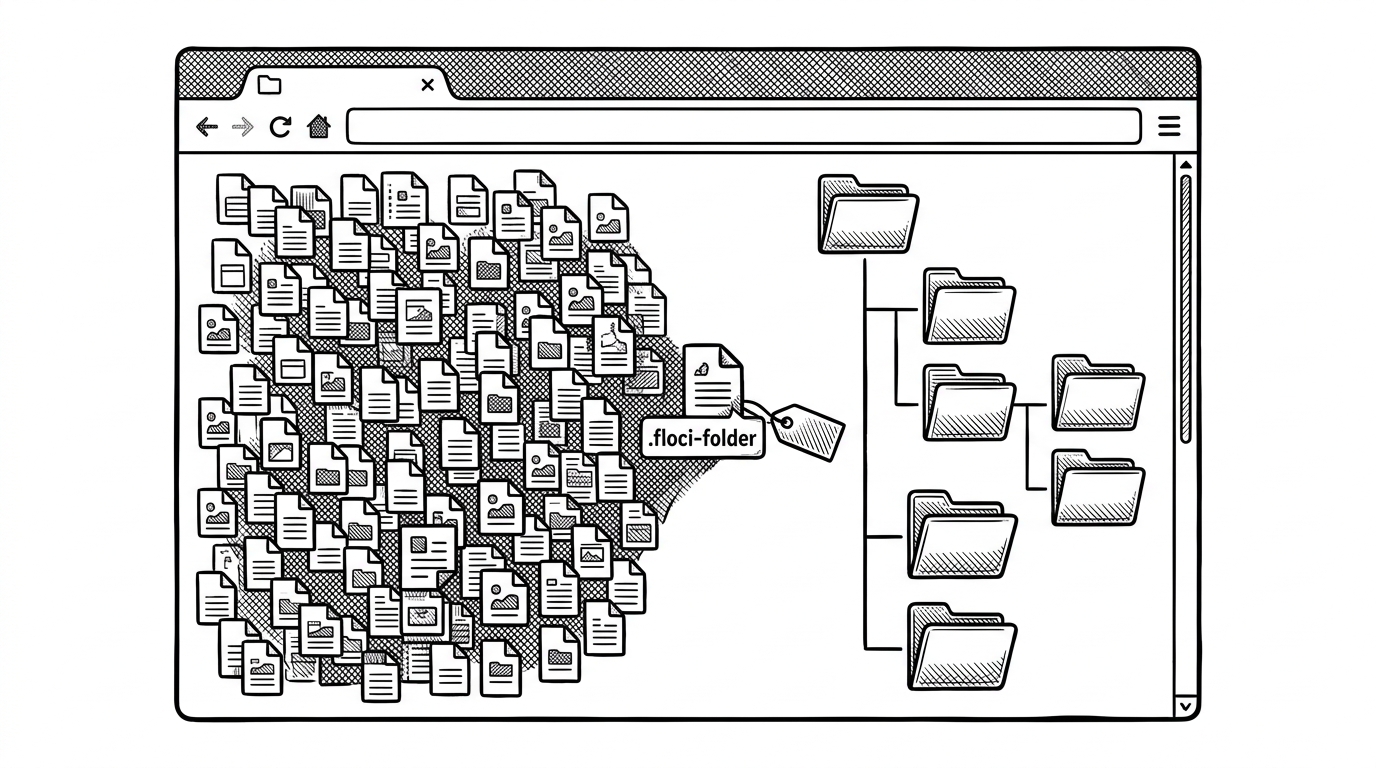
The storage browser is where the project stops being abstract and starts being obvious. Object storage is flat, but people think in folders. The repo bridges that gap with a virtual directory marker, so the interface reads like a file explorer instead of an engineering artifact.
That detail is more than cosmetic. It is a product choice that reduces cognitive load, especially for developers who are used to local filesystems and cloud consoles that mimic them. The project is saying that emulation should preserve the user’s mental model, not force a new one.
Why the Frontend Is Feature-First, Not Provider-First
| Layer | Role | What it optimizes for |
|---|---|---|
| cloud-console | Generic shell for browsing and common operations | Reuse across providers |
| ec2 / eks / rds | Specialized workflows for harder AWS services | Depth where the generic model breaks |
| telemetry | Event and scheduler support | Local observability and responsiveness |
| adapter layer | Schema and resource normalization | Provider translation |
The codebase leans into a split that feels practical rather than ideological. Generic cloud surfaces live in the shared console layer. The hard cases, like VPC and other provider-specific workflows, get their own feature modules. That keeps the common path thin without pretending every cloud service can be flattened perfectly.
This is the kind of architecture that scales only if the boundaries stay honest. The generic layer handles the 80 percent case. The specialized features catch the rest instead of forcing the adapter contract to become a junk drawer.
Where It Fits Among Cloud and Flow Tools
| Tool | Primary job | Mental model | What floci-ui does differently |
|---|---|---|---|
| floci-ui | Local cloud normalization | A single console for multiple cloud dialects | Uses schemas and adapters to teach the UI how to render |
| Kiali | Service mesh visibility | Topology and traffic maps | Focuses on Istio operations, not local cloud emulation |
| Apache NiFi | Data flow composition | Drag-and-drop pipeline design | Targets data logistics, not provider translation |
| Argo Workflows UI | Workflow orchestration | Kubernetes job graphs | Optimizes for execution pipelines, not cloud console parity |
| Vendor consoles | Provider-native operations | One cloud, one worldview | floci-ui tries to unify the experience across clouds |
The comparison is useful because it clarifies ambition. floci-ui is not trying to be the biggest control plane or the richest workflow engine. It is trying to make local cloud development feel unified, fast, and operational in a way that provider consoles rarely are.
That makes it adjacent to observability and orchestration tools, but not the same thing. Its moat is translation, not topology or job scheduling.
What to Watch Next
The repository looks strongest where the storage abstraction is already mature and where AWS is deeper than the other providers. That suggests the architecture is ready for extension, but also that breadth will be the real test. Every new service increases the pressure on the adapter contract.
If the model holds, the payoff is substantial. Add more services without bloating the frontend, and the console stays coherent. Lose that discipline, and the translator becomes just another wrapper around cloud chaos.