nginx-and-docker-project-intro: Nginx and Docker Project Intro: Turning One Node App into a Load-Balanced Cluster
A compact DevOps template that shows how Compose, least-connections routing, and failover retries make a simple Express app behave like a resilient service.
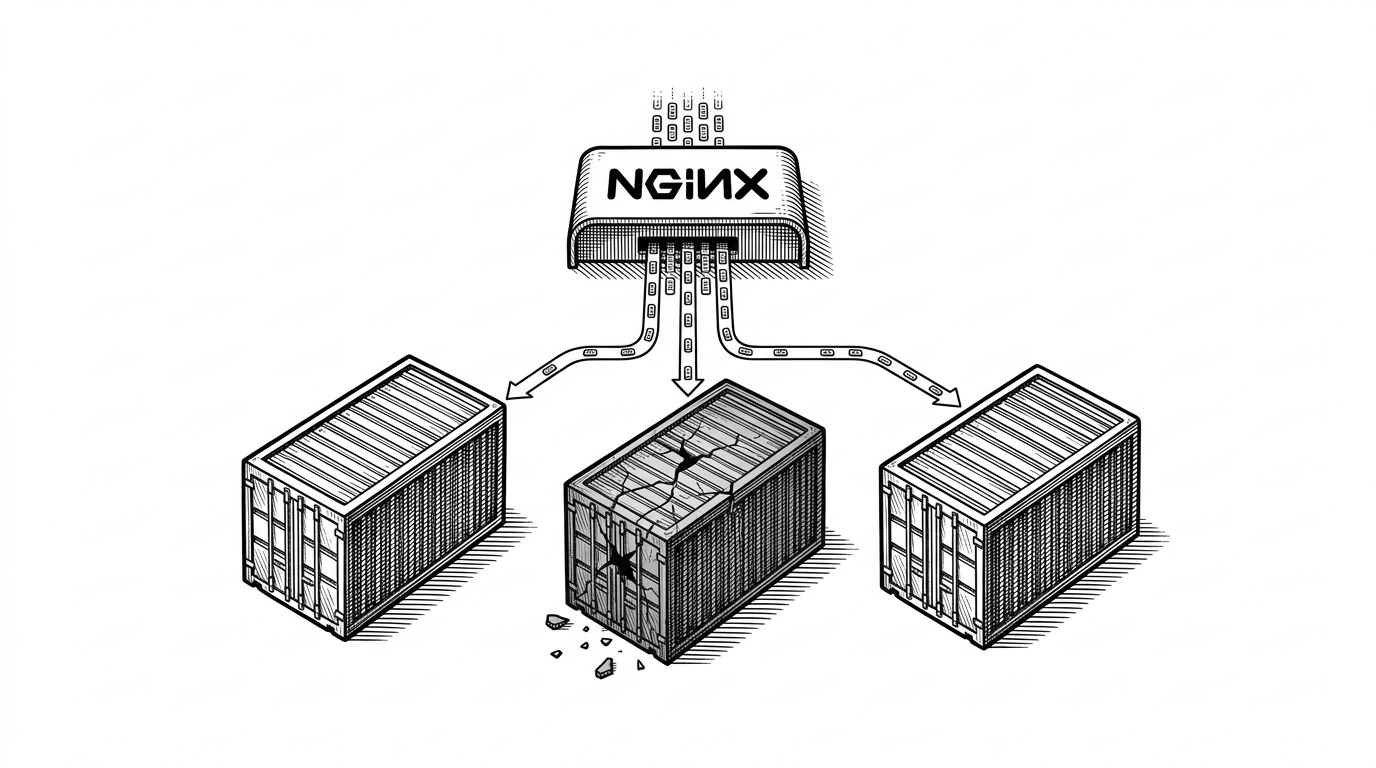
- The repo turns a single Express app into a cluster that behaves like infrastructure, not a toy demo.
- Its real lesson is visibility: the app, proxy, and container layout all expose routing decisions you can verify immediately.
- Nginx adds more than distribution here, because failover and least-connection routing make the system self-healing under light stress.
- The Dockerfile borrows modern build habits, so the project teaches production-shaped mechanics without losing its beginner-friendly size.
The smallest possible cluster that still feels real
This repository is not trying to be a platform. It is a teaching setup that shows how one Node app can become a resilient service with a proxy in front and multiple replicas behind it.
This project is a simple introduction to Nginx and Docker.
That understatement is the point. The repo is small, but it demonstrates a full operational pattern: Compose starts the pieces, Nginx decides where traffic goes, and the app tells you which replica answered.
Three app containers, one proxy, one truth
The Compose file spins up three app services from the same image, then places Nginx in front. That means the cluster is not a pile of special snowflakes. It is one image, three names, and one reverse proxy.
services:
  app1:
    build: .
    environment:
      - APP_NAME=app1
    ports:
      - "3001:3000"

  app2:
    build: .
    environment:
      - APP_NAME=app2
    ports:
      - "3002:3000"

  app3:
    build: .
    environment:
      - APP_NAME=app3
    ports:
      - "3003:3000"

  nginx:
    build: .
    depends_on:
      - app1
      - app2
      - app3
    ports:
      - "8080:80"
Those host port mappings matter. They let you bypass the proxy and talk to each container directly, which is useful when you want to debug routing, app behavior, or a bad mount without guessing.

Why Nginx makes this feel smarter than a demo
The real upgrade is not that Nginx sits in front of the app. It is that the proxy uses least_conn, so traffic goes to the least busy backend instead of merely the next one in line.
That matters when requests are uneven. A busy container stops monopolizing new work, and the system looks more like an actual service than a classroom example.
upstream app_cluster {
  least_conn;
  server app1:3000 max_fails=3 fail_timeout=10s;
  server app2:3000 max_fails=3 fail_timeout=10s;
  server app3:3000 max_fails=3 fail_timeout=10s;
}

server {
  location / {
    proxy_pass http://app_cluster;
    proxy_next_upstream error timeout http_502 http_503 http_504;
  }
}
The failover settings are the other half of the story. If a backend starts returning errors, Nginx can skip it and retry the request on another healthy upstream, which is the simplest possible kind of resilience.
The app is a tracer bullet, not just a server
The Express app does one useful thing beyond serving content. It tags responses with APP_NAME, which turns load balancing into something you can inspect in logs and browser output.
app.get('/', (req, res) => {
  console.log(`request served by ${process.env.APP_NAME}`)
  res.sendFile(path.join(__dirname, 'index.html'))
})
That is a small move with a big payoff. Instead of trusting the proxy, you can watch the replica identity change as requests move around the cluster.
The repository also checks for the front-end file explicitly, which is a practical debugging habit. It makes path and mount mistakes easier to catch when you are still learning how containers see the filesystem.
What this teaches better than a generic Nginx tutorial
| Setup | Traffic selection | Failure handling | What the app reveals | Operational lesson |
|---|---|---|---|---|
| Single container tutorial | One backend only | No real fallback | Nothing interesting changes | Good for basics, weak on resilience |
| This repo's Compose plus Nginx setup | Least connections across three replicas | Failed upstreams can be retried automatically | Each replica identifies itself in logs | Shows observable load balancing and recovery |
| Naive round robin proxy | Next backend in sequence | May keep sending traffic to a hot or failing node | Usually no replica visibility | Teaches proxying, but not load-aware routing |
This is why the repository stands out. It stays small enough to understand in one sitting, but it teaches a real pattern: one app, several replicas, visible routing, and a proxy that keeps the service flowing when one node slips.