Claude HUD: Building an Instrument Cluster for the AI Agent
How a terminal-native dashboard solved "context blindness" and turned the Claude Code status line into a high-density telemetry suite.
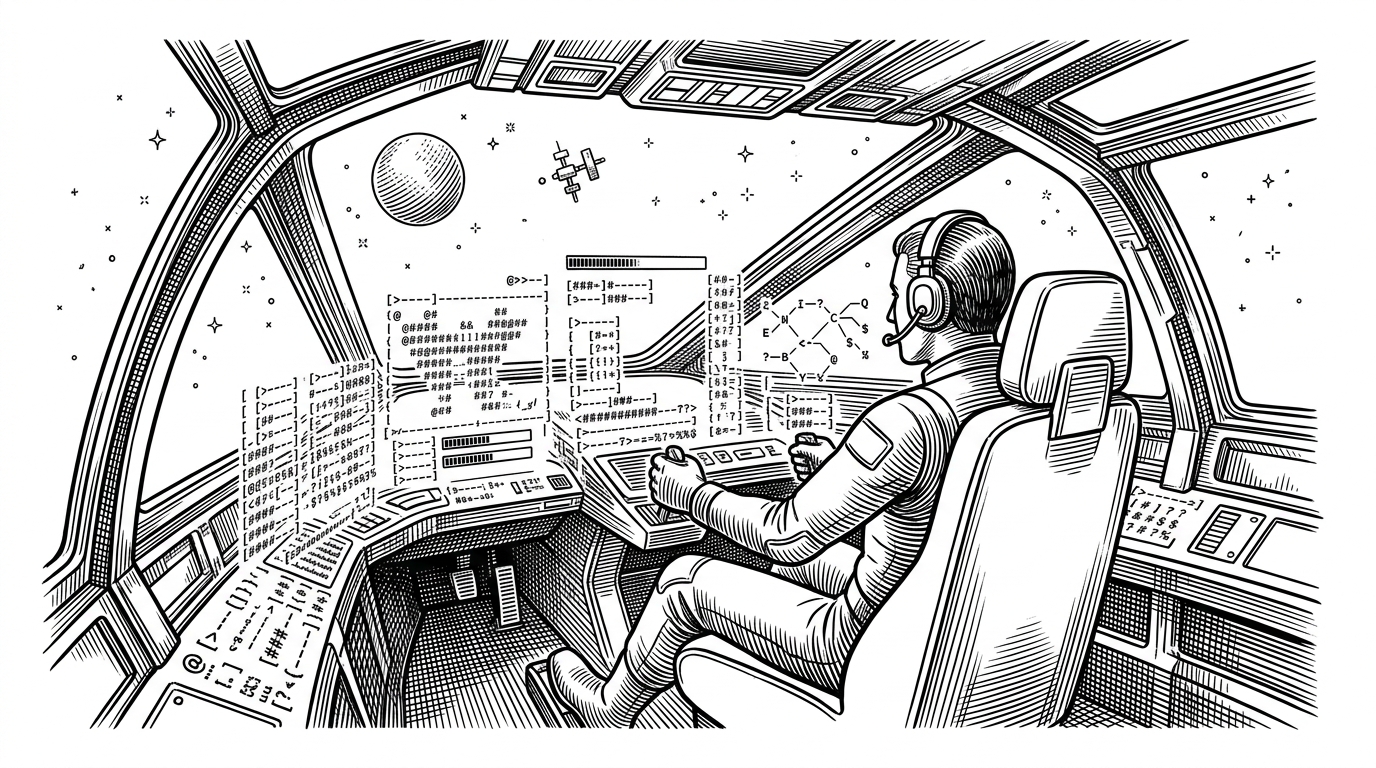

A Claude Code plugin that shows what's happening - context usage, active tools, running agents, and todo progress.
- Claude HUD eliminates context blindness by transforming the terminal status line into a real-time telemetry suite for AI agents.
- A reactive sidecar architecture uses SHA-256 hashing to poll logs every 300 milliseconds without degrading terminal performance.
- The tool prioritizes a native CLI experience to ensure zero-context switching for developers during agent execution.
- Visual feedback on token consumption and agent states shifts the developer experience from blind trust to informed steering.
The Black Box Problem
Running an autonomous AI agent in the terminal requires a psychological shift. You are no longer writing code; you are observing an engine. When an agent runs, it spawns sub-agents, executes file reads, and consumes tokens at a rate impossible for humans to track in real-time.
This creates context blindness. Without visibility into the background processes, developers face anxiety over token costs, infinite loops, and silent failures. The traditional CLI provides input and output, but it obscures the journey between the two.
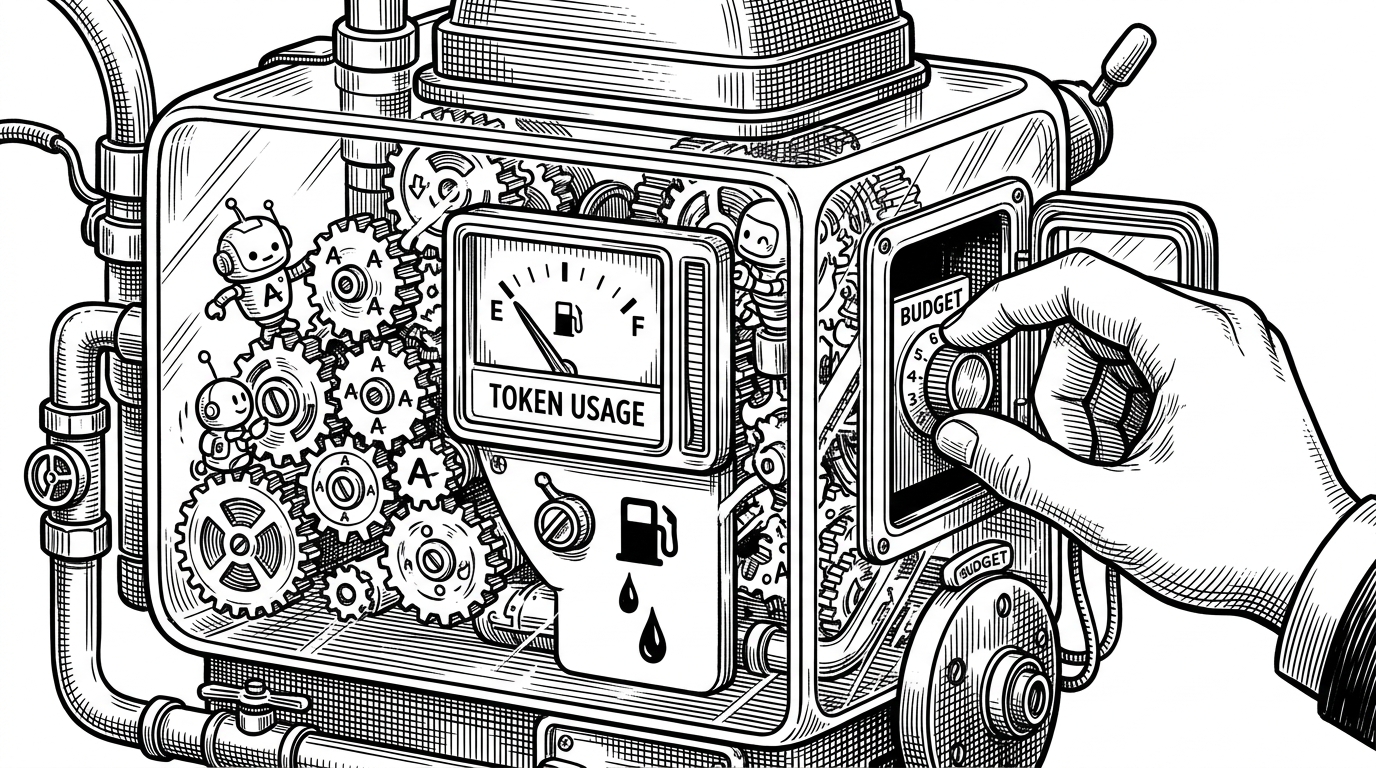
An Instrument Cluster in the Status Line
Claude HUD solves this by turning the terminal's native status line into an instrument cluster. It injects a high-density, real-time telemetry suite directly below the input prompt. Instead of scrolling through logs, developers get glanceable metrics: context health indicated by RGB thresholds, active tools shown via spinners, and a progress bar for task completion.
The Sidecar Architecture
Building a UI inside a terminal without blocking the main thread requires strict performance boundaries. Claude HUD operates on a reactive sidecar architecture. It ingests JSON data piped from Claude Code's standard input and parses the session's log to track tool calls.
To prevent terminal lag, the system uses SHA-256 hashing on the transcript file. If the hash matches the previous state, the parser skips execution and pulls from an in-memory cache. This allows the HUD to poll at high frequencies—updating every 300 milliseconds—without noticeable performance degradation.
Native vs. Floating: The UX Trade-off
The developer tooling ecosystem has splintered in its approach to agent observability. Some tools wrap the CLI in floating desktop overlays, while others force users into web browsers. Claude HUD embraces the constraints of the terminal.
By hooking directly into the native statusline API, it achieves zero-context switching. The dashboard lives exactly where the developer is already looking.
| Project | Format | Integration | Language |
|---|---|---|---|
| Claude HUD | Terminal Statusline | Native Plugin | TypeScript |
| tail-claude-hud | Terminal Statusline | Standalone Binary | Go |
| Clui CC | Desktop Overlay | HTTP Hooks | TypeScript |
| Claudia | Desktop GUI | Tauri Wrapper | Rust/TS |
The Philosophy of Observability
Developer interface design is increasingly about managing cognitive load. When the terminal provides immediate visual feedback on token consumption and agent state, developers change how they prompt. It shifts the dynamic from blind trust to informed steering.
Sources: