ComicGUISpider: The Manga Downloader That Treats Scraping Like a Desktop Operating System
A deep look at how CGS fuses Qt, Scrapy, local previews, and resilient site-specific logic into one unusually ambitious comic workflow.
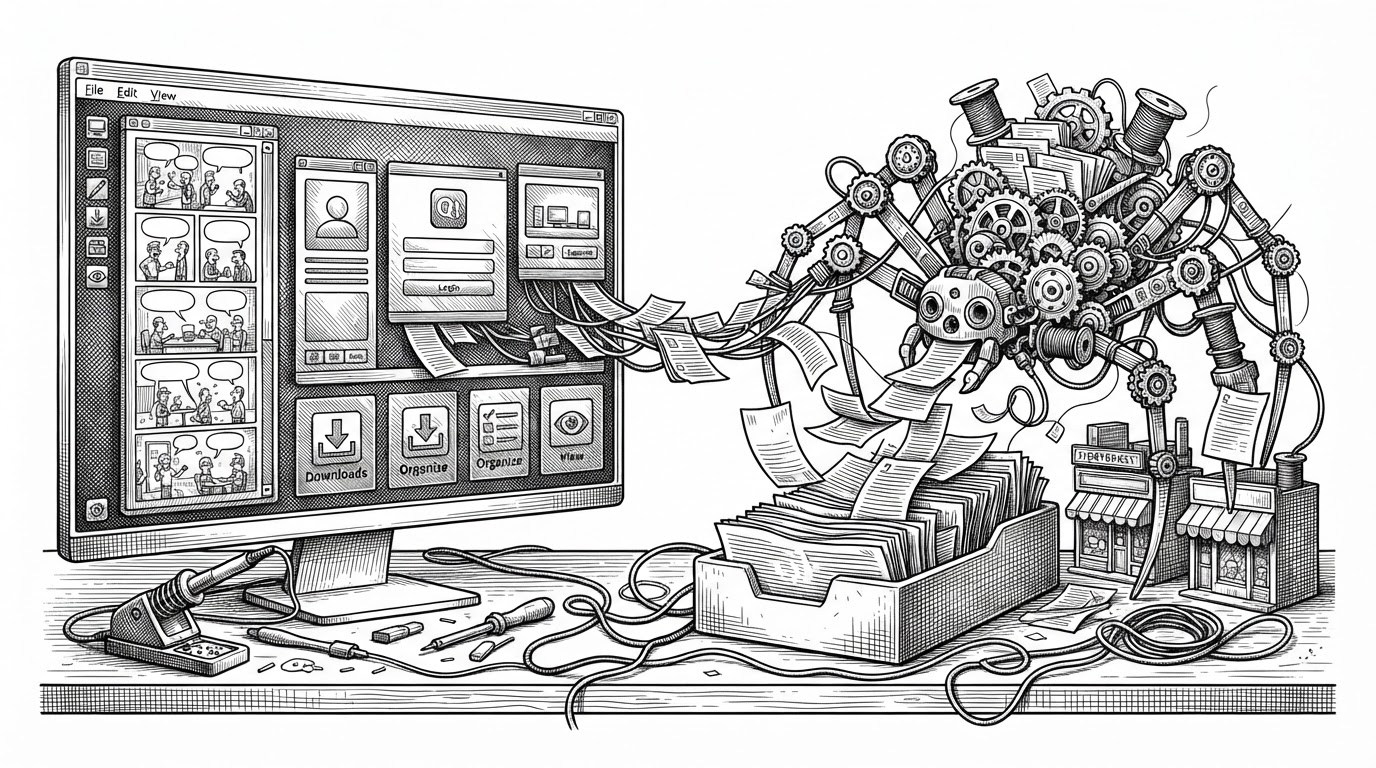

CGS server/mcp ,由配置窗口点击 CGS server 触发托盘,配合rv-app 使用
- ComicGUISpider is most interesting as a coordination layer, not a simple downloader, because it makes a Qt interface and a Scrapy crawler behave like one system.
- Its real breakthrough is the runtime bridge, which keeps GUI actions, crawl work, and progress events separated without freezing the desktop.
- The local preview stack matters because it turns remote comic sites into something users can inspect before committing to a download.
- CGS sits in a rare middle zone between legacy desktop tools, server-first libraries, and automation-only downloaders.
Why a manga downloader needs a runtime bridge
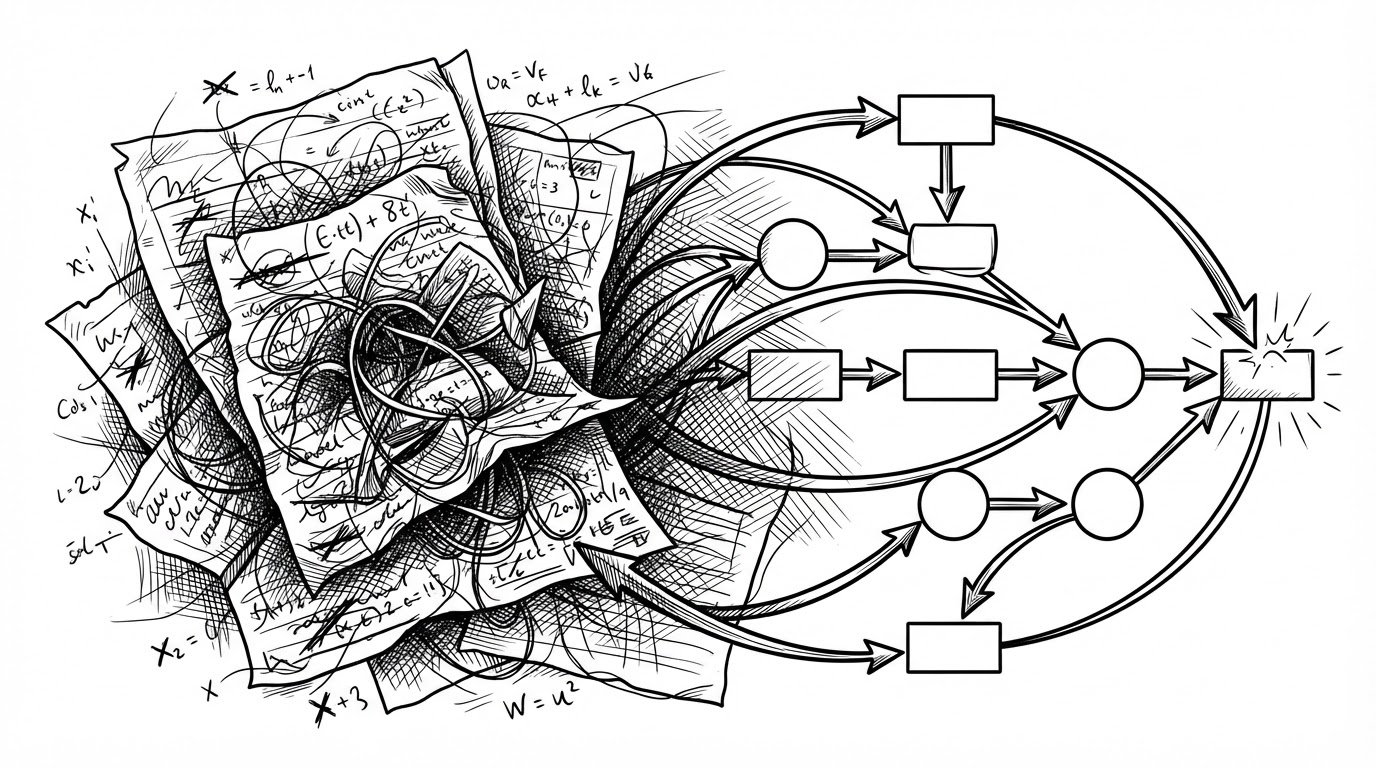
ComicGUISpider starts with a problem most downloaders never fully solve: two event-driven systems have to share one machine without stepping on each other. PySide6 wants a responsive desktop loop. Scrapy runs on Twisted and wants its own async rhythm. CGS does not fake that tension away. It builds a bridge around it.
That choice changes the whole feel of the app. The GUI is not a shell wrapped around a crawler. It is a control surface for a live pipeline, with commands going in, events coming back, and the user never waiting for the window to recover.
The project’s real trick: GUI commands without freezing the crawler
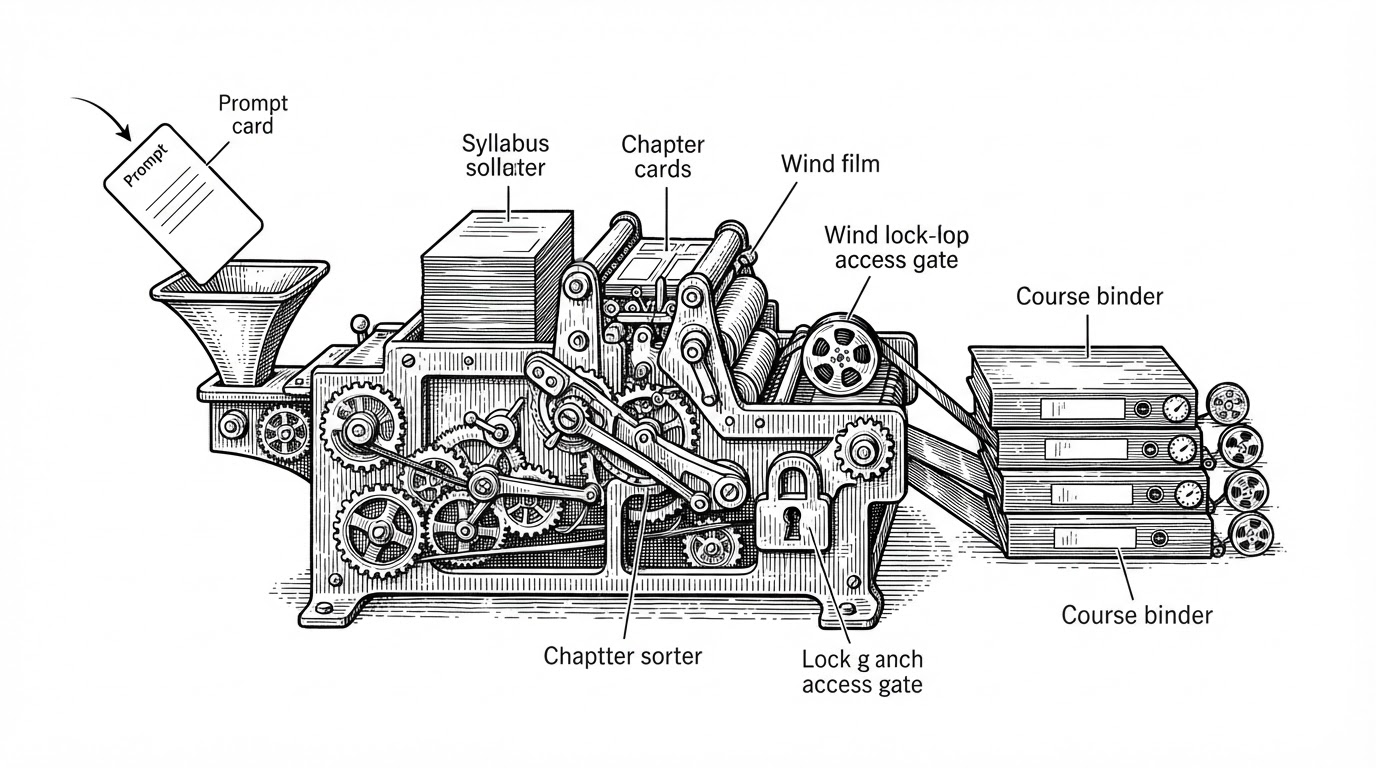
The heart of that bridge lives in the runtime thread. The GUI writes commands into a queue. The spider runtime thread reads them. Twisted then schedules work with polling instead of hard blocking, so the reactor keeps breathing while the app stays responsive.
That sounds like plumbing, but it is the product. A downloader that cannot accept new actions while it is busy feels brittle. CGS makes downloads, login steps, retries, and status updates look like ordinary operations because the operations are actually being handed off through explicit boundaries.
| Layer | Role | Why it matters |
|---|---|---|
| Qt GUI | Collects user actions and shows progress | Keeps the desktop responsive |
| Command queue | Hands actions to the crawler | Avoids direct blocking calls |
| Spider runtime thread | Owns the crawl lifecycle | Separates UI timing from crawl timing |
| Twisted reactor | Schedules non-blocking work | Lets Scrapy run without freezing the app |
| Event queue | Returns progress and state | Turns the crawler into a live system |
Preview first, download second
CGS does not treat scraping as blind extraction. Its preview layer renders local HTML so the user can inspect metadata, layout, and site-specific structure before the download starts. That is a small phrase with a big implication: the tool is designed for decision making, not just collection.
This is where the app stops feeling like a script and starts feeling like a workstation. The preview becomes a staging area. The crawler does not just find pages. It prepares a local reading context around them.
How CGS turns raw images into a usable local library
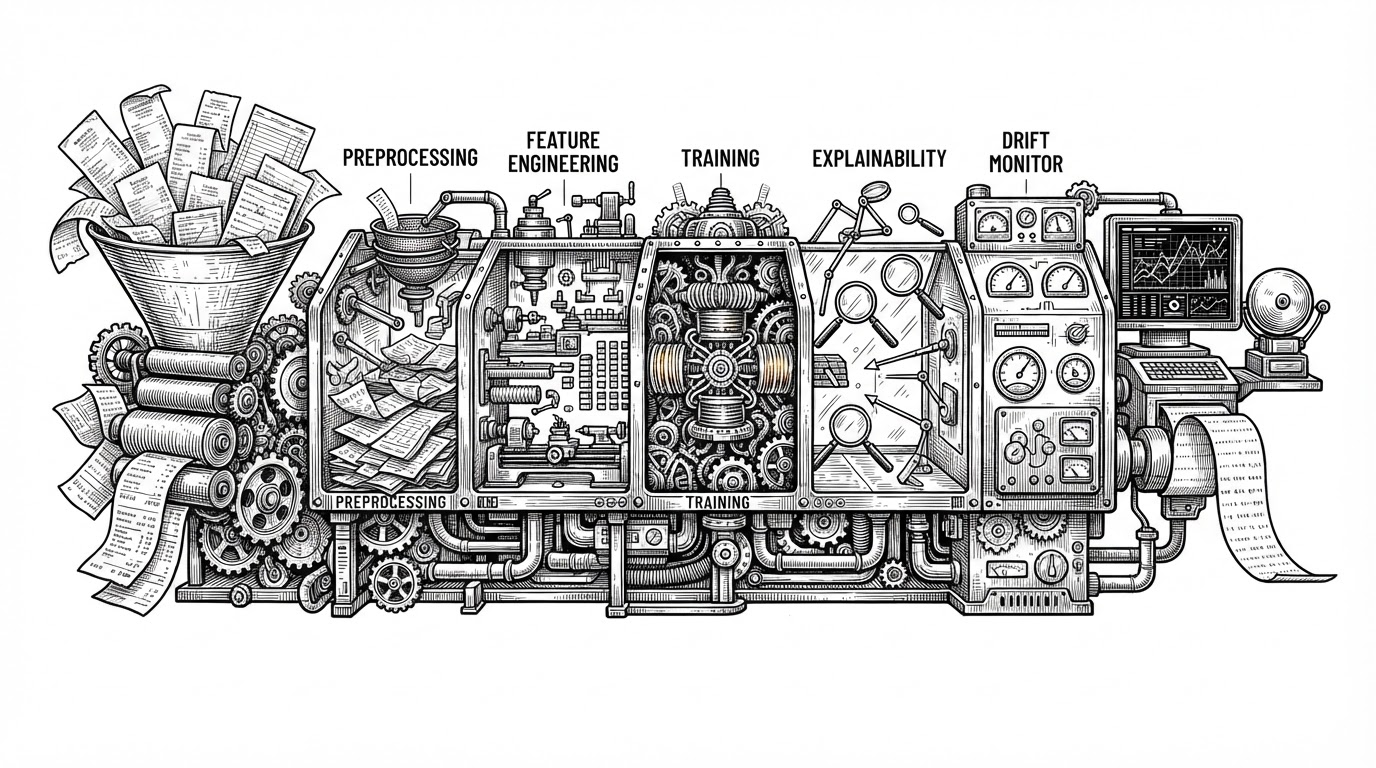
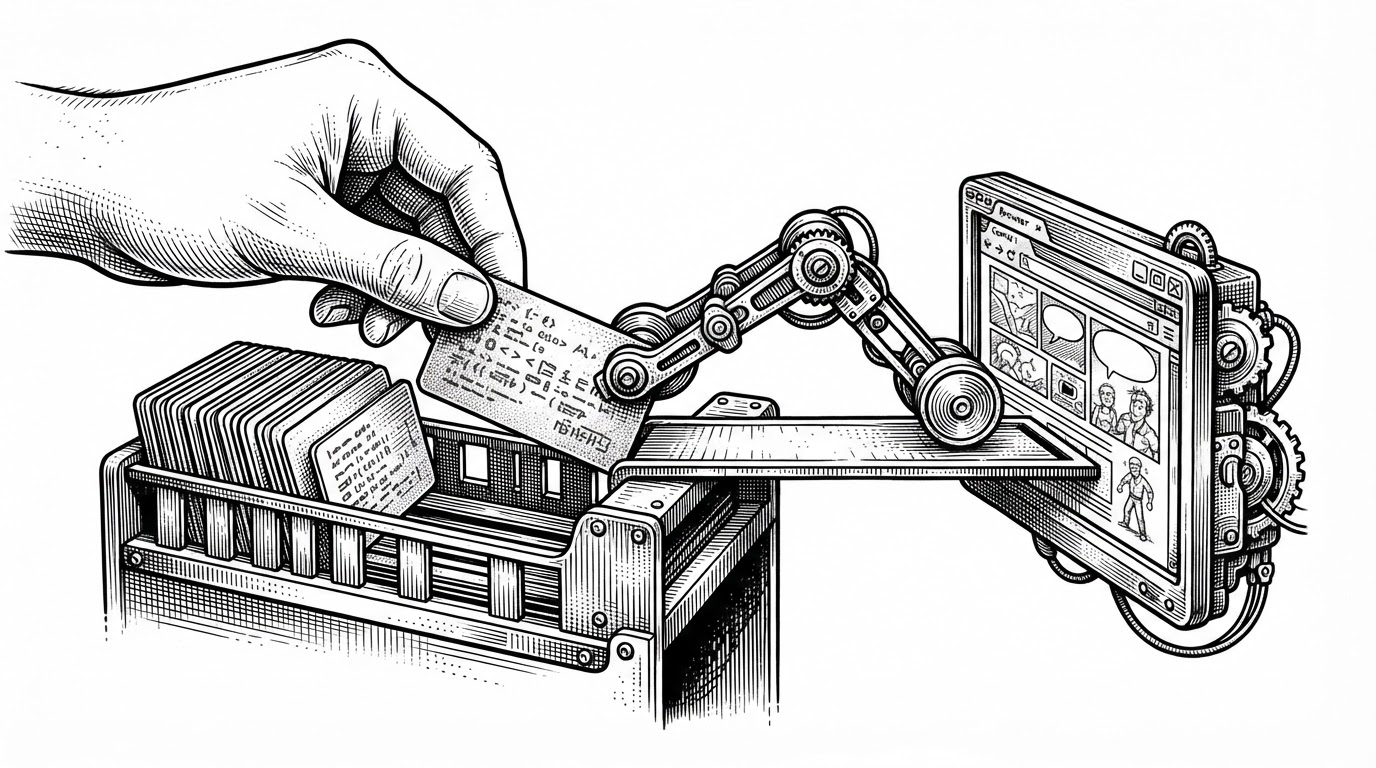
The download pipeline is where CGS stops being a scraper and becomes an archive tool. Its pipeline and naming logic do the unglamorous but essential work of turning fetched images into a readable local library. Page names get padded consistently. Paths get sanitized. Metadata can be preserved for external readers.
# Conceptual flow inside the pipeline
page_name = page_naming_mgr.make_name(index, total_pages)
clean_path = sanitize_for_path(raw_title)
image_path = f"{clean_path}/{page_name}.jpg"
write_cgs_rule(metadata, output_dir)
That last step matters more than it first appears. By generating rules and naming conventions for tools like redViewer, CGS preserves structure after the crawl is done. It is not just saving files. It is saving a reading experience.
Why anti-bot friction changes the architecture
Once a tool aims at real sites, it has to deal with uneven defenses. CGS responds with domain-specific proxying and curl_cffi support, which lets it mimic browser-like TLS behavior when a site demands it. The key design choice is selective pressure, not universal obfuscation.
That is smart engineering. Image CDNs can stay direct and fast. Harder domains can go through the heavier path. The architecture reflects the web as it actually exists, not as a clean API diagram.
| Approach | What it optimizes | Trade-off |
|---|---|---|
| Direct fetch everywhere | Speed | Fails on guarded domains |
| Proxy everything | Compatibility | Slower and noisier |
| Selective proxying | Balance | Requires site-specific logic |
| curl_cffi fingerprints | Access | Adds implementation complexity |
From spider to control surface
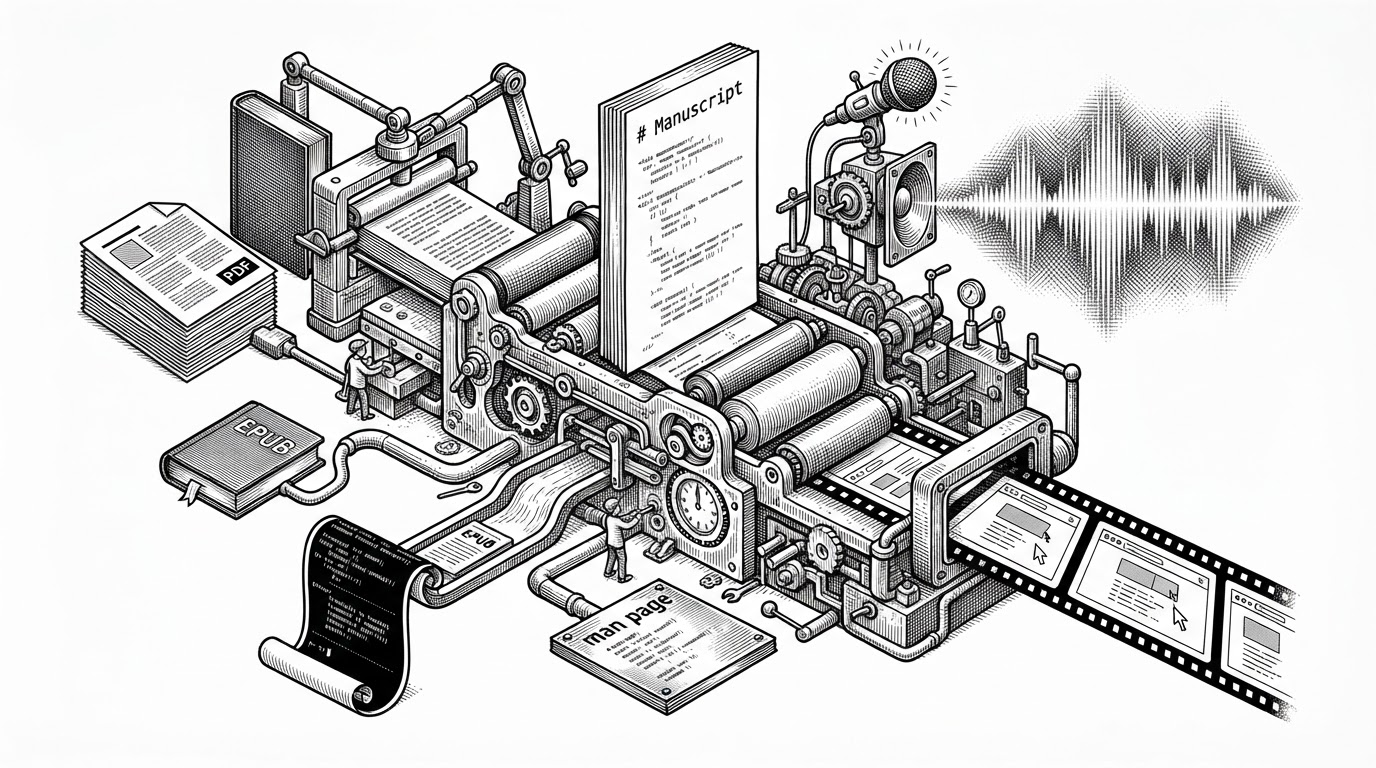
The most revealing thing about CGS is how many surfaces it exposes. There is a GUI for ordinary use. There is CLI mode for automation. There is JSONL event output for programmatic integration. There is MCP support for agent control. And there is a companion reader workflow through redViewer. That is not a downloader mindset. That is a platform mindset.
The author’s own release note makes that direction explicit. CGS is built to be triggered from the configuration window, pushed into the tray, and paired with rV. In other words, the project does not end at download. It keeps going into reading, control, and reuse.
Context from the README: This project is for exchange and learning only, and should not be used for illegal or commercial profit.
What CGS beats, and what it doesn’t
CGS occupies a rare middle zone. It is more interactive than automation-first downloaders, more modern than legacy desktop tools, and more locally integrated than server-centered library managers. That makes it unusual, but not universally best.
| Project | Primary model | Best for | Trade-offs | What CGS does differently |
|---|---|---|---|---|
| FMD2 | Legacy desktop downloader | Broad site coverage with familiar folder workflows | Older UI and less modern extensibility | CGS feels more like a live workstation |
| Suwayomi-Server | Server-centered library host | Managed libraries and extension ecosystems | Less focused on quick local scraping flows | CGS keeps the desktop and local preview in front |
| Kaizoku | Automation-first | Hands-off recurring downloads | Less interactive during setup and review | CGS supports manual, inspectable control |
| Comic-Crawler | Crawler-centric | Simple scripted fetching | Smaller workflow surface | CGS adds GUI, preview, and output rules |
If you want a one-line summary, it is this: CGS is not trying to beat every rival at one job. It is trying to make a messy job feel coherent.
Bottom line
ComicGUISpider is compelling because it solves a coordination problem that most comic tools leave hidden. It ties together GUI actions, crawl runtime, local preview, output rules, and anti-bot handling into one system that can stay responsive while doing difficult work.
That is why the project stands out. It does not merely scrape comics. It turns scraping into a desktop operating system for comics.