The Invisible UI: Unpacking jnsahaj/todo
How a local-first task engine uses natural language processing and dynamic keyboard orchestration to turn the browser into a terminal-speed command line.
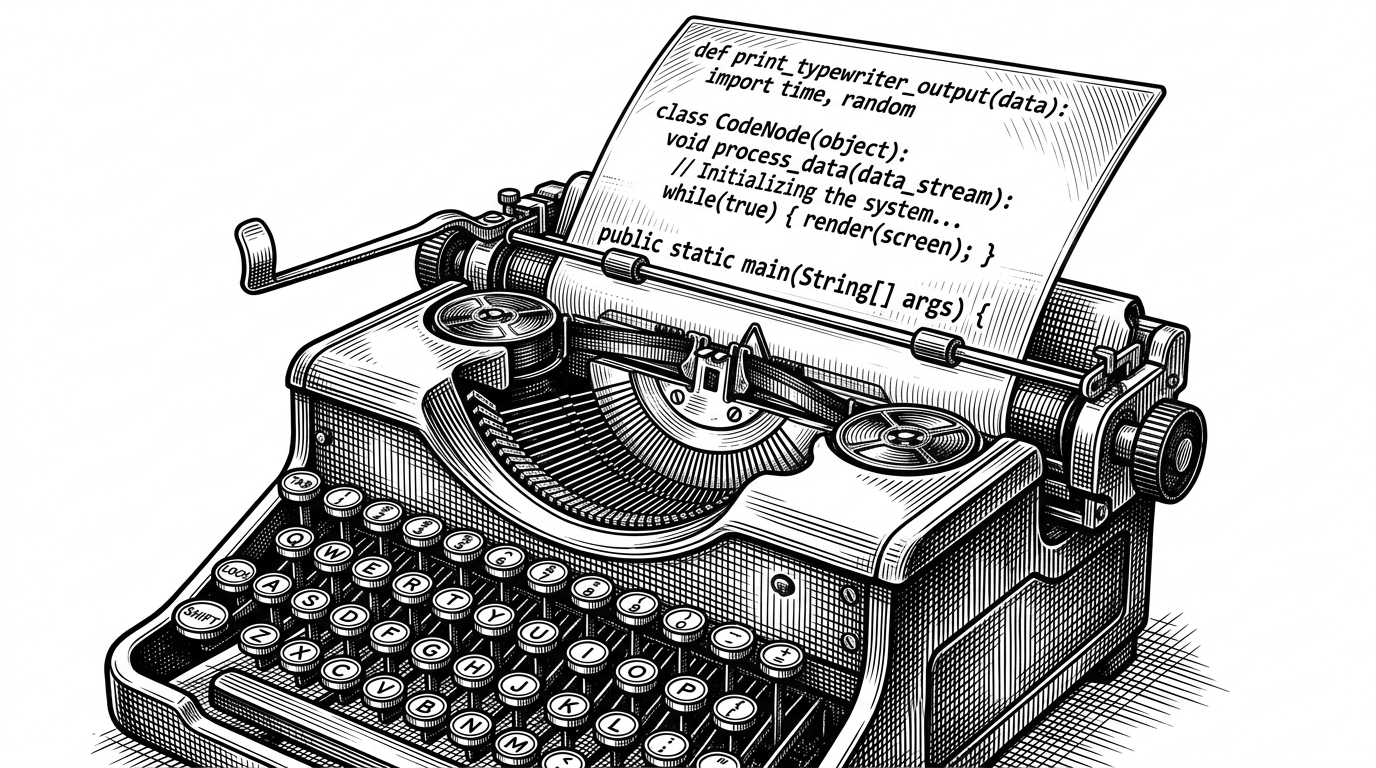
- The project abandons traditional graphical widgets in favor of an invisible UI where structural intent is parsed from raw text in real time.
- It achieves CLI-like speed in the DOM by dynamically registering and unregistering context-aware keyboard shortcuts to avoid React render cascades.
- A zero-cost, local-first architecture bypasses cloud databases entirely by mapping Zustand state directly to browser storage.
- Service Workers are creatively repurposed to handle native browser notifications, providing backend-like scheduling without a server.
The Browser as a Command Line
Modern web applications have trained us to expect a specific vocabulary of interaction. We look for the "New Item" button. We click the calendar icon to open a date picker. We tab through form fields. jnsahaj/todo aggressively rejects this paradigm. It is a web application built with bleeding-edge tools—Next.js 15, Tailwind 4.0—that intentionally strips away standard web UI.
There are no save buttons. There are no calendar popups. The application treats the text input field as a command prompt. The user interface is almost non-existent; the text itself is the interface. It proves that with modern browser APIs and strict state management, you can build a terminal-speed productivity engine that requires zero server costs.
Parsing Intent at Keystroke Speed
The core magic trick of jnsahaj/todo lies in its natural language processing. As the user types, the application intercepts the keystrokes and identifies temporal intent. It understands phrases like "tomorrow at 5pm" without requiring the user to switch contexts.
This is achieved through the integration of chrono-node. The parsing runs in a React useEffect hook. Crucially, the application separates the parsed metadata from the raw text payload. It then uses the CSS ::highlight pseudo-element to provide immediate visual feedback, highlighting the detected date string within the input without disrupting the user's typing flow.
import * as chrono from 'chrono-node';

// Simplified representation of the parsing logic
useEffect(() => {
  const parsedResults = chrono.parse(inputText);
  if (parsedResults.length > 0) {
    const date = parsedResults[0].start.date();
    // Update UI state and schedule notification
  }
}, [inputText]);
Escaping the React Re-render Trap
Building a keyboard-driven application in React is notoriously difficult. Standard approaches—binding event listeners globally to the window object—often result in massive, cascading re-renders across the component tree.
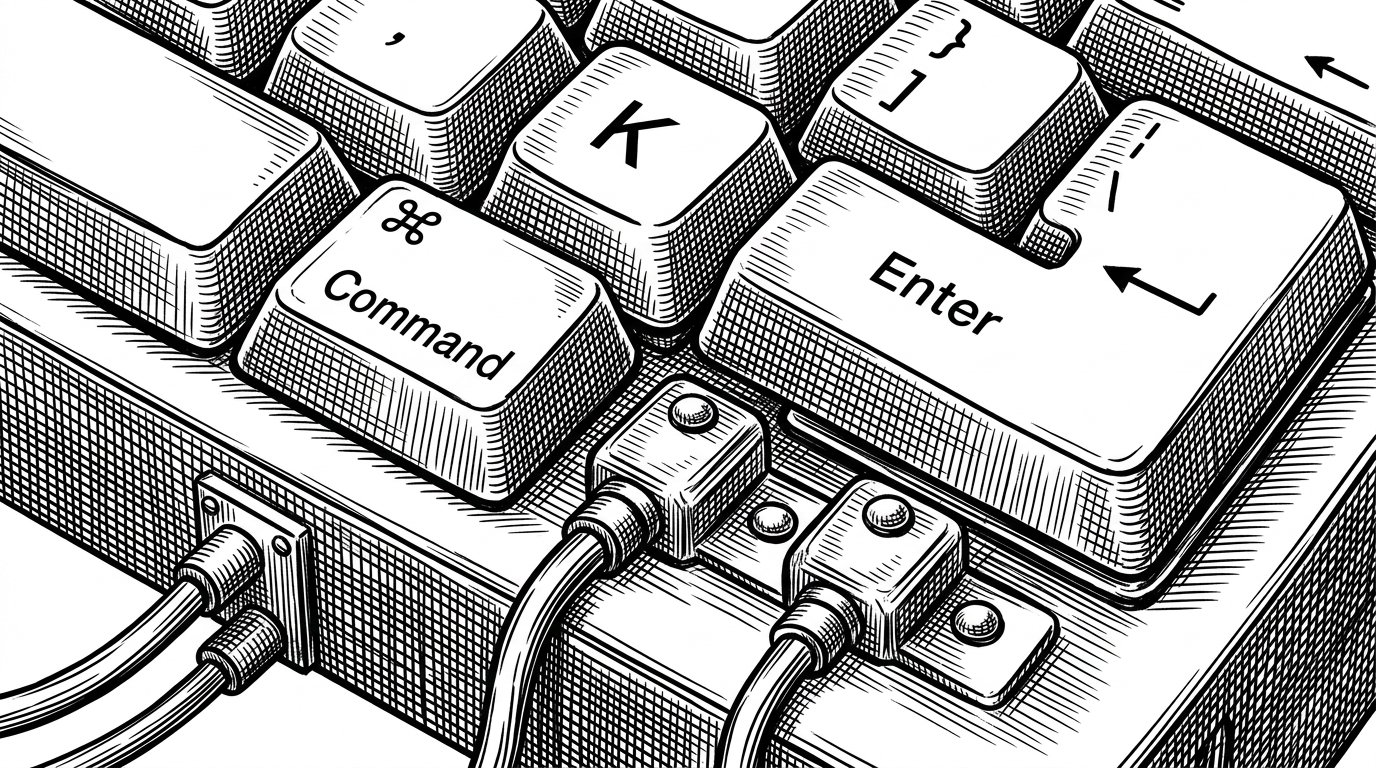
To achieve CLI-like speed, jnsahaj/todo utilizes a custom KeyboardShortcutsManager. This Singleton class dynamically registers and unregisters context-aware shortcuts based on DOM focus. When a user navigates a list using the arrow keys, components subscribe to specific keystrokes only when they hold focus, preventing unnecessary updates.
The Zero-Cost Backend
The architecture is strictly local-first. It relies on Zustand's persist middleware to map the application state directly to localStorage. There is no cloud database, no API latency, and no server cost.
Despite lacking a server backend, the app still provides scheduled reminders. It achieves this by repurposing a Service Worker. When the NLP engine parses a future date, it sends a postMessage to the Service Worker, which then schedules a native browser notification. It is a clever use of edge capabilities to mimic server-side cron jobs.
The Terminal-Native GUI
This project sits in an interesting liminal space. It is a graphical web application that demands to be treated like a terminal tool. It trades the discoverability of traditional SaaS interfaces for raw speed and low friction.
| Paradigm | Input Method | Storage & Offline | Friction |
|---|---|---|---|
| Traditional SaaS | Mouse + Keyboard | Cloud DB (Sync-dependent) | High (Clicks, Context Switches) |
| Pure CLI | Keyboard Strict | Local File System (Native) | Low (Terminal Context Only) |
| jnsahaj/todo | NLP + Keyboard Orchestration | LocalStorage + Service Worker | Low (Browser CLI) |
While traditional task managers require clicking through menus and pure CLI tools require leaving the browser, this hybrid approach demonstrates a compelling alternative: treating the web browser itself as a high-performance command line.