Inside `jobic10/student-management-using-django`: How a Plain Django App Becomes a Three-Role School OS
A custom user model, role-aware middleware, and normalized attendance records turn a learning project into a surprisingly disciplined institutional workflow engine.
- The repo’s strongest idea is not CRUD, but identity, because one custom auth layer supports three different institutional roles without splitting the app apart.
- Middleware does the quiet work here, routing users by role and module before they ever reach the wrong screen.
- Attendance is modeled as an event plus per-student reports, which makes the data durable instead of spreadsheet-flat.
- The project sits in a useful middle ground between toy tutorial and overbuilt ERP, which is why it feels easy to learn from and serious enough to adapt.
A lot of school-management repos look impressive for five minutes and then collapse under their own permission logic. This one is different. Its real lesson is that a small Django app can enforce institutional boundaries cleanly if identity, routing, and recurring records are designed together.
A school system with three separate realities
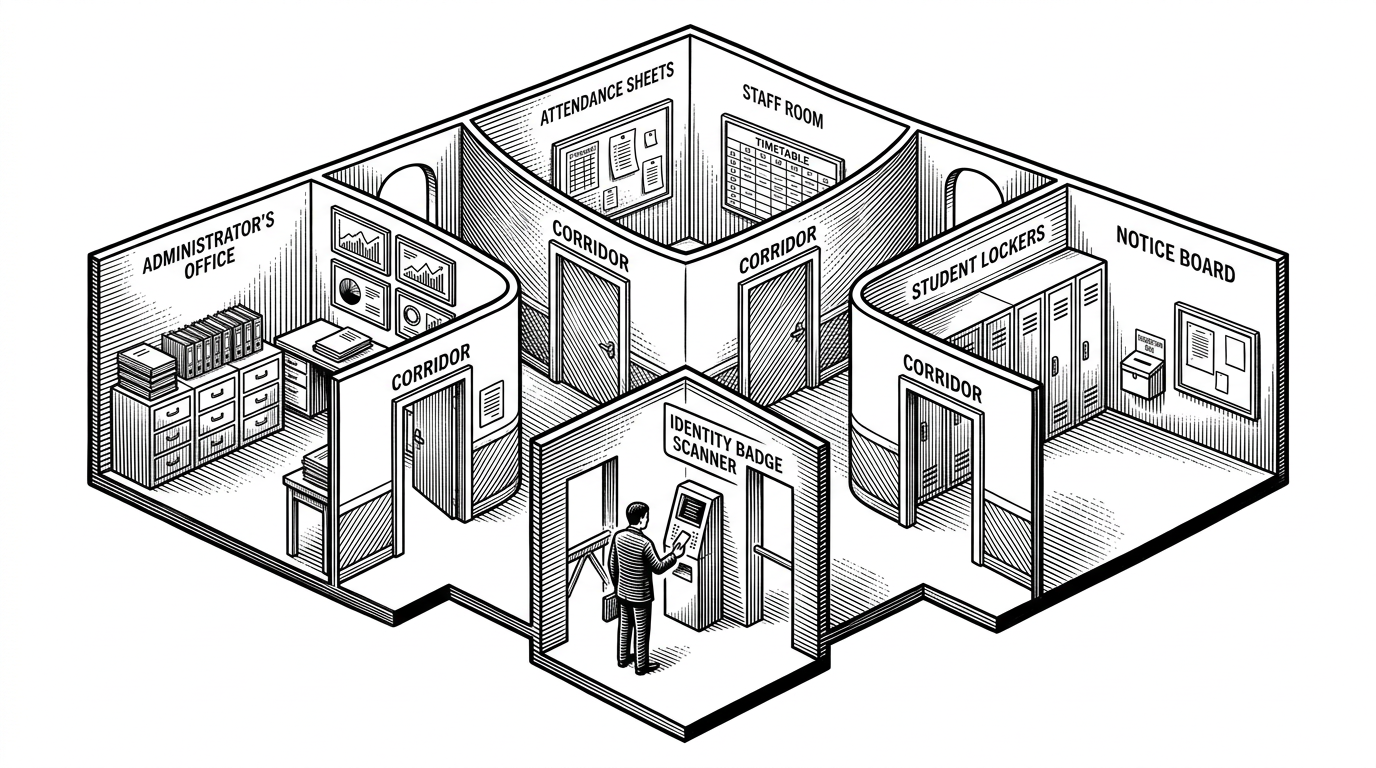
The project serves three audiences at once: HOD, staff, and students. That sounds ordinary until you notice how much of the codebase is built around keeping those worlds distinct. The same login leads to different dashboards, different data, and different permissions.
That is the architectural move worth paying attention to. The app is not merely showing different templates to different users. It is modeling a school as a set of enforced lanes.
This is a Simple Student Management System Developed While Learning Django. Feel free to make changes based on your requirements.
The auth stack is the real foundation
The repo uses a custom user model with email as the login field, then layers role-specific profiles on top of it. That is a cleaner base than splitting authentication across separate user tables. One identity, many institutional roles.
The project’s custom email backend matters because it removes a common beginner compromise. Instead of treating username and email as two competing identity systems, it makes email the source of truth and keeps the rest of the role model attached to that base account.
Middleware does the job most apps leave to dozens of decorators
The neatest control point in the repo is `LoginCheckMiddleWare`. It inspects the current user, checks the role, and compares that against the module being requested. If the user is in the wrong lane, the middleware redirects before the request reaches the wrong view.
# Representative shape of the control flow
if user_is_authenticated:
    if user_type_matches_requested_module:
        allow_request()
    else:
        redirect_to_role_dashboard()
else:
    redirect_to_login()
That design is interesting because it turns authorization into routing, not just permission checking. The app does not wait until a view fails. It prevents the mismatch at the doorway.
Attendance is where the data model gets serious
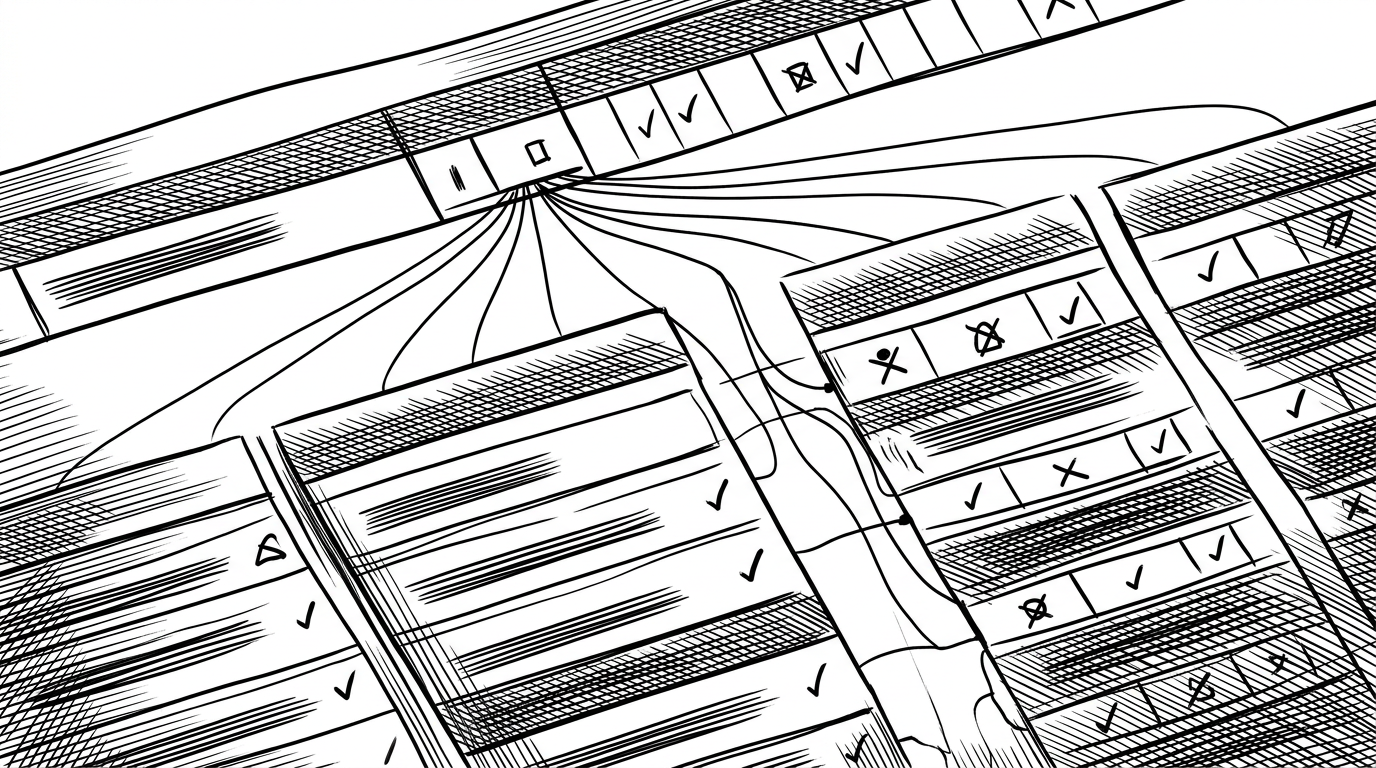
This is the most revealing subsystem in the repo. Instead of treating attendance like a spreadsheet with a date column, the project splits it into an attendance event and an attendance report for each student. That makes the model easier to reason about when you need to answer two different questions: what happened in class today, and how did a specific student accumulate presence over time?
| Model | Strength | Weakness | Best for |
|---|---|---|---|
| Flat attendance spreadsheet | Simple to enter quickly | Hard to query and easy to duplicate | Tiny projects and prototypes |
| Normalized attendance event plus reports | Scales cleanly across sessions and students | Needs a little more schema thinking | Real institutional workflows |
| `jobic10/student-management-using-django` | Readable, role-aware, and structured | Still intentionally lightweight | Learning Django while building something deployable |
The admin dashboard pattern is the delivery layer
The frontend is not the headline, but it matters. AdminLTE, Bootstrap, and helper form styling make the app feel like a system rather than a stack of raw templates. The project gets a lot of leverage from standard UI plumbing.
That is what makes the repo practical. It does not spend energy reinventing the interface. It packages standard Django patterns into something a school could actually browse through.
Why this template beats the usual school-ERP tutorial
| Project type | Strength | Weakness | Best for |
|---|---|---|---|
| Basic CRUD school app | Easy to follow | Permissions and data shape stay shallow | First-time Django practice |
| Full LMS or ERP | Feature-rich and expansive | Can become hard to understand or modify | Teams with real implementation budget |
| `jobic10/student-management-using-django` | Balanced, readable, and role-aware | Not a full enterprise platform | Builders who want a serious starter system |
That middle path is the point. The repo is not trying to be the biggest system in the room. It is trying to be the clearest one that still handles identity, attendance, and role-based access in a realistic way.
What a reader can borrow from it
If you are building an internal tool, the lesson is straightforward. Start with identity, attach role data to that identity, and keep repeated business events in normalized tables. Then let middleware and template structure do the boring work of keeping people where they belong.
That is why this project punches above its weight. It reads like a learning repo, but it encodes a pattern that scales better than many prettier demos.