ScreenPlay Treats Your Wallpaper Like a Hostile Process
A C++23 and Qt6 desktop app that runs video, QML, HTML, and full Godot scenes as isolated processes, then ships a Steam product and a FOSS build from the same codebase.

Having bought Wallpaper Engine but being disappointed with its usability I started to search for Open Source alternates.
- ScreenPlay runs every wallpaper and widget in its own operating system process, so a crashed wallpaper cannot take down the manager or the other monitors.
- A single wallpaper can be video, QML, HTML and JavaScript, or a full Godot 4 scene, all driven by the same IPC contract.
- The manager and its render processes talk only through ScreenPlaySDK, a narrow channel backed by a deliberately Qt-free frame reassembly library.
- One repository builds two products: a Steam release with the proprietary SDK linked, and a FOSS release where those code paths are compiled out.
A Wallpaper Is Code You Never Audited
A live wallpaper is not an image file. It is a program. It might be a video decoder, a QML scene with a JavaScript engine behind it, a WebGL canvas, or an entire game engine rendering at 60 frames per second. It runs for eight hours a day behind your email client, your terminal, and your build logs.
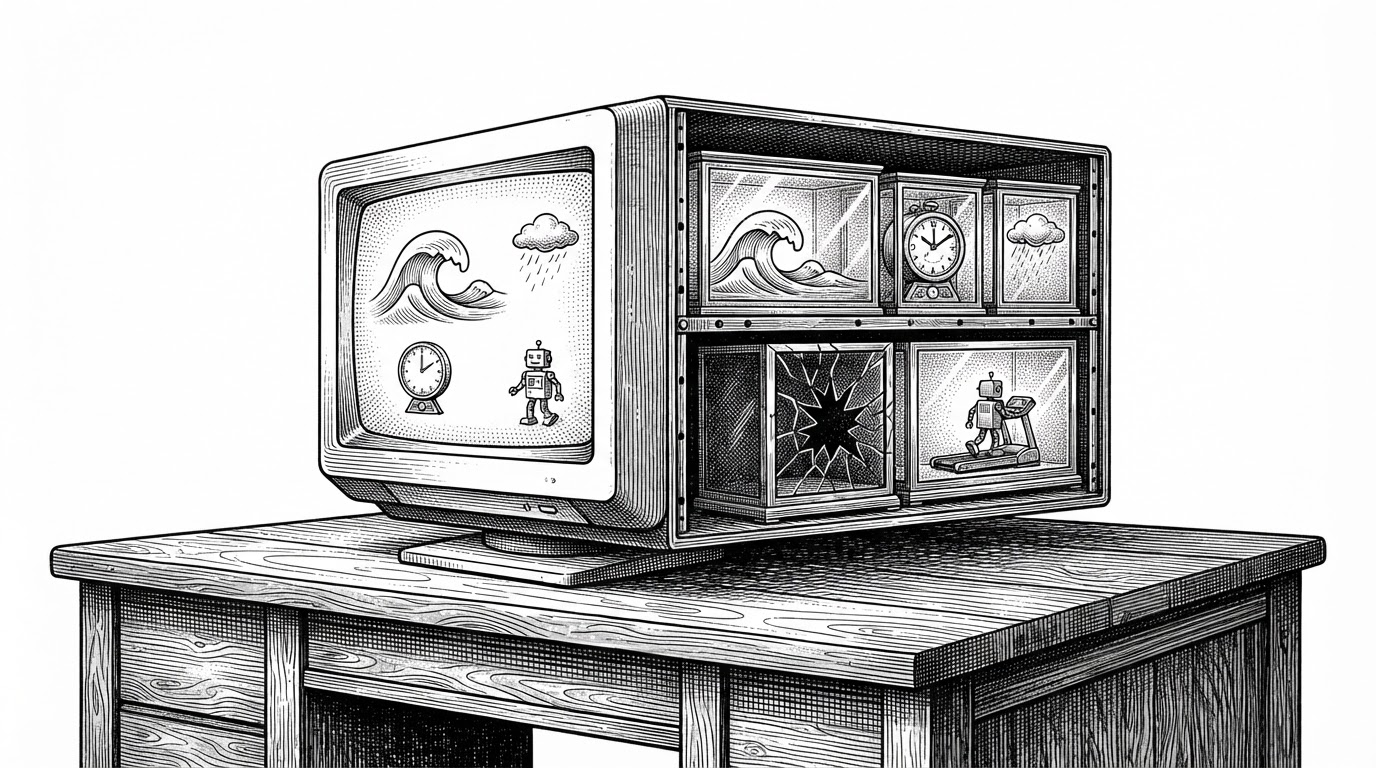
Most desktop wallpaper tools run that program inside the host application, or right beside it. The wallpaper shares a process with the app that manages it. A runaway loop, a memory leak, or a bad frame handler is not a wallpaper problem. It is your problem, and it takes the whole app down with it.
ScreenPlay starts from a different assumption: treat every wallpaper as untrusted, long-running code. Because that is exactly what it is.
One Process Per Wallpaper
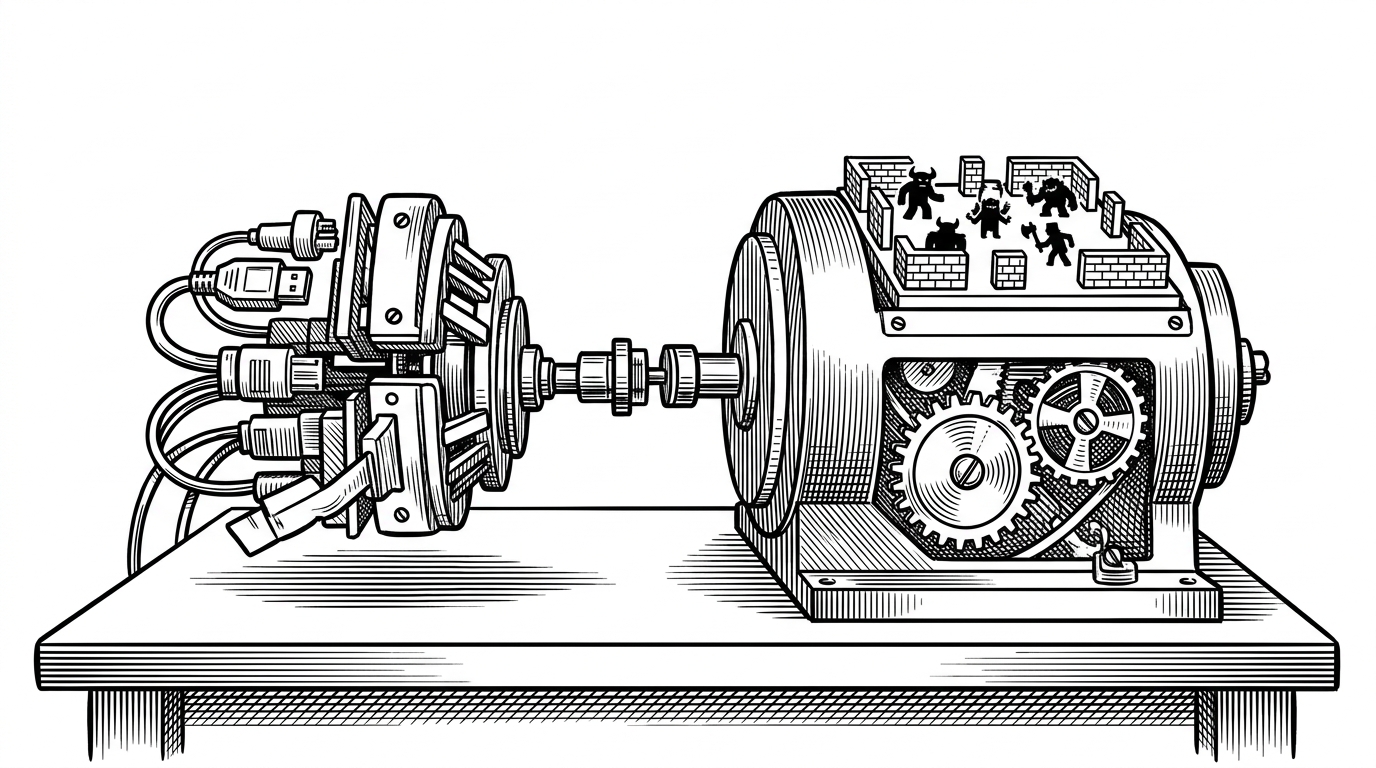
The ScreenPlay manager is a GUI. It does not render anything. It launches a separate wallpaper process for each display and a separate widget process for each widget, then talks to them over an IPC channel.
That single decision explains nearly everything else in the repository. Here is what it buys you.
- A wallpaper that crashes cannot take down the manager or the other monitors.
- A wallpaper that leaks memory gets its memory back when the process exits.
- Each display runs its own process, so a heavy scene on one monitor does not stall another.
- A hung wallpaper can be killed and restarted without touching the rest of the desktop.
The tradeoff is real and worth naming. Multi-process means multi-executable deployment. The build has to ship a manager binary, a wallpaper binary, and a widget binary, each with its own Qt runtime dependencies, its own QML plugins, and its own platform-specific packaging. That is why the repository carries a custom Qt deployment script instead of leaning on the default helpers.
How a Wallpaper Talks to the Manager
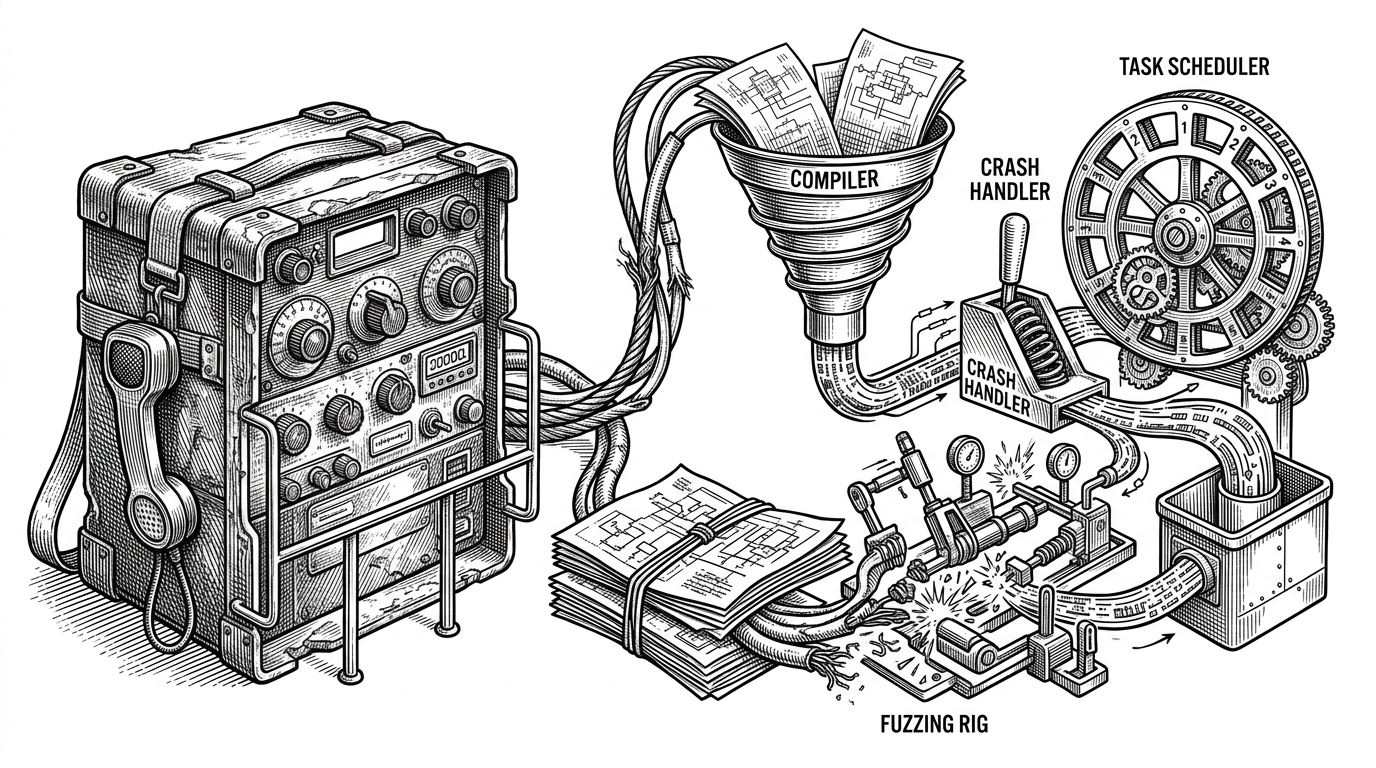
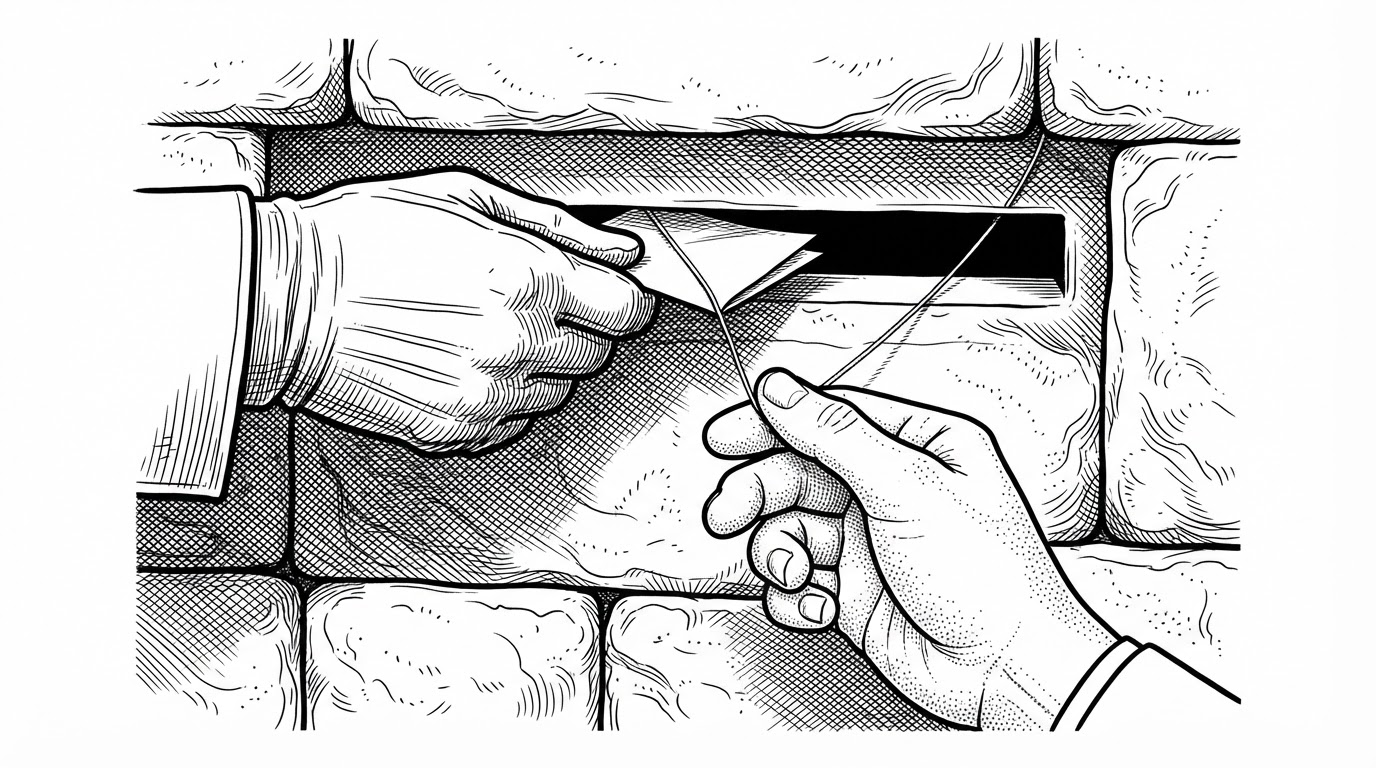
The contract lives in ScreenPlaySDK. Two classes define it: ScreenPlaySDK and SDKConnection. The manager pushes configuration and state down the channel (monitor index, volume, pause, settings). The render process pushes frames, health, and errors back up.
The ScreenPlayCore module holds a deliberately Qt-free frame reassembly library. That detail is the tell. The code that stitches frames back together does not depend on Qt, which means the IPC layer has outlived a particular Qt version or transport and was written to survive the next one.
The async side runs on QCoro, which brings C++ coroutines to Qt signals and slots. The result is a channel narrow enough to reason about: a small set of message types in each direction, no shared memory, and no direct calls between render processes.
From Wallpaper Engine Frustration to a Qt6 Monorepo
Elias Steurer, who goes by kelteseth, started ScreenPlay in 2017. The motivation was simple and specific.
What began as a small tool grew into a C++23 and Qt6 monorepo with roughly a dozen modules: a manager, a core library, an SDK, a wallpaper process, a widget process, a Workshop integration, system info, external integrations, and a bundled shader module. There is vendored Godot and ffmpeg, and a Python build toolchain managed with uv.
The plumbing was never the easy part. Getting a window to sit beneath the desktop icons is a different problem on every operating system.
Every platform needs a different technique when trying to display a window beneath the regular desktop icons.
The repository also carries AGENTS.md files that document architecture and traps for each module, a signal that the team encodes hard-won knowledge in the repo rather than in someone's head.
Video, QML, HTML, or an Entire Game Engine
The breadth is the payoff. A ScreenPlay wallpaper can be any of these.
- Video: WebM or MP4, decoded and looped.
- Static images and GIFs.
- Interactive QML, with live reloading while you author.
- HTML, CSS, and JavaScript.
- A Godot 4 scene, with the engine pinned to a specific stable version in CMake.
The widget side is just as broad: CPU, RAM, GPU, battery, Wi-Fi, now-playing, and an audio spectrum, plus integrations for weather via Open-Meteo, Twitch, Home Assistant, Bambu Lab printers, and FRITZ!Box.
Oh hi HN, creator of ScreenPlay here :) I'm currently working on adding wallpaper timeline support, that lets you set wallpaper based on start and end time. Also, I have been working Godot 4.3 wallpaper support. I hope I will find the time and release the 1.0 update this year!
One Repository, Two Products
The second surprise is in the build. SCREENPLAY_STEAM defaults to on. The FOSS distribution path compiles the Steam-specific code out entirely, so the free build bundles no proprietary code.
The mechanism is mundane and effective. CMakeVariables.h.in encodes the flag as an integer, so C++ can write #if SCREENPLAY_STEAM_VERSION and let the preprocessor decide what exists in the binary at all.
| Steam build | FOSS build | |
|---|---|---|
| SCREENPLAY_STEAM | On (default) | Off |
| Steam SDK | Linked in | Compiled out |
| Workshop | Available | Not in this build |
| License | AGPL-3.0 | AGPL-3.0 |
| Distribution | Steam | GitLab Releases |
One tree, two products, no fork to maintain. That is a rare thing to see done cleanly in a desktop application.
How ScreenPlay Stacks Up
The alternatives are mostly platform-bound or single-purpose. ScreenPlay is the cross-platform, multi-format, multi-process one. Where the sources do not establish a comparison, the table says so rather than guessing.
| Project | Platform | License or price | What it renders | Process isolation | Best for |
|---|---|---|---|---|---|
| ScreenPlay | Windows, macOS, Linux | AGPL-3.0, free | Video, web, QML, Godot scenes, widgets | Yes | Cross-platform breadth |
| Wallpaper Engine | Windows | Paid on Steam | Video, web, scene wallpapers | Not established in sources | The commercial default |
| Lively Wallpaper | Windows | Open source | Video and web wallpapers | Not established in sources | A lighter Windows alternative |
| mpvpaper | Wayland only | Open source | Video | No | Minimal video wallpaper on Wayland |
| wallpaper-engine-kde-plugin | KDE only | Open source | Wallpaper Engine content | No | KDE users with a Wallpaper Engine library |
| Rainmeter | Windows | Open source | Widgets and desktop customization | No | Desktop widgets and skins |
The honest caveats: Linux binaries and Steam Workshop integration are not in the configuration the repository's own support table describes. The Linux app and wallpaper features are marked working, but the packaged binaries and Workshop access are not there yet.