PDF Has No Layout Engine. react-pdf Built One.
How a React renderer computes every line break, glyph position, and page boundary before it draws a single character.

“React is perfect for that because of JSX,” Diego explains, “which is basically HTML syntax, allowing nesting elements, creating components, and reusing them.”
- A PDF stores absolute coordinates, not layout, so any generator must compute every line break, glyph position, and page boundary before it draws anything.
- react-pdf runs layout and drawing as separate phases, and the order is forced by the format: you cannot paginate until you have measured the whole document.
- The example catalog is a public map of PDF's genuinely hard problems, from Arabic shaping and emoji fallback to EXIF rotation and encryption.
- A twelve-job CI matrix across four React majors is a deliberate bet that enterprise back-compatibility is worth the maintenance cost.
A PDF Is Just a Stack of Drawing Instructions
A PDF is not a document. It is a list of instructions: place this glyph at these coordinates, draw this rectangle here, fill it with this color. There is no paragraph object, no reflow, no rule that says "if this line is too long, wrap it." The format was designed in the early 1990s to describe a fixed page as faithfully as possible. Every viewer that opens a PDF is a renderer, not a layout engine.
That matters the moment you want to generate a PDF from structured input. Something has to decide where every line ends, how tall each paragraph is, and which content spills onto page two. Browsers answer this with a layout engine. Tools built on headless Chrome, like Puppeteer and Playwright, ship the entire browser to borrow that engine. react-pdf took the harder road: it built its own.
The README frames it plainly. react-pdf is "a React renderer for creating PDF files on the browser and server." What that single sentence hides is a reimplementation of the hardest part of a browser: line breaking, glyph shaping, flexbox box layout, and pagination, all computed before a single character is drawn.
Layout First, Draw Second
react-pdf runs in two phases, and the order is not a preference. It is a constraint.
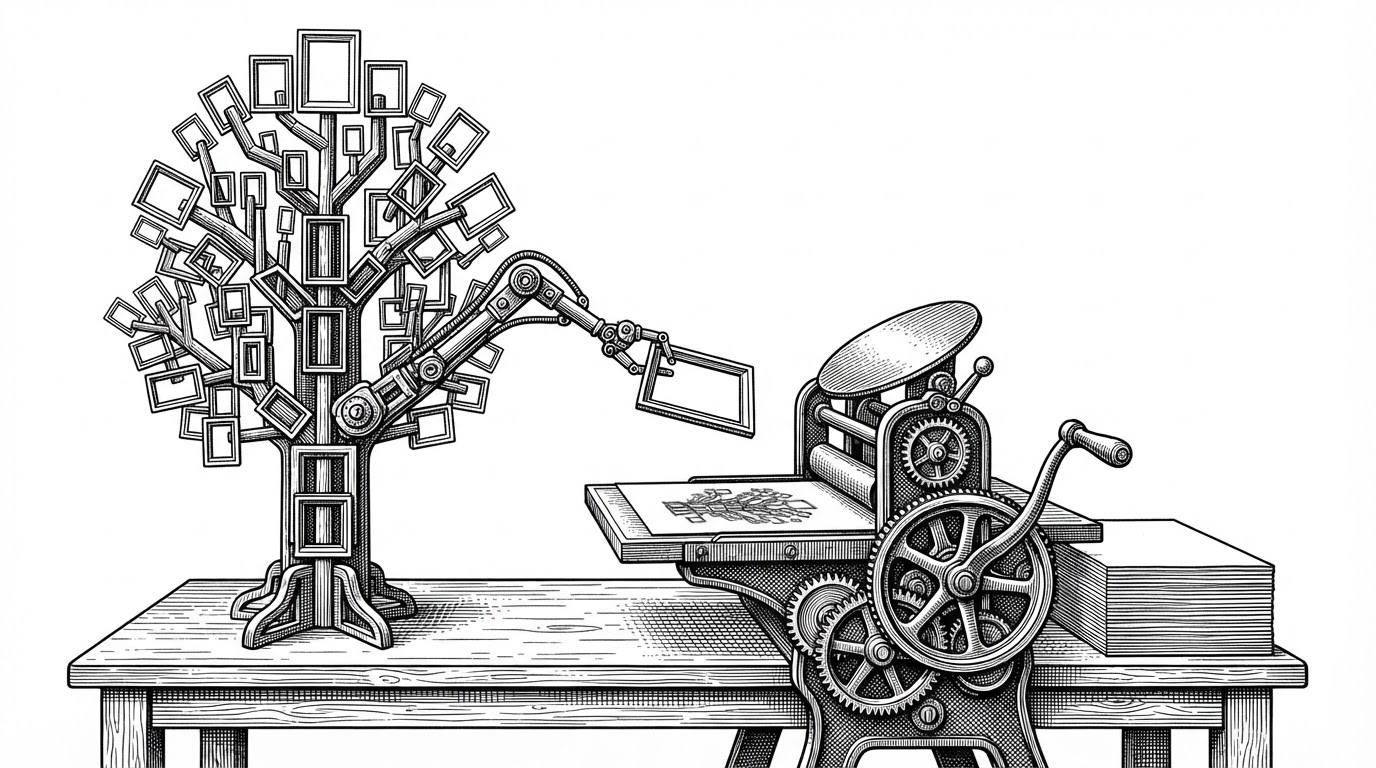
Phase one is layout. A React reconciler walks the component tree and builds a node tree. A flexbox engine, Yoga, the same layout library React Native uses, computes the geometry of every box: x, y, width, height. A text engine called textkit shapes glyphs, measures runs, and decides where each line breaks. None of this touches a PDF yet.
Phase two is drawing. Only once every node has a known position does react-pdf hand pre-positioned runs to PDFKit, which writes the bytes.
The dependency is strict. You cannot paginate until you know how tall every line is. You cannot know a line's height until you have shaped every glyph in it. You cannot shape a glyph until you know the font, the size, and the available width. So the whole document must be measured before the first page break can be placed.
The first is layout, the process of computing the coordinates of each node inside the document, transforming text into glyphs, computing image sizes, and anything in between.
This is the fact that explains everything else about the project. When react-pdf needed PDFKit to accept already-positioned text, standard PDFKit would not accept it. So react-pdf forked PDFKit. Years later, in a post titled Dropping the pdfkit fork, the project reversed that decision, having moved the text stage into its own package and returned to the upstream npm library.
pdfkit has a good text API, but react-pdf can't use it.
The Catalog of Hard Problems
The apps/examples/ directory is the best public evidence that "just make a PDF" is a hard problem. It is a catalog of edge cases, and each one is its own bug class.
jpg-orientation: images that carry EXIF rotation metadata and must be turned the right way up before they are placed.soft-hyphens: discretionary break points that only activate when a word reaches the end of a line.scripts: Arabic shaping and right-to-left text, where a glyph's form depends on its neighbors.emoji: glyph fallback when the primary font has no coverage for a character.page-wrap: content that must flow cleanly across a page boundary without stranding a single line.forms,password-protection, andgo-to: interactive fields, encryption, and internal navigation links.
Many folders ship a committed output.pdf alongside index.tsx. Those binaries are fixtures: the rendered result is the test. A binary diff is hard to review in Git, so the examples double as a visual regression record, one PDF per hard case, checked in.
Where react-pdf Fits
The routing question is not "which tool is best." It is "what is your source of truth." If it is a React component tree, react-pdf. If it is an HTML page you need pixel-faithful, a browser engine. If it is a document schema, pdfmake. If it is drawing commands, PDFKit or jsPDF. If it is HTML and CSS in Python, WeasyPrint. If it is print-grade paged media, Prince. If it is a scientific manuscript, LaTeX.
| Project | Input model | Layout engine | Best when |
|---|---|---|---|
| react-pdf | React component tree (JSX) | Own pipeline (Yoga + textkit) | Your source of truth is React and you want no browser runtime |
| Puppeteer | HTML/CSS rendered in Chromium | Chromium | You need pixel fidelity to an existing web page |
| Playwright | HTML/CSS rendered in Chromium | Chromium | PDF generation is one step in broader browser automation |
| jsPDF | Imperative drawing commands | None (you place content) | You want direct, low-level control over PDF content |
| pdfmake | Declarative document-definition objects | Built-in document layout | You want a schema-driven document without React |
| PDFKit | Drawing and text API | None (you place content) | You are building a lower-level PDF tool |
| WeasyPrint | HTML/CSS | Own CSS layout engine | Your source of truth is HTML/CSS in a Python service |
| Prince | HTML/CSS | Commercial paged-media engine | Production publishing with standards-oriented print CSS |
The thesis row is the first one. react-pdf is the only entry where the source of truth is a React component tree and the library owns its own layout pipeline. Every other tool either ships a browser, expects HTML and CSS, or makes you place primitives yourself.
The Compatibility Bet
The CI matrix in .github/workflows/main.yml runs a three by four grid: Node 20, 22, and 24 against React 16, 17, 18, and 19. Twelve jobs per pull request. The comment in the file says the matrix covers "all maintained LTS versions of Node.js as well as the latest stable version." React 16 shipped in 2017. Testing it now is a choice, not an accident.
Why bother? Because react-pdf is embedded in enterprise applications that cannot upgrade React on the library's schedule. A renderer that breaks when a consumer is stuck on React 17 is a renderer that gets removed from the lockfile.
The cost is real. Twelve jobs slow every pull request. Supporting four React majors constrains the API surface, because every internal hook has to work against reconciliation models that are no longer current. And bundle size is enforced as a CI gate, a separate job that runs a size budget against the renderer package, because the library ships to browsers where payload matters.
| Signal | Value | What it tells you |
|---|---|---|
| CI jobs per pull request | 12 | Node 20/22/24 times React 16/17/18/19 |
| Supported React majors | 4 | Back-compat is a product decision, not inertia |
| Supported Node versions | 3 | Current LTS lines plus latest stable |
| Size budgets enforced | 1 | Bundle size is treated as a lint gate, not an afterthought |
Nine Years, One Maintainer
react-pdf started in October 2016. The commit history tells a concentrated story: 824 commits from the creator, Diego Muracciole, against 72 from the next human contributor and 48 from the maintainer of the separate viewer library that shares the name. Bots account for a visible share of the rest.
That concentration is a risk and a fact. It is also why the project's infrastructure decisions read as personal ones. Funding comes from GitHub Sponsors and OpenCollective, plus public bitcoin and ether addresses in the README. Releases moved to npm Trusted Publishing over OIDC, retiring long-lived tokens. The changeset config even runs an experimental flag in production, which the maintainer candidly names ___experimentalUnsafeOptions_WILL_CHANGE_IN_PATCH.
And the documentation is being made legible to machines. The site ships an MCP endpoint at apps/site/app/api/mcp/[transport], so the docs can be queried as tools by coding agents. Both the root and the site carry AGENTS.md and CLAUDE.md. A nine-year-old library is quietly learning to be read by something other than a human.
Nine years in, the interesting thing about react-pdf is not that it renders React to PDF. It is that a PDF cannot lay itself out, so someone had to build the machine that does, and then keep it running across four React majors and three Node versions, one measured line at a time.