renami-obsidian: Renami: CSS Selectors for Your Filenames
An Obsidian plugin that treats note names as the output of a rule engine, not a manual decision. AST queries, stacked overrides, and chained formatters make naming feel programmable.
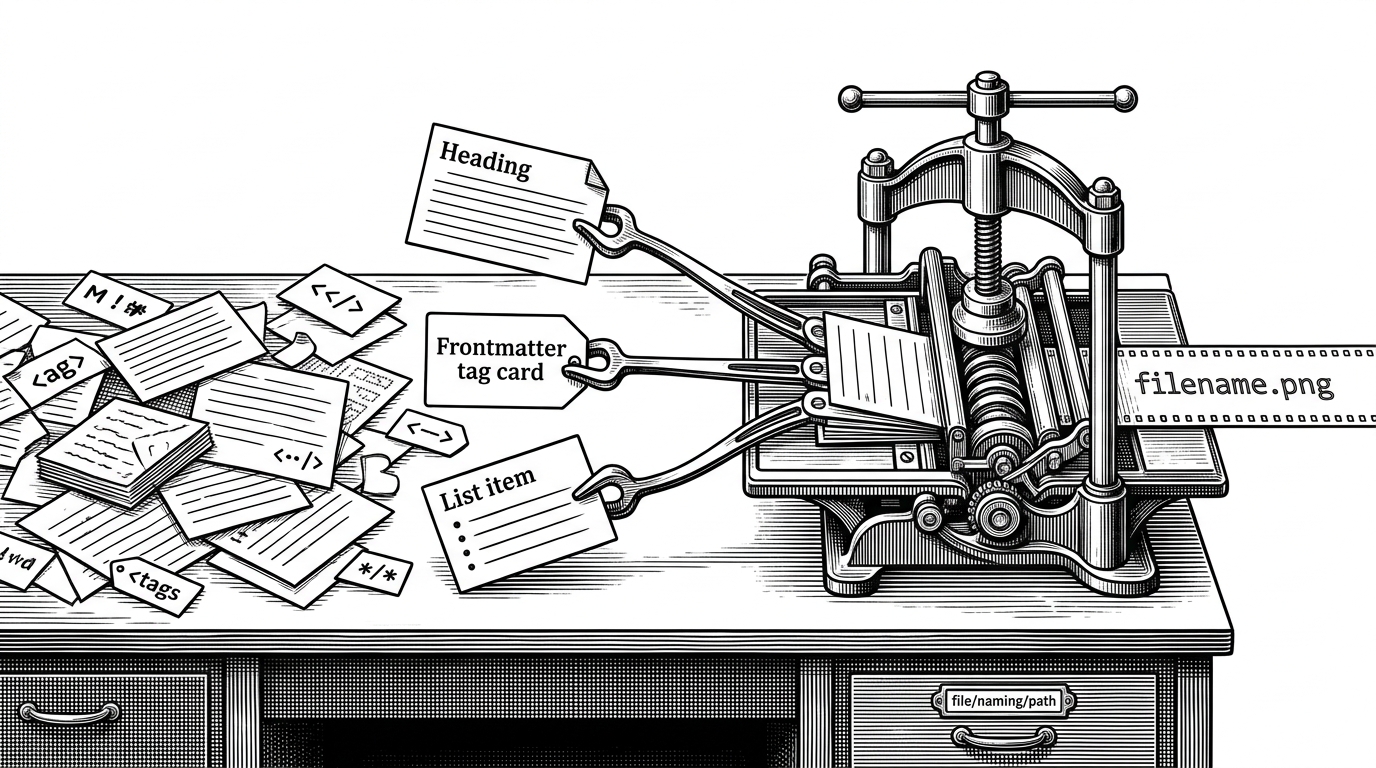
- Renami reframes naming as a declarative transformation, so the filename is an output of content and policy rather than a field you type once and forget.
- Its real novelty is structural selection: it can target Markdown AST elements instead of relying on brittle title extraction.
- The folder-rule stack turns naming into precedence management, which makes global conventions and local exceptions coexist cleanly.
- The split between a core library and an Obsidian plugin makes the project feel like reusable infrastructure, not just a UI wrapper.
Most note tools treat filenames as a convenience layer. Renami treats them like a derived artifact. That shift matters, because once naming is derived from note structure, the question is no longer “what should I call this?” It becomes “what should this note resolve to, under which rule, and in what order?”
The filename is not the source of truth
Basic auto-rename plugins usually stop at the title, or maybe the first heading. Renami goes further. It can pull from frontmatter, headings, list items, and other AST-selected Markdown nodes, which means the source of the filename is the note’s structure, not just a single text field.
That is the conceptual leap. The plugin behaves less like a rename button and more like a query engine. You define selectors, combine them with templates, and let the note resolve into a filename the way a build step resolves source into output.
CSS selectors, but for Markdown trees
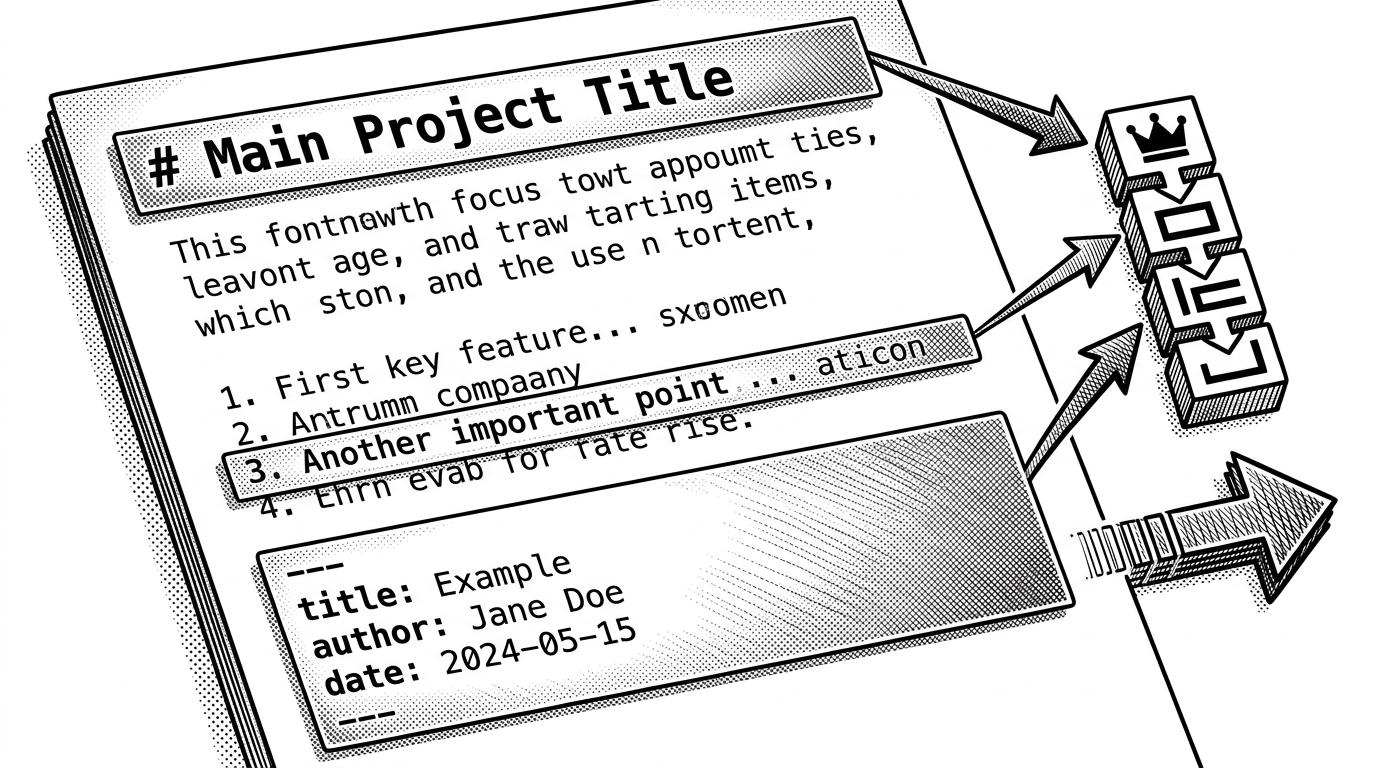
The most interesting technical move is the use of AST queries. Instead of brittle regular expressions, Renami can ask for structural elements like heading[depth=1] or list-item. That makes the naming logic feel closer to querying a document tree than parsing a blob of text.
The rule stack decides what wins
Renami’s settings UI treats folder rules as a precedence system. Global rules sit at the top. Specific overrides can be dragged lower in the stack. That order matters, because it determines which selector wins when multiple rules match the same note.
| Dimension | Conventional Obsidian naming tools | Renami |
|---|---|---|
| Input source | Title or first heading | Frontmatter, AST-selected nodes, templates |
| Rule handling | One mapping or a global convention | Ordered folder rules with precedence |
| Transformation | Basic slugging or direct rename | Chained inline formatters |
| Mental model | Rename this note | Resolve this note |
That stack is the difference between a convenience feature and a system. It lets broad conventions coexist with local exceptions without forcing you to maintain a maze of special cases.
Formatters turn raw values into filenames
Renami does not just extract text. It transforms it. Chained formatters let a value pass through steps like date formatting and case conversion, so a raw field can become a filename-ready string without leaving the template language.
{Date|yyyy-MM-dd}
{title|kebab-case}
{frontmatter.project|snake-case}
{heading[depth=1]|trim|slugify}
That composability is the point. Extraction, formatting, and precedence stay separate. You can change one part of the pipeline without rewriting the whole naming scheme.
Why the plugin is split from the core library
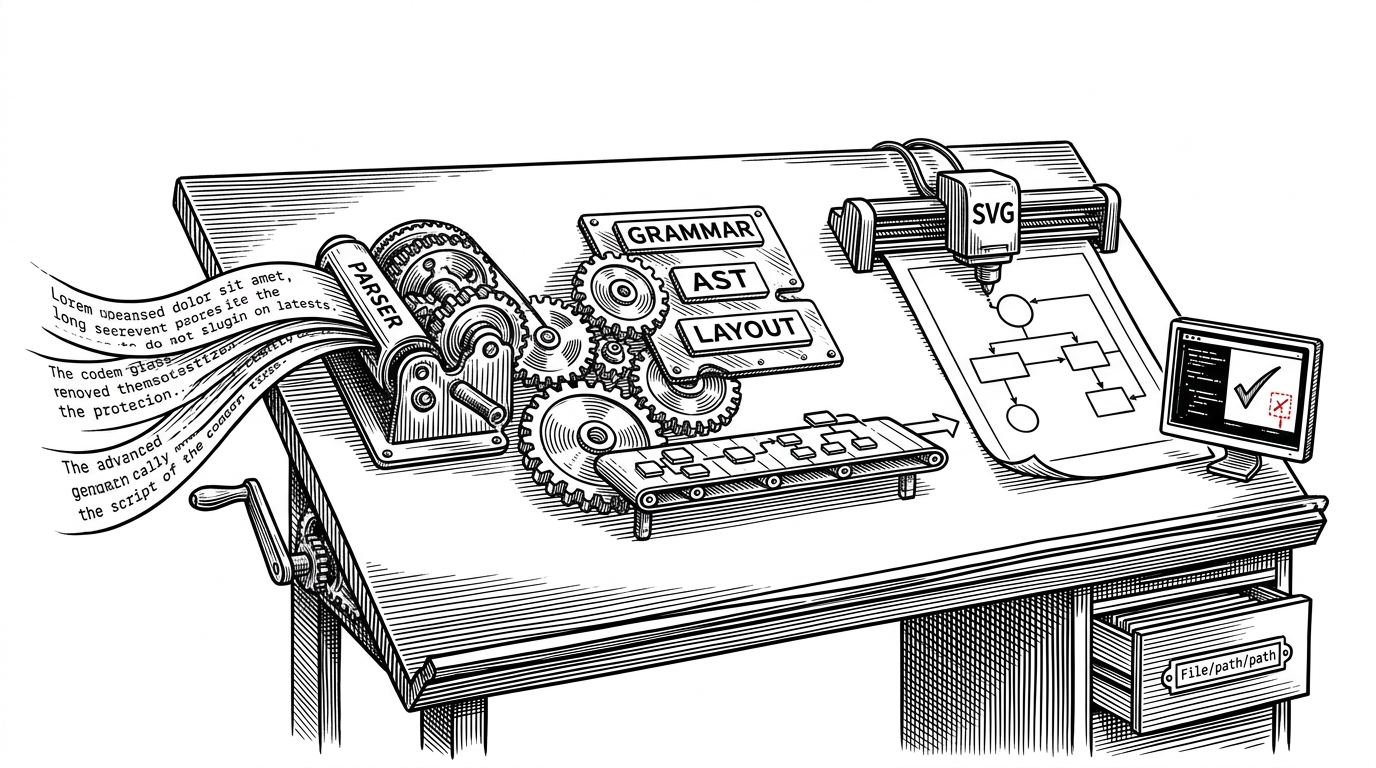
The architecture is library-first. The standalone @kitschpatrol/renami package holds the naming logic, while the Obsidian plugin wraps it in workspace events, settings, and file-system integration. That separation makes the core easier to test and reuse outside one editor.
| Layer | Responsibility | Why it matters |
|---|---|---|
| Core library | Querying, selecting, transforming, resolving filenames | Keeps the logic portable and testable |
| Obsidian plugin | Events, settings UI, vault integration | Handles editor-specific plumbing |
| Build tooling | Hot reload and local deployment | Speeds iteration and tightens feedback loops |
The developer workflow is part of the product
The repo reads like infrastructure. TypeScript strict mode, a custom esbuild pipeline, a demo vault, hot reload, and local deployment scripts all point to a project built for iterative use. The developer experience is not decoration here. It is part of the quality story.
That matters because tooling like this only earns trust when it behaves predictably. A naming engine that touches real files has to be boring in the best way: clear rules, stable outputs, and fast feedback when something changes.
What Renami changes about personal knowledge systems
Renami suggests a different model for note organization. Instead of treating filenames as handcrafted labels, it treats them as projections of structure and policy. For power users, that turns naming into a declarative system, closer to configuration than clerical work.
That is a subtle but important shift. Once filenames become query results, your note vault starts to behave less like a folder of documents and more like a managed data set.