html-ppt-skill: The Browser Becomes the Presentation Engine
A zero-build static-HTML slide system that pairs CSS token themes, multi-window presenter mode, and an AI skill manifest into one unusually complete deck-making stack.

只需执行 npx skills add 命令,AI即可掌握100+PPT技能,包含36个主题、20+物理特效、31种页面布局和14套完整模板,支持技术分享、路演、小红书图文等多种场景,真正实现"一句话需求→专业PPT"的自动化流程。
- html-ppt-skill treats the browser as the presentation runtime, not a preview layer.
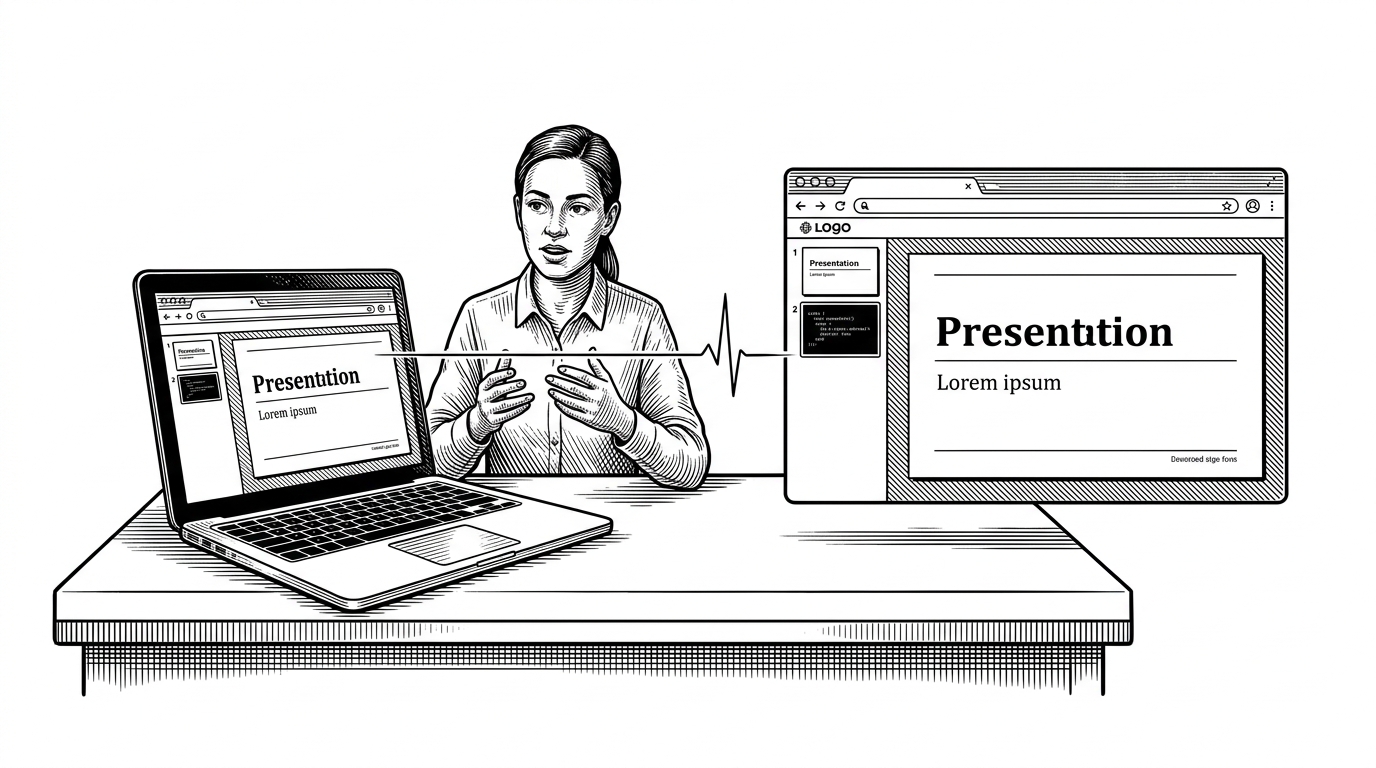
- Its strongest trick is pixel-perfect presenter mode, where the next slide is rendered by the same deck HTML inside an iframe.
- A small token surface can generate many distinct slide identities without duplicating layout logic.
- The skill manifest turns a deck system into agent-friendly infrastructure, not just a human-facing template library.
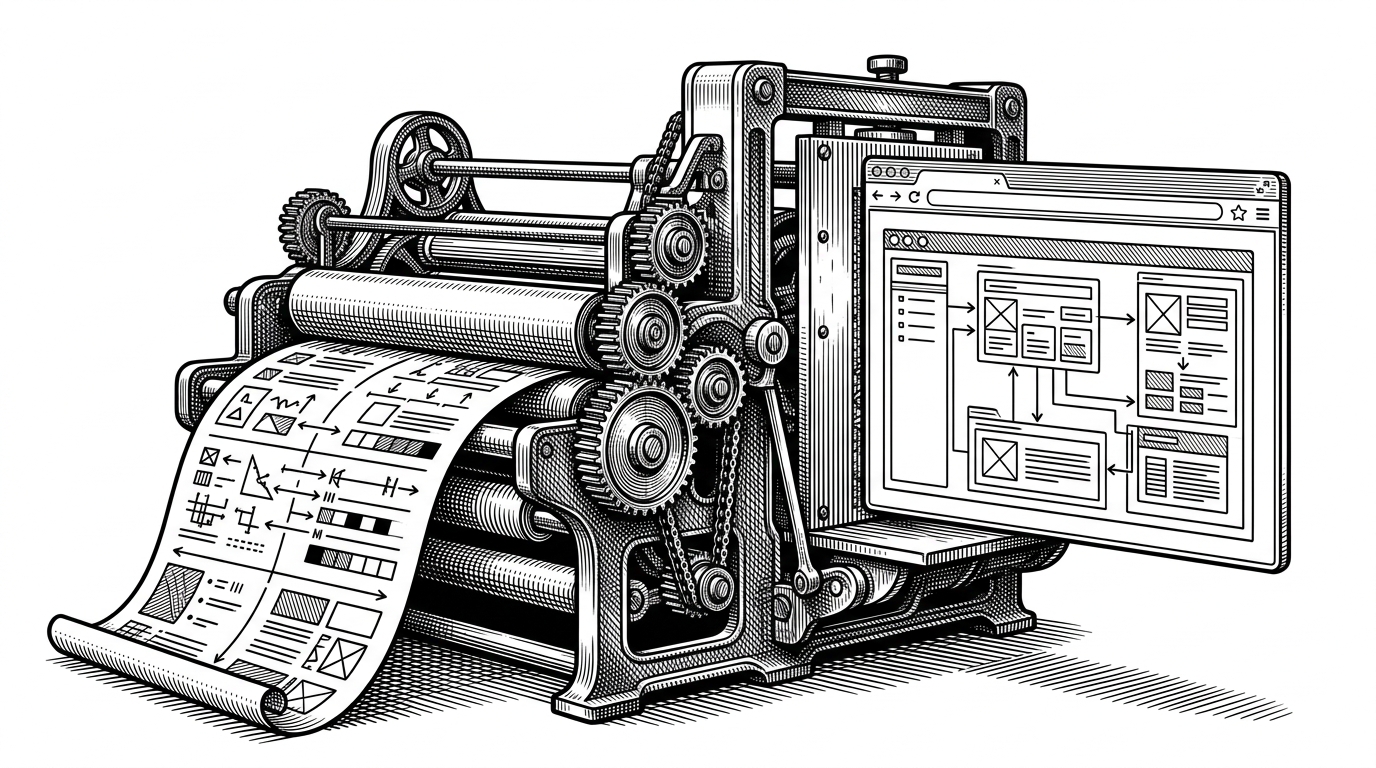
Most slide tools promise control. This repo promises something narrower and more useful: the same HTML becomes both the audience deck and the presenter console. That changes the whole feel of the product, because the preview is not a mockup. It is the real thing, rendered again with the same CSS, fonts, and viewport assumptions.
The preview is the product
The hook here is the presenter window. The repo loads the deck again inside an iframe, passes a ?preview=N state, and keeps the main stage and the next-slide view synchronized. That means the speaker is not looking at a screenshot or a rough approximation. They are looking at the actual deck, just in a different mode.
That is the repo’s first big idea. It replaces the usual split between editor, preview, and delivery with one runtime that repurposes the same document in different roles. For a technical presenter, that is a real product difference, not just a nicer UI.
A slide engine with no build step
Under the hood, the repo stays deliberately plain. It uses static HTML, CSS, and vanilla JavaScript, with no npm install and no bundler in the path. That matters because portability is part of the pitch. You can open, inspect, diff, and regenerate the deck without unpacking a framework first.
assets/
  base.css
  runtime.js
  themes/
  animations/
templates/
scripts/
SKILL.md
The structure is the story. base.css sets the primitives, the theme files override variables, and the templates assemble the layouts. The result is a system that behaves like software, but ships like a static artifact.
Themes are just tokens
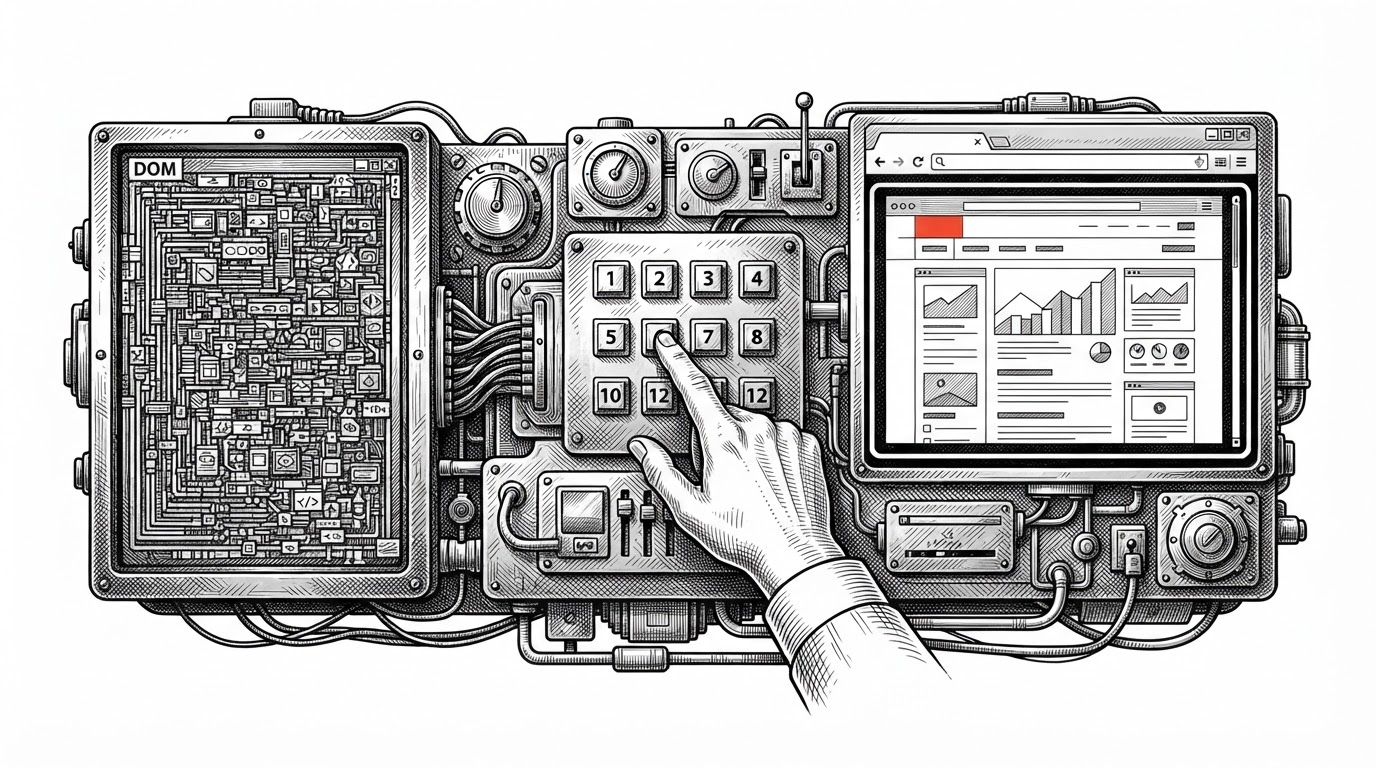
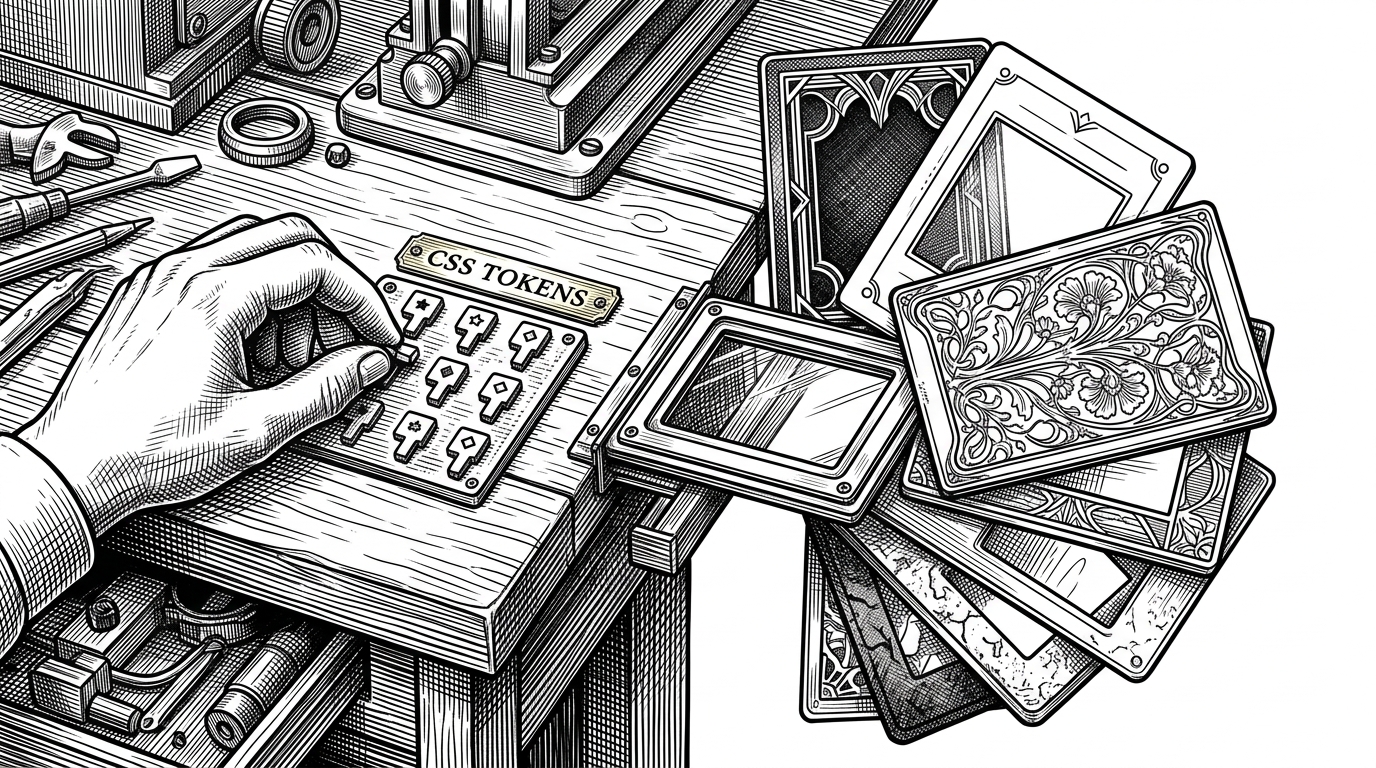
This is where the design system gets interesting. The themes are not bespoke one-offs so much as variable sets. A minimal white skin, a cyberpunk skin, an academic skin, a terminal skin. Same skeleton, different voice.
| Approach | What changes | What stays fixed |
|---|---|---|
| Token-based themes | Variables, accents, spacing, surfaces | Layouts, runtime behavior, content structure |
| Template-heavy theming | Markup and styling often fork together | Only the idea of a deck |
| Same HTML in preview | Nothing. It reuses the real deck | Everything, including fonts and viewport assumptions |
That is the quiet win. The repo makes visual variety cheap without making maintenance expensive. In presentation software, that is a rare trade.
The runtime keeps audience and presenter in sync
The runtime is the part that makes the project feel finished. Slide state changes, hash syncing, keyboard controls, and window-to-window messaging are all part of the same loop. The audience gets one active slide. The presenter gets a dashboard that always knows where the deck is going next.
The important design choice is not just synchronization. It is synchronization without a backend. BroadcastChannel keeps the secondary window aligned, while postMessage updates the embedded previews. The whole thing behaves like a networked app, but it is still a local static file.
Animations are split into motion and effects
The motion system is also more disciplined than it first appears. CSS handles slide-level transitions, while canvas-based FX modules handle richer effects. That split keeps the deck responsive and keeps the expensive stuff from running when a slide is inactive.
The repo treats motion as a lifecycle problem, not a bag of tricks. Effects start when a slide becomes active and stop when it leaves. That is the difference between a demo project and a runtime you could actually live with.
Why an AI skill matters here
The final layer is the one that makes the project feel current. SKILL.md packages the repo for agent use, so a deck can be generated from a prompt without changing tools or file formats. The point is not only automation. It is that the repository itself becomes an instruction set for how to make the deck correctly.
That changes the audience for the project. It is useful to humans who want a clean HTML deck. It is also useful to agents that need a constrained, production-like target. That is a much stronger position than being just another slide template pack.
What it replaces
Compared with PowerPoint-style workflows, the trade is clear. You give up a familiar proprietary editor. You get source control, portability, repeatable theming, and a final artifact that is already the web.
| Workflow | Strength | Weakness |
|---|---|---|
| PowerPoint-style deck authoring | Widespread familiarity | Binary files, fragile theme edits, weaker diffs |
| Heavy web presentation frameworks | Rich feature sets | More setup and more framework surface area |
| html-ppt-skill | Static HTML, token themes, synced presenter mode | Requires comfort with web-native presentation thinking |
The repo is not trying to beat every tool on every axis. It is making one argument very well: if the browser is already your rendering engine, then presentation software should behave like browser-native software.