Cocoon-AI/architecture-diagram-generator: The Repo That Turns Claude Into a Diagram Compiler
A tiny, opinionated skill that encodes layout rules, semantic colors, and SVG layering into Markdown, then outputs polished architecture diagrams as a single HTML file.

- This repo is compelling because it turns a prompt into a layout-specification problem, not a freeform drawing task.
- Its real innovation is the constraint system, where color semantics, spacing, and layering rules make Claude’s output consistent.
- The single-file HTML output keeps the diagrams portable, self-contained, and easy to ship.
- Compared with Mermaid and Eraser, the project is narrower on purpose and stronger as a Claude-native renderer.
Why this repo feels like a compiler, not a drawing tool
Most diagram tools start with a canvas. This repo starts with a specification. You describe a system in plain language, and the skill turns that description into structured SVG plus a self-contained HTML file that opens anywhere.
That is the mental shift worth noticing. The output is not a sketch with AI polish. It is a compiled artifact, where the model is nudged to behave like a renderer that obeys layout rules.
The skill file is the product
The center of gravity is architecture-diagram/SKILL.md. That file is not just instructions. It is the product logic, because it tells Claude how to map meaning to color, how to space components, and how to layer arrows behind boxes so the diagram stays legible.
The design choices matter because they remove the usual failure modes. A cyan frontend box means something. A violet database box means something. Minimum spacing means the layout does not collapse into a pile of labels and lines.
The constraints do the heavy lifting
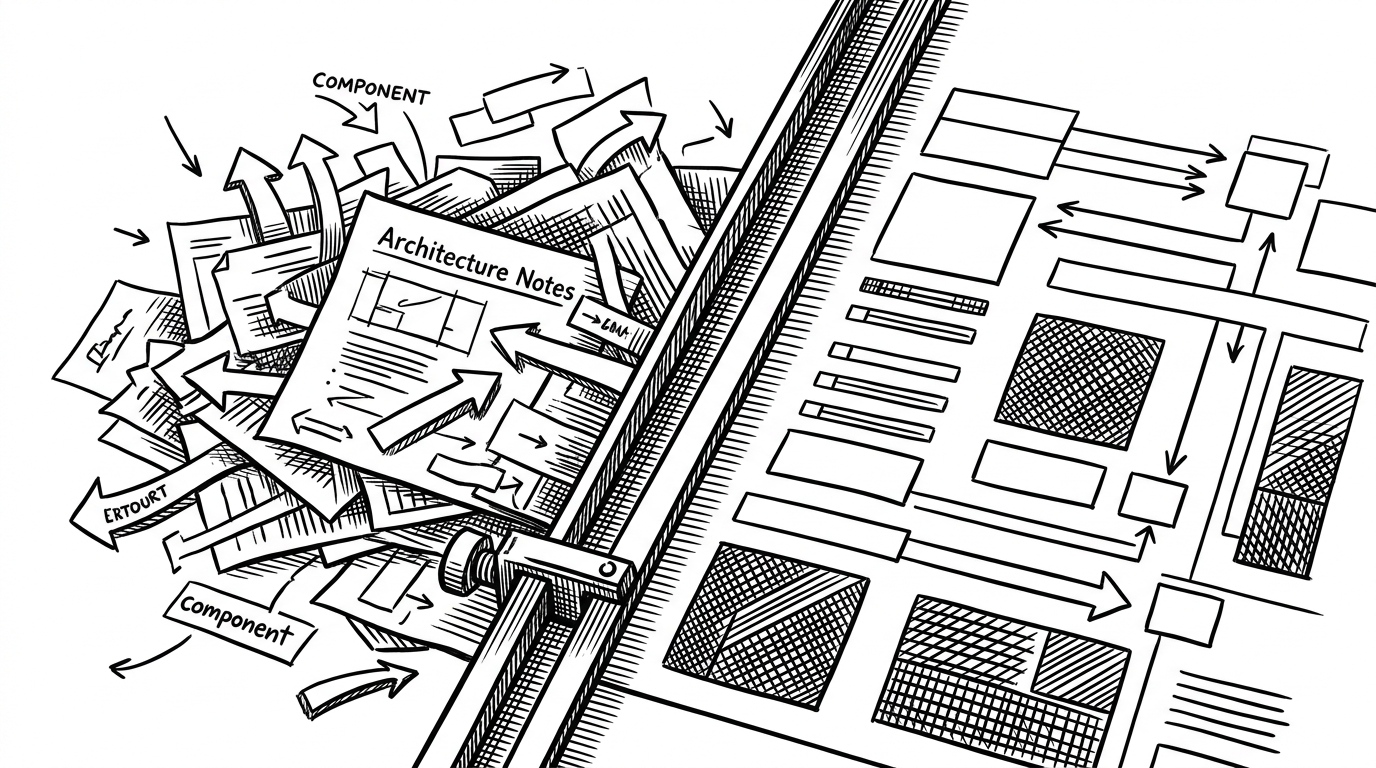
The repo’s hidden trick is that it behaves like a layout engine wrapped in prompt form. Instead of asking the model to invent, it asks it to classify, group, stack, and route. That is why the output stays coherent even when the input is messy.
You can see the architectural bias in the rules themselves: semantic palettes, fixed component heights, vertical gaps, and ordering for arrows before boxes. Those are compiler-like concerns, not stylistic preferences.
How the output stays clean without JavaScript
The output format is part of the product story. The diagrams live in a single HTML file with inline SVG, embedded CSS, and no runtime dependency on JavaScript. That makes them easy to open, share, and archive.
The template also adds small but important touches. A responsive container keeps complex diagrams readable, a grid background gives the canvas structure, and a pulse effect makes the page feel like a living dashboard instead of a static screenshot.
This matters because portability changes adoption. If the artifact is already self-contained, the diagram is documentation, not just a link to a tool.
What makes this different from Mermaid and Eraser
| Tool | Workflow | Output | Control surface | Best fit |
|---|---|---|---|---|
| Mermaid | Diagram as code | Rendered markdown or embedded diagrams | Syntax-first, developer friendly | Quick charts inside docs |
| Eraser | Diagramming product with AI assistance | Hosted diagram editor and exports | GUI plus prompt assistance | Team documentation and editing |
| Cocoon-AI architecture-diagram-generator | Claude skill as constrained renderer | Single-file HTML with inline SVG | Prompt spec plus strict layout rules | Fast architecture diagrams with a fixed visual system |
The comparison is not about which one is prettier. It is about where the work happens. Mermaid puts the burden on syntax, Eraser puts it inside a product, and this repo pushes more of it into the instruction layer for Claude.
That is why the project feels narrower and more radical at the same time. It gives up breadth in exchange for a sharper workflow.
The real bet: software made of instructions
The broader implication is bigger than diagrams. This repo points toward a software category where the logic lives in Markdown, the renderer is an LLM, and the artifact is a file instead of an app.
That flips the usual stack. You do not build a UI and then teach people to use it. You write a constrained specification, let the model execute it, and inspect the output like a compiled binary for design.
That is the real novelty here. Not AI art. Not a prettier architecture diagram. A new way to think about software as instructions plus enforcement.