aisqlgen: The AI SQL Notebook That Edits, Not Just Generates
A local-first Next.js tool that narrows schemas before prompting, remembers prior query edits, and turns raw database answers into charts.
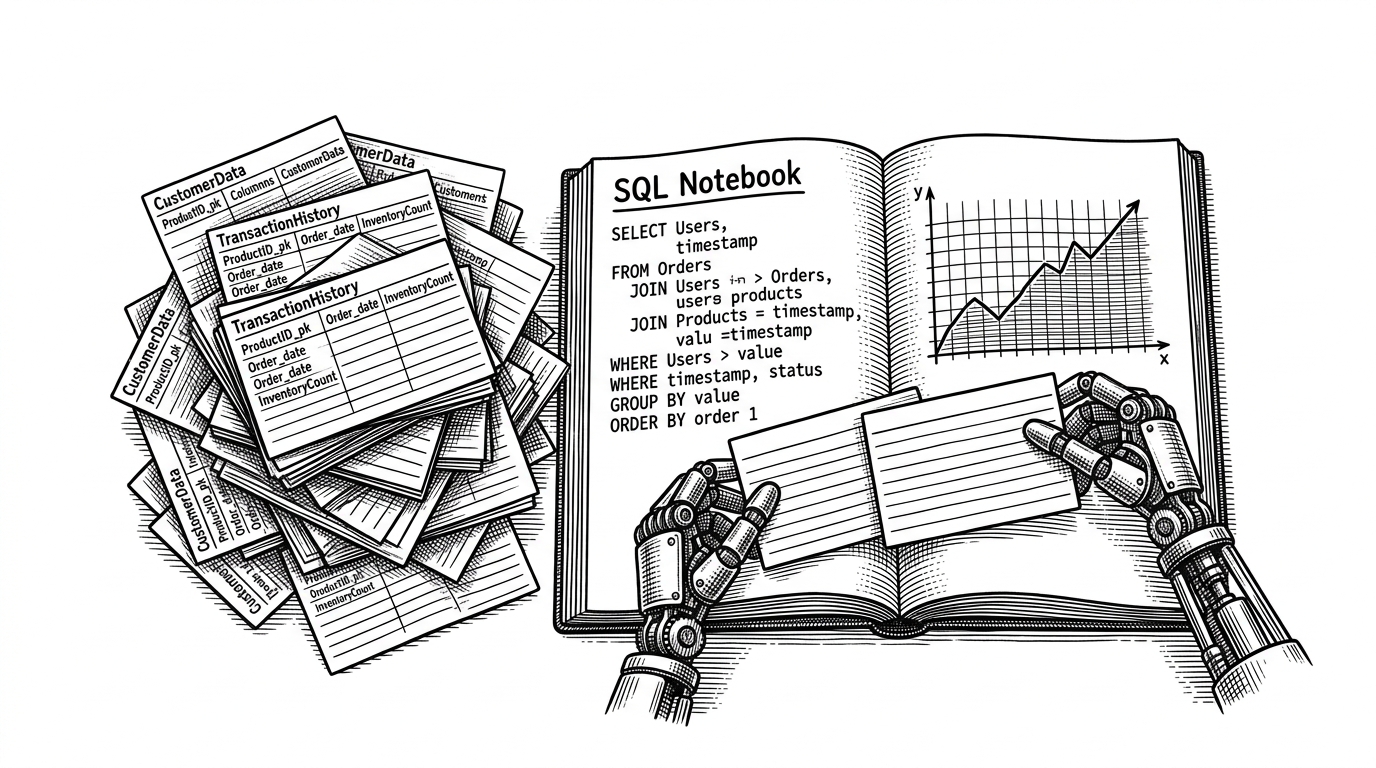
- aisqlgen’s core idea is not text-to-SQL, but SQL as a conversational artifact that can be revised, not restarted.
- Its two-step schema narrowing makes large databases more manageable by shrinking context before the LLM writes the query.
- The local-first setup is about more than privacy, because it keeps the workflow immediate, editable, and close to the data.
- Chart generation extends the same loop from query writing into analysis, which makes the tool feel like a notebook instead of a generator.
Most AI SQL tools try to solve a narrow problem: turn a question into a query. aisqlgen tries to solve a broader one: make SQL feel like an iterative analysis session. It lets you generate a query, edit it conversationally, keep the earlier versions in view, and then turn the result into a chart.
Autogenerate SQL and visualization using AI - GitHub AI SQL Gen. Don't write SQL by hand. Use LLMs to link to your SQL database, then generate, edit SQL, and auto-generate visualization. Run it locally.
SQL, But Treated Like a Notebook
That notebook model is the project’s real differentiator. A query is not a disposable prompt response. It is a working object that can absorb feedback, manual edits, and follow-up instructions without losing the thread of the analysis.
The repository’s own framing makes this explicit. The UI is meant to support databases that are not clean demo datasets, and it expects users to refine real queries by hand when the model gets close but not quite right.
That matters because the best SQL work is rarely one-shot. Analysts often start with an approximation, inspect the result, and then tighten the logic. aisqlgen turns that habit into the product itself.
The Trick That Makes Large Schemas Work
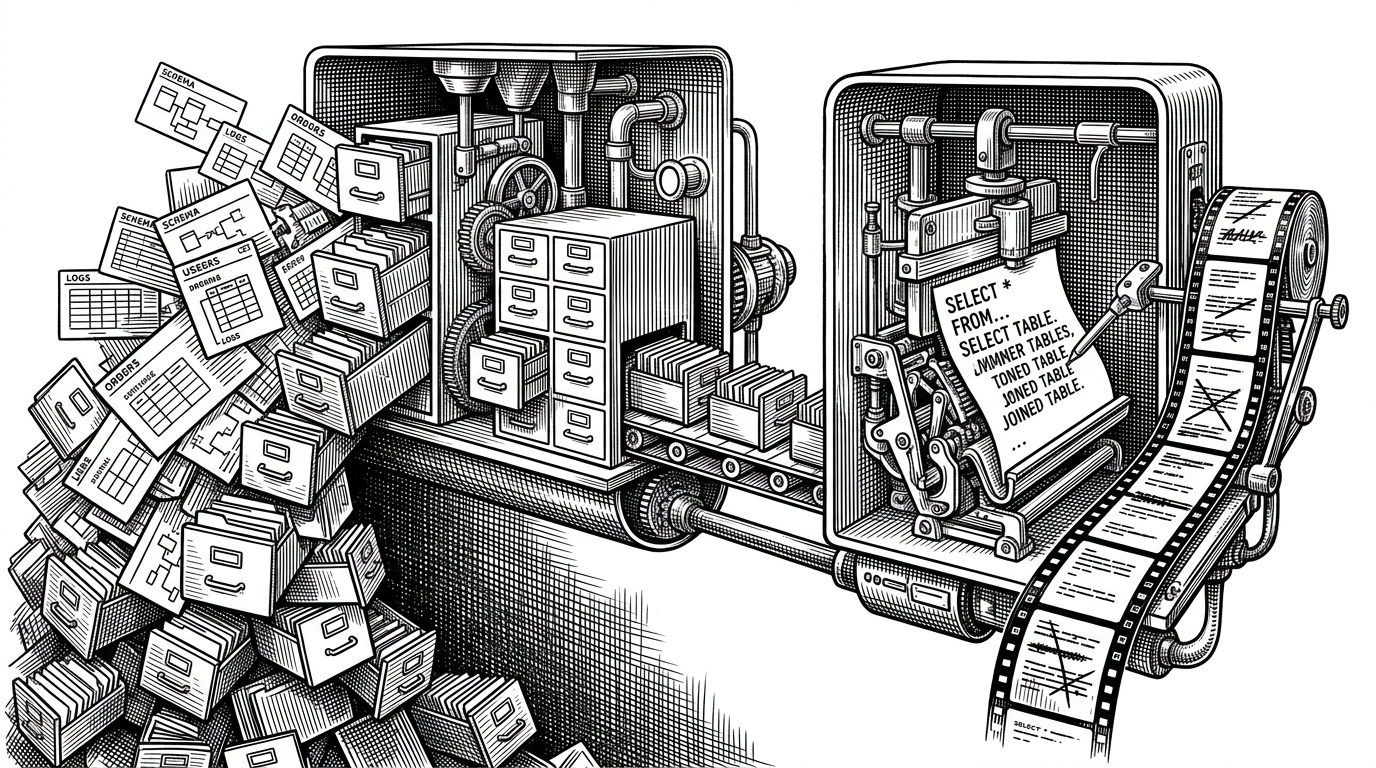
This is the part of the repo that feels less like product polish and more like systems thinking. Instead of dumping the entire schema into a single prompt, aisqlgen first asks which tables matter, then sends only the narrowed set forward. That keeps the LLM working on the right slice of the database instead of drowning in metadata.
The effect is simple but important. Smaller context means fewer distractions, fewer token costs, and better odds that the query matches the actual schema.
Why the Tool Feels Local, Not SaaS
The architecture reinforces that feeling. The frontend is a Next.js app, but the database drivers and LLM prompt logic live in local Node code. API routes bridge the UI to the database layer, and browser persistence keeps config around without a remote backend database.
That is not just a privacy story, although privacy is part of it. It is also a control story. The user is working against their own databases, with their own credentials, in a loop that does not require shipping state off to a hosted platform.
Frontend (Next.js UI)
  -> local Node API route
     -> database driver (Postgres / ClickHouse / SQLite)
     -> schema introspection
     -> LLM prompt
     -> SQL result
     -> optional Chart.js output

State such as API keys and datasource config is persisted locally in the browser.
That local-first shape makes the tool feel immediate. It behaves like a utility sitting beside the database, not a service sitting between you and it.
Visualization Is Not an Afterthought Here
The chart step is where the notebook metaphor extends beyond query writing. getChart.ts asks the model to write Chart.js code from the query results, which means the analysis can move from question to SQL to picture without leaving the workflow.
That is powerful because it collapses a lot of friction. It is also risky, because generated JavaScript needs cleanup and guardrails. The repo acknowledges that by cleaning the generated code before rendering it.
// Simplified shape of the chart workflow
const chartCode = await getChart({
  data: rows,
  canvasId: "chart"
});

// The generated code is cleaned before being injected into the page.
const safeChartCode = sanitizeChartCode(chartCode);
In other words, the chart is not a separate feature bolted onto SQL generation. It is the final move in the same analytical loop.
Where It Sits in the Text-to-SQL Landscape
The comparison is useful because it clarifies the niche. aisqlgen is not trying to be a full BI suite, and it is not just a thin wrapper around a prompt. It sits between direct generators and broader analytics platforms, with a stronger emphasis on local control and iterative editing.
| Project | Workflow style | Local-first | Manual SQL editing | Visualization | Schema handling | Primary fit |
|---|---|---|---|---|---|---|
| aisqlgen | Iterative notebook | Yes | Yes | Yes, Chart.js | Two-step narrowing | Human-in-the-loop SQL exploration |
| Text2SQL.AI | Prompt to query | Usually no | Limited | Basic or external | Single-pass prompt | Simple text-to-SQL tasks |
| Vanna.AI | Framework | Depends on deployment | Customizable | Possible via framework | Developer-defined | Builders who want to assemble a system |
| AI2sql | Hosted generator | No | Some | Supported | Prompt-centric | Polished SaaS query generation |
| Hex / BI tools | Analytics workspace | Often partial | Yes | Yes | Workspace-dependent | Broader analysis and collaboration |
That positioning is the point. aisqlgen is not trying to replace a database analyst. It is trying to make the analyst’s real workflow faster: explore, revise, inspect, visualize, repeat.
What aisqlgen Suggests About the Future of SQL Tools
The project hints at a healthier model for AI data tools. The future is probably not a single perfect prompt that spits out the final query. It is a collaborative loop where the model helps navigate schema, drafts the SQL, remembers the edits, and hands the user something they can still trust and change.
That is a more modest promise, but also a more believable one. For real databases, the win is not magical automation. It is reducing the distance between a question, a query, and an answer.