PureMac: The Mac Cleaner That Acts Like Part of macOS
A native SwiftUI utility with actors, LaunchAgents, and permission-aware scanning that targets developer junk without the bloat, telemetry, or subscription theatrics.
- PureMac’s real advantage is that it feels like a native macOS feature instead of a packaged-up cleaner app.
- Its strongest differentiator is developer-specific cleanup, from Xcode junk to package-manager caches and APFS purgeable space.
- The architecture matters because actors, async scanning, and permission probing keep the app responsive while it handles destructive work.
- Safety is built into the product, with non-destructive defaults and explicit permission handling before protected folders are touched.
Most Mac cleaners try to win with a bigger checklist. PureMac takes the opposite route. It tries to feel inevitable, like a utility Apple would have shipped if Apple had decided developers deserved a first-class cleanup tool.
That impression is not cosmetic. The app is written in Swift, built with SwiftUI, organized around actors and a central view model, and wired for permission-aware scanning. In other words, the product story and the code story line up.
Why This Feels Like a System Tool, Not a Utility App
The first thing PureMac gets right is restraint. There is no sprawling chrome, no web app masquerading as desktop software, and no obvious attempt to upsell the user into a subscription. It behaves like a focused macOS utility that respects the platform it lives on.
That matters because cleaners live or die on trust. If an app wants access to caches, logs, simulator files, and protected folders, the interface has to signal control rather than hype. PureMac does that by presenting itself as a native system companion, not a productivity carnival.
The repo structure reinforces the point. Views, view models, models, and services are split cleanly. The result is a small surface area with a clear center of gravity: the app is a workflow for locating junk, deciding what is safe, and cleaning only when it should.
What PureMac Cleans That Other Tools Miss
PureMac is not trying to be generic. Its top-level categories reveal a developer who knows which folders actually swell during real work. That changes the product from “clean your Mac” to “clean the junk your tools leave behind.”
| Cleanup target | Why it matters | Why PureMac stands out |
|---|---|---|
| Xcode DerivedData and simulators | Build artifacts and simulator state grow fast during app development | PureMac treats them as first-class cleanup targets instead of burying them inside vague system junk |
| Homebrew cache | Package installs and updates leave behind a lot of reusable but bulky data | It exposes Homebrew clutter directly, which is useful for developers who want control |
| npm, yarn, pnpm, pip caches | Modern JavaScript and Python workflows accumulate large local caches | PureMac recognizes the cache ecosystems developers actually use |
| APFS purgeable space | macOS can hold reclaimable space that simple file deletion does not always address | The app includes a dedicated purge step for space the filesystem can release |
| Generic temp and log files | These are the classic low-risk cleanup wins | PureMac still covers them, but they are not the whole product |
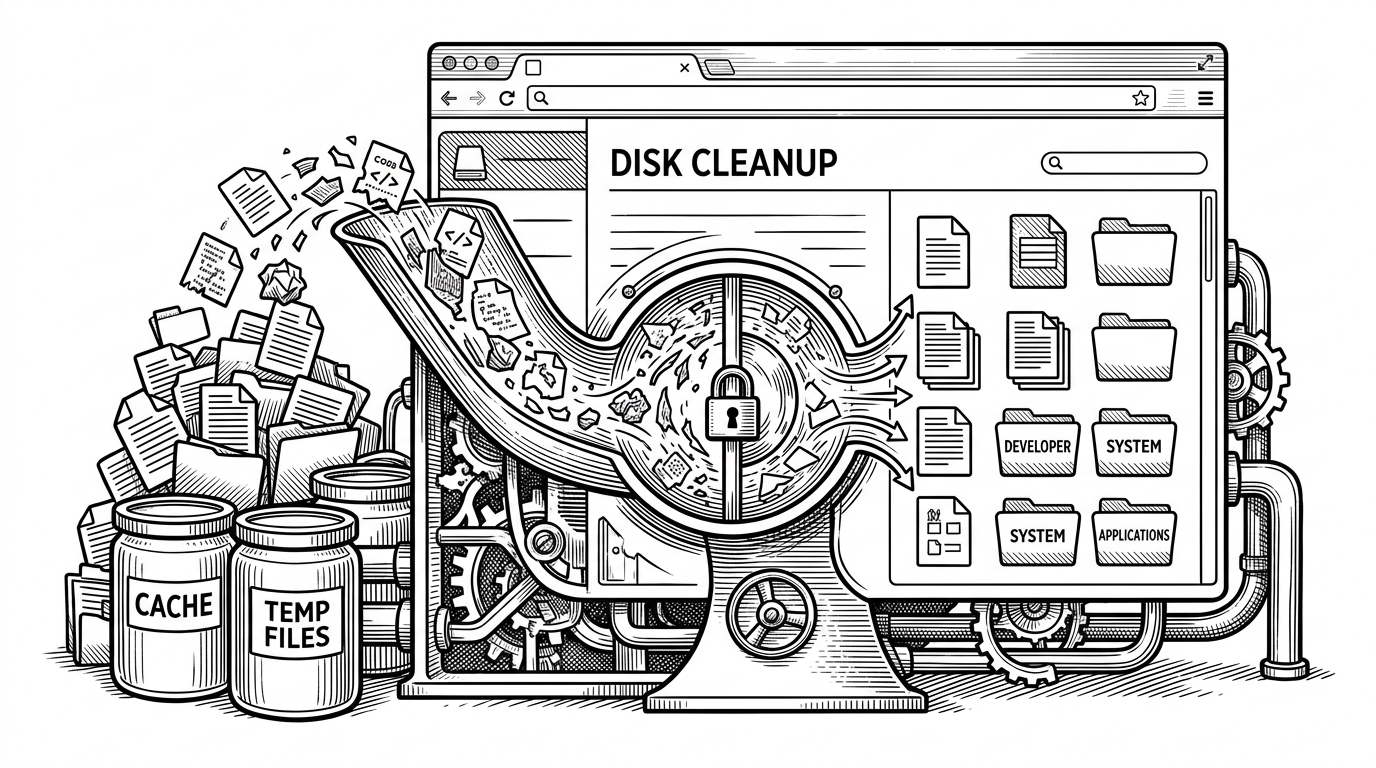
The diagram above is the key to understanding the repo. PureMac is not a single delete action. It is a pipeline. The app scans first, asks for permission when it has to, then deletes only the chosen items, and can optionally schedule itself again through a LaunchAgent.
That sequencing makes a practical difference. Cleanup tools often fail either by being too aggressive or by being too timid. PureMac tries to split the difference by making access and intent explicit at each step.
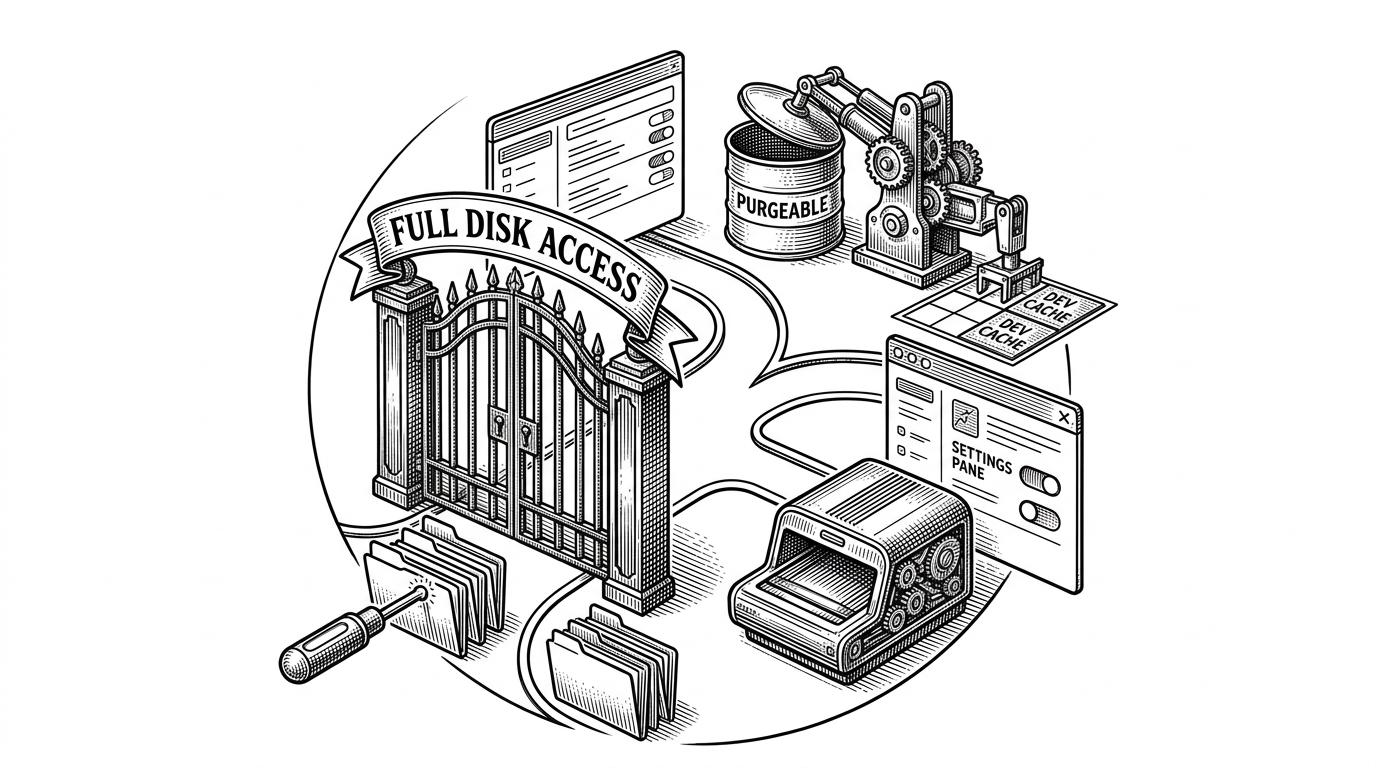
The Pipeline: Scan, Check Permissions, Clean, Repeat
PureMac’s architecture is built around separation of concerns. The app view model coordinates the experience, while the engines do the heavy lifting. That is a sensible split for any file-system tool, and it is especially important here because scanning and deletion can both become expensive fast.
enum ScanState {
    case idle
    case scanning
    case completed
    case cleaning
    case cleaned
}

@MainActor
final class AppViewModel: ObservableObject {
    @Published var state: ScanState = .idle
    @Published var categories: [CleaningCategory] = []

    func smartScan() async {
        state = .scanning
        let results = await scanEngine.scan()
        categories = results
        state = .completed
    }

    func cleanSelected() async {
        state = .cleaning
        await cleaningEngine.clean(categories)
        state = .cleaned
    }
}
The exact implementation may be more detailed than this excerpt, but the shape is clear. A state machine drives the UI, and the engines report back asynchronously. That keeps the main thread free while the app enumerates files, resolves permissions, and performs destructive work.
The permission step is especially important. PureMac does not pretend macOS security boundaries are optional. Its Full Disk Access flow probes protected locations, checks whether the read succeeds, and then routes the user to the right System Settings pane if access is missing.
That is a cleaner app behaving like system software. It is opinionated, but it still respects the operating system’s guardrails.
Why Actors Matter Here
Actors are not a buzzword in this repo. They are the right tool for the job. File crawling and deletion are stateful, potentially slow operations, and actor isolation gives the code a safe boundary around that work.
Without that boundary, a cleaner app can turn into a race-condition factory. Multiple scans, overlapping deletions, and progress updates racing back into the UI is the kind of bug that only shows up after a user has entrusted the app with a lot of disk space. PureMac’s concurrency model reduces that risk.
The architectural payoff is simple. The app stays responsive, the state changes are easier to reason about, and the destructive path is easier to contain. For a utility that touches the filesystem, that is not a luxury. It is the product.
Safety Is the Product
PureMac’s safety posture shows up in small choices. Large files are not auto-selected. Protected folders require permission checks. Cleanup is guided, not implied. That sounds modest, but it is exactly how you build trust in software that can remove data.
This is where the repo is more thoughtful than a typical one-click cleaner. A lot of cleanup apps optimize for speed of action. PureMac optimizes for confidence of action. Those are not the same thing.
That difference also changes the user’s mental model. Instead of feeling like the app is trying to surprise them with reclaimed gigabytes, they see a system that asks before it acts and separates discovery from deletion.
How PureMac Stacks Up Against the Category
| Approach | Strength | Trade-off |
|---|---|---|
| PureMac | Native SwiftUI, privacy-first scanning, developer-specific cleanup, LaunchAgent support | Narrower than broad commercial suites |
| Commercial Mac cleaners | Broad feature sets and polished marketing | Often heavier, more opaque, and more subscription-driven |
| Manual cleanup | Maximum control and zero app overhead | Slow, error-prone, and easy to forget |
The honest comparison is not that PureMac replaces every other cleanup path. It does something more specific. It gives developers and privacy-minded users a native tool for recurring cleanup without the baggage of a commercial suite.
That makes its tradeoff legible. If you want breadth, you can buy breadth. If you want control, transparency, and a cleaner that feels like a macOS component, PureMac is the more interesting answer.
What This Repo Says About Modern Mac Tooling
PureMac is a compact argument for modern Swift on the desktop. SwiftUI is enough for a polished native interface. Actors are enough for safe background work. LaunchAgents are enough for recurring automation. None of that requires a web stack or a bloated runtime.
The deeper lesson is that serious Mac utilities no longer need to look old to feel powerful. This repo uses contemporary Apple tooling to solve a classic problem, and it does so with a restraint that gives the whole project credibility.
That is why PureMac stands out. It is not trying to be the biggest cleaner on the Mac. It is trying to be the cleanest cleaner.