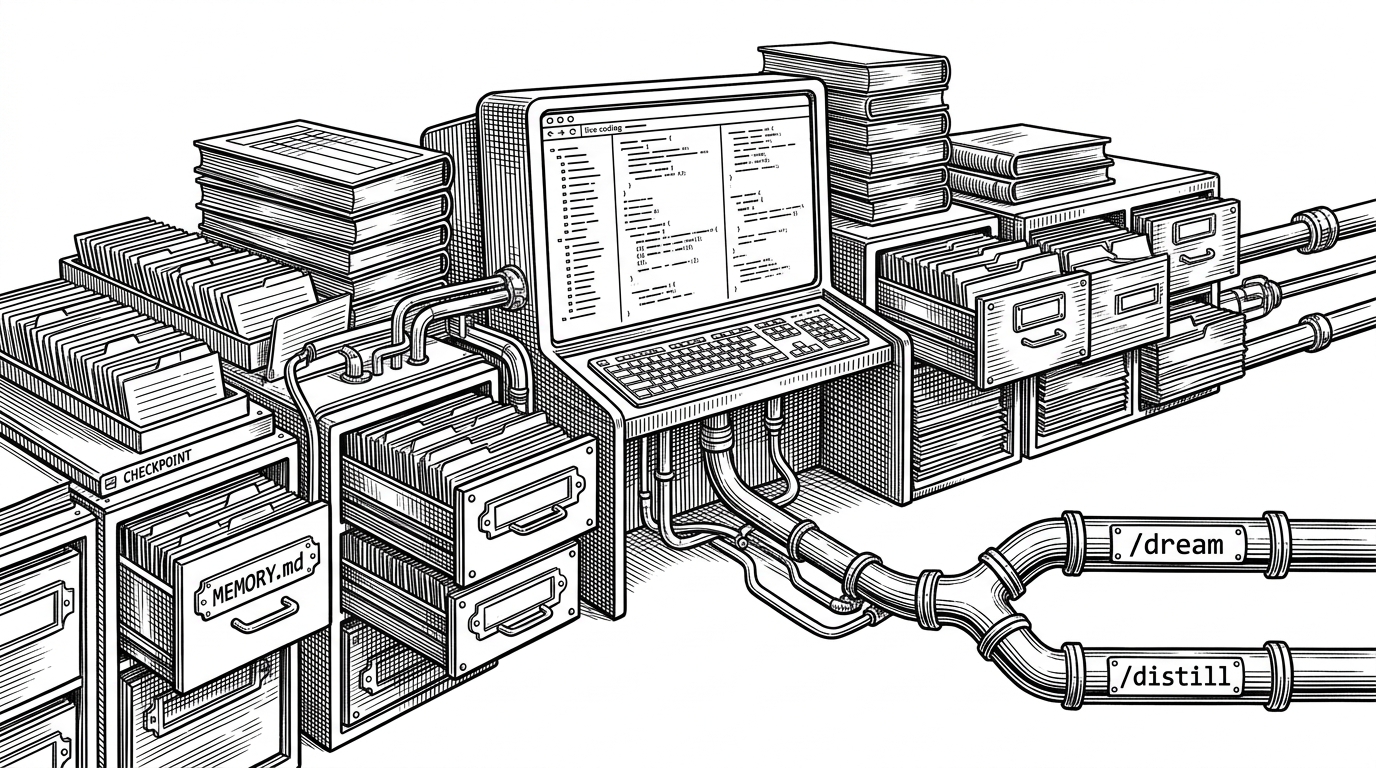
claude-animated-shorts: The Anti-Sora: Animation You Can Rerender
A Claude Code skill that turns a topic into a 60-second animated short by writing three.js source, not by generating pixels.
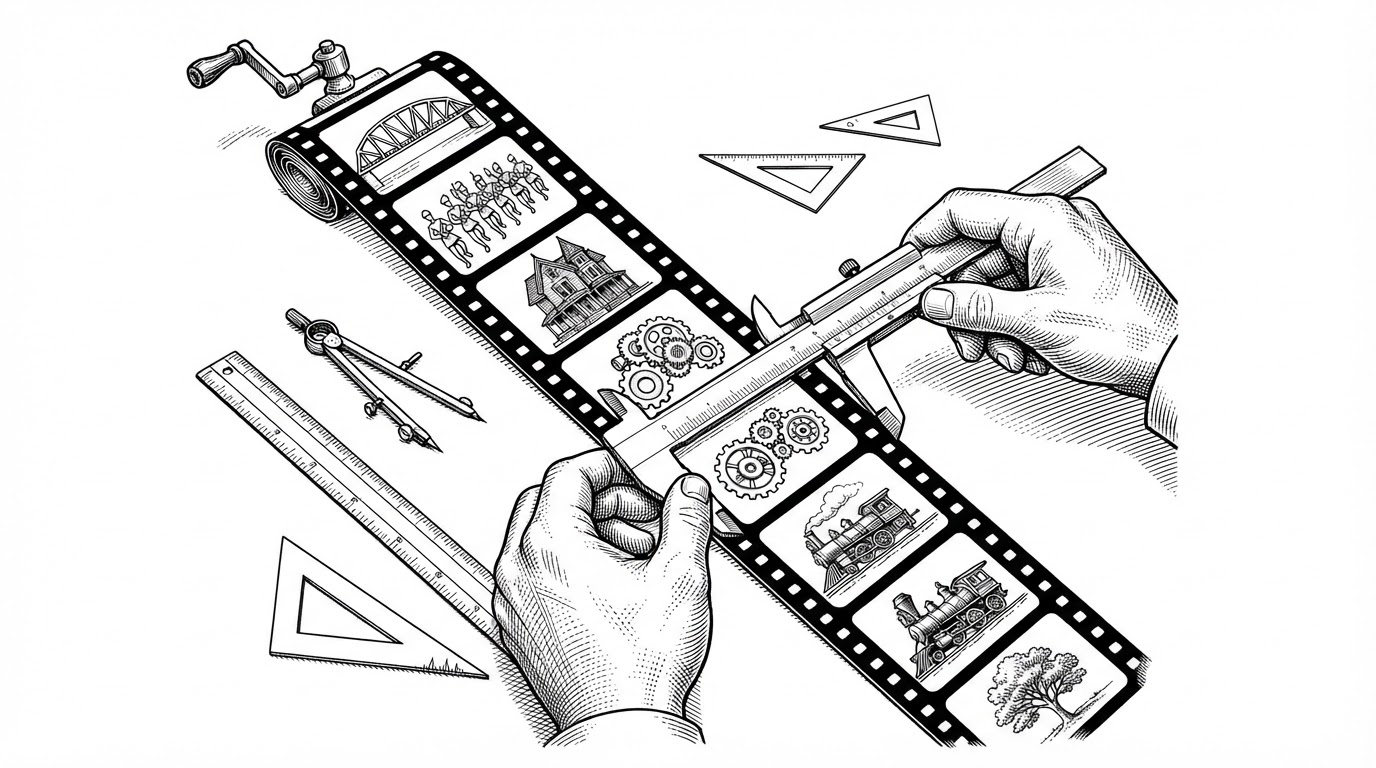

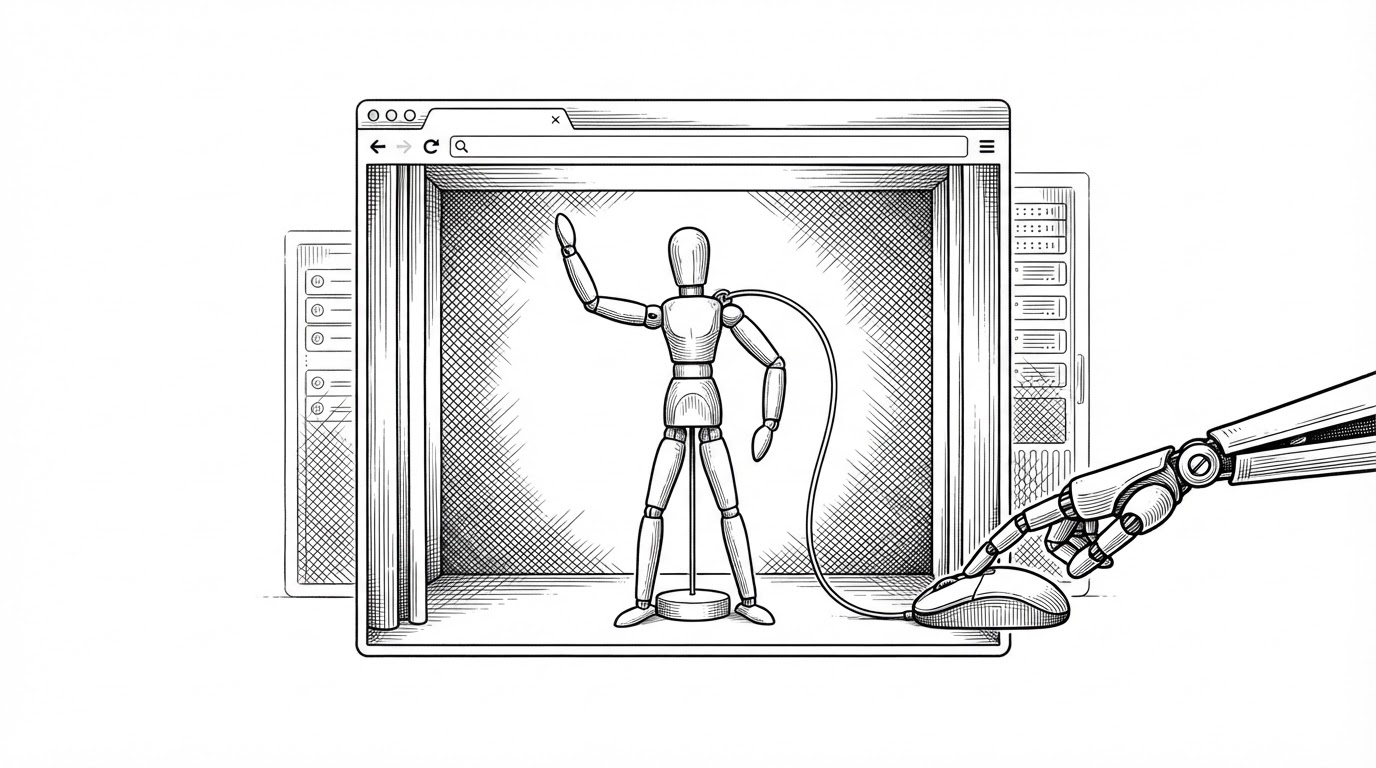
Everything is rendered with three.js inside Remotion on your own PC, with no AI video generator.
- Claude Animated Shorts renders every frame as a pure function of shot and frame number, so the same input always produces the same video.
- The look is encoded as measured numbers (bloom radius, camera speed, halo size) rather than a prompt, which is what makes the output testable.
- A verifier loop compares rendered stills against reference frames, turning 'make it look like this' into an iteration with a score.
- It trades the convenience of generative video for editability: every scene is three.js source you can open and change.
Type a prompt into a generative video model and you get a clip. Type the same prompt again and you get a different one. That randomness is the product. It is also the problem. You cannot nudge a single frame, you cannot rerender a shot with the sun two degrees lower, and you cannot guarantee that tomorrow's output matches today's.
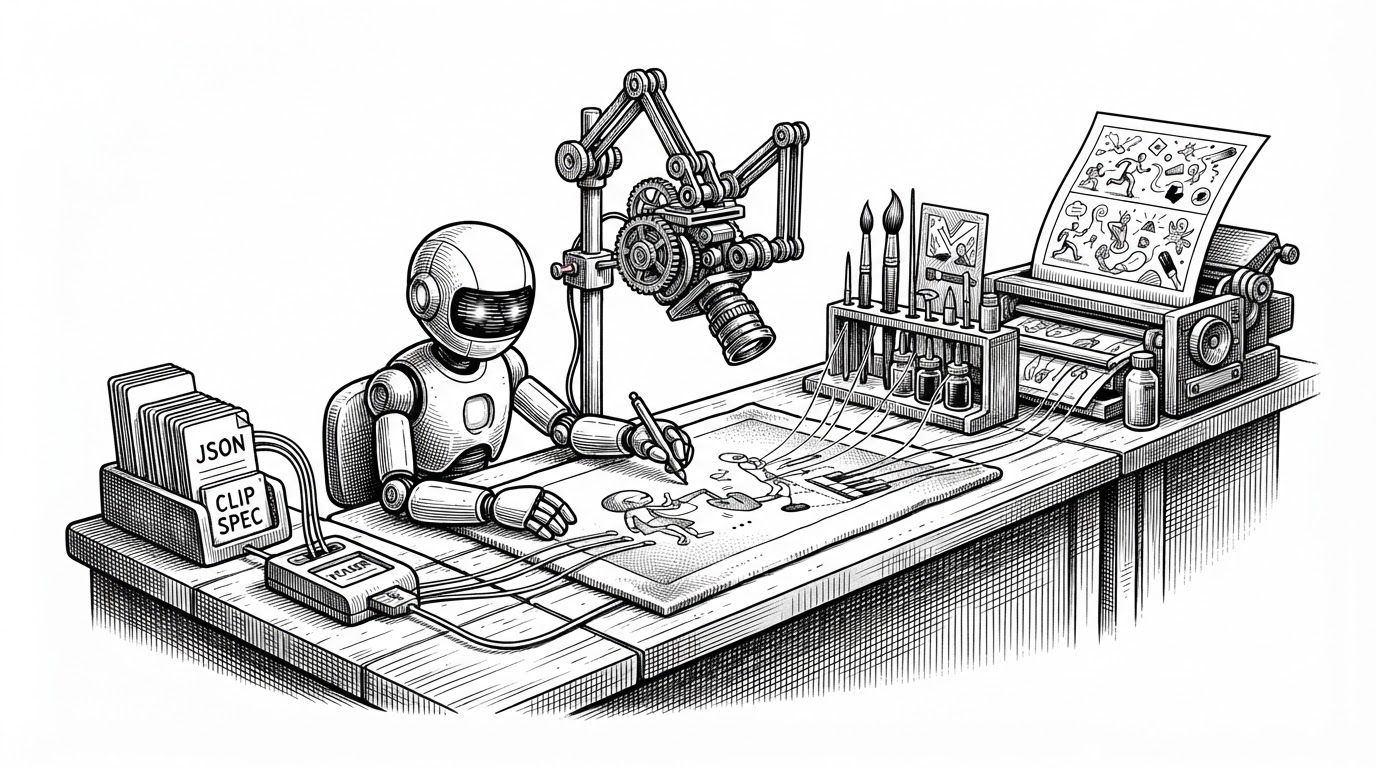
mromidev/claude-animated-shorts takes the other road. It is a Claude Code skill plus a complete worked example that produces a 55 to 70 second vertical animated short by writing three.js scene code and rendering it locally through Remotion. No diffusion model, no video generator. The README is blunt about it: "Everything is rendered with three.js inside Remotion on your own PC, with no AI video generator."
What it actually is
The repo ships three things that usually live far apart. First, a procedure: SKILL.md, an 11-step pipeline covering facts, script, voice, shot plan, world, characters, post-processing, sound, look checks, final render, and delivery. Second, the implementation: the full source of one finished short, "The Bridge That Fell for a Song," a 67-second film about the 1831 Broughton bridge collapse. Third, a measured target: a references/ folder with a style bible, seven analysis reports, 38 reference frames, and 20 contact sheets covering 1,200 frames.
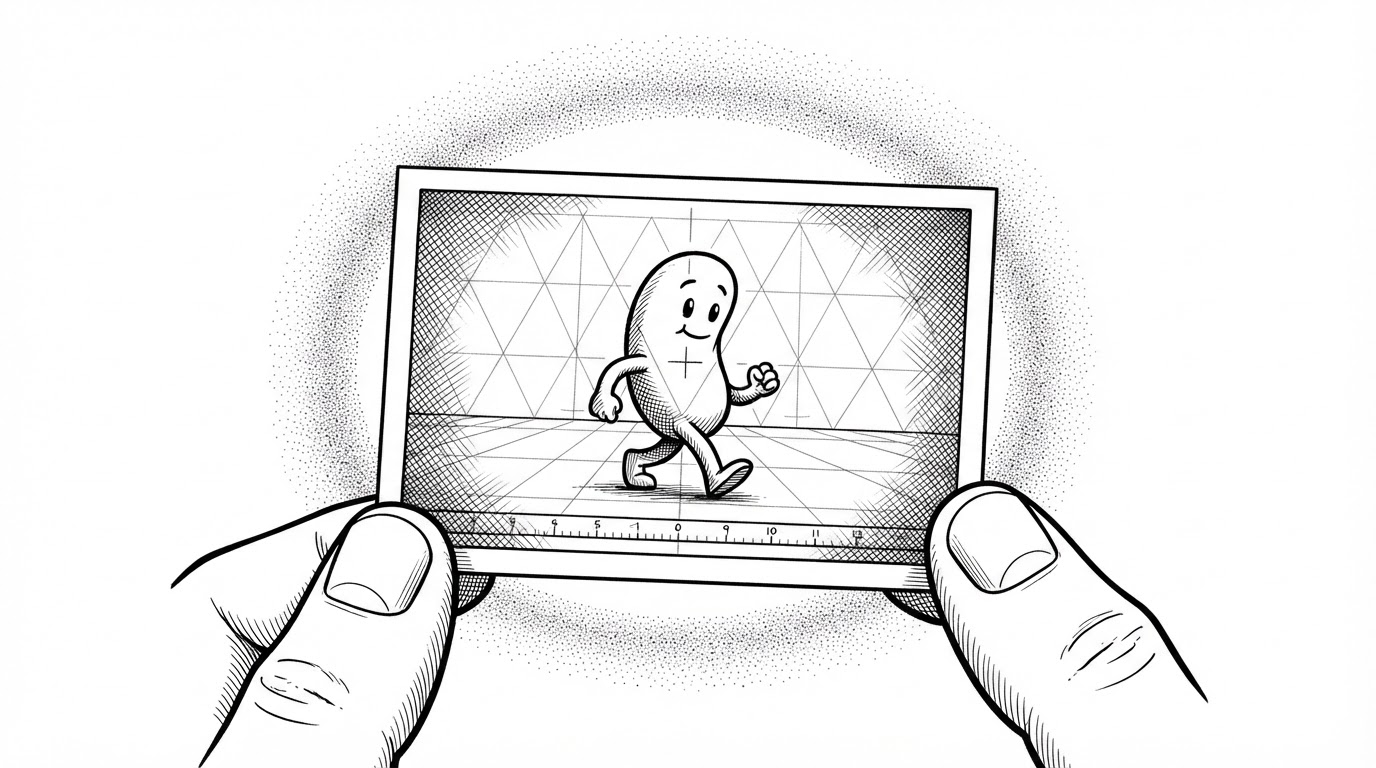
The style is specific. Flat 2D bean-head characters drawn procedurally on a canvas, dropped into a painted 3D world with ink outlines, thin-lens depth of field, and synthesized audio. It looks like a storybook illustration that learned to walk.
The frame is a function
The most important file is templates/bridge/story.ts. It defines the whole film as constants and pure functions. Total runtime is 2025 frames at 30 fps. The camera, the marching soldiers, the collapsing deck, and the cables are all derived from a story clock the code calls tau.
Here is the trick. Each shot declares how video time maps to story time. One shot uses tau: (t) => t. Another uses tau: (t) => t - 31, replaying a slice of the same physics clock without duplicating any animation logic. The bridge's bounce is a cosine profile across the span. The collapse is a smoothstep weighted toward the near half. Cables sag onto the planks as the deck fails because chainY blends the intact profile with the deck height.
None of this simulates from frame zero. A function called bridgeState(id, t) returns the full state at any point. That means Remotion can render frames in parallel, and rerunning the same input produces a byte-identical result. If a frame looks wrong, you change one number and rerender it. This is the part generative video cannot do.
Style as numbers
Most AI video tools describe a look in words. This one describes it in measurements. The reference study produced numbers that the code enforces: a bloom e-fold of about 30 pixels at 1080p, roughly 1.5 percent of frame height. A halo radius between 13 and 26 percent of frame width. Camera push-ins of 0.15 to 0.35 percent per frame. A peak camera speed of 14 to 25 pixels per frame.
The camera grammar is a rule-based editor embedded in the timeline. Moves are symmetric smootherstep glides lasting 18 to 40 frames. The code derives peak speed from distance and duration, and it enforces that any reframe larger than half a frame width, or a 40 percent zoom, becomes a hard cut. There are no hand-tuned keyframes to argue with.
The post-processing chain is ordered for a reason, and the comment in Bridge.tsx spells it out. Ink runs before depth of field so outlines blur with their subjects. Bloom runs after DOF so glows defocus with their source. The grade runs after tone mapping because it is display-referred. Even the bloom mip chain is pinned to a 1920 reference width so the glow keeps the same relative size at every output resolution.
The verifier in the loop
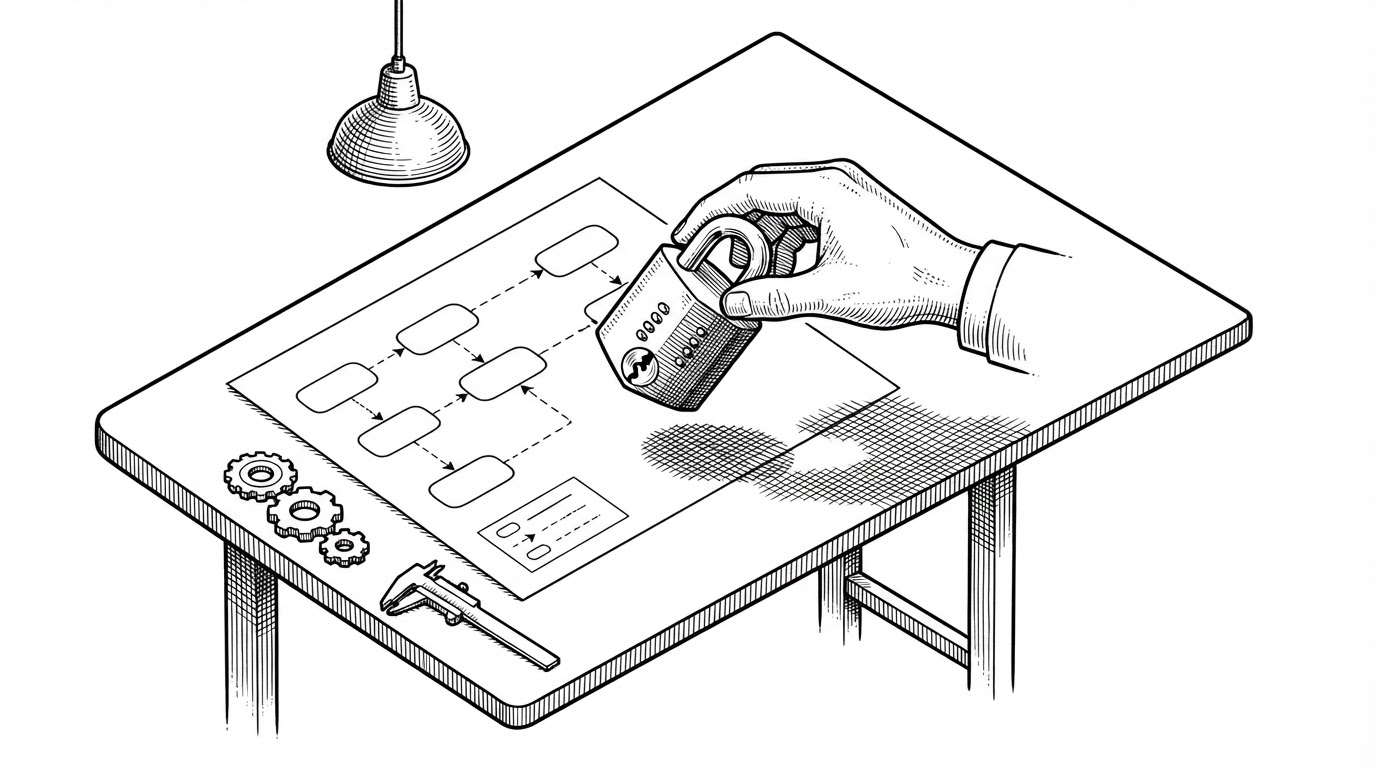
Numbers alone do not make a look. The project closes the gap with a feedback loop. A script called sbs_sheet.py builds side-by-side comparisons of rendered stills against reference frames, and a separate verifier pass checks the stills against that target. This turns "make it look like this" into something with a score.
The repo's own motion report is the clearest evidence that the loop works. It reads like a diagnosis, not a press release: "Our camera moves are 3-frame snaps; the reference glides." The same report flags walks that were too slow and slippery and blinks that were too infrequent. Each finding maps to a parameter that can be changed and re-measured.
How it compares
| Project | Approach | What you get |
|---|---|---|
| claude-animated-shorts | Claude Code skill plus Remotion and three.js | A prescribed 2D-in-3D visual format with a full example, audio, references, and frame QA |
| video-shotcraft | Remotion-oriented shot recipes | Product and promo videos, not character-led storytelling |
| remotion-dev/skills | Official general-purpose Remotion skills | A broad foundation rather than one finished style |
| youtube-agent-skill | Channel workflow (scripts, titles, thumbnails) | Publishing help, but it does not render the short |
| Sora, Veo, Kling, Seedance | Generative video models | Clips from prompts, with no scene-level source control |
The honest trade-off is overhead. Generative video gives you a clip in minutes from a sentence. This gives you a clip after installing Node, Python 3, ffmpeg, and Remotion, then rendering locally. The README even warns that Remotion bundling copies a large asset directory into a temp folder and suggests pointing REMOTION_TMP at a drive with room to spare. You are paying in setup and render time to buy control and repeatability.
Who it is for
The skill assumes you want one recognizable format: short historical or curiosity-led narratives, 1080 by 1920, 30 fps, with recurring characters and a painted world. If that is your format, the repo hands you a working example and a measured target to aim at. If you want a general editor or a one-click generator, this is the wrong tool.
The author is clear about the boundary. The README tells users that "Story, characters and voice should always be your own. Use the references for the look, not the content." The point is not to clone the bridge short. It is to borrow the method: lock your timing, encode your look as numbers, render deterministically, and let a verifier tell you what is still wrong.
That is the whole bet. Generative video optimizes for the first draft. This optimizes for the hundredth pass, where you finally get the sun, the walk, and the blink exactly right.