CorridorKey2.0: CorridorKey Unmixes the Green Screen
A VFX YouTuber's neural keyer doesn't ask which pixels are green. It solves for the foreground color hiding inside them.

This is a brand new release, I'm sure you will discover many ways it can be improved!
- Keying is unmixing, not classification: CorridorKey treats every contaminated edge pixel as a linear mix of foreground and screen and solves for both parts.
- It returns two outputs, an alpha matte and a despilled foreground RGB layer, because a compositor needs the foreground's true color, not just its coverage.
- Two stages split the work cleanly: a temporal transformer decides what to key across a whole clip, and a spatial refiner decides where the edges are inside each frame.
- A coarse alpha hint turns the artist from a guesser into a director, and three frozen foundation models keep the whole thing inside 4 to 6 GB of VRAM.
The Green Screen Was Never Green
Pull a single strand of hair in front of a green screen and zoom until the pixels are visible. At the edge, those pixels are not green and they are not hair. They are a weighted average of the two, and no amount of thresholding can pull them apart.
That averaging has a name. Compositors call it the compositing equation, and it describes every edge pixel on every green screen ever shot: the color the camera recorded is the foreground color times its alpha, plus the screen color times whatever is left over.
For decades, keyers have treated this as a classification problem. Is this pixel green, or is it not green? Keylight, Primatte, and the built-in keyers in DaVinci Resolve and Adobe Premiere all ask some version of that question, then clean up the mess at the edges with spill suppression and hand-drawn garbage mattes.
CorridorKey asks a different question. It assumes the pixel is a mixture and solves for the two things that were mixed. The green screen was never green. It was always a math problem wearing a green costume.
The repository states the objective plainly: separate a foreground's straight color and alpha from screen-contaminated pixels. Read that twice. The output is not a matte. It is a matte and the foreground's actual color, recovered from a pixel where that color no longer exists on its own.
Two Outputs, Not One
Most keyers return one thing: a matte. A grayscale channel where white means foreground, black means background, and every shade of grey in between means the pixel is partly both.
A matte answers how much. It does not answer what color. For a pixel that is half hair and half screen, the matte says fifty percent, but the compositor still has no idea what the hair looked like before it was contaminated.
CorridorKey returns that second answer. Alongside the alpha matte it predicts a despilled foreground RGB layer, where the green spill has been estimated and subtracted per pixel. The model reconstructs the foreground color the camera never recorded cleanly.
This is the whole trick. Once you have both alpha and straight foreground color, compositing is multiplication. Put the foreground over any new background and the edges behave, because the model never had to decide which side of a threshold a single hair belonged to.
CorridorKey does something no other tool does - it predicts the color of semi-transparent foreground objects, intelligently removing the background screen color.
Who Builds a Keyer in 2025?
Niko Pueringer is one half of Corridor Digital, a VFX studio and YouTube channel with millions of subscribers. He is a working filmmaker, not a research scientist, and the tool he built exists because he needed it on his own shots.
The model design and training were done by Zachary Harris in direct collaboration with Niko and Corridor Digital. The plugin and standalone application were led by Alê Alvaro. The README frames the Python repository as a companion to that commercial release.
The split is deliberate. The repository is the free, open-tinkerer track: the weights, the inference path, the drag-and-drop launchers. The polished plugin, which installs into nearly every major editing and VFX package, is sold as a one-time purchase through corridorkey.com.
A filmmaker building a two-stage spatiotemporal transformer to solve his own production problem, then open-sourcing the inference path, is not the usual shape of an open-source release. It is closer to a studio publishing its internal tooling.
The Baton
The model runs in two stages, and the division of labor between them is the cleanest idea in the codebase.
Stage 1 does all the temporal reasoning. It looks at the whole clip at once, mixing information globally on a coarse grid roughly one sixty-fourth of the frame and locally on a finer grid at one sixteenth. Out the other end comes a 512-dimensional summary per frame. The codebase calls it the baton.
Stage 2 takes that baton, concatenates it with a fresh patchified copy of the RGB frame, and refines spatially. It works frame by frame and does no temporal mixing at all. Stage 1 decides what to key across time. Stage 2 decides where the edges are within each frame.
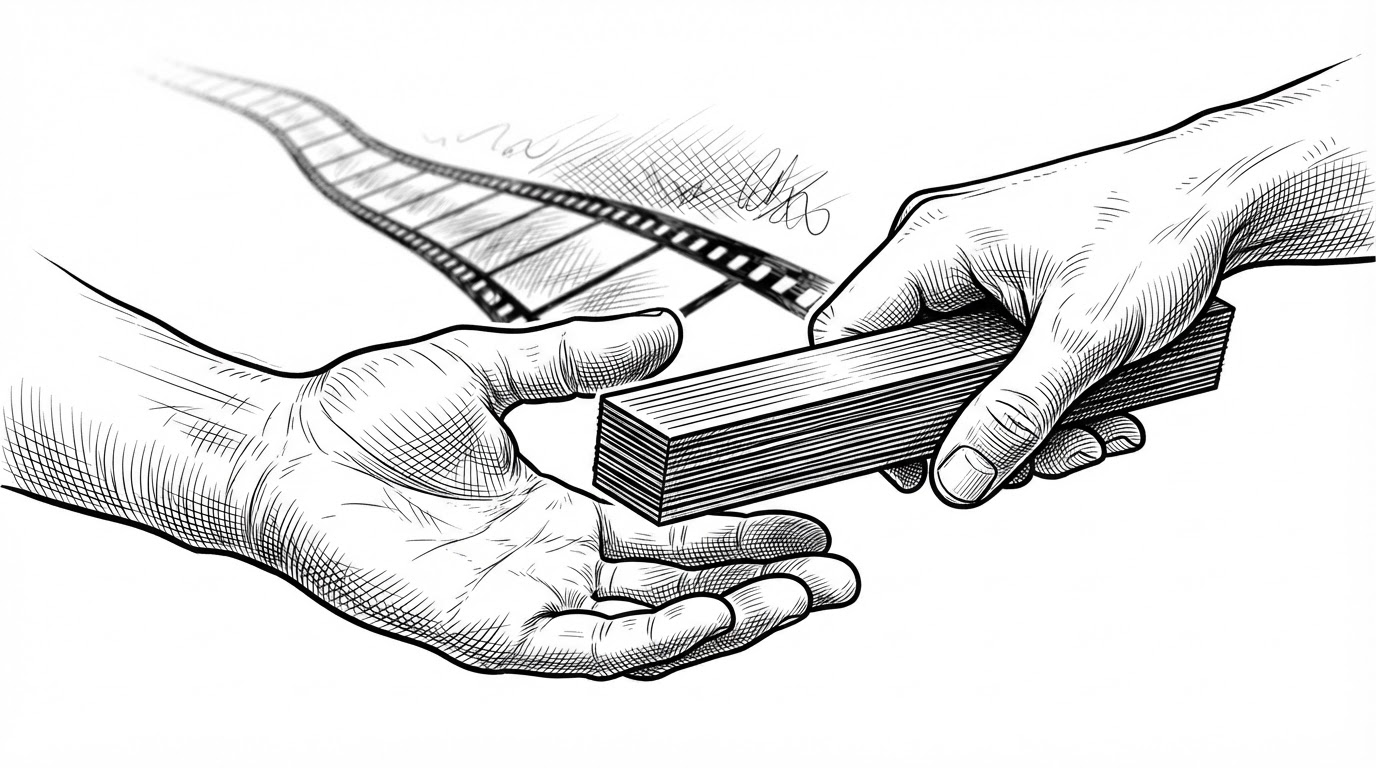
Splitting the work this way has a practical payoff. Temporal flicker, the chattering matte that plagues frame-by-frame keyers, is a whole-clip problem. Edge precision is a per-frame problem. Giving each stage the job it is actually good at is why the model can hold a matte steady across a shot without smearing the fine detail.
The docstrings read like a lab notebook. One records a decoder that evolved from a six-block layout to an eight-block one. Another notes a fix where depthwise convolutions had to be moved off blocks that had switched to full-spatial attention. This is a model that was iterated on, not designed once.
The Hint Is the Point
CorridorKey does not run unsupervised. It takes an RGB plate and a coarse alpha hint, and the hint is what makes it a screen-keying tool rather than a general matting model.
The hint can be a single first-frame matte or a full per-frame hint video. It can come from a rough key, an AI roto pass, or one of two named generators: GVM and VideoMaMa. What it does is tell the model which subject matters when a frame contains several plausible ones.
That is a design choice with a clear philosophy behind it. It moves the artist from guessing to directing: here is what I mean, now refine it. The hint is the control surface.
It is also a hedge. A pure matting model has to infer intent from pixels alone, which is why general-purpose matting tools struggle on a shot with two people, a reflection, and a moving prop. Handing the model a rough mask collapses that ambiguity before the transformer ever sees a frame.
Frozen Giants
Underneath the two stages sit three frozen foundation models. They are pretrained, they are not fine-tuned here, and they do the heavy lifting of seeing.
- C-RADIOv4-SO400M (NVIDIA): a general vision backbone used as a fixed feature extractor. Off by default.
- MoGe-2 ViT-B (Microsoft): a geometry-aware vision transformer, on by default, vendored into the repository as third_party/MoGe.
- RVM small (Google DeepMind): the small variant of Robust Video Matting, enabled by passing a checkpoint path.
The pattern is common in modern machine learning: take large pretrained visual backbones, freeze them, and train only a small head on top. The foundations supply general visual understanding. The two-stage head learns the specific task of unmixing.
That is why the whole thing fits in 4 to 6 GB of VRAM and runs on an RTX 30-series card. The repository pins PyTorch 2.9.1 against the CUDA 12.8 wheel index, and the inference path hard-requires CUDA. If you do not have an NVIDIA GPU, this is not the tool for you yet.
CorridorKey vs. the World
It helps to separate three categories that all get called keying. They differ in what they take in, what they hand back, and whether they understand that a shot is a sequence rather than a pile of stills.
| Tool or category | Input | Output | Reasons across time |
|---|---|---|---|
| Traditional chroma keyers (Keylight, Primatte, Resolve, Premiere) | RGB plate | Matte | No |
| Open-source video matting (BackgroundMattingV2, MODNet, RVM) | RGB video, sometimes a background plate | Matte | Sometimes, depending on the model |
| AI roto hint generators (GVM, VideoMaMa) | RGB video, optional mask | Coarse matte | Yes |
| CorridorKey | RGB plate plus coarse alpha hint | Matte plus despilled foreground RGB | Yes, in stage 1 |
Read the table as a set of questions. What does it take in? What does it hand back? Does it treat a shot as a sequence? CorridorKey is the only row that returns a foreground color alongside the matte, and that is the row that matters.
Free Model, Commercial Plugin
The repository states the model and software may be used freely for commercial or personal work. The plugin is sold as a one-time purchase through corridorkey.com and covers almost every major media software package.
Perfect keys are now one click away.
This is a working filmmaker's answer to the funding question. Open weights and an open inference path let the community build on the model, which is how EZ-CorridorKey and a handful of host-application integrations appeared. The paid plugin funds the work and gives artists a version that installs into the tools they already use.
One caveat before you build a pipeline on it. The repository license is listed as "Other," and a secondary write-up describes it as a non-commercial variant. Read the actual license text before you redistribute or ship anything commercial on top of the weights.