SlideKit: The AI Deck System That Puts HTML Between Prompt and PowerPoint
A look at the prompt-first workflow, layout pattern library, and PDF-to-HTML reverse engineering that make SlideKit feel less like a slide generator and more like an operating system for presentation design.
- SlideKit wins by narrowing the model’s freedom, not by asking it to be more creative.
- HTML is the control surface that makes AI-generated decks editable, previewable, and stable.
- The pattern library turns slide design into slot filling, which is why outputs stay consistent.
- The PDF-to-HTML reverse-engineering loop is the project’s sharpest trick because it can clone structure before new content is added.
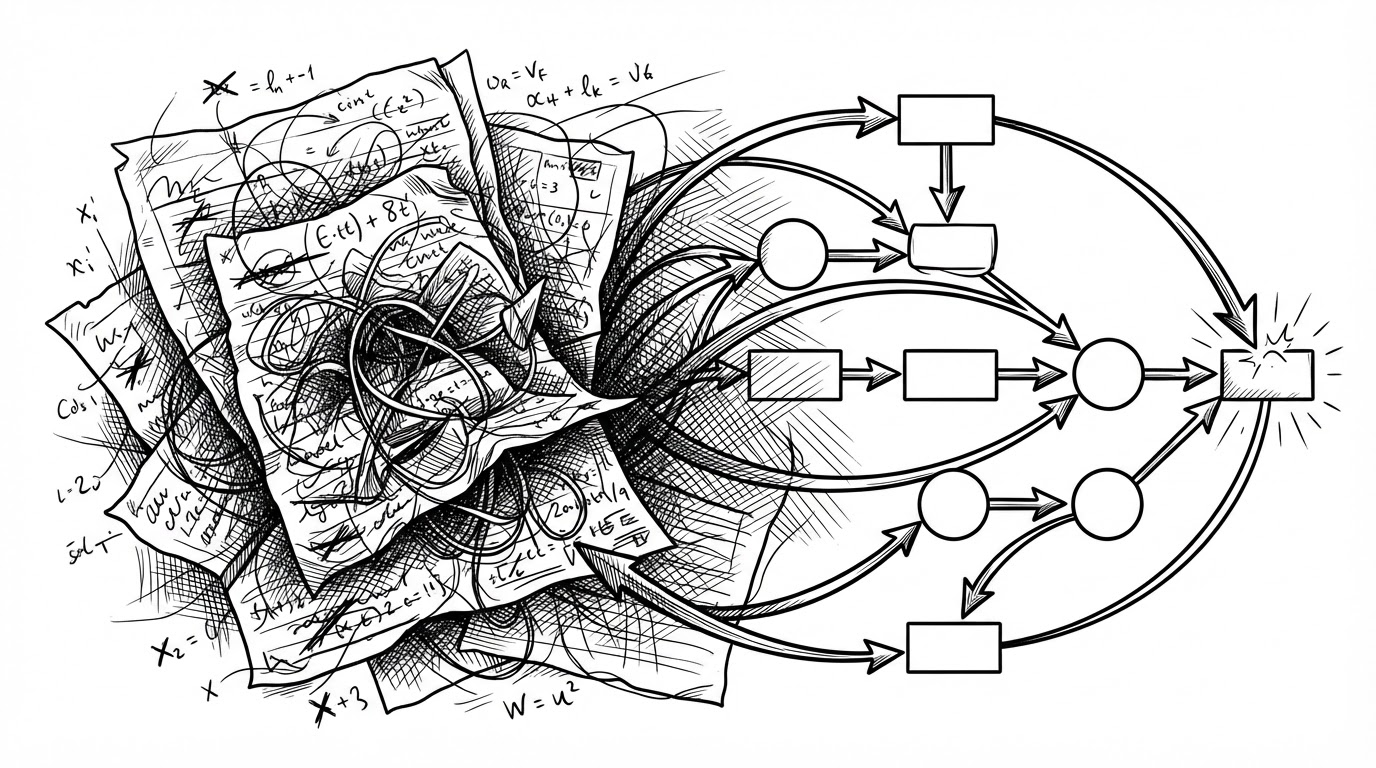
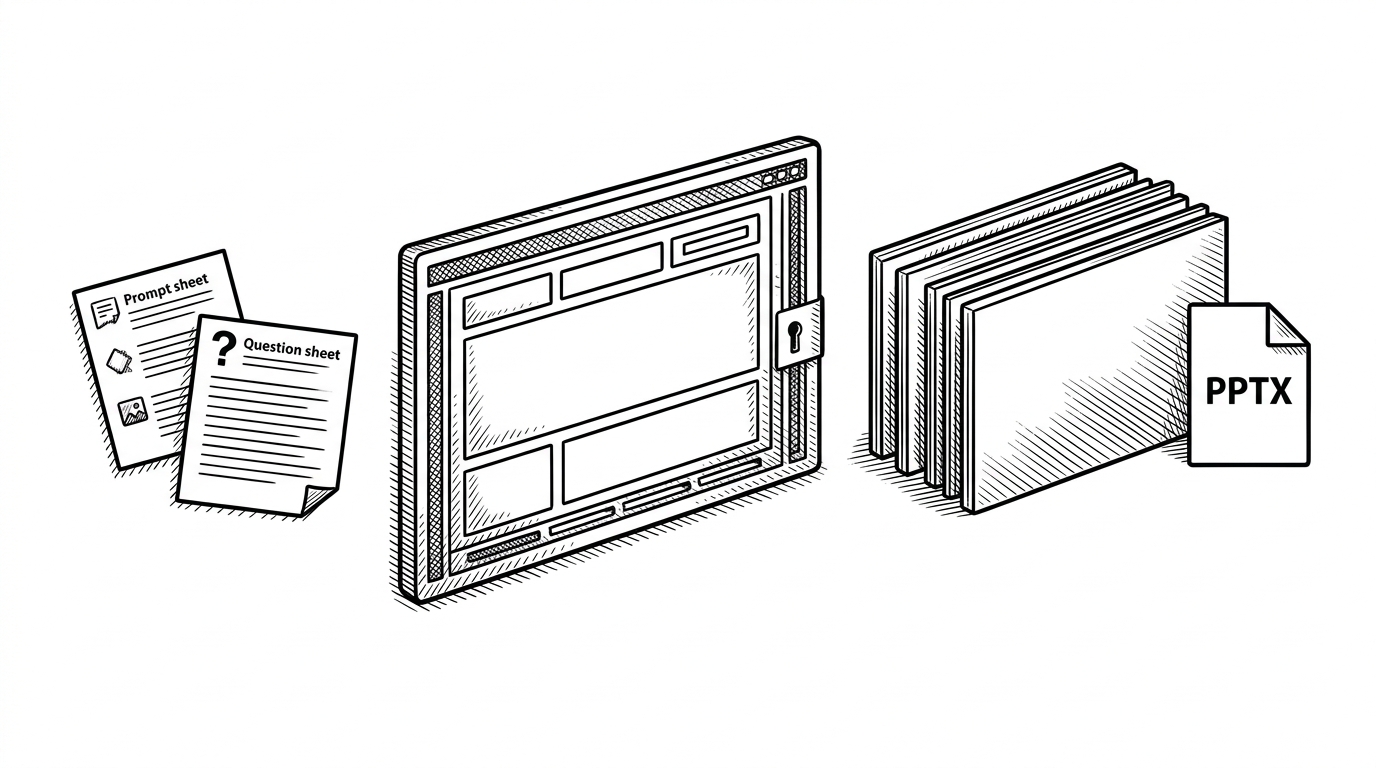
SlideKit is not trying to be a prettier way to make slides. It is trying to be a better way to **control** slide generation. The core move is simple: generate a deck in structured HTML first, let humans inspect and edit it, then convert that same structure into PPTX.
That middle layer changes the whole product. Direct PPTX generation is fast, but it tends to collapse design, content, and export into one opaque step. SlideKit splits those concerns apart, so the AI works inside a narrow canvas instead of improvising a layout from scratch.
Why SlideKit Starts With HTML
The repo’s most important idea is also the easiest to miss. SlideKit treats HTML as the intermediate representation, not as a bonus preview format. That means the deck can be generated, inspected in a browser, tweaked by hand, and only then shipped into PowerPoint.
SlideKitは「HTMLを中間表現にしてPPTXに変換する」というシンプルなアイデアから始まった。しかし、実用に耐えるものにするには、PPTX変換から逆算したHTML制約、デザインの一貫性を保つ仕組み、多彩なレイアウトパターン、既存デザインの取り込みパイプラインなど、地味だが不可欠な設計が必要だった。
The design choice matters because HTML is legible. A team can open it, patch it, review it, and even print it to PDF before the final export. That is a radically different authoring model from treating a PowerPoint file as a binary destination.
The Skill Layer Is the Product
SlideKit is organized around Claude Code skills, which means the real product lives in instruction files and workflow constraints, not only in code. The `SKILL.md` files define how the agent should think, what it should ask, and which steps it must not skip.
That creates a 7-phase workflow: template detection, a short hearing interview, design decision, HTML generation, index generation, QA, and PPTX conversion. The point is not just automation. It is repeatability. SlideKit tries to make the model behave like a disciplined production assistant instead of a blank-canvas designer.
1. Detect template
2. Ask the hearing questions
3. Decide layout direction
4. Generate HTML slides
5. Build the index
6. Run QA
7. Convert to PPTX
This is also where SlideKit feels opinionated in a useful way. The project bakes in a design process, which means the model does not need to invent one. It only needs to fill the right slots with the right content.
Patterns, Not Freedom
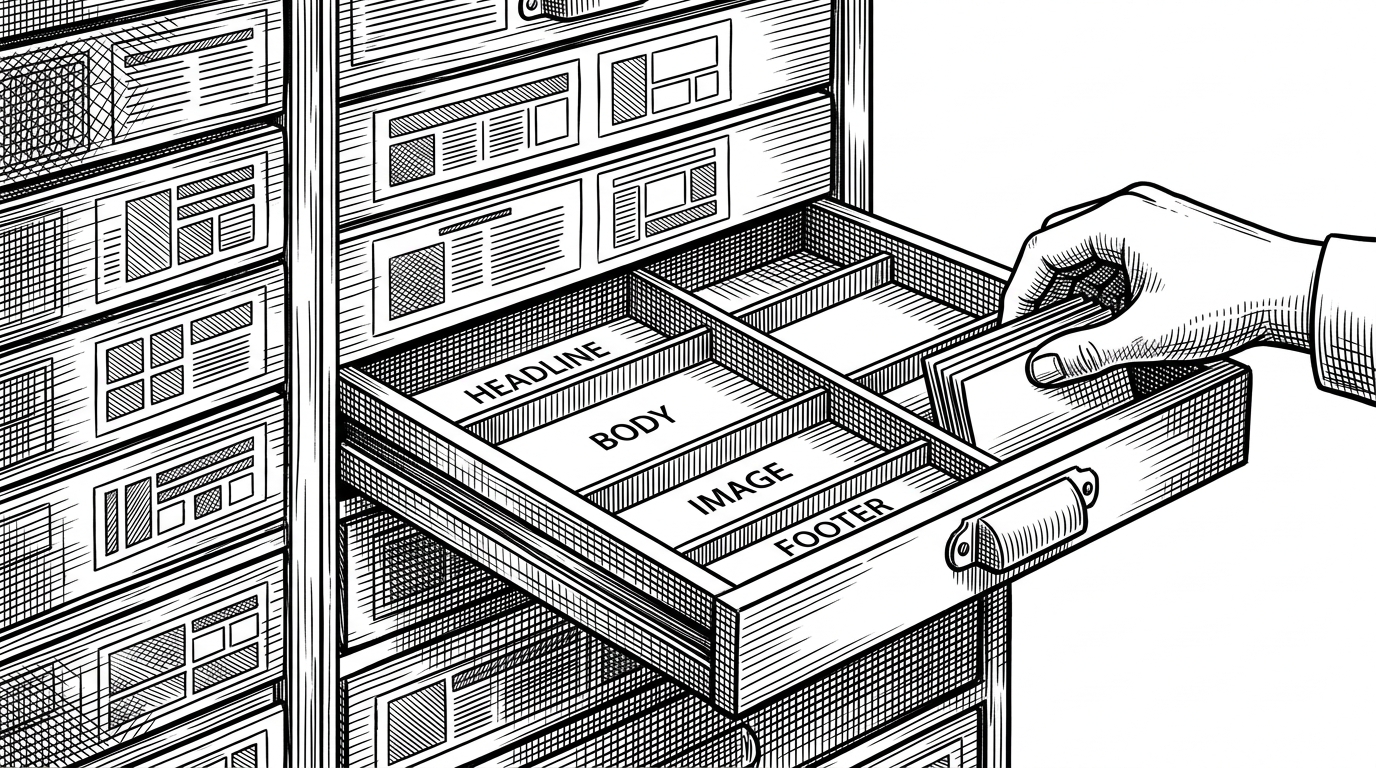
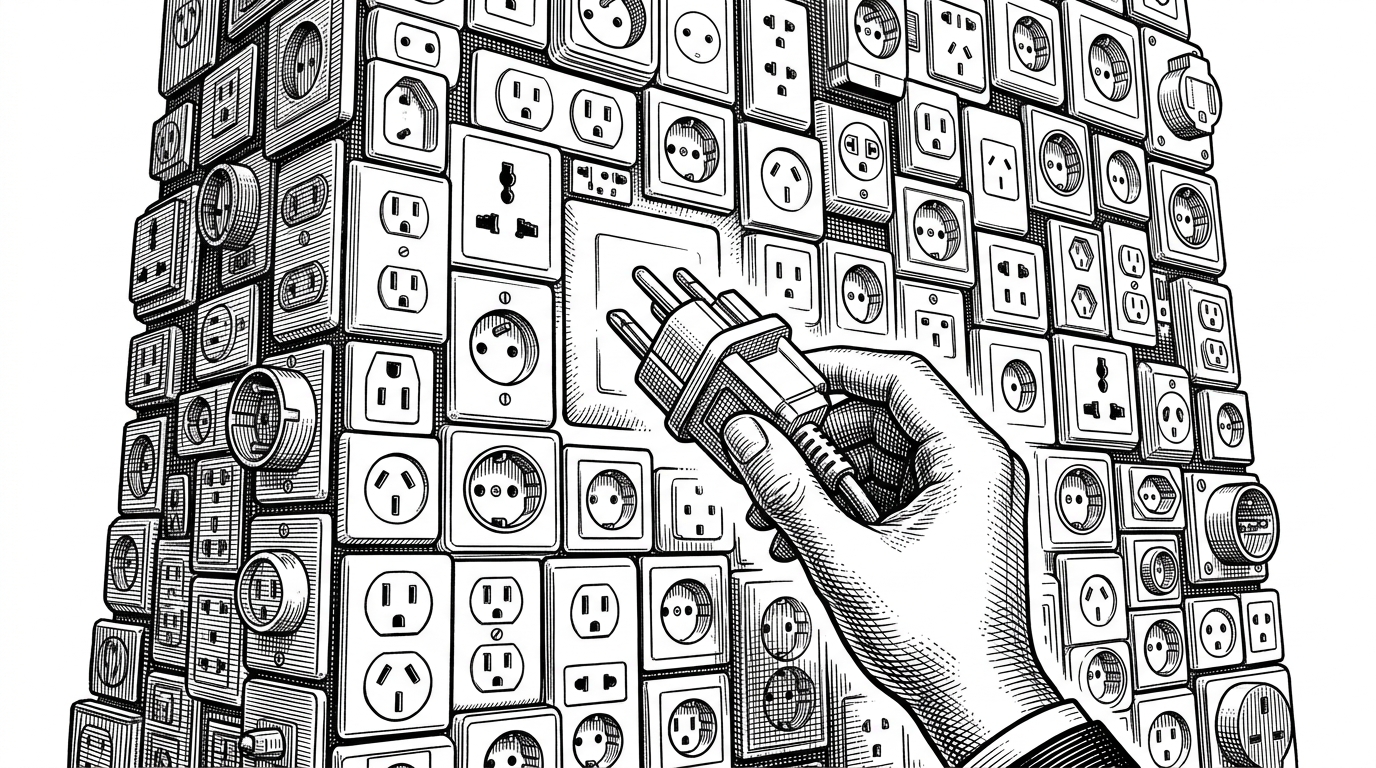
The `patterns.md` approach is the clearest proof that constraint is the feature. Instead of letting the model invent arbitrary DOM trees, SlideKit gives it hardcoded layout patterns like header-body-footer and process-flow variants. The result is less visual chaos and fewer broken decks.
| Dimension | SlideKit | Direct PPTX generation | GUI-first slide tools |
|---|---|---|---|
| Intermediate format | Constrained HTML | None or hidden script | Usually none |
| Design control | High through patterns | Moderate | High for humans, low for agents |
| Editability | Strong in browser and source | Weak | Strong in the UI |
| Reverse engineering | Built in | Rare | Usually manual |
| PPTX fidelity | High after conversion | Native but less reusable | Depends on export quality |
| AI friendliness | Very high | Medium | Low to medium |
The table is the real story here. SlideKit is not just a generator. It is a control layer that makes the model choose from a known menu of structures, which is exactly why the outputs look coherent.
The Reverse-Engineering Trick
The most delightful part of the repo is the template cloning path. SlideKit can take an existing PDF, rasterize it, read the visual structure, and reconstruct an HTML template that new content can reuse. That turns a finished deck into a design system.
This is more than conversion. It is visual archaeology. A legacy presentation becomes a reusable layout grammar, and the HTML template becomes the place where old style meets new content.
That loop is what makes the project feel different from a normal slide generator. It can learn from an old deck, preserve its structure, and then keep that structure alive as editable HTML. In enterprise settings, that is often more valuable than a one-off beautiful output.
Why PPTX Still Matters
SlideKit is not abandoning PowerPoint. It is treating PPTX as the delivery format. That distinction matters because the source of truth stays human-readable, while the final artifact remains compatible with the tools teams already use.
This is where the project quietly argues for practicality over purity. PowerPoint still matters because it is the file most teams can open, hand off, and revise. SlideKit is trying to improve how that file gets made, not replace the ecosystem around it.
| Question | SlideKit answer | Why it matters |
|---|---|---|
| Where is the source of truth? | In HTML patterns and skills | The deck stays editable before export |
| How does the model work? | Inside a constrained workflow | The output is more stable and less brittle |
| How are old decks reused? | By reverse engineering PDF into templates | Teams can clone brand language instead of redrawing it |
| Why export PPTX at all? | Because enterprises still live there | The tool fits existing presentation workflows |
The bigger sell is not that SlideKit can make slides. It is that it can turn prompt-driven work into a reusable design pipeline. The HTML layer, pattern library, and template cloning path all point to the same idea: make AI useful by limiting its freedom where freedom tends to cause damage.
What SlideKit Is Really Selling
SlideKit sells control. It gives AI enough room to write and enough rails to keep design from drifting. That combination is what makes the repo interesting: not a better PowerPoint button, but a repeatable system for producing decks that are editable, branded, and compatible with real workflows.
If you are building AI tools for serious knowledge work, that is the lesson to notice. The winning move is often not more generation. It is a stronger intermediate representation.