yoinks: The terminal video downloader that feels more like a tiny app than a wrapper
A deep look at how yoinks uses Ink, yt-dlp, clipboard automation, and a few sharp TUI tricks to make “paste, yoink, done” feel genuinely polished.
- yoinks is interesting because it treats the terminal shell as the product, not just the transport for yt-dlp.
- Its best UX trick is constraint: it turns a sprawling downloader into a guided flow with legible choices and a clear exit path.
- The app stays reliable by isolating secondary conveniences, so clipboard support, theming, and history never get to block the main download.
- The most novel engineering is not the downloader itself, but the hit-testing workaround that makes mouse interaction feel native in a TUI.
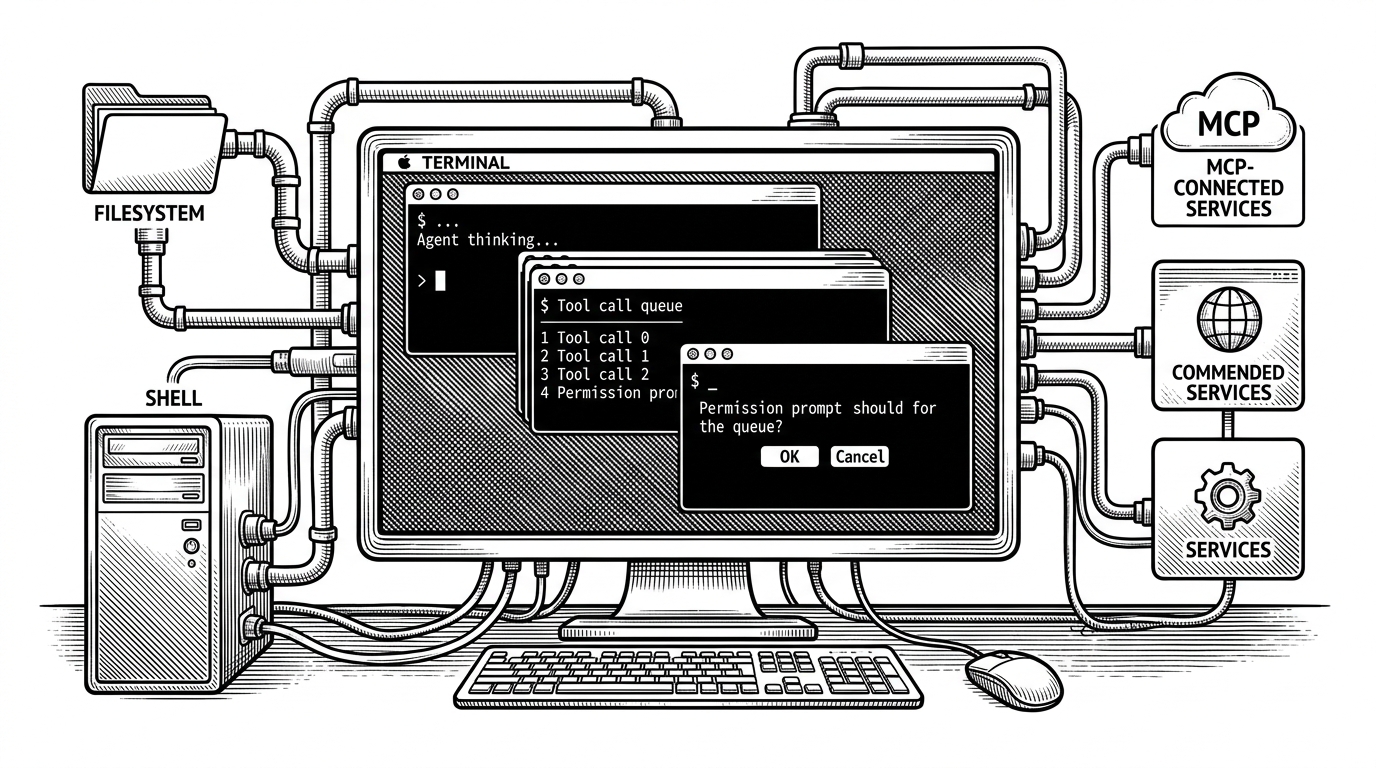
The first surprise is not that yoinks downloads video. It is that the terminal opens like a small, deliberate app. The clipboard can prefill the URL, the interface takes over the screen, and the whole flow feels closer to a polished desktop utility than a script with a prompt.
That is the point. yoinks is built on top of yt-dlp, but the wrapper is where the product lives. It narrows a huge search space into a few obvious moves: paste a link, inspect formats, pick one, download it, leave.

Why this downloader feels different the moment you launch it
Most download tools front-load choice. Yoinks does the opposite. It enters the terminal's alternate screen, focuses on a single task, and makes the first interaction feel like a complete workflow rather than an argument with flags.
That line captures the project's tone. Secondary features are welcome, but they never get permission to derail the main job. The result is a tool that feels calm under pressure, which matters more than raw feature count when the task is operational and repetitive.
| Workflow | First-run friction | Format selection | Cancelability | Mouse support | Overall feel |
|---|---|---|---|---|---|
| Raw yt-dlp in the terminal | Low if you already know the flags, high if you do not | Fully manual and verbose | Depends on how you launch it | No | Powerful, but spiky |
| Browser download workflow | Low to start, then cluttered | Often hidden behind web UI churn | Usually poor once the flow begins | Yes, but only in the browser | Familiar, but noisy |
| yoinks | Low, because it pre-fills and guides | Curated into human-readable choices | Built in with Esc and AbortController | Yes, via hit-testing | Constrained, polished, terminal-native |
The shell is the product
Under the hood, yoinks is a chain of decisions about what to show and when to hide it. The codebase is modular, but the important move is upstream: probe first, then present a curated set of choices, then turn the chosen option back into a yt-dlp invocation.
type Phase = 'input' | 'probing' | 'picking' | 'downloading' | 'done' | 'error'

// The app moves forward in one direction.
// Each phase narrows the user's next decision.
That state machine is the product skeleton. It keeps the terminal from feeling slippery. Once the app is in a phase, there is a small and understandable set of actions available, which is exactly what a good TUI should do.
The format picker is the clearest example. Raw yt-dlp output is rich but noisy. yoinks translates it into legible labels like 1080p · mp4, often with estimated sizes, so the user is choosing from meaningful options instead of parsing codec trivia.
| Layer | Raw tool behavior | yoinks behavior |
|---|---|---|
| Discovery | Probe and read JSON yourself | Probe once, cache the result, and present a menu |
| Formats | Dozens of technical variants | A smaller set of human-readable choices |
| Control | Everything is exposed | Only the useful subset is surfaced |
How the app stays predictable
The reliability story is boring in the best way. yoinks uses AbortController so Escape can stop a long-running process, and it treats error states as bounded instead of catastrophic. You do not need a fresh terminal session just to recover from a bad input.
const controller = new AbortController()

// When the user presses Esc:
controller.abort()

// The running yt-dlp process is stopped without tearing down the whole app.
That predictability matters because the app is doing several things at once: probing metadata, resolving formats, managing clipboard input, and sometimes downloading helper binaries. The trick is that none of those support tasks gets to redefine the core loop.
The cleverest trick: clickable text in a TUI
This is the part of the repo that feels most inventive. Ink does not hand you true component coordinates, so yoinks builds its own map of what was rendered, strips ANSI codes, and compares mouse coordinates against the text frame.
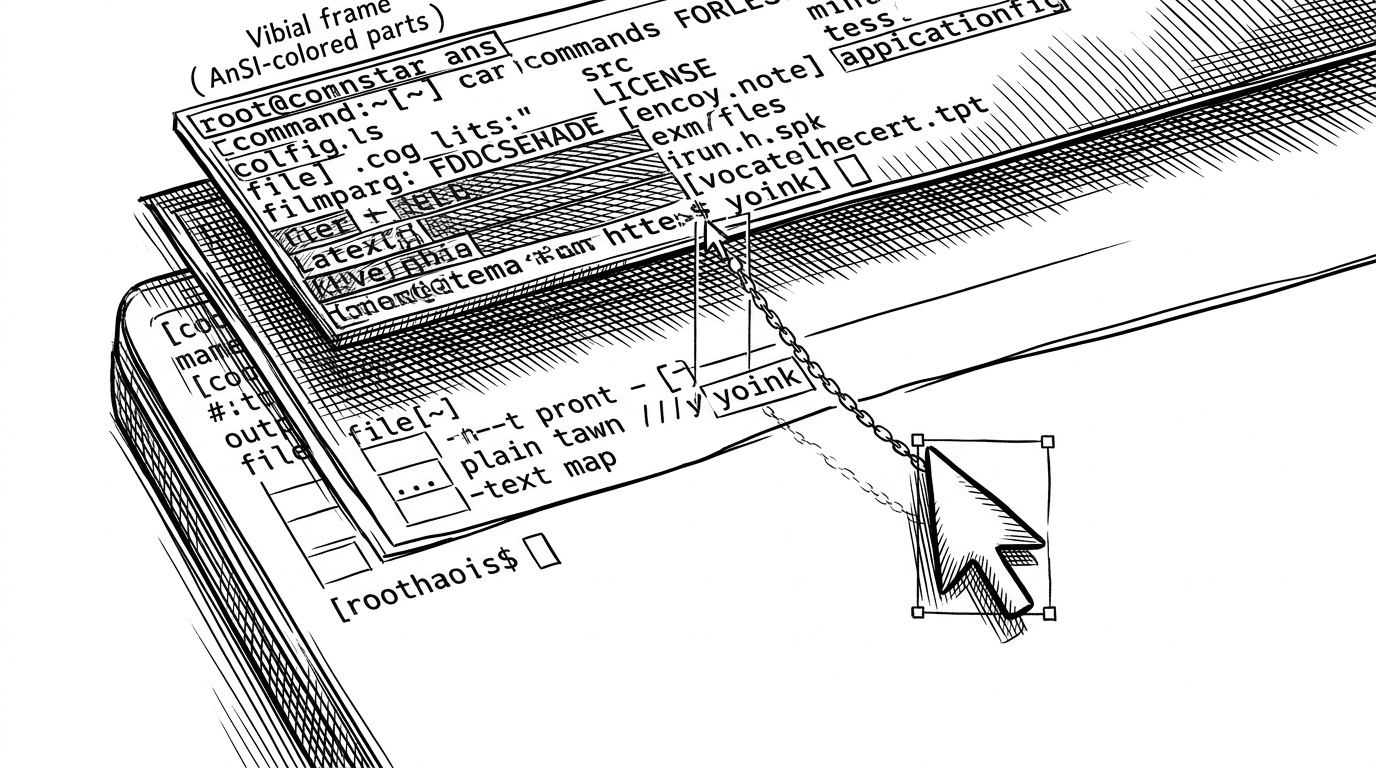
That workaround does two things. First, it gives the UI mouse affordances without giving up the terminal. Second, it keeps the mental model simple: visible text is still the source of truth, which means the click target and the thing you see stay tightly aligned.
Why it never lets a side feature break the download
The repo shows a strong bias toward graceful failure. History can fail quietly. Theme detection can stay conservative. Clipboard support can help when available and disappear when it is not. The main job still completes.
That discipline is what makes yoinks feel mature. Plenty of tools advertise polish. Fewer define polish as a refusal to let optional niceties become failure points.
| Secondary feature | If it fails | User impact |
|---|---|---|
| History | Silently ignored | None on the download path |
| Clipboard prefill | User types the URL manually | Small inconvenience, not a blocker |
| Theme auto-detection | Terminal defaults take over | The interface stays usable |
| Binary bootstrapping | Fallback path may kick in | The app still reaches the main task |
终端里下一个工具:Yoinks。 YouTube、X、TikTok,以及 1800+ 站点的视频,一条命令拉下来。 作者 @pablostanley,基于熟悉的下载生态,但包装成更好用的 terminal app。 经常存素材的人,会喜欢这种「少开浏览器」的路径。 https://t.co/5T1LHlT6UC
What yoinks is really for
yoinks is not trying to replace every downloader workflow. It is trying to make one common workflow pleasant: grab a link, inspect a few good options, and get out. That makes it a strong fit for people who archive media often, care about keyboard-first speed, and want fewer browser tabs in the loop.
Compared with raw yt-dlp, it hides complexity. Compared with browser-first downloaders, it removes clutter. Compared with a generic TUI wrapper, it offers actual product thinking. That is the sweet spot.