aerial-tv: Aerial: The Android TV Launcher That Refuses to Be Evicted
To take back the Home button on Xiaomi and TCL televisions, this open-source project ships two launchers from one codebase. One of them pretends it never wanted the job.
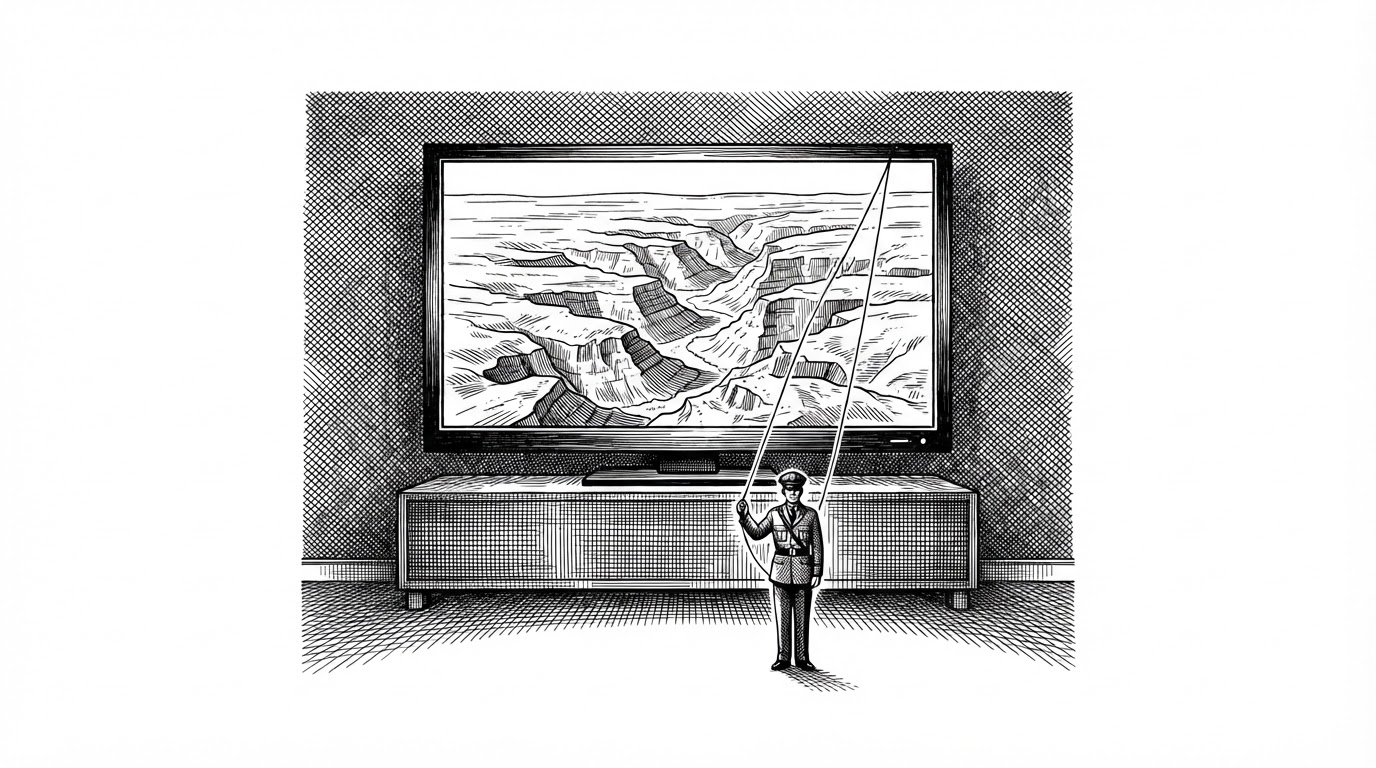
- Aerial treats the Android TV Home button as contested territory and is built to keep re-winning it.
- It ships two build flavors because declaring yourself as Home can get the APK rejected at install on some TCL and Hisense firmware.
- An AccessibilityService watching the foreground window, not the launcher role, is what keeps Aerial on screen.
- Every design decision bends around televisions running Android 5.0 on hardware slower than a phone from 2016.
The Home Button Is Contested Territory
On a lot of Android TVs sold in China, the home screen is not yours. It belongs to the manufacturer. Xiaomi ships a launcher called PatchWall, and it is not a neutral surface. It is a storefront: ads, recommendation rails, promoted content. TCL and Hisense have their own equivalents. The HOME button on your remote is a shortcut to that business model, and the firmware is built to protect it.
Replacing a phone launcher is a setting. Replacing a TV launcher is a negotiation with firmware you do not control, on a device you do not have root on. Some of these builds refuse to install a third-party launcher at all if it dares to declare itself as Home. Others install it, let you set it as default, then quietly hand the foreground back to the stock launcher after a reboot or a standby cycle.
That is the problem Aerial was built to solve. It is also why the project looks strange from the outside, and why the strangeness is the interesting part.
What Aerial Actually Is
The reward is easy to describe. Aerial is a Kotlin and Jetpack Compose Android app that replaces the TV home screen with something quieter: a top row of pinned apps sitting over a fullscreen aerial film, a grid of everything else below, and a Control Center overlay for inputs, network, volume, and brightness.
The look is deliberately tvOS. The screensavers are Apple's aerial films, streamed from Apple's servers. A phone-facing setup page is served from the TV over the local network, so wallpapers and icons can be configured from a browser. Long-press menus handle moving apps, folders, hiding, uninstalling, and pinning to HDMI input shortcuts.
A calm home screen for Android TV.
That calm is the point. Everything below the surface exists to make sure the calm survives a firmware that would rather it did not.
One Codebase, Two Launchers
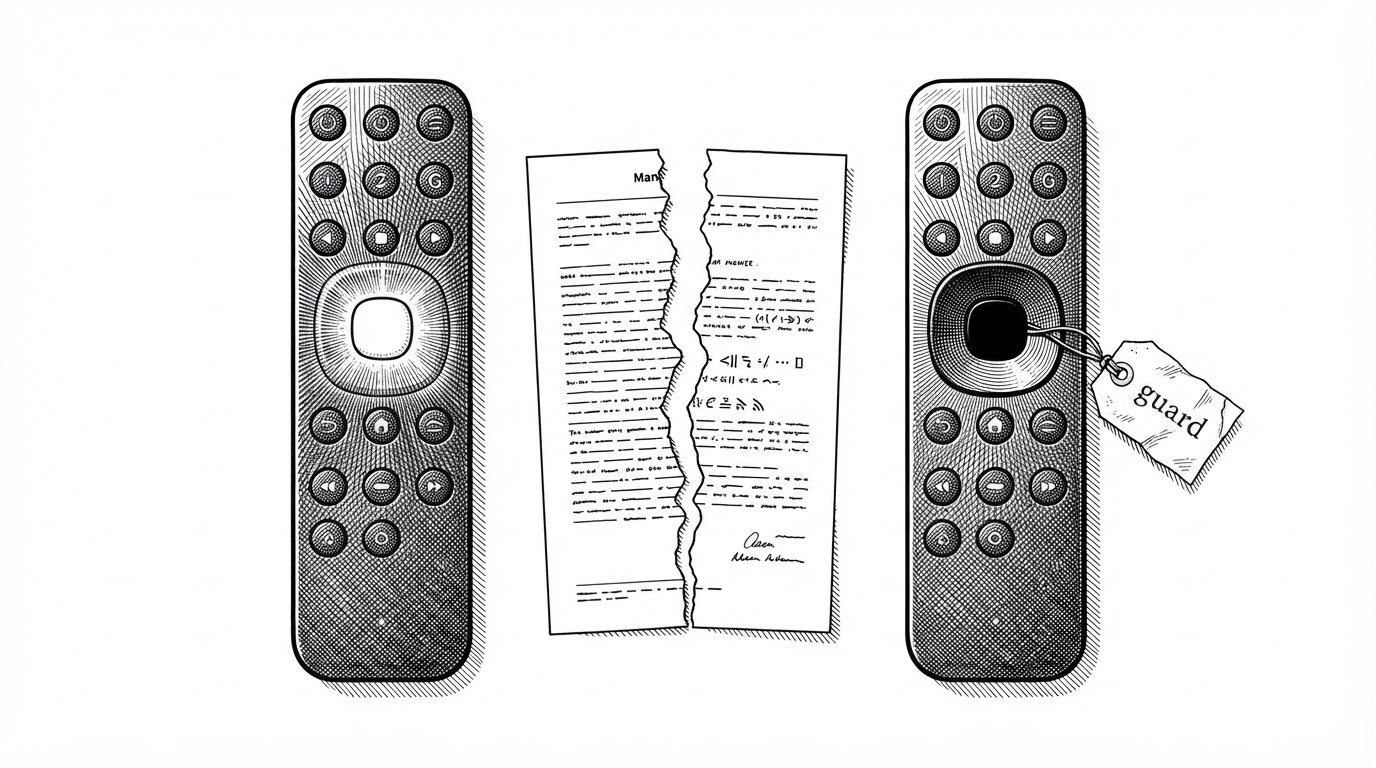
Aerial builds two product flavors from one dimension called home: standard and guard. The difference between them is a single manifest file.
The standard flavor declares the HOME intent filter. It registers as a home activity and asks the system to make it the default. On a TV that respects the launcher role, that is the end of the story.
The guard flavor declares no HOME intent filter at all. This is not an oversight. Some TCL and Hisense firmware refuses to install any package that declares CATEGORY_HOME. Declaring the intent is not a request that gets denied at runtime. It is a reason the installer rejects the APK outright. So the guard build hides its ambition at install time and takes Home back later instead.
<!-- app/src/standard/AndroidManifest.xml -->
<activity android:name=".MainActivity">
    <intent-filter>
        <action android:name="android.intent.action.MAIN" />
        <category android:name="android.intent.category.HOME" />
        <category android:name="android.intent.category.DEFAULT" />
    </intent-filter>
</activity>

<!-- app/src/guard/AndroidManifest.xml -->
<!-- No CATEGORY_HOME here on purpose.
     Some TCL and Hisense firmware refuses to install
     a package that declares itself as Home. -->
The same application code runs in both modes. The only thing that changes is how loudly the build announces what it wants.
The Guard That Won't Stay Down
The runtime half of the trick is HomeGuardService, an Android AccessibilityService. The detail that matters is what it watches: the window that is currently in front. It does not read the contents of the screen. The README states that distinction directly, and it is the difference between watching the foreground and watching the user.
When the stock launcher reclaims the foreground, the service notices, and relaunches Aerial. BootReceiver restarts the loop after standby, so the fight resumes on its own. RevivalSync and the WRITE_SECURE_SETTINGS permission re-enable the service when firmware disables it. Nothing here is a one-time victory. Eviction is treated as a temporary state.
Built for the Weakest TV in the Room
The project targets minSdk 21: Android 5.0, Lollipop. That is not nostalgia. It is the reality of the televisions this launcher is meant to rescue. The dependency comments read like a survival log. Compose 1.9.5 is pinned because 1.10 requires Android 6.0. Media3 1.8.1 is held because 1.9 raised the minimum SDK to 23. Even the build file is fighting the same war.
The manifest sets largeHeap="true", and the justification is a specific device: a LeTV X3-55 Pro on Android 5.0.1 that ran out of Java heap drawing the home screen, because bitmaps lived on the Java heap before Android 8.
Then there is the "baked backdrop" trick in MainActivity. It is a small piece of engineering that tells you exactly what hardware this runs on.
// The home screen paints every pixel itself; a window background
// would be one more full-screen fill per frame for the TV's GPU.
// Only until Home's first frame, the backdrop baked at the last
// start, so the window never shows black while Compose sets up.

window.setBackgroundDrawable(BitmapDrawable(resources, Wallpapers.backdrop))
// ...then, after the first draw, remove it via idleHandler.
// "Not from inside the draw itself."
Read that again. The window shows the previous wallpaper's bitmap so the screen never flashes black during cold start, then drops the background so the GPU does not perform one more full-screen fill on every frame. Refresh rate changes are gated behind a mode_switch flag. This is a codebase written by someone who has watched a cheap TV stutter and decided it would not stutter on their watch.
How It Compares
Most launchers compete on layout: grids versus tiles, how deep the customization goes, how many themes ship. Aerial competes on surviving. The last column below is the whole point, because it forces every alternative to answer the question Aerial is built around.
| Project | Open source? | Core differentiator | How it handles a firmware that reclaims HOME |
|---|---|---|---|
| Aerial | Yes | tvOS-style home screen, streamed Apple aerial screensavers, ADB install | AccessibilityService watches the foreground and relaunches Aerial; guard flavor hides the HOME declaration at install |
| Projectivy Launcher | Yes | Feature-rich, configurable layouts, content integrations | Relies on the user re-selecting the default launcher |
| FLauncher | Yes | Clean open-source home screen built with Flutter | Relies on the user re-selecting the default launcher |
| ATV Launcher | No (closed source) | Customizable tiles and layout | Relies on the user re-selecting the default launcher |
| HALauncher | Yes | Lightweight app surfacing | Does not address launcher takeover |
| Wolf Launcher | Yes | Deep customization for sideloaders | Does not address launcher takeover |
The honest read: if you want maximum customization, other projects do more. If your TV keeps taking Home back, Aerial is the one that was designed for that fight.
What It Costs You
Aerial asks for serious permissions. The manifest is unusually candid about why, and it is worth being equally candid about what you are handing over.
WRITE_SECURE_SETTINGS: re-enables the accessibility service when firmware disables it.SYSTEM_ALERT_WINDOW: lets Aerial open right after boot.WRITE_SETTINGS: brightness control on TVs that keep it in system settings.ACCESS_FINE_LOCATION: used only to read the Wi-Fi network name.QUERY_ALL_PACKAGES: a home screen lists every launchable app by definition.GET_ACCOUNTS(maxSdkVersion 22): account lookup for revival on Android 5.0.
Most of these are granted over ADB by the installer, never requested inside the app. Root is not required, and the installer can undo its changes. The README is blunt about the limitations too. Streamed aerial films and daily photos need internet. Xiaomi's own screensaver can still appear when another app sits idle. Some TCL models restrict ADB installs or authorization, and the compatibility table includes devices that install fine but cannot give up Home. Those are project-maintained reports, not an independent device test.
This is the part that separates a deep dive from a press release. Aerial is not a magic button. It is a well-engineered answer to a problem most launchers pretend does not exist, shipped with an honest map of where it works and where it does not.