Clean Your TV Turns a Coding Agent Into Your Smart TV Technician
Feed it a prompt and it inspects your specific TV, proposes a debloat list, swaps in a 250KB launcher, and keeps a restore path the whole way. No root. No uninstall button.
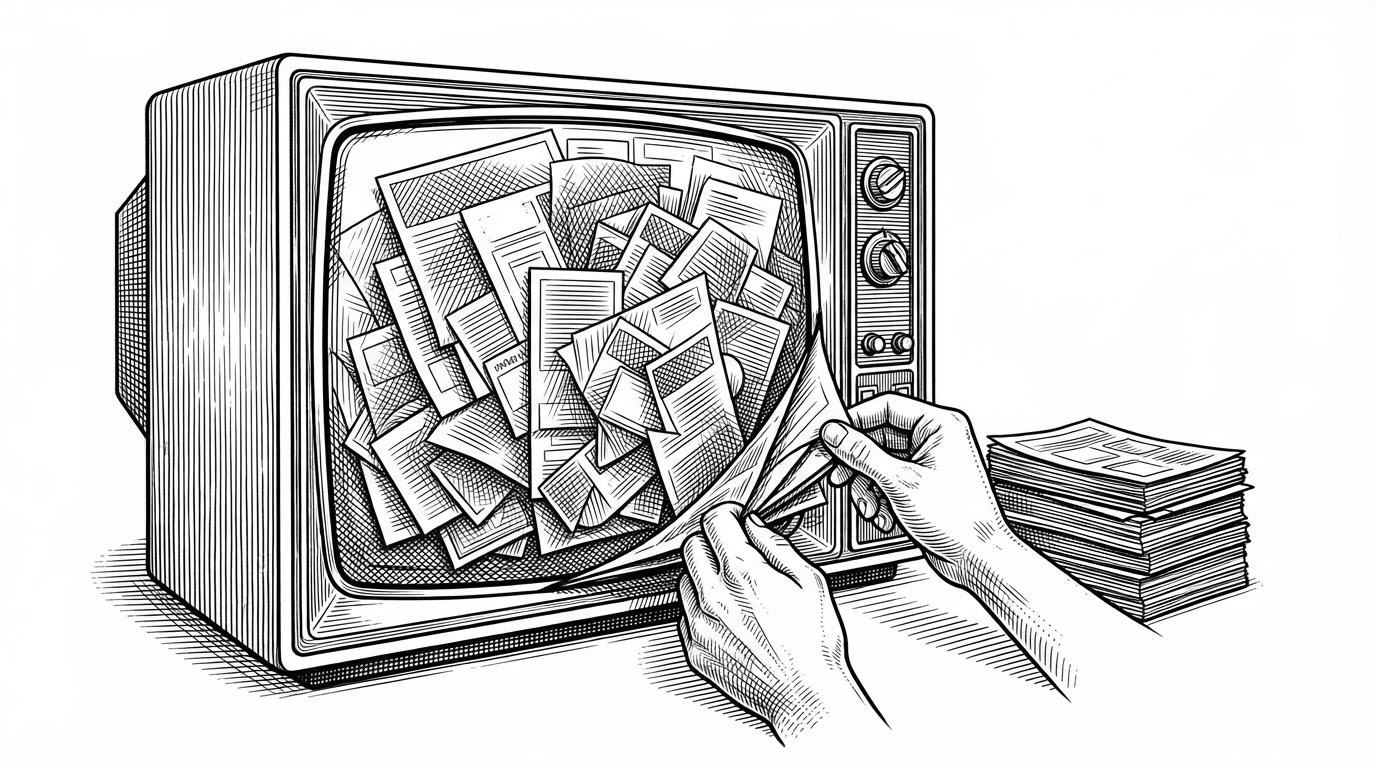

Vibe coded my parents' TV this afternoon!
- Clean Your TV ships a prompt, not an app: a coding agent connects to your specific TV over Wi-Fi ADB and runs the entire debloat as an operator.
- It never uninstalls anything, using pm disable-user to hide packages while leaving every APK on disk, so restore is one command.
- The bundled launcher is roughly 250KB of plain Java with no network, no blur, and no background services, built for TVs with 1GB of RAM.
- The project's real asset is the operational knowledge in its per-device text lists, not the code.
The ad before Netflix
Turn on a Xiaomi TV and the first thing you see is not your apps. It is a sponsored tile, a promo carousel, and a row of services you never asked for. The remote's Home button lands you there every single time. To reach Netflix you scroll past an advertisement for something you will never watch.
The usual fix is a debloater. You plug in a laptop, install a GUI, and tick your way through two hundred checkboxes with names like com.miui.systemAdSolution. Most people give up halfway and live with the ads. Clean Your TV's fix is a folder you clone and a prompt you paste into a coding agent.
That is not a metaphor. It is the actual workflow.
The tool is a prompt
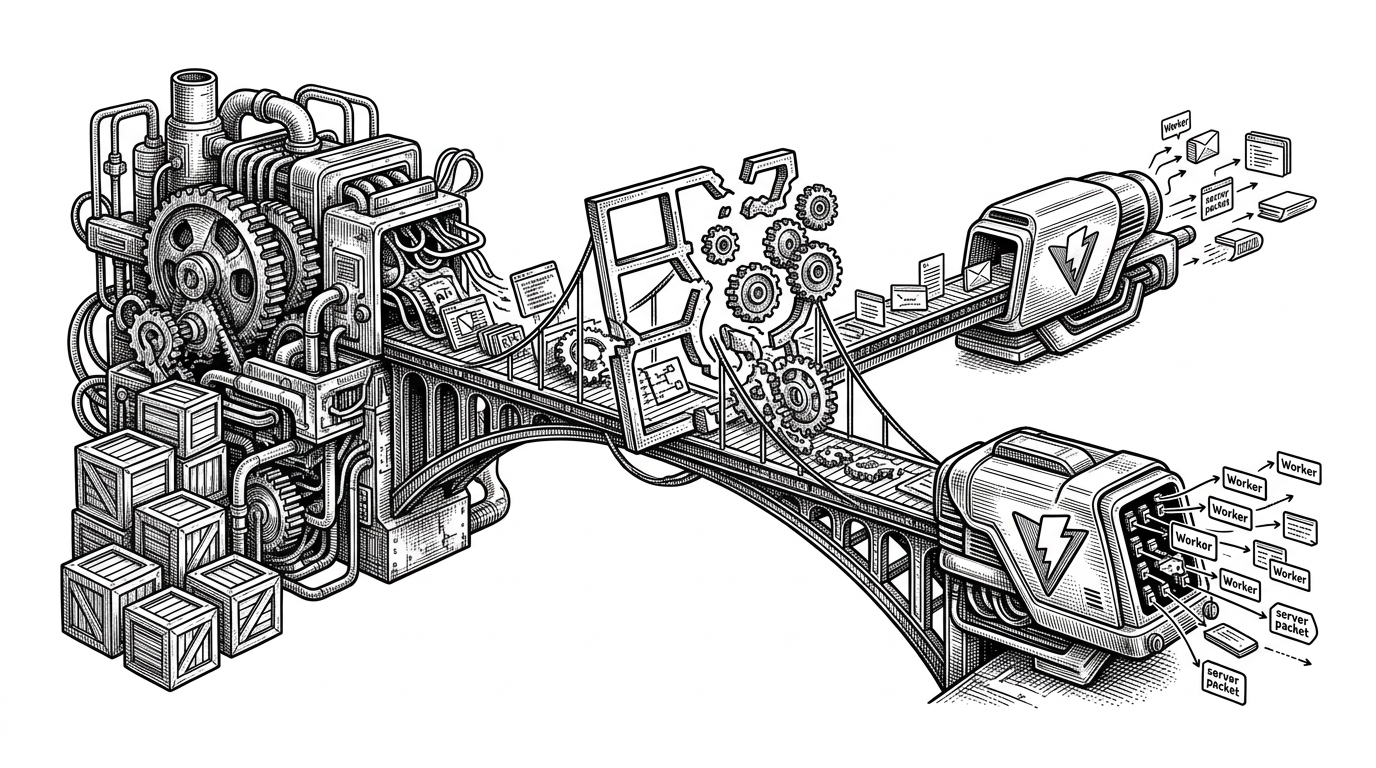
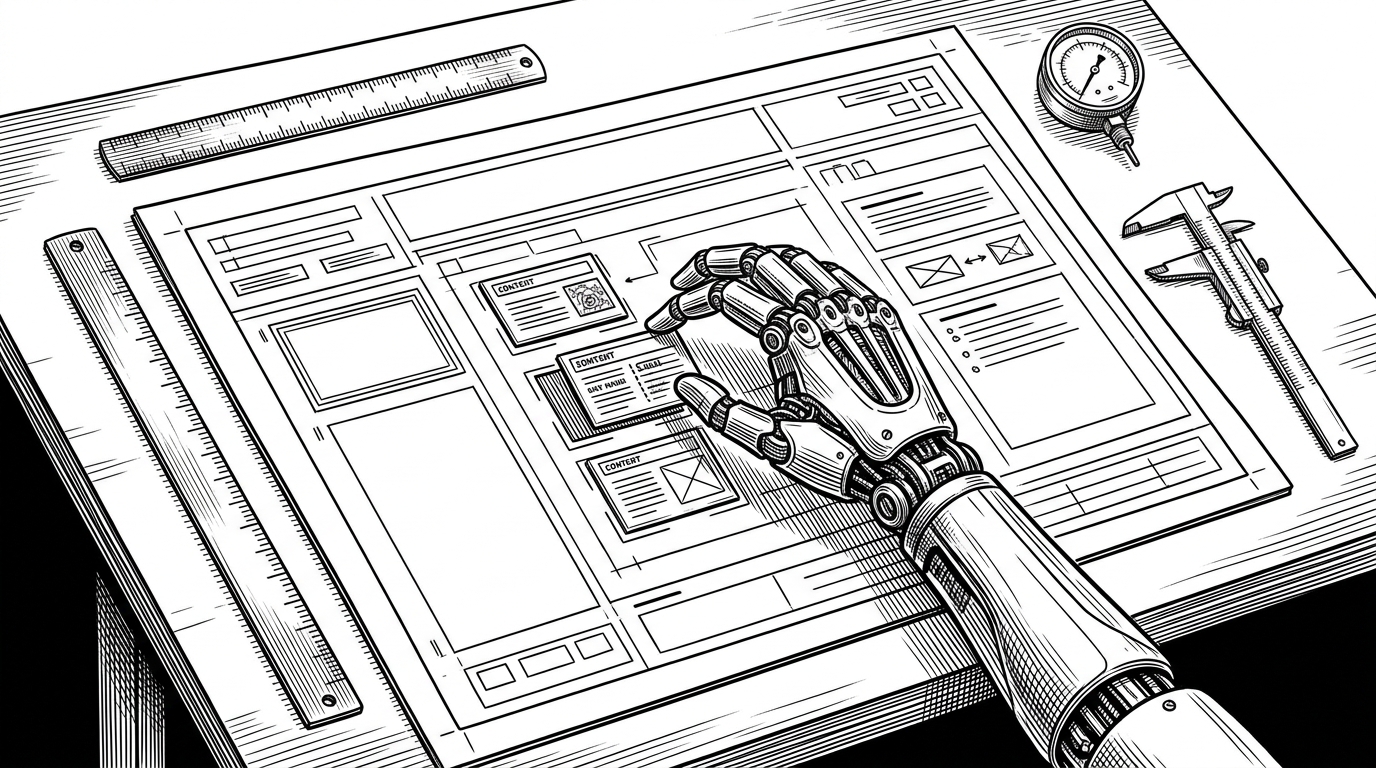
Clean Your TV's most important file is PROMPT.md. Open it in Claude Code or any capable coding agent and the agent becomes the technician. It connects to your TV over Wi-Fi ADB, enumerates the installed packages, matches your device against a per-model list in examples/, asks which services you actually want to keep, proposes the disable list, runs it, and verifies that the new home screen came up.
The repository is therefore half toolkit and half runbook. The shell scripts and the pure-Python ADB client are real, but the intelligence lives in the operational knowledge: which packages are safe to disable on a Redmi TV, what a vendor renamed them to, what quietly breaks when you turn off the wrong one. That knowledge is written down in plain text so an agent can read it and a human can edit it.
The README states the promise in four words.
Your TV, minus the ads.
Vibe coded my parents' TV
The origin is a single afternoon. Gathin, who publishes as Gathin23, was visiting their parents and got tired of the Mi TV's advertising.
The repository was first called tv-vibehack, then renamed to cleanyourtv as the scope grew from a weekend hack into a tool. The "vibe coded" framing is honest about how it started, but the code that came out the other end is not sloppy. The source is heavily commented and written defensively, with notes explaining why each workaround exists.
What Gathin built is narrow on purpose. It targets Android TV and Google TV, the platforms where ADB debugging is a supported feature rather than a hack. Samsung Tizen and LG webOS are out of scope entirely. Fire TV can use the debloat half but not the launcher swap.
Disable, don't delete
Here is the decision that makes the whole project safe enough to hand to a non-expert. Clean Your TV never uninstalls anything. It runs pm disable-user, which hides a package from the launcher while leaving the APK on disk. The app disappears from your screen. The bytes stay on your TV.
# Hide a package. The APK stays on disk.
adb shell pm disable-user --user 0 com.example.adservice

# Bring it back. That is the entire restore.
adb shell pm enable com.example.adservice
Before any of that, tools/disable.sh backs up the current package list and settings, and a PowerShell twin does the same on Windows. If you regret a choice, tools/restore.sh re-enables everything in one command. The README's own summary of the promise is hard to improve.
No root, no cable, nothing uninstalled, and a one-line restore if you change your mind.
Per-device lists live as plain text in examples/. A contributor who only knows their own television can add a file without touching a line of Java, and that is the entire contribution path. It is why the project can cover dozens of models without a single maintainer owning every one of them.
250KB against 1GB of RAM
The launcher is the other half, and it is roughly 250KB installed. It is written in plain Java rather than Kotlin, which avoids pulling a runtime onto televisions that ship with 1GB of RAM and no headroom to spare. There is no blur, no video, no network access, and no background services. The clock screensaver shifts itself every 60 seconds to fight burn-in on OLED panels.
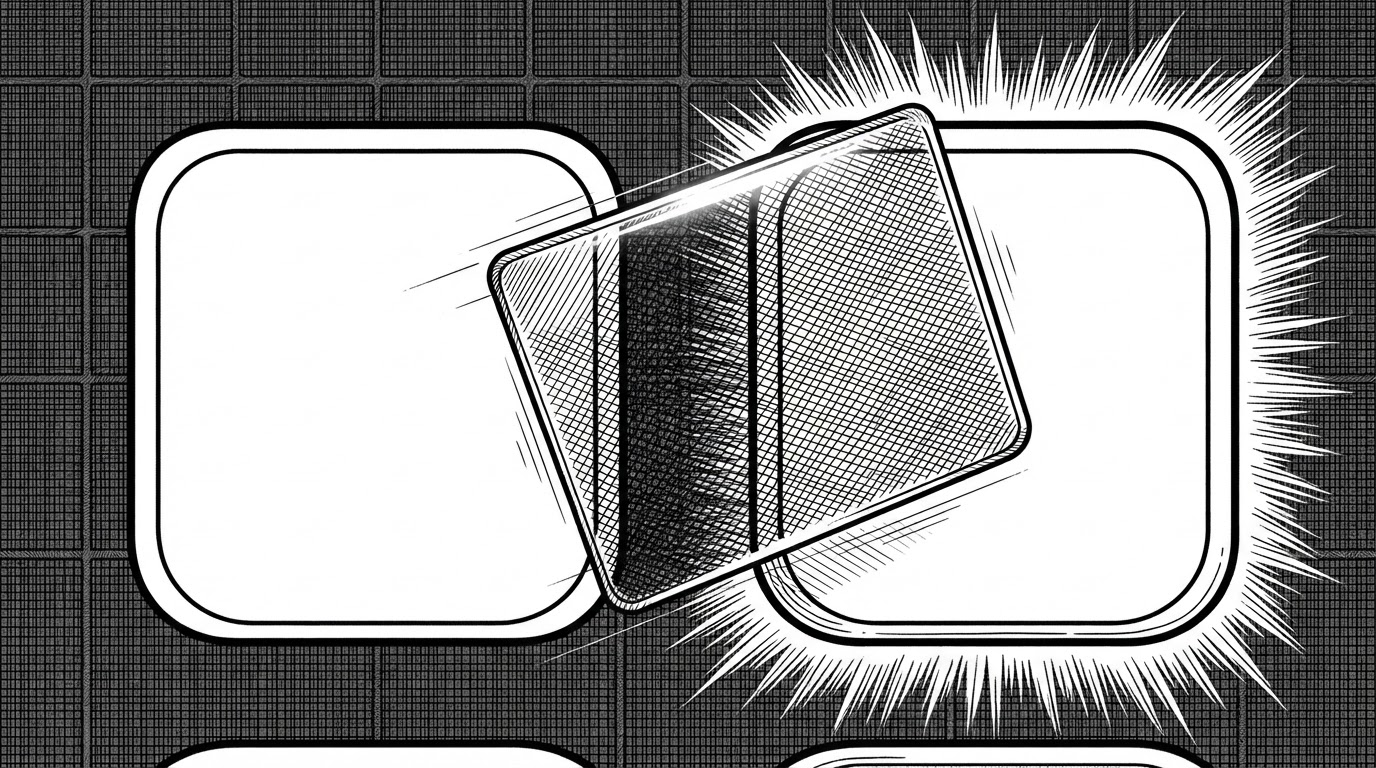
The signature detail is the focus highlight. Instead of every tile drawing its own border, a single GlassView slides between tiles on spring physics. One moving object, one set of shaders built once, no per-tile repaint. The spring even runs in grid content space, so a scroll moves the glass in lockstep with its tile instead of chasing a moving target.
The cleverest part is a workaround. Xiaomi remotes send KEYCODE_ALL_APPS for the Home button, and Android TV 9 routes that key only to the stock launcher. Disable the stock launcher and the button goes dead. Clean Your TV recovers it with an AccessibilityService that intercepts the key and launches its own home screen. It is a legitimate use of an API built for assistive technology, and it returns false for every key it does not own, so nothing else gets swallowed.
What Clean Your TV is not
It is worth being honest about the field it plays in. Universal Android Debloater is more mature and works on any Android device. Projectivy is a more polished launcher. Clean Your TV's bet is that television owners want both jobs done in one guided session, with the reversibility built in from the start.
| Dimension | Clean Your TV | UAD | Projectivy | Stock OEM |
|---|---|---|---|---|
| Primary job | Debloat + replace home | Debloat | Replace home | Neither |
| Platform focus | Android TV / Google TV | All Android | Android TV | Android TV |
| Operator model | AI agent guided by a prompt | GUI, manual checkboxes | GUI | None |
| Reversibility | pm disable-user + restore script | Varies by build | N/A | N/A |
| Ships a launcher | Yes (250KB, Java) | No | Yes | Yes |
| Root required | No | No | No | N/A |
| Target hardware | 1GB RAM TVs | Any | Any | Any |
UAD and Projectivy each do their single job more thoroughly than Clean Your TV does. The project's wager is about integration: that a non-expert with a laggy, ad-filled TV would rather follow one guided session than assemble two tools. The caveats are real. Samsung and LG televisions cannot run it at all, Fire TV can only use the debloat half, and disabling the wrong system package can still break a feature you wanted. That is exactly why the agent asks before it acts, and why the restore script exists.