replicate/cog-flux-kontext: The Shortcut Stack Behind Fast Image Editing
A Cog wrapper turns FLUX.1 Kontext into a production API with compile warm-up, FP8 layers, and TaylorSeer caching that preserve the scene while changing the prompt.
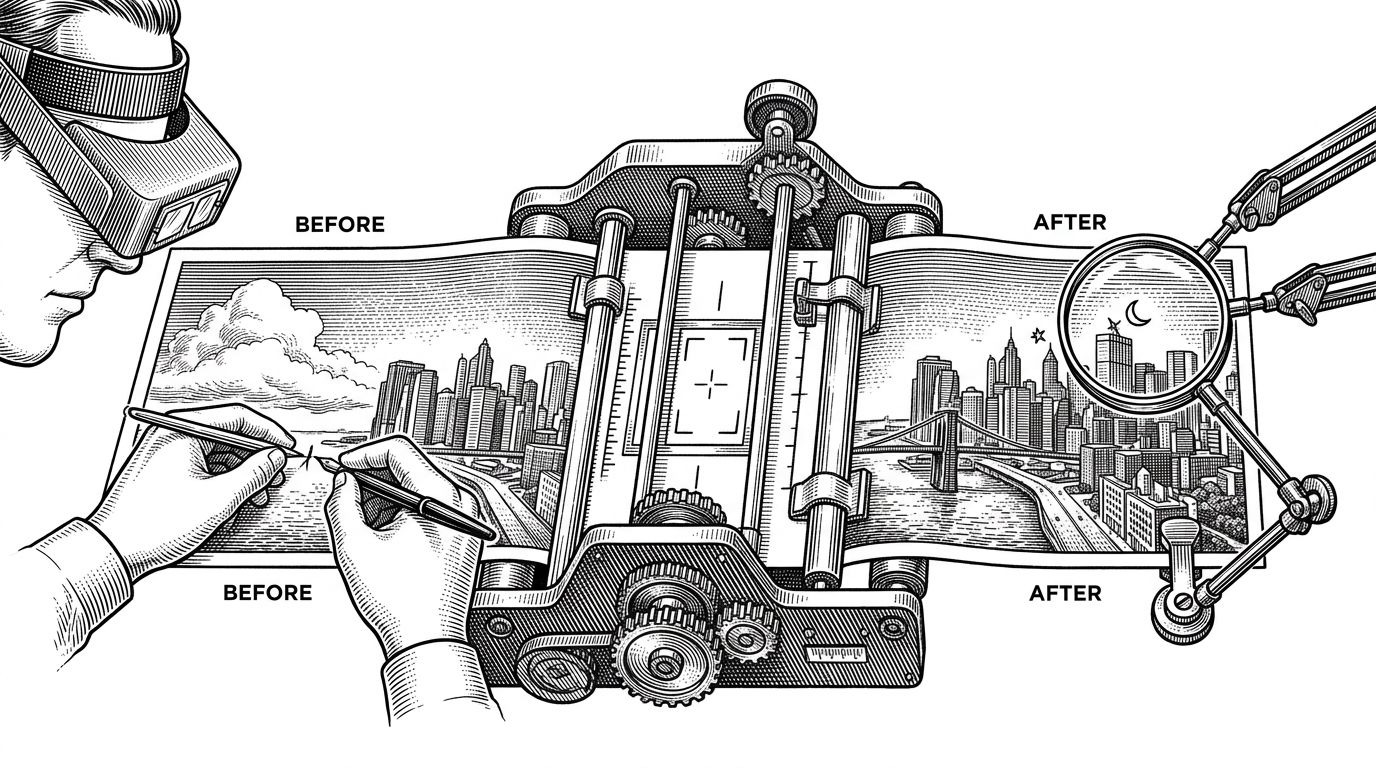
- Replicate's wrapper turns FLUX.1 Kontext into a single production endpoint by packaging the model, its weights, and its warm-up path together.
- The edit feels fast because the repo attacks compile latency, memory pressure, and repeated denoising work at the same time.
- Kontext preserves geometry because the source image stays in the conditioning loop, not outside it.
- The repo wins by collapsing a messy image-editing workflow into one repeatable service path.
Image editing is a coordination problem. The model has to obey the prompt, but it also has to respect the source image's geometry, lighting, and identity. That makes replicate/cog-flux-kontext interesting for a reason bigger than FLUX.1 Kontext itself. The repo turns a hard editing task into a single production endpoint.
Editing has stricter physics than generation
Text-to-image can invent the whole frame. Editing cannot. The source image is a constraint, and every instruction has to land without breaking perspective, layout, or identity.
That is the repo's real thesis. Keep the scene stable, then let the prompt do targeted work. Everything else in the wrapper exists to make that promise fast enough to use and consistent enough to trust.
FLUX.1 Kontext is a new image editing model from Black Forest Labs. It is the best in class model for editing images using text prompts, and the latest addition to the FLUX.1 family.
Kontext keeps the source image in the loop
The key mental model is prepare_kontext. The reference image goes through a VAE, becomes latent tokens, and is merged with the instruction prompt. The model is not asked to hallucinate the edit from scratch. It sees the image as conditioning data, which is why it can hold onto layout while changing the requested detail.
Under the hood, the transformer alternates between DoubleStreamBlock and SingleStreamBlock phases. One path keeps text and image streams distinct long enough to cross influence. The other merges them into a shared sequence. That structure is what makes prompt steering and image preservation coexist.
It seems more accurate than 4o image generation in terms of preserving original details. If I give it my 3D animal character and ask it for a minor change like changing the lighting, 4o will completely mangle the face of my character, it will change the body and other details slightly. This Flux model keeps the visible geometry almost perfectly the same even when asked to significantly change the pose or lighting
The fast path lives in three places
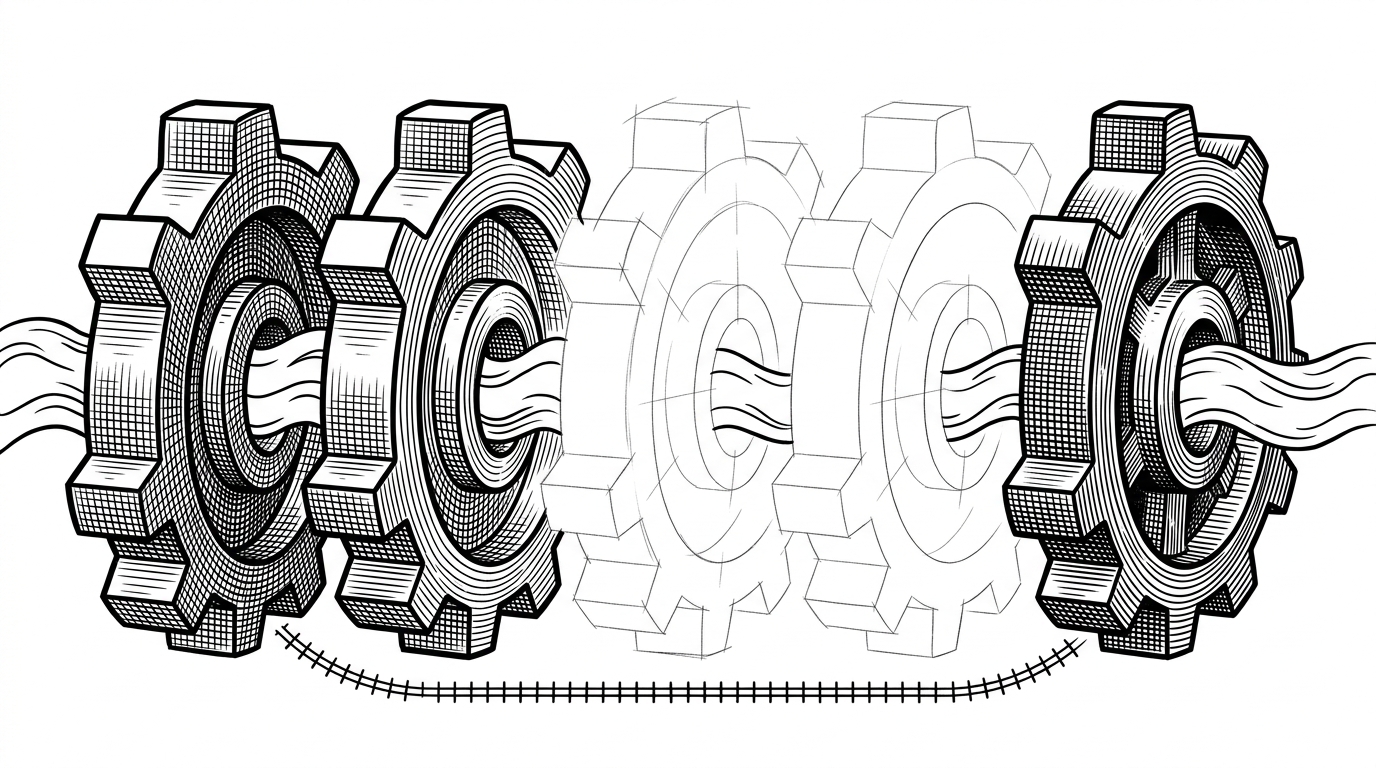
First, setup() pays the compile tax before a user ever sees it. The wrapper loads T5, CLIP, and the VAE, then runs a warm-up inference pass so torch.compile can trace and cache kernels. First-request latency drops because the expensive work already happened.
Second, FP8 linear layers cut memory pressure and lift throughput. That matters on GPUs where bandwidth and VRAM are the bottlenecks, not just raw math.
Third, go_fast leans on TaylorSeer-style activation caching. Instead of recomputing every intermediate state, it reuses approximations inside the denoising loop. The tradeoff is straightforward: less work, slightly more risk on complex edits.
It's pretty good: quality of the generated images is similar to that of GPT-4o image generation if you were using it for simple image-to-image generations. Generation is speedy at about ~4 seconds per generation.
Built like a product, not a demo
This is where Cog shows up. The repo does not bundle giant checkpoints into a toy container. It uses cog.yaml, streams weights from Replicate's delivery network, and keeps the runtime reproducible. The model wrapper is the product.
The same practical bias shows up in startup and safety behavior. The container warms itself in setup(), then exposes one predict path that can be called the same way every time. That is the difference between a model demo and an API you can build around.
What this replaces
| Approach | Setup | First edit | Geometry fidelity | Operational burden | Best fit |
|---|---|---|---|---|---|
| Raw FLUX.1 Kontext | Model-level integration and your own infra | Fast once tuned, but you own warm-up | Very strong | Moderate to high | Teams that already run ML infra |
| Replicate wrapper with go_fast | Single Cog endpoint | Fast after warm-up, with caching shortcuts | Strong, with some tradeoff on hard edits | Low | Apps that want production editing via API |
| ComfyUI plus Stable Diffusion toolchains | Many nodes, adapters, and checkpoints | Depends on graph complexity | Variable | High | Power users and workflow tinkerers |
| Generalist image models like GPT-4o | Single API, minimal setup | Convenient, but not always the fastest for precise edits | Good, but less predictable on preservation | Low | Broad creative use cases |
The point is not that this wrapper beats every image model on every axis. It does not need to. It wins by collapsing the distance between an editing idea and a usable endpoint. For teams shipping product flows, that reduction is the feature.