getting-started-openai-realtime: The Browser Becomes the Robot Arm
A thin Cloudflare Worker keeps the keys safe, WebRTC keeps the voice loop fast, and client-side tool calls turn speech into immediate action.
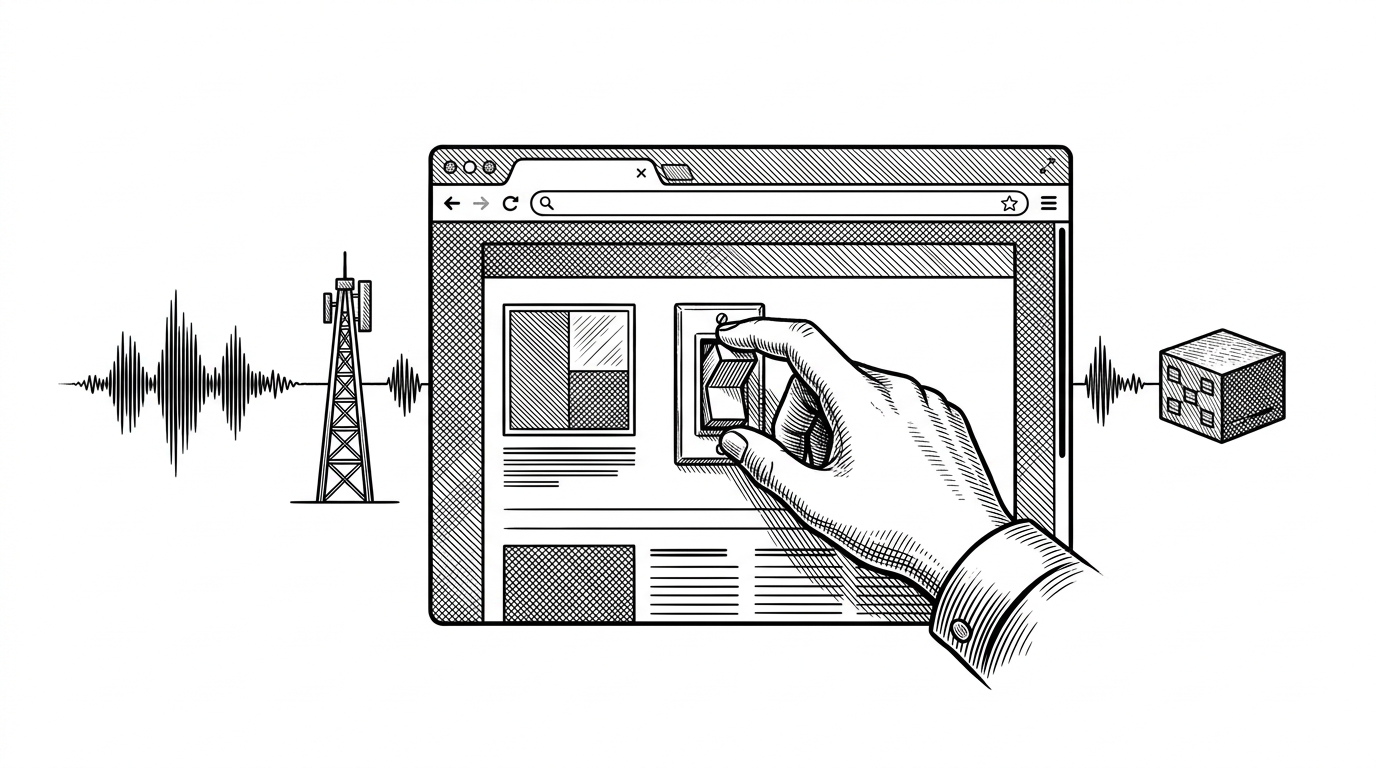
- This repo's breakthrough is not voice chat but local execution, where the model selects a tool and the browser performs the action.
- The Cloudflare Worker is a narrow relay for signaling and secrets, so the app stays small while API keys stay out of the client.
- WebRTC is the low-latency backbone that makes realtime speech and function calling feel like one loop.
- Replicate's image path shows that voice can drive multimodal output, not just conversation.
Most voice demos centralize everything. This one splits the job cleanly: OpenAI handles speech and tool selection over WebRTC, while the browser runs the actual function. That split is the story, because it turns the page into a command surface instead of a chat toy.
This is a real-time demo app that lets you run functions in your browser using your voice.
The browser is the robot arm
The repo is a guide, not a product. Replicate frames it as a way to build realtime speech apps with OpenAI, Cloudflare, and Replicate, and it credits Craig Dennis at Cloudflare as the original inspiration. That matters because the stack is opinionated in a useful way: one edge worker, one browser, one realtime loop.
We tip our hat to Craig Dennis, a Developer Educator at Cloudflare who wrote the original demo that inspired this guide.
A thin relay, not a big backend
Everything sensitive and session-scoped stays at the edge. src/index.ts receives the browser's SDP offer at /rtc-connect, attaches the OpenAI key inside the worker, and returns the answer. The same worker can proxy /generate-image to Replicate, which keeps the frontend thin and the browser free of secret handling.
script.js is the real orchestration layer
const tools = Object.entries(fns).map(([name, { fn, ...tool }]) => ({
  type: 'function',
  name,
  ...tool
}));
The clever part lives in the page. script.js opens getUserMedia, wires RTCPeerConnection, listens on the response data channel, and uses the fns map to resolve tool names into local JavaScript. When OpenAI emits response.function_call_arguments.done, the browser runs the function, then posts function_call_output back into the conversation.
Why WebRTC matters here
The transport choice is part of the product. WebRTC makes the loop feel immediate enough for speech, transcription, and tool calls to collapse into one interaction, which is why the demo feels different from older voice assistants and from many browser demos that still lean on heavier request-response plumbing.
| Dimension | This repo | OpenAI Realtime Console | Generic WebSocket voice demo |
|---|---|---|---|
| Transport | WebRTC for the realtime audio loop | WebRTC for browser testing | WebSocket relay to a server |
| Tool execution | Local functions run in the browser | Client-side tool calls for experimentation | Usually server-side callbacks |
| Secrets | Cloudflare Worker keeps API keys off the client | Often local or server-proxy based setup | Backend usually holds the keys |
| Deployment shape | Static frontend plus edge relay | Standalone console for development | App server plus client |
| What it teaches | A local-first action pattern | How to exercise the Realtime API | Basic request-response voice plumbing |
OpenAI's own guidance points browser clients toward WebRTC, and the official Realtime Console follows the same direction. Replicate's version is narrower and more instructive, because it teaches a deployment pattern, not just a demo surface.
Replicate's extra move: voice to image
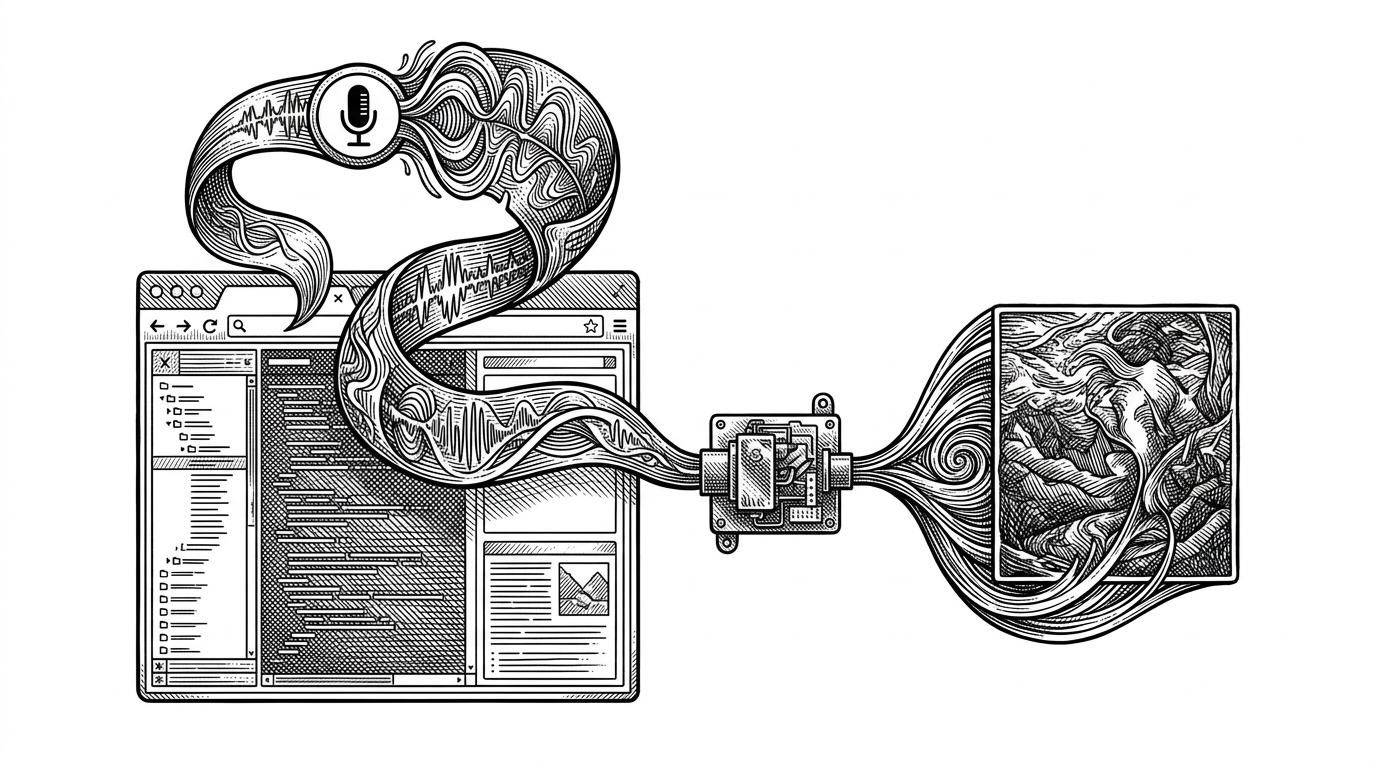
That second act is where the repo stops being just a voice assistant. A spoken prompt can trigger Replicate image generation, so the browser moves from listening to acting without a page refresh or a separate form. The point is not novelty. It is that voice becomes a command surface for multimodal output.
What this template teaches builders
The transferable lesson is clean division of labor. Keep secrets at the edge. Keep tool execution as close to the user as possible. Use WebRTC for the realtime loop, then let the browser do the work it is already good at: instant UI changes, local function calls, and fast feedback. That is the pattern this repo teaches.