Traceroute: The Travel Map That Treats Notion Like a Database and an LLM Like a Parser
A deep dive into the zero-UI travel engine that turns messy trip notes into geocoded routes, with Cloudflare Durable Objects keeping the map from falling apart.
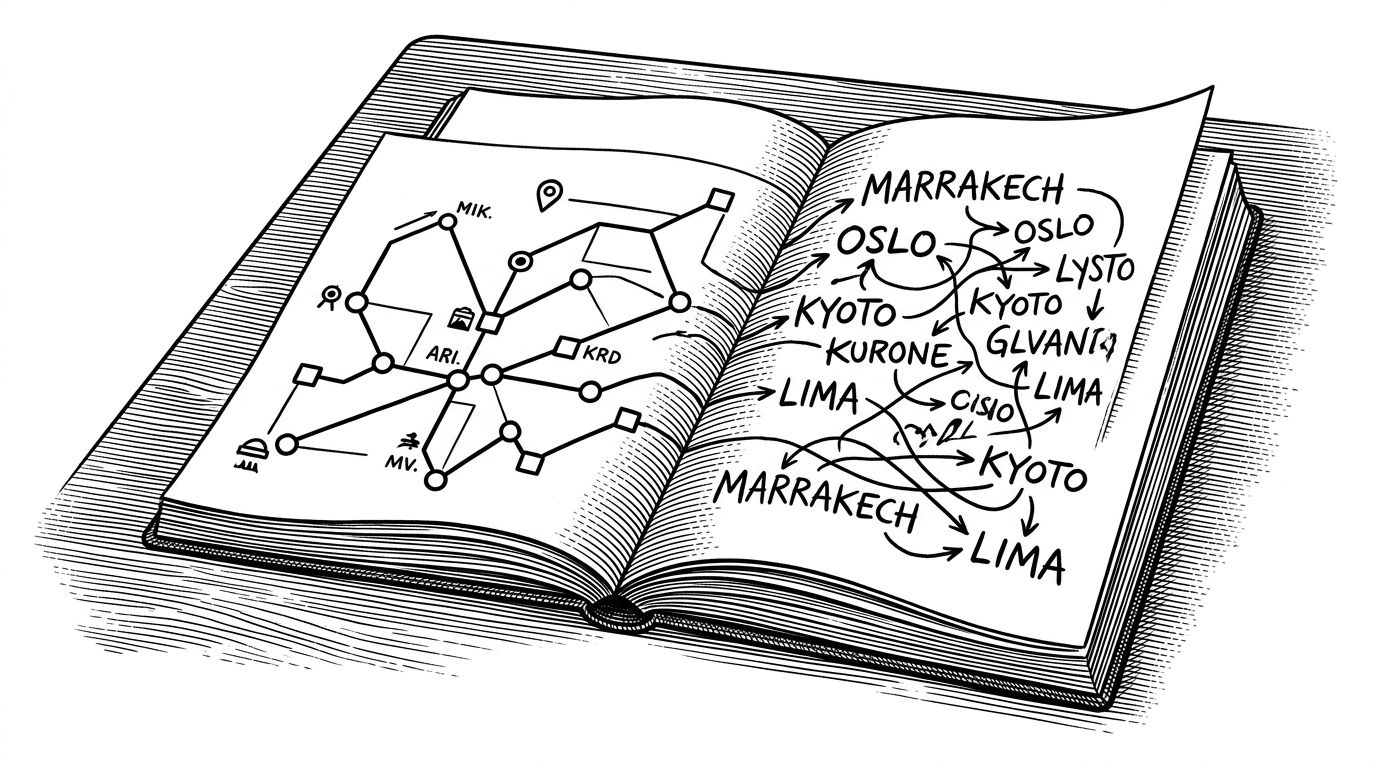
- Traceroute is not really a map app, it is a translation layer that turns loose travel notes into structured geography.
- Its core design choice is to leave Notion messy at the edge and clean up the data with AI parsing, geocoding, and route logic behind the scenes.
- The pipeline is trustworthy because it replaces state atomically, so one bad trip does not corrupt the whole map.
- The project is a sharp example of zero-UI personal software, where the interface is just the tool people already use to write.
The map is the output. Not the interface.
Traceroute is built around a useful inversion. The user does not curate pins, drag markers, or fill out a location form. They write travel notes in Notion, and the system turns that raw text into a polished route map.
A traceroute, but for people instead of packets.
That sentence is the project in miniature. Traceroute borrows the logic of a network diagnostic tool, then applies it to memory, movement, and place names that are rarely clean enough to drop into a database without help. The result feels less like a dashboard and more like a compiler for travel.
Why this is a better travel workflow than picking a location
Most mapping tools start with the assumption that users know how to structure their data. That is a bad assumption for travel logs, because people write "BLR," "the Big Apple," or "Paris, France and then London" long before they stop to normalize anything. Traceroute treats that mess as the default, not the exception.
| Workflow | Input effort | Failure mode | Best for |
|---|---|---|---|
| Manual map tools | High. Every stop has to be placed by hand. | The map is accurate, but the workflow is tedious enough to fall apart. | One-off maps and heavily curated itineraries. |
| Notion embeds and basic map add-ons | Medium. Better note capture, but still a lot of manual cleanup. | The data stays attached to the note, not the route logic. | Simple embeds and light visual reporting. |
| Traceroute | Low. The user writes trip notes and lets the pipeline resolve them. | A single bad entry can be isolated without breaking the entire map. | Ongoing travel logs that need automation more than control. |
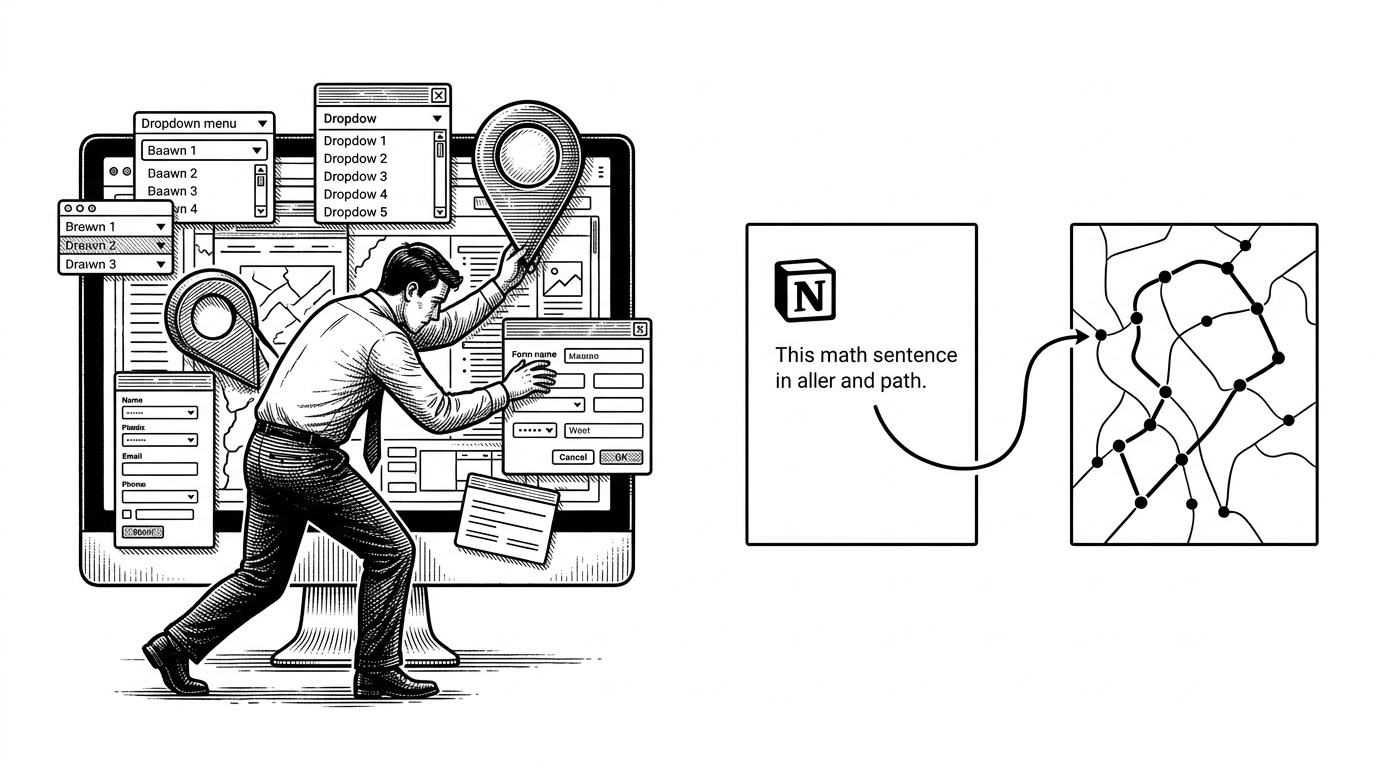
Notion is the CMS. Cloudflare is the engine.
At a high level, Traceroute uses a clean split of responsibilities. Notion stores the source of truth, the worker layer reads and normalizes the trip data, Durable Objects hold the processed state, and the frontend renders the map. The stack is modern, but the real design win is that each piece has one job.
The important detail is the failure boundary. The backend does not dribble partial state into the map while it is still thinking. It processes the whole batch, validates it, and only then swaps in the new result. That is the difference between a neat demo and something you can trust.
The clever part: an LLM acts as a fuzzy location parser
This is the project's most interesting move. Instead of asking users to resolve ambiguity up front, Traceroute lets a model interpret the text first, then hands the structured result to geocoding. That means short forms, nicknames, and oddly phrased entries can still become real cities and countries.

That architecture makes the LLM useful in a narrow, defensible way. It is not asked to invent a travel story or summarize a diary. It is asked to do one hard, practical job, which is to turn messy location strings into a consistent schema that the rest of the pipeline can trust.
Why the map does not break when the data gets weird
Traceroute’s reliability story is stronger than the novelty of its AI layer. In packages/worker/src/services/parser.ts, parsing is treated as an all-or-nothing operation. If the full set of trips does not validate, the previous good state stays put.
That matters because travel data is inherently uneven. One entry may resolve cleanly, another may need a fallback from a place field to a name field, and another may need a geocoding retry. The point is not to be fragile and clever, it is to be resilient and boring once the result is stored.
| Failure case | Naive behavior | Traceroute behavior |
|---|---|---|
| One trip cannot be resolved | The map update partially fails or shows broken data. | The old valid state remains in place. |
| A place string is ambiguous | The app forces the user to manually fix it before proceeding. | The LLM infers a likely city and country, then geocoding confirms it. |
| A field is missing | The pipeline stops at the first bad record. | The parser can fall back to alternative fields before giving up. |
Routes are not just points. They are decisions.
Once the locations are normalized, Traceroute has to decide what the trip actually means. A base city is not the same as a one-day side trip. A return leg is not the same as a move to the next stop. The route builder encodes those distinctions so the final path reads like a trip, not a scatter plot.
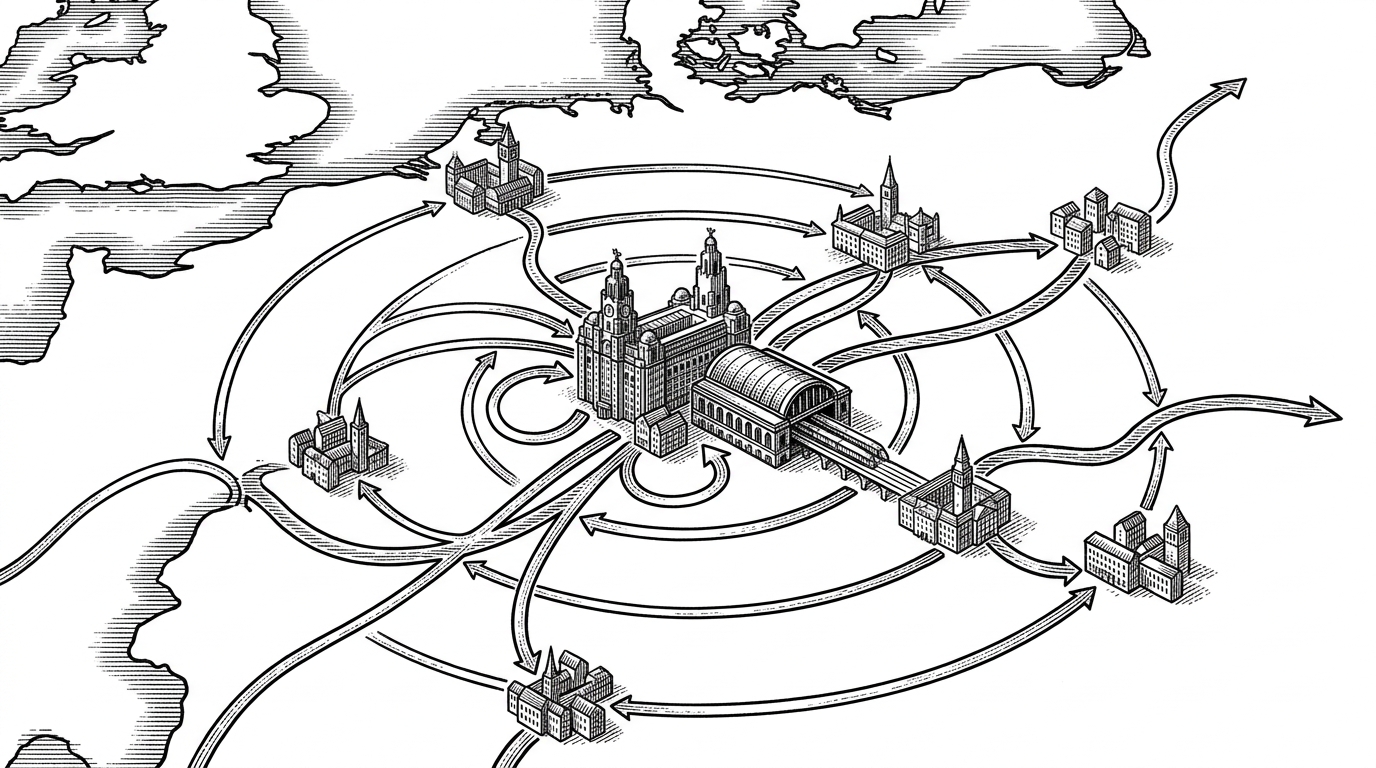
That is where the product stops being a data pipeline and starts becoming an opinionated editor. It is deciding which movements count as a stop, which ones count as a loop, and which ones should change the shape of the story on the map.
How Traceroute sits between manual mapping and full travel platforms
Traceroute does not try to beat every travel product at its own game. It is narrower than a full travel journal, lighter than a route planner, and far more automated than a pin-drop map. That is what makes it interesting.
| Tool class | Strength | Weakness | Traceroute's niche |
|---|---|---|---|
| Manual map tools | Maximum control over every point. | Too much work for casual, ongoing logging. | Good for people who want automation after the notes are written. |
| Full travel platforms | Rich journals, bookings, and social features. | Heavier interfaces and more user ceremony. | Less about trip management, more about visualizing movement. |
| Traceroute | Low-friction input, AI parsing, atomic state updates. | Not designed to be an all-in-one travel suite. | Best for people who already keep notes in Notion and want those notes to become a map. |
That niche is small, but sharp. It makes Traceroute feel like a product with a point of view instead of a pile of features. The app is saying that the most valuable travel interface may be the one you do not have to build at all.
The bigger idea: zero-UI software for personal data
Traceroute points at a broader pattern. A lot of personal software does not need a new home screen, a new schema prompt, or another place to type the same information twice. It needs a trustworthy interpreter that can sit between the user’s existing notes and the structured output they actually want.
That is why this repo stands out. It uses Notion as a CMS, Cloudflare as the runtime, AI as a parser, and edge state as the guardrail. The map is visible, but the real product is the translation layer underneath it.