roots/post-content-to-markdown: The WordPress Plugin That Speaks Markdown on Demand
One URL. Two formats. A feed for machines. This plugin turns old-school WordPress posts into clean Markdown for LLMs, static sites, and any workflow that prefers text over HTML.
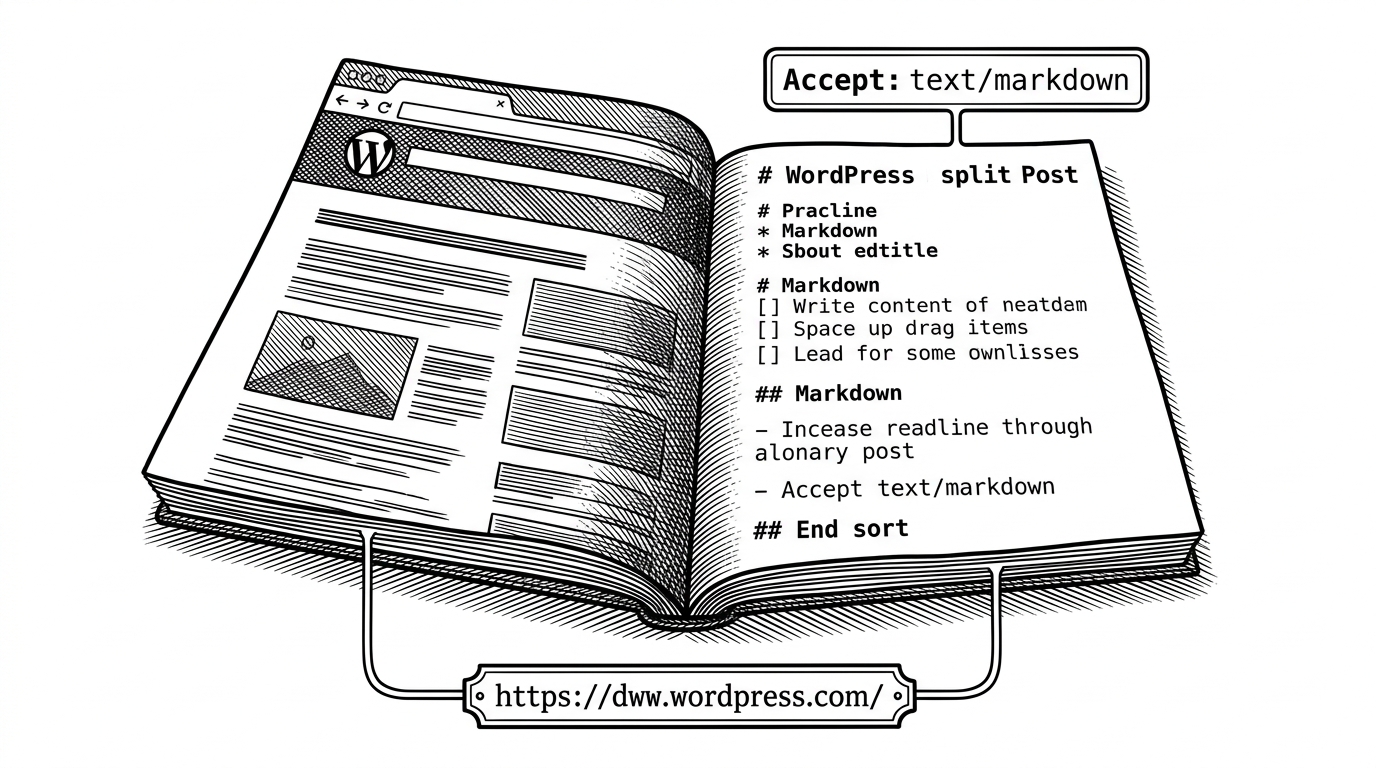
- The plugin’s real trick is not Markdown export, but content negotiation that preserves the same canonical WordPress URL for humans and machines.
- A dedicated Markdown feed turns a legacy CMS into a distribution surface for agents, static generators, and text-first workflows.
- Roots backs the idea with pro-grade engineering choices, including caching, invalidation, dependency scoping, tests, and WordPress Playground DX.
- The project is small, but the design pattern is bigger: canonical content should be available in the representation each consumer actually wants.
The Same Post Can Be Two Things
The useful surprise here is that a WordPress post does not need a new endpoint to become machine-readable. If the request says Accept: text/markdown, or if the URL carries ?format=markdown, the plugin serves Markdown instead of HTML from the same post page.
That is a cleaner move than bolting on a parallel API just to satisfy scripts and LLMs. The content stays canonical. The representation changes at the edge.
A WordPress plugin that returns post content in Markdown format when requested with an Accept header set to text/markdown or a ?format=markdown query parameter.
Why Content Negotiation Still Matters
Content negotiation is old web muscle that most CMS workflows forget. Instead of inventing a different resource for every format, the server can vary the response based on what the client asks for.
| Approach | How content is exposed | Operational overhead | Best for | Weakness |
|---|---|---|---|---|
| Traditional WordPress page | HTML only at the canonical URL | Low | Human browsing | Machine consumers need extra parsing or glue |
| Custom API or client-side conversion | Separate endpoint or front-end transform | High | Highly custom integrations | Parallel system, more maintenance, more failure points |
| roots/post-content-to-markdown | Same URL, negotiated HTML or Markdown | Moderate | LLMs, static generation, text-first workflows | Depends on server-side conversion and careful caching |
How Roots Wires It Into WordPress
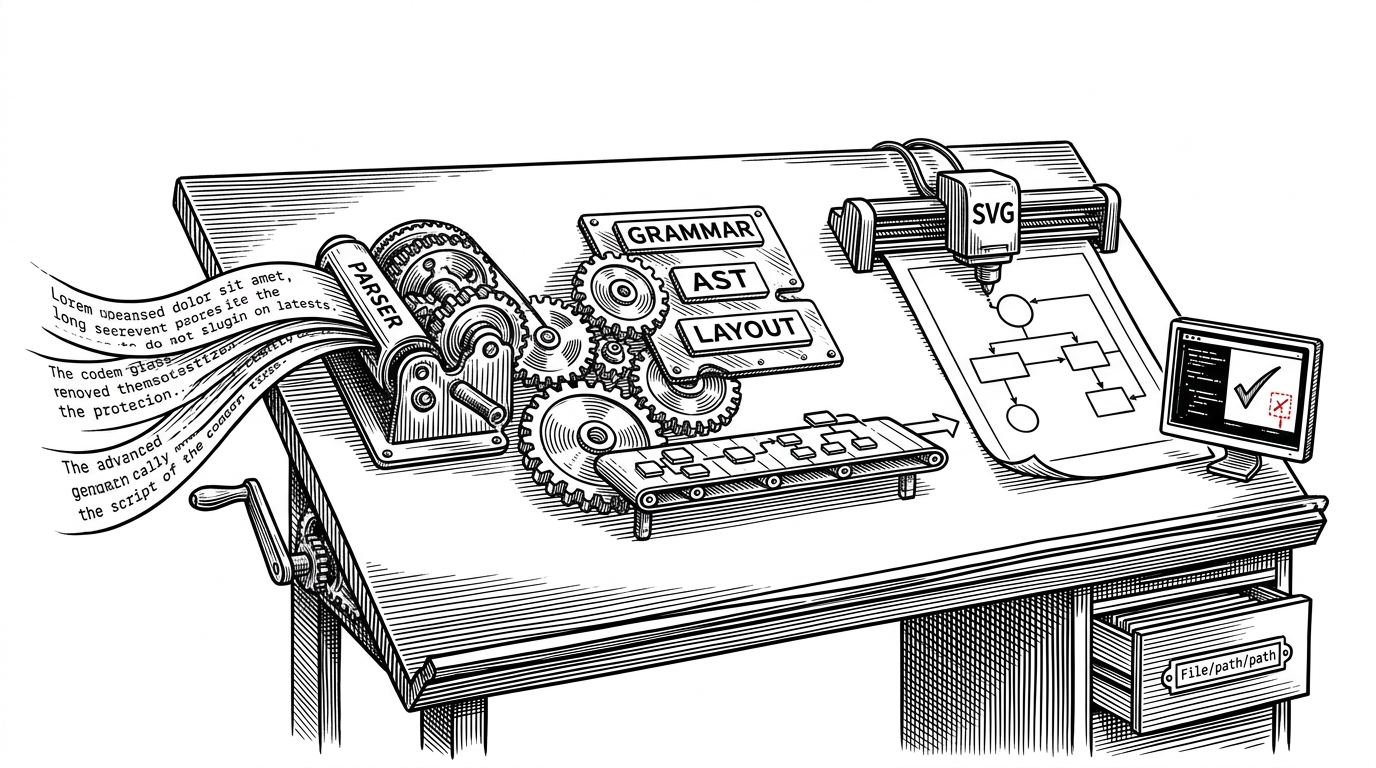
The implementation is intentionally narrow. The main plugin file hooks into template_redirect, checks whether the request wants Markdown, and intercepts output before WordPress renders the normal template.
That keeps the logic close to the request lifecycle. It also makes the behavior easy to reason about: detect, convert, cache, emit.

Under the hood, the plugin leans on league/html-to-markdown for conversion and exposes filters so other code can change which post types qualify or how conversion behaves. The output path is also guarded by caching, because repeated conversion on every request would be wasteful.
add_filter('post_content_to_markdown/post_types', function ($types) {
    return ['post', 'page'];
});

add_filter('post_content_to_markdown/converter_options', function ($options) {
    $options['strip_tags'] = true;
    return $options;
});
The Markdown Feed Is the Real Distribution Layer
The second clever move is the dedicated /feed/markdown/ endpoint. That changes the plugin from a per-post formatter into a publishing surface that automated tools can discover and consume.
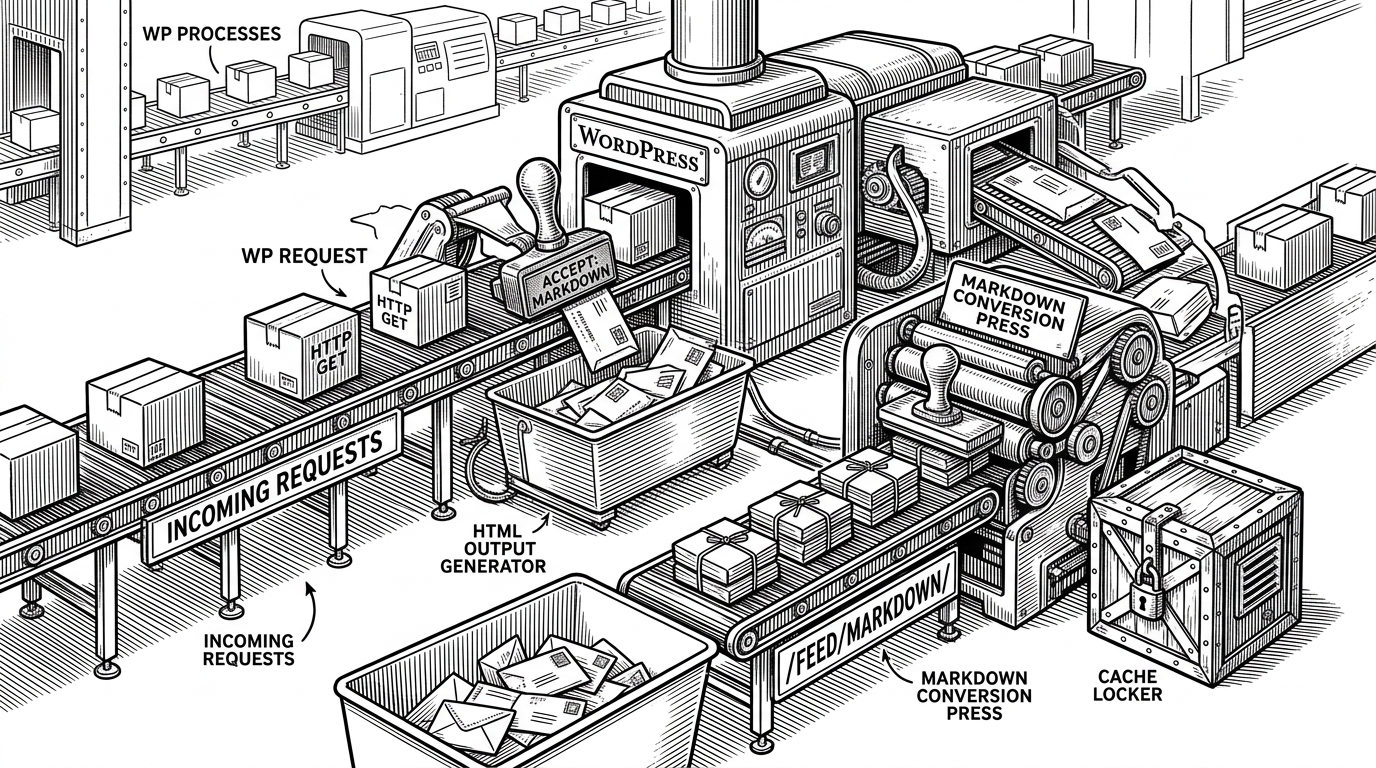
Roots also adds autodiscovery to the standard RSS flow, so consumers can find the Markdown version without guessing. That is the sort of small detail that turns a neat feature into infrastructure.
| Surface | Discovery | What it returns | Why it matters |
|---|---|---|---|
| HTML post page | Normal browser navigation | Rendered HTML | Default human experience |
| Negotiated post page | Accept header or query parameter | Markdown from the same URL | One canonical URL, two representations |
| Markdown feed | Feed autodiscovery plus /feed/markdown/ | Multiple posts in Markdown | Easy machine consumption and site-wide ingestion |
Why the Plugin Feels Pro-Grade
The codebase is small, but the discipline is obvious. PHP 8.1+, Pest, php-scoper, WordPress Playground, CI, and transient caching say this is a maintained tool, not a weekend experiment.
That matters because this kind of plugin lives or dies on trust. If it breaks content rendering or pollutes a site’s dependency graph, nobody will let it near production.
| Signal | What it suggests | Why it matters |
|---|---|---|
| Scoped dependencies | Vendor isolation | Fewer plugin conflicts |
| Pest tests | Behavior is verified | Safer changes to request handling |
| WordPress Playground | Instant reproducibility | Easier onboarding and debugging |
| Transient cache | Conversion cost is managed | Better performance under repeat access |
What This Replaces
This plugin is most compelling as a replacement for glue code. The usual stack is some mix of REST extraction, client-side conversion, custom scripts, or manual exports. Each piece works, but the maintenance burden creeps up fast.
Roots removes a layer. It lets WordPress keep its identity as the source of truth while becoming legible to tools that do not want HTML.
Why This Matters Beyond WordPress
The broader idea is bigger than one plugin. Canonical content is more valuable when it can present itself in the format the consumer actually needs. Sometimes that is HTML. Sometimes it is Markdown. Sometimes it is a feed that a crawler or agent can ingest without ceremony.
That is why this project lands. It uses a very old web trick to solve a very current problem. Instead of creating another content silo, it teaches WordPress to speak in the language of the request.